1. Introducció i finalview
Welcome to the user manual for your HiFuture Flybuds 3 Wireless Bluetooth Headphones. These advanced earbuds are designed to provide a superior audio experience with seamless connectivity and comfort. Featuring Bluetooth 5.3 technology, they ensure a stable and high-quality connection with your devices.
The Flybuds 3 are equipped with 4 built-in microphones for crystal-clear calls and Active Noise Cancellation (ENC) to immerse you in your music. Their IPX5 water and sweat resistance makes them ideal for workouts and active lifestyles. Enjoy up to 32 hours of playtime with the charging case, ensuring your music accompanies you throughout the day.

The HiFuture Flybuds 3 in their charging case, ready for use.

HiFuture Flybuds 3 available in multiple colors, highlighting the new music era.
2. Què hi ha a la caixa
Si us plau, comproveu el contingut del paquet per assegurar-vos que hi hagi tots els elements:
- HiFuture Flybuds 3 Earbuds (Left and Right)
- Estoig de càrrega
- Cable de càrrega USB
- Manual d'usuari
3. Configuració
3.1 Charging Your Flybuds 3
Before first use, it is recommended to fully charge your Flybuds 3. This ensures optimal battery performance.
- Place both earbuds into their respective slots in the charging case.
- Connecteu el cable de càrrega USB al port de càrrega de la carcassa i connecteu l'altre extrem a una font d'alimentació USB compatible (per exemple, un adaptador de paret, un port USB de l'ordinador).
- The indicator light on the charging case will illuminate to show charging status. A full charge typically takes approximately 2 hours.
- Un cop estigui completament carregat, desconnecteu el cable de càrrega.
3.2 Vinculació Bluetooth
Follow these steps to pair your Flybuds 3 with your device:
- Assegureu-vos que els auriculars estiguin carregats i col·locats dins de l'estoig de càrrega.
- Open the lid of the charging case. The earbuds will automatically power on and enter Bluetooth pairing mode.
- On your smartphone, tablet, laptop, or other Bluetooth-enabled device, go to the Bluetooth settings.
- Activa el Bluetooth i cerca dispositius nous.
- Select 'HiFuture Flybuds 3' from the list of available devices.
- Un cop connectats, una indicació de veu confirmarà l'emparellament correcte. Els auriculars ja estan llestos per al seu ús.
4. Instruccions de funcionament
4.1 Controls tàctils
The Flybuds 3 feature intuitive touch controls on each earbud. Familiarize yourself with the following functions:
| Funció | Acció |
|---|---|
| Reproducció/pausa de música | Un sol toc a qualsevol dels auriculars |
| Pista següent | Toca dues vegades l'auricular dret |
| Pista anterior | Toca dues vegades l'auricular esquerre |
| Respondre/Finalitzar la trucada | Un sol toc a qualsevol dels auriculars |
| Rebutja la trucada | Manteniu premut qualsevol dels auriculars durant 2 segons |
| Activa l'Assistent de veu | Toqueu tres vegades a qualsevol dels auriculars |
| Activa/desactiva el mode ANC/Transparència | Premeu i manteniu premut l'auricular dret durant 2 segons |
4.2 Trucada
The 4 built-in microphones ensure clear voice pickup during calls. Use the touch controls as described above to manage your phone calls.
4.3 Reproducció de música
Enjoy your favorite music with rich audio quality. Control playback directly from the earbuds using the touch functions.

Enjoy up to 30 hours of playtime with the charging case.

Experience bold bass and rich audio with Flybuds 3.
4.4 Active Noise Cancellation (ENC)
The Flybuds 3 feature Environmental Noise Cancellation (ENC) to reduce ambient sounds, allowing you to focus on your audio. Use the touch control to toggle between ANC and Transparency modes.

Active Noise Cancellation (ENC) for an immersive listening experience.
5. Manteniment
5.1 Neteja
To maintain the performance and appearance of your Flybuds 3:
- Netegeu suaument els auriculars i l'estoig de càrrega amb un drap suau, sec i sense borrissol.
- No utilitzeu netejadors abrasius, dissolvents ni productes químics agressius.
- Eviteu que entri humitat a cap obertura.
5.2 Emmagatzematge
Always store the earbuds in their charging case when not in use. This protects them from damage and keeps them charged for your next use.
5.3 Resistència a l'aigua (IPX5)
The HiFuture Flybuds 3 are IPX5 water resistant, meaning they are protected against low-pressure water jets from any direction. This makes them suitable for use during workouts and in light rain.
- No submergiu els auriculars ni l'estoig de càrrega a l'aigua.
- Do not expose them to saltwater or other liquids.
- If they get wet, wipe them dry before placing them back in the charging case or charging.
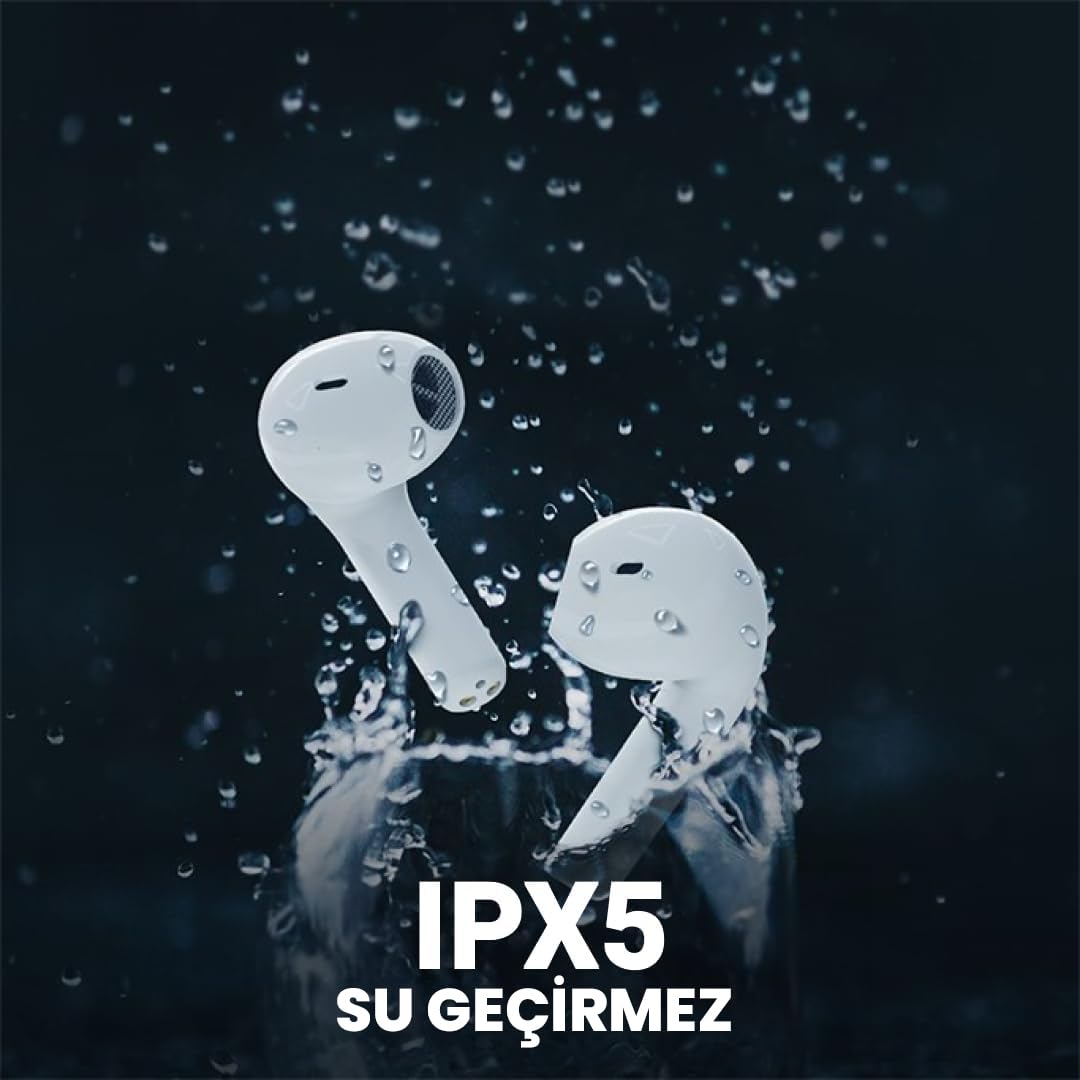
The Flybuds 3 are IPX5 water resistant, suitable for active use.
6. Solució De Problemes
If you encounter any issues with your Flybuds 3, please refer to the following common solutions:
- Auriculars que no s'emparellan: Ensure both earbuds are charged and within range of your device. Turn Bluetooth off and on again on your device. Try placing the earbuds back in the case, closing the lid, and then reopening it to re-enter pairing mode.
- No se sent so d'un o dels dos auriculars: Check the volume levels on both your connected device and the earbuds. Ensure the earbuds are properly connected to your device. Try re-pairing the earbuds.
- Qualitat de trucada baixa: Ensure the microphones on the earbuds are not obstructed. Move to an area with less background noise.
- Autonomia curta de la bateria: Ensure the earbuds and charging case are fully charged. Battery life can vary based on usage patterns, volume levels, and ANC usage.
- Auriculars que no es carreguen: Ensure the charging cable is securely connected to both the case and the power source. Check if the charging port is clean and free of debris.
Si el problema persisteix, consulteu la secció Garantia i assistència per obtenir més ajuda.
7. Especificacions
Detailed specifications for your HiFuture Flybuds 3:
| Característica | Detall |
|---|---|
| Model | FLYBUDS3-BK |
| Versió Bluetooth | 5.3 |
| Durada de la bateria (auriculars + funda) | Fins a 32 hores |
| Temps de càrrega | Aprox. 2 hores |
| Micròfons | 4 Encastat |
| Resistència a l'aigua | IPX5 |
| Control de soroll | Cancel·lació activa de soroll (ENC) |
| Mètode de control | Toca |
| Pes | 80 Grams (total product) |
| Dispositius compatibles | Telèfons intel·ligents, tauletes, ordinadors portàtils, ordinadors de sobretaula |

Key features highlighted on the product packaging.

Ergonomic design ensures a comfortable and secure fit.
8. Garantia i Suport
8.1 Informació de la garantia
Your HiFuture Flybuds 3 come with a 1-year manufacturer's warranty from the date of purchase. This warranty covers manufacturing defects and ensures your product performs as expected under normal use.
- Please retain your proof of purchase (receipt or invoice) as it is required for any warranty claims.
- La garantia no cobreix els danys causats per mal ús, accidents, modificacions no autoritzades o desgast normal.
8.2 Atenció al client
For further assistance, troubleshooting, or to inquire about warranty claims, please contact HiFuture customer support. You can typically find contact information on the official HiFuture weblloc.
Thank you for choosing HiFuture Flybuds 3. We hope you enjoy your listening experience!


