1. Introducció
The AdaLov CPE881 Wireless Bridges Kit is designed to extend network connectivity over long distances, suitable for various outdoor and indoor applications. This kit includes three wireless bridges, enabling point-to-point (PTP) and point-to-multipoint (PTMP) connections with high-speed data transmission. Featuring a 14dBi high-gain antenna and 5.8GHz wireless frequency, it supports stable connections up to 5 kilometers (3.1 miles) and offers IP65 weather resistance for harsh environments.
2. Què hi ha a la caixa
Carefully unpack your AdaLov CPE881 Wireless Bridges Kit and ensure all items are present:
- 3 x CPE881 Wireless Bridges
- 3 x POE Adapters
- 3 x Metal Cable Ties
- 3 x cables de xarxa
- 1 x Manual d'usuari

Image: Contents of the AdaLov CPE881 Wireless Bridges Kit, including three wireless bridges, three PoE adapters, three network cables, three metal cable ties, and a user manual.
3. Producte acabatview
3.1 Ports i botons
Each CPE881 wireless bridge features the following ports and buttons:
- PoE/1000Mbps LAN1 Port: Connects to the PoE adapter for power and data, or to a network device.
- PoE/1000Mbps LAN2 Port: Connects to a network device, providing an additional Gigabit Ethernet port.
- Reset Button (RST): Used for changing channels or resetting the device.
- Botó AB: Used for configuring the device as a Master (A) or Slave (B) bridge.
- DC Jack (12V): Alternative power input.
- Digital Tube: Displays the current channel number or pairing status.

Imatge: Detallada view of the AdaLov CPE881 wireless bridge showing the LAN1, LAN2, Reset button, A-B button, DC Jack, and Digital Tube.
3.2 Indicadors LED
The device features several LED indicators to show its status:
- PWR: Indicador de potència.
- LAN1/LAN2: LAN port activity indicators.
- WLAN: Wireless activity indicator.
- SIG1-SIG4: Signal strength indicators.
4. Configuració i instal·lació
4.1 Emparellament amb una sola tecla
The CPE881 bridges support one-key dialing pairing for simplified setup:
- Connect all three wireless bridges to their respective PoE adapters and power them on.
- Ensure the digital tube on each bridge displays the same channel number. If not, short press the "RST" button to cycle through channels until they match.
- The bridges will automatically attempt to pair. Wait for the pairing process to complete. The signal indicators will light up once paired.

Image: Diagram illustrating the one-key dialing pairing process for the AdaLov CPE881 wireless bridges, showing a master bridge and two slave bridges connecting wirelessly over a long distance.
Video: A demonstration of the DIP pairing process for the AdaLov CPE881 wireless bridges, showing how to power the devices, set channels, and initiate pairing.
4.2 Instal·lació física
The CPE881 bridges are designed for outdoor use and can be pole-mounted or wall-mounted using the provided metal cable ties. For optimal performance, ensure a clear line of sight between the master and slave bridges.
- Mount the bridges securely in the desired outdoor locations.
- Ensure the master bridge and slave bridges are facing each other.
- The maximum angle between the master bridge and slave bridges should not exceed 60 degrees for effective signal transmission.

Image: An AdaLov CPE881 wireless bridge mounted on a pole outside a house, demonstrating a typical outdoor installation scenario.

Image: An AdaLov CPE881 wireless bridge installed outdoors during a rainstorm, highlighting its IP65 waterproof rating and weather resistance.
5. Modes de funcionament
The AdaLov CPE881 Wireless Bridges Kit supports both Point-to-Point (PTP) and Point-to-Multipoint (PTMP) operating modes.
5.1 Connexió punt a punt (PTP)
In a PTP setup, one bridge acts as the Master (transmitter) and another as the Slave (receiver), creating a direct wireless link between two locations. This is ideal for extending a network to a single remote building or device.
5.2 Point-to-Multipoint (PTMP) Connection
For PTMP connections, one bridge functions as the Master, transmitting data to multiple Slave bridges. This configuration is suitable for scenarios requiring network extension to several remote locations, such as multiple IP cameras or buildings.

Image: Diagram showing a Point-to-Multipoint setup for video transmission, with a Master Bridge connected to an NVR/Monitor and two Slave Bridges connected to IP cameras.

Image: Diagram illustrating a Point-to-Multipoint setup for network extension, with a Master CPE connected to a router and two Slave CPEs extending Wi-Fi to computers and phones.
Video: A demonstration of how to add an additional IP camera to an existing AdaLov CPE881 wireless bridge setup, showcasing the ease of expanding a surveillance system.
6. Especificacions
| Característica | Especificació |
|---|---|
| Número de model | CPE881 |
| Comunicació sense fils estàndard | 802.11ac |
| Classe de banda de freqüència | Banda única (5.8 GHz) |
| Velocitat de transferència de dades | Up to 866 Mbps (Wireless), 1000 Mbps (LAN) |
| Guany de l'antena | 14 dBi |
| Max Work Distance | 5 km (3.1 milles) |
| Ports LAN | 2 x 1000Mbps (Gigabit) |
| Resistència a la intempèrie | IP65 Impermeable/A prova de pols |
| Dimensions del producte | 3.54 x 2.17 x 9.84 polzades |
| Pes de l'article | 4.2 pounds (for the kit) |
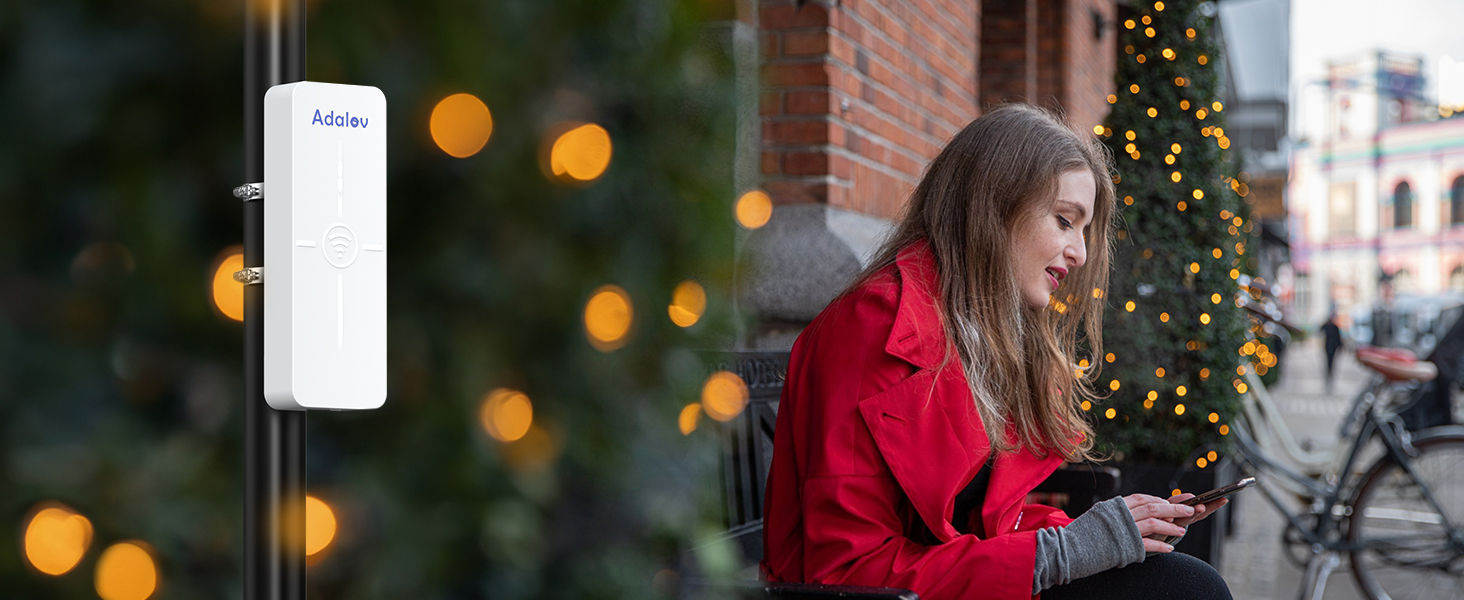
Image: Visual representation of the AdaLov CPE881 wireless bridge's high speed (866Mbps wireless, 500Mbps LAN data rate) and 5.8Ghz frequency.

Image: Diagram showing the long-range capability of the AdaLov CPE881 wireless bridge, extending connectivity up to 5km (3.1 miles) with its 14dBi high-gain antenna.
7. Manteniment
To ensure the longevity and optimal performance of your AdaLov CPE881 Wireless Bridges, follow these maintenance guidelines:
- Neteja regular: Periodically clean the exterior of the devices to remove dust, dirt, and debris, especially from the antenna area. Use a soft, dry cloth.
- Actualitzacions de firmware: Comproveu el del fabricant website for any available firmware updates. Keeping the firmware updated can improve performance, security, and add new features.
- Inspecció del cable: Regularly inspect all network and power cables for any signs of wear, damage, or corrosion. Replace damaged cables immediately.
- Protecció del medi ambient: While the devices are IP65 rated, ensure they are installed in locations that minimize direct exposure to extreme weather conditions where possible, to further extend their lifespan.
8. Solució De Problemes
If you encounter issues with your AdaLov CPE881 Wireless Bridges, refer to the following troubleshooting tips:
- Sense energia: Check if the PoE adapter is properly connected to a power source and the bridge. Ensure the network cable is securely connected to the PoE port on the adapter and the bridge.
- No Signal/Poor Connection:
- Verify clear line of sight between the master and slave bridges. Obstructions can significantly degrade signal quality.
- Ensure the bridges are correctly aimed at each other. Adjust their orientation for optimal signal strength (monitor the signal indicators).
- Confirm that all bridges are set to the same channel during pairing.
- Cannot Access Network:
- Check the network cables connecting the bridges to your router/devices.
- Ensure your router is functioning correctly and providing internet access.
- Resetting the Bridge: If a bridge is unresponsive or you need to reconfigure it, you can reset it to factory defaults. Long press the "RST" button for 10 seconds until the digital tube resets.
Video: This video demonstrates the function of the reset button on the AdaLov CPE881 wireless bridge, showing how to short press to change channels and long press to reset the device.
9. Informació de seguretat
Si us plau, llegiu i seguiu aquestes precaucions de seguretat per evitar danys al dispositiu o lesions personals:
- No obriu ni intenteu reparar el dispositiu vosaltres mateixos. Envieu totes les tasques de manteniment a personal qualificat.
- Use only the provided PoE adapters and power cables. Using unauthorized accessories may damage the device and void the warranty.
- Ensure proper grounding for outdoor installations to protect against lightning and electrical surges.
- Avoid installing the device near sources of strong electromagnetic interference.
- When installing outdoors, take appropriate safety measures, such as using a stable ladder and avoiding installation during adverse weather conditions.
10. Garantia i Suport
For warranty information, technical support, or further assistance, please refer to the contact details provided in the packaging or visit the official AdaLov weblloc. Conserveu el rebut de compra per a reclamacions de garantia.


