Introducció
This manual provides essential instructions for setting up, operating, maintaining, and troubleshooting your new Tesla 65-inch 4K UHD Smart TV (Model 65E635SUS). Please read this manual thoroughly before using the television to ensure proper operation and to maximize your viewexperiència. Conserveu aquest manual com a referència futura.
Informació important de seguretat: Always follow basic safety precautions when using this product to reduce the risk of fire, electric shock, and injury. Do not attempt to service this product yourself. Refer all servicing to qualified service personnel.
1. Configuració
1.1 Unpacking and Contents Check
Traieu amb cura el televisor del seu embalatge. Assegureu-vos que hi hagi tots els components:
- Tesla 65-inch 4K UHD Smart TV
- Control remot
- Piles AAA per a comandament a distància
- Moble per a TV (2 peces)
- Cargols per a suport de TV
- Cable d'alimentació
- Manual d'usuari (aquest document)

Imatge 1.1: Frontal view of the Tesla 65-inch Smart TV with its stand.
1.2 Fixació del suport de TV
- Col·loqueu el televisor cara avall sobre una superfície suau i plana per evitar que la pantalla es faci malbé.
- Alineeu cada peça del suport amb les ranures corresponents de la part inferior del televisor.
- Fixeu cada peça del suport amb els cargols proporcionats. Assegureu-vos que estiguin ben ajustats.

Imatge 1.2: posterior view del televisor, que il·lustra els punts de fixació del suport.
Nota: If you plan to wall-mount the TV, refer to the wall-mount kit instructions (sold separately) and skip this step. Ensure proper ventilation when wall-mounting.
1.3 Connexió de potència
Connecteu el cable d'alimentació a l'entrada d'alimentació del televisor i després a una presa de corrent. El televisor entrarà en mode d'espera.
1.4 Configuració inicial
En encendre'l per primera vegada, el televisor us guiarà pel procés de configuració inicial:
- Selecció d'idioma: Trieu el vostre idioma preferit.
- Connexió de xarxa: Connecteu-vos a la vostra xarxa Wi-Fi o utilitzeu un cable Ethernet per a una connexió amb fil.
- Inici de sessió al compte de Google: Sign in with your Google account to access Google Play Store, Google Assistant, and other Android TV features.
- Escaneig de canals: Scan for available TV channels if you are using an antenna or cable connection.
- Configuració de privadesa: Review and adjust privacy settings as desired.
2. Instruccions de funcionament
2.1 Control remotview
The provided remote control allows you to navigate the TV's features. Insert the AAA batteries into the remote control before use.

Image 2.1: Bluetooth remote control for the Tesla Smart TV.
- Botó d'encesa: Encén o apaga el televisor (mode d'espera).
- Teclat de navegació (Amunt/Avall/Esquerra/Dreta/D'acord): Navega pels menús i selecciona elements.
- Botó enrere: Torna a la pantalla anterior.
- Botó d'inici: Accedeix a la pantalla d'inici d'Android TV.
- Pujar/baixar el volum: Ajusta el nivell de volum.
- Botó de silenci: Silencia o activa el so.
- Botó de l'Assistent de Google: Activa el control per veu.
- Botons de drecera d'aplicacions: Direct access to popular streaming services (e.g., Netflix, YouTube).
2.2 Android TV 11 Interface Navigation
The Android TV 11 interface provides access to apps, settings, and content. Use the navigation pad on your remote to move through the home screen.
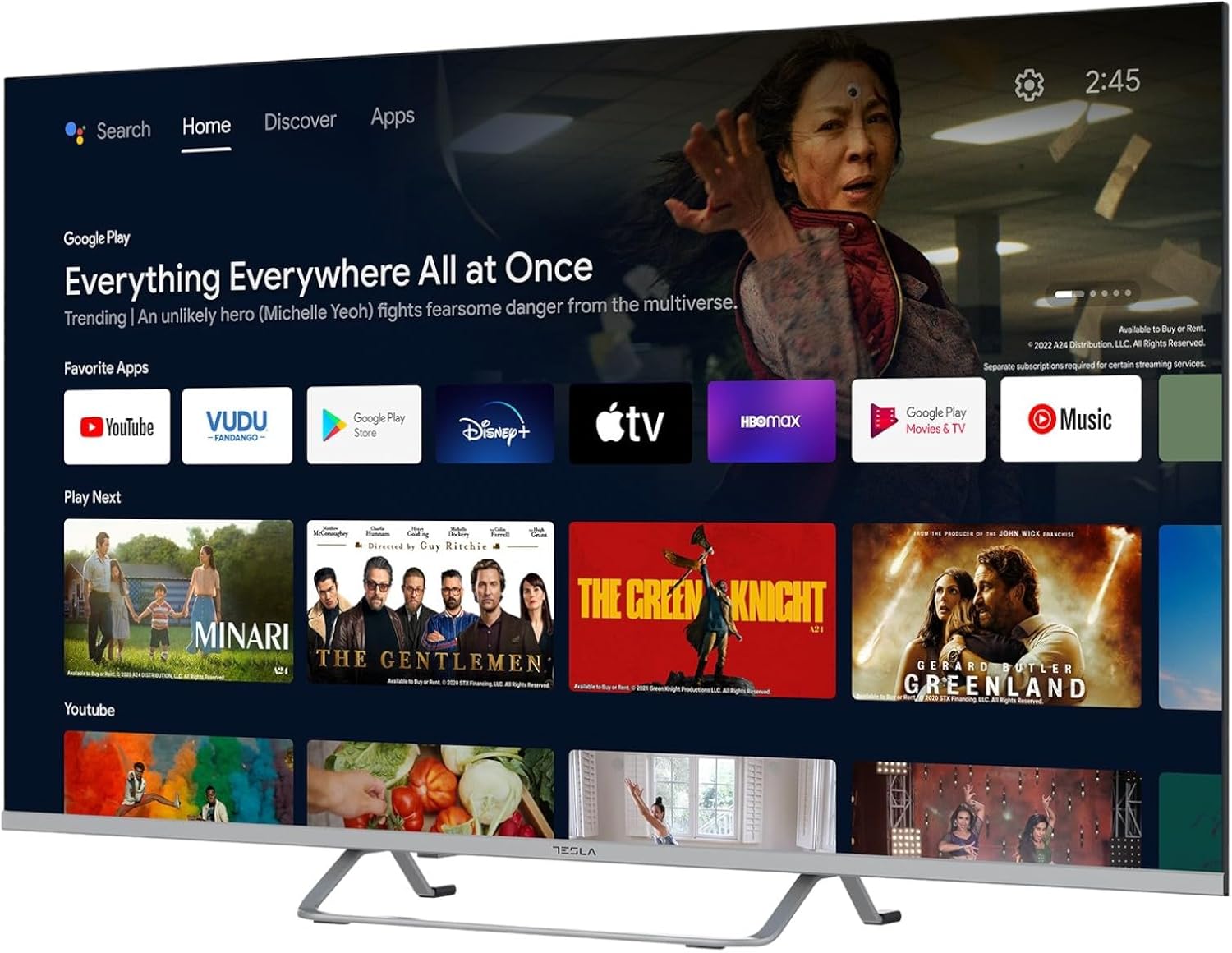
Image 2.2: The Android TV 11 home screen, displaying various applications and content suggestions.
- Pantalla d'inici: Displays recommended content, installed apps, and input sources.
- Secció d'aplicacions: Access all installed applications.
- Configuració: Configure TV settings, network, accounts, and device preferences.
2.3 Ús de l'Assistent de Google
Press the Google Assistant button on your remote and speak into the microphone to control your TV, search for content, get information, and more.
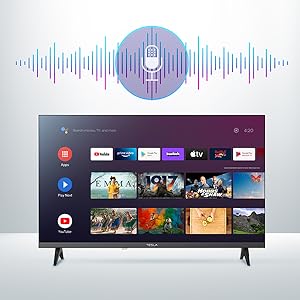
Image 2.3: Visual representation of Google Assistant activation on the TV screen.
Examples of commands:
- "Obre Netflix"
- "Cerca action movies"
- "Quin temps fa?"
- "Turn up the volume"
2.4 Chromecast integrat
Use Chromecast built-in to cast content from your compatible smartphone, tablet, or computer directly to your TV. Ensure your device is connected to the same Wi-Fi network as the TV.

Image 2.4: A smartphone casting content to the TV via Chromecast.
2.5 Connexió de dispositius externs
El televisor ofereix diverses opcions de connectivitat:
- Ports HDMI (x4): Connecteu reproductors de Blu-ray, consoles de jocs, descodificadors, etc.
- Ports USB (x2): Connect USB drives for media playback or external keyboards/mice.
- Ethernet (LAN): Per a una connexió a Internet per cable.
- Wi-Fi: Per a la connexió a Internet sense fil.
- Bluetooth: Connecteu auriculars, altaveus o altres dispositius Bluetooth sense fil.

Imatge 2.5: Pro lateralfile of the TV, highlighting accessible ports.
2.6 Configuració d'imatge i so
Access the TV's settings menu to customize picture and sound options.
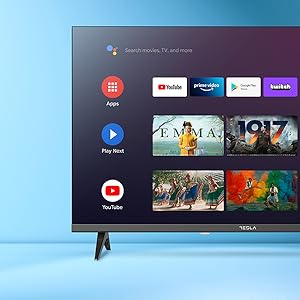
Imatge 2.6: Ex.ample of the TV's settings menu for customization.
- Modes d'imatge: Select from Standard, Vivid, Sport, Movie, Game, or User (custom) modes. Adjust brightness, contrast, color, and sharpness.
- HDR10: The TV supports HDR10 for enhanced contrast and color with compatible content.
- Modes de so: Choose from Standard, Music, Movie, Sport, or User (custom) modes. Use the equalizer to fine-tune audio frequencies.
- Ponents: The TV features 2 x 12W speakers.
3. Manteniment
3.1 Neteja del televisor
- Pantalla: Netegeu suaument la pantalla amb un drap suau i sense borrissol. Per a marques difícils, netegeu suaument.ampNetegeu el drap amb aigua o amb un netejador de pantalles especialitzat. No ruixeu mai el netejador directament sobre la pantalla.
- Cos: Netegeu la carcassa del televisor amb un drap suau i sec. Eviteu utilitzar productes de neteja o dissolvents abrasius.
- Desendolleu sempre el televisor de la presa de corrent abans de netejar-lo.
3.2 Actualitzacions de programari
Your Tesla Smart TV may receive software updates to improve performance and add new features. Ensure your TV is connected to the internet to receive these updates automatically or check for them manually in the settings menu.
4. Solució De Problemes
Abans de contactar amb el servei d'assistència, prova les solucions següents per a problemes comuns:
| Problema | Possible solució |
|---|---|
| Sense poder | Check if the power cord is securely connected to the TV and the wall outlet. Ensure the outlet is working. |
| No hi ha imatge, però hi ha so | Assegureu-vos que heu seleccionat la font d'entrada correcta. Comproveu les connexions dels cables als dispositius externs. Intenteu reiniciar el televisor. |
| No hi ha so, però hi ha imatge | Comproveu el nivell de volum i assegureu-vos que el televisor no estigui silenciat. Verifiqueu la configuració d'àudio i les connexions dels altaveus externs si escau. |
| El comandament a distància no funciona | Replace the batteries. Ensure there are no obstructions between the remote and the TV. Re-pair the Bluetooth remote if necessary (refer to TV settings). |
| Problemes de connexió de xarxa | Reinicieu el router i el mòdem. Comproveu la contrasenya del Wi-Fi. Proveu una connexió Ethernet amb cable si és possible. |
| Les aplicacions són lentes o es bloquegen | Close unused apps. Clear app cache (Settings > Apps > [App Name] > Clear cache). Restart the TV. |
5. Especificacions
| Característica | Detall |
|---|---|
| Marca | TESLA |
| Número de model | 65E635SUS |
| Mida de la pantalla | 65 polzades (165 cm) |
| Tecnologia de visualització | LED |
| Resolució | 4K (3840 x 2160) |
| Freqüència d'actualització | 60 Hz |
| Sistema operatiu | Android TV 11 |
| Característiques especials | High Dynamic Range (HDR10), Google Play, Chromecast Built-in, Google Assistant, Personalized Surround Sound |
| Connectivitat | Wi-Fi, Bluetooth, Ethernet (LAN) |
| Ports HDMI | 4 |
| Ports USB | 2 |
| Sortida d'àudio | 2 altaveus de 12 W |
| Dimensions del producte (amb suport) | 25D x 25W x 144.5H cm (approximate) |
6. Garantia i Suport
For warranty information, please refer to the warranty card included with your product or visit the official Tesla weblloc web. Conserveu el comprovant de compra per a reclamacions de garantia.
For technical support or service inquiries, please contact Tesla customer service through their official channels. Contact details can typically be found on the manufacturer's weblloc o a l'embalatge del producte.


