Producte acabatview
The FITNATE Keyless Digital Door Knob provides enhanced security and convenience for your home, apartment, or office. Featuring a touchscreen keypad, multiple unlocking methods, and robust construction, this electronic door knob is designed for ease of use and reliable performance.

Image: The FITNATE Keyless Digital Door Knob, showcasing the keypad and included spare keys.
Informació de seguretat
- Always use brand-new AA alkaline batteries (not included) and ensure correct polarity alignment (+/-) during installation. Proper power source is crucial for consistent operation.
- For optimal performance and security, perform a factory reset on the lock before initial setup. This ensures a clean configuration slate.
- Keep spare keys in a secure location outside the property to prevent lockout in case of battery depletion or electronic malfunction.
- Avoid exposing the lock to extreme temperatures or direct water spray, although it is IP65 weatherproof.
Especificacions
| Característica | Detall |
|---|---|
| Fabricant | FITNATE |
| Dimensions del producte | 22 x 13.79 x 8.99 cm |
| Pes de l'article | 950 g |
| Color | Daurat |
| Estil | Modern |
| Material | Metall |
| Característica especial | Sense clau |
| Tipus de bloqueig | Teclat |
| Font d'alimentació | 4 piles AA (no incloses) |
| Aplicabilitat | Wooden, Stainless Steel, Copper doors |
Guia d'instal·lació
This smart door knob is designed for easy installation with just a screwdriver. Follow these steps carefully:
- Prepara la porta: Ensure your door has the correct hole diameter (2-1/8" or 54mm) and door thickness (1-3/8" to 2-1/8" or 35-54mm).
- Adjust Latch Length: Adjust the strike plate spacing to 60-70cm (approx. 23.62-27.56 inches) for effortless operation.
- Instal·leu Latchbolt: Insert the latchbolt into the door edge. Ensure the latch's square hole is horizontal. Secure with screws.
- Instal·lació del conjunt exterior: Fix the exterior rubber plate and install the shaft. Insert the two positioning columns and three screw casings.
- Connecteu el cablejat: Carefully connect the wire from the exterior assembly to the interior assembly.
- Instal·lació del conjunt interior: Secure the interior assembly to the door using the provided screws.
- Mount Knob: Attach the interior knob and tighten.
- Insereix les piles: Insert 4 AA alkaline batteries into the interior assembly.

Image: Visual guide showing the easy installation process and suitability for various door types.
Video: Detailed installation instructions for the keypad door knob.
Instruccions de funcionament
Initial Setup & Master Code
Before programming, it is required to change the default master code to your own (4-8 digits). The default master code is 12345678.
- Press the 'YAMIRY' button twice.
- Enter the current master code (default: 12345678).
- Press '1' to change the master code.
- Enter your new master code (4-8 digits) followed by the 'YAMIRY' button.
- Repeat your new master code followed by the 'YAMIRY' button to confirm. A green light flash indicates success.
Addició de codis d'usuari
You can set up to 15 user passcodes for family, guests, or tenants.
- Press the 'YAMIRY' button twice.
- Enter your master code.
- Press '2' to add a user code.
- Enter the new user code (4-8 digits) followed by the 'YAMIRY' button.
- Repeat the new user code followed by the 'YAMIRY' button to confirm. A green light flash indicates success.
Mètodes de desbloqueig
- Passcode Unlock: Enter your valid user code or master code on the touchscreen keypad. The backlight keyboard lights up when pressing keys.
- Spare Key Unlock: Use the provided spare keys for manual unlocking. This is useful for emergencies or when batteries are depleted.
- Emergency USB Power: In case of battery depletion, connect a power bank to the emergency USB port to temporarily power the lock and use a passcode.

Image: The sensitive touchscreen keypad with anti-peeking code functionality.
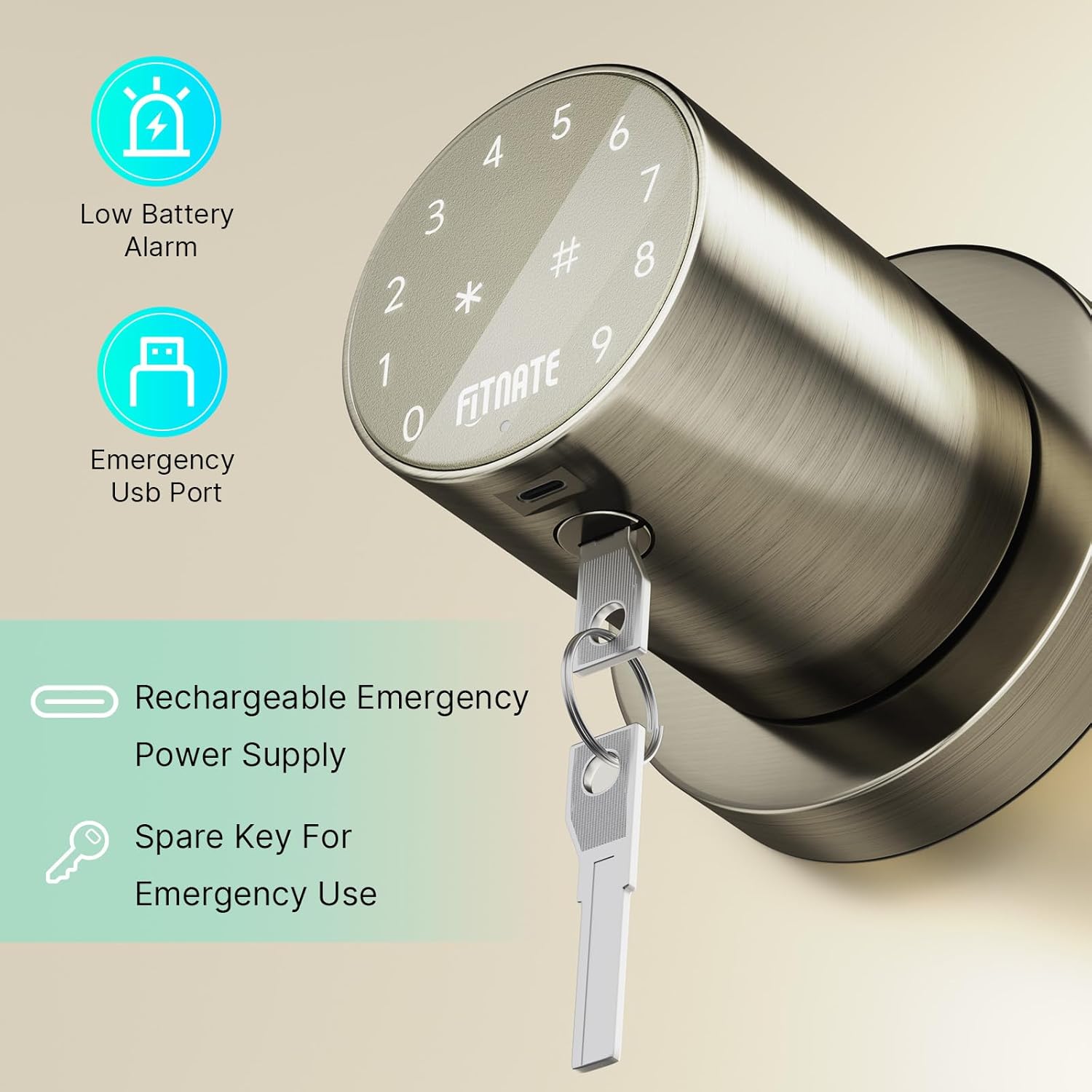
Image: Features including low battery alarm, emergency USB port, and spare key for emergency use.
Video: Programming instructions for the keypad door lock, including changing master code and adding user codes.
Característiques
- Bloqueig automàtic: The door will automatically lock 2.5 seconds after closing for enhanced security.
- Password Anti-peeking: Input random digits before or after your actual passcode to prevent others from guessing your code.
- Mode silenciós: Option to disable sound for quiet operation.
- Alerta de bateria baixa: Visual and audible alerts when batteries are low.
- Resistent a la intempèrie IP65: Designed to work reliably in various weather conditions.
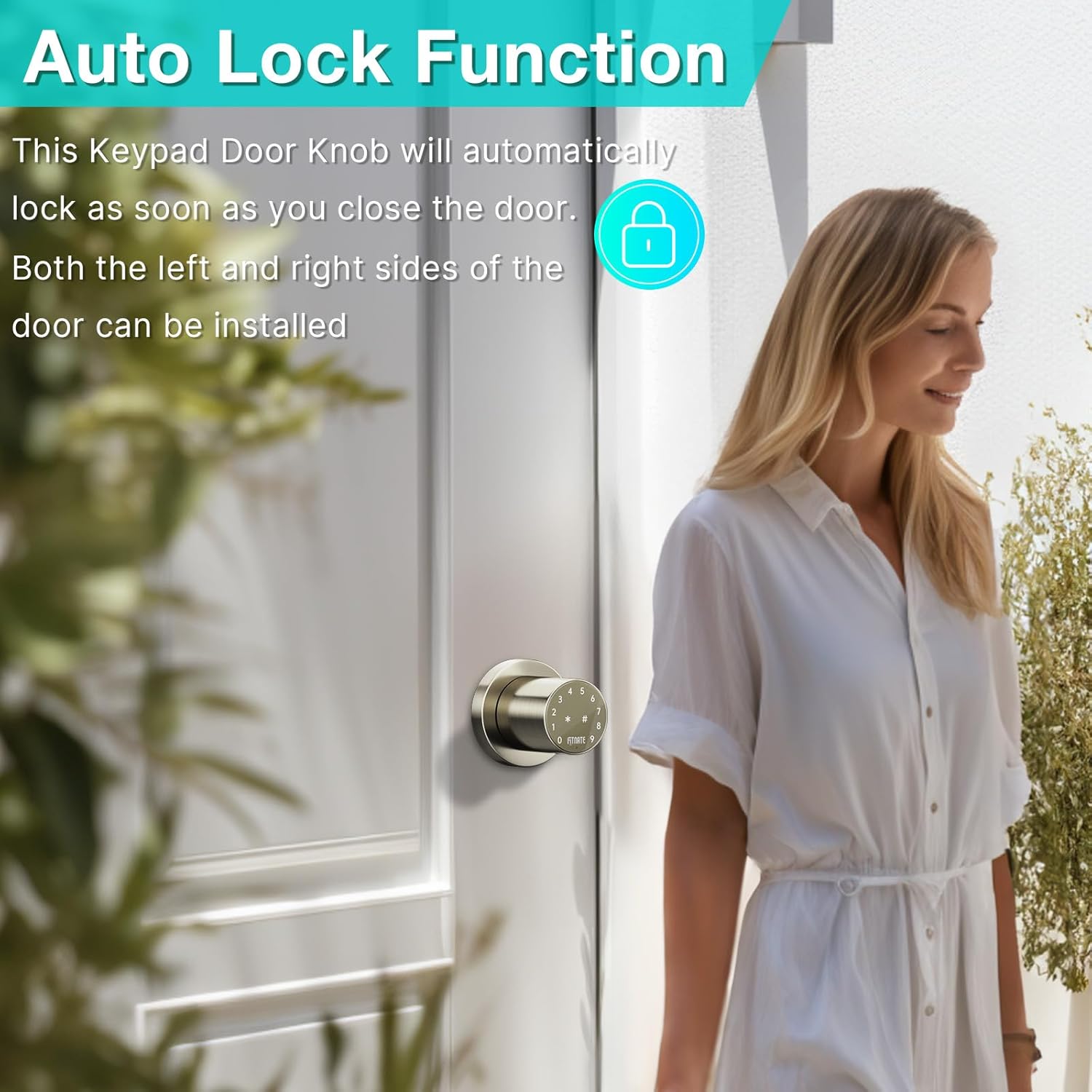
Image: The auto-lock function, where the door automatically locks 2.5 seconds after closing.

Image: The ability to store up to 15 user passcodes for various users.
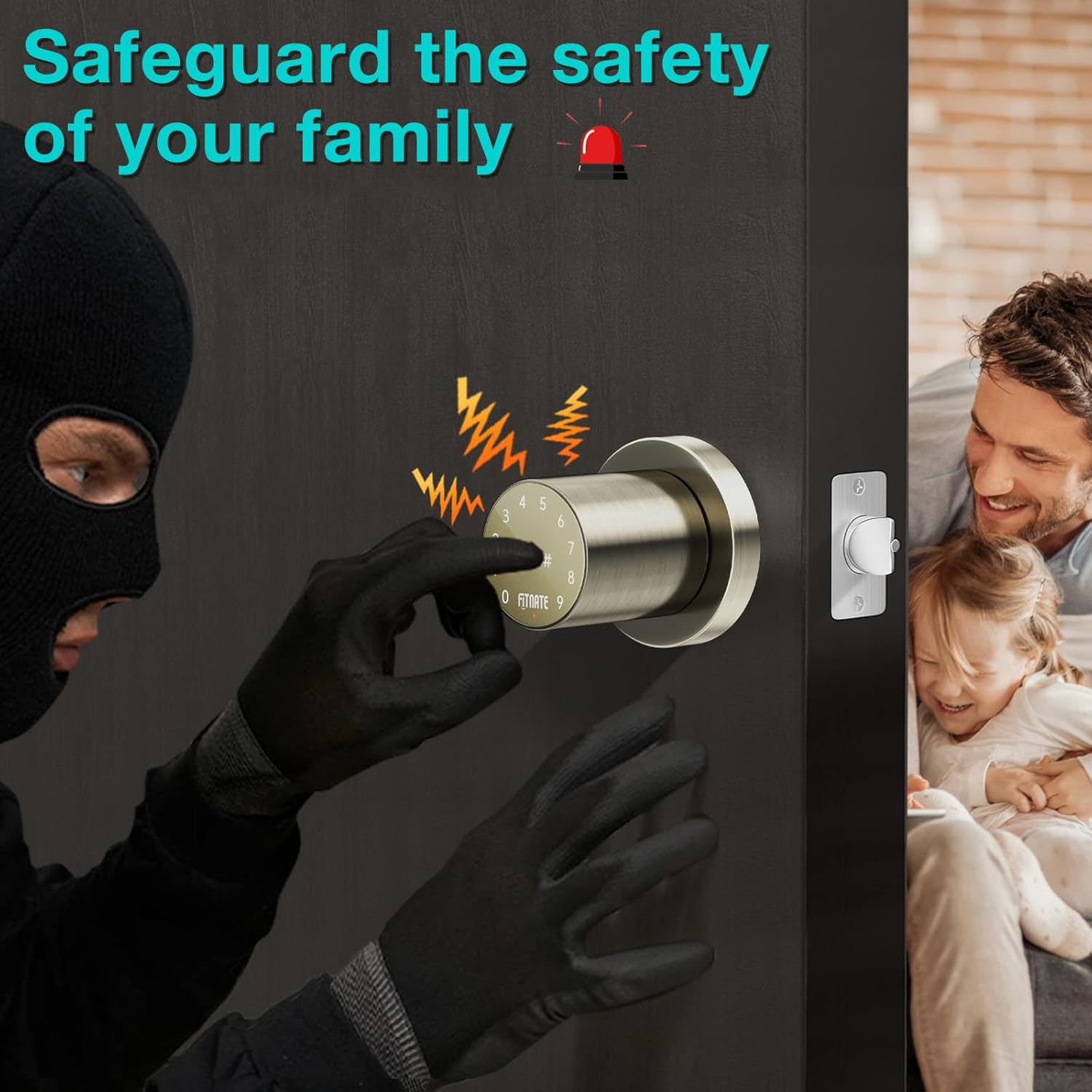
Image: Security features like anti-peeking password and an alarm to safeguard your family.
Manteniment
- Regularly check battery levels and replace all four AA batteries when the low battery alert is activated.
- Clean the keypad surface with a soft, dry cloth. Avoid abrasive cleaners or solvents.
- Ensure the door frame and strike plate are free from obstructions to allow smooth latch operation.
- Periodically test all programmed passcodes and the spare key to ensure proper functionality.
Resolució de problemes
- El pany no respon: Check battery installation and replace with new batteries if necessary. Use the emergency USB port with a power bank if batteries are completely dead.
- El codi d'accés no funciona: Ensure the correct master code or user code is entered. Perform a factory reset if you suspect programming issues (this will delete all user codes).
- Latch not retracting smoothly: Verify the strike plate spacing is correctly adjusted (60-70mm). Check for any physical obstructions in the door frame or latch mechanism.
- Keypad lights not working: This may indicate low battery. Replace batteries.
Garantia i suport
This FITNATE product comes with a 1 anys de garantia des de la data de compra. Si us plau, conserveu el comprovant de compra per a reclamacions de garantia.
For technical support, troubleshooting assistance, or warranty inquiries, please contact FITNATE customer service. Refer to the contact information provided with your product packaging or visit the official FITNATE weblloc.
We are committed to providing high-quality products and excellent customer service. Your satisfaction is our priority.


