Introducció
This manual provides comprehensive instructions for the setup, operation, and maintenance of your HOCO Smart Watch Y5. Designed for seamless integration into your daily life, the Y5 Smart Watch offers advanced features for connectivity, health monitoring, and convenience.

Figura 1: Frontal view of the HOCO Smart Watch Y5 with its display showing health metrics and time.
Què hi ha a la caixa
En obrir el paquet, comproveu que tots els components hi siguin presents i que estiguin en bon estat.
- 1 x HOCO Smart Watch Y5 Main Unit
- 1 x cable de càrrega
- 1 x Manual d'usuari (aquest document)
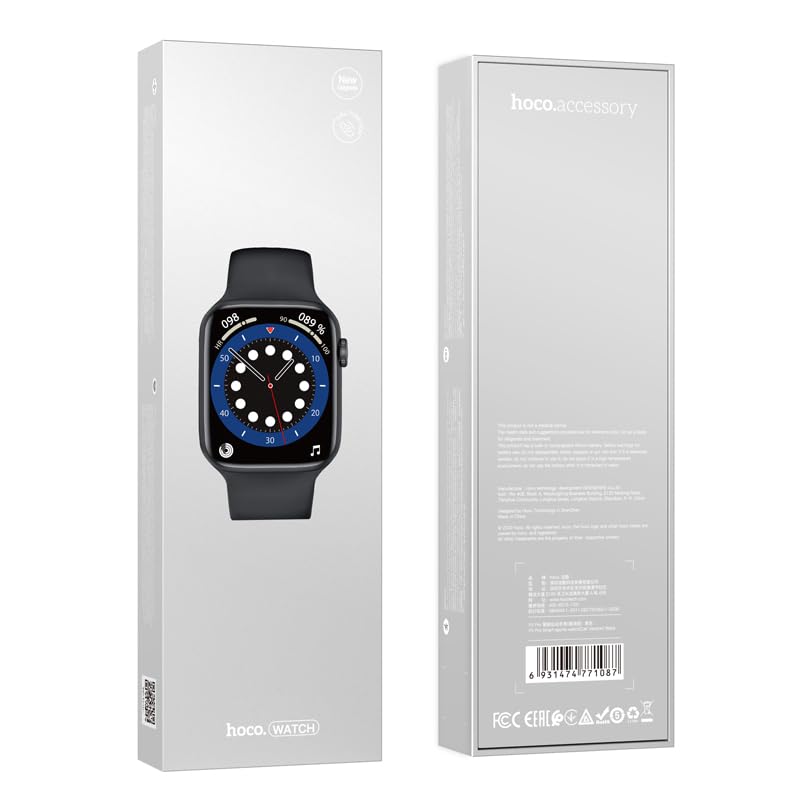
Figure 2: The retail packaging of the HOCO Smart Watch Y5, indicating the product inside.
Guia de configuració
1. Càrrega del dispositiu
Before initial use, fully charge your HOCO Smart Watch Y5. Connect the provided charging cable to the charging port on the back of the watch and to a USB power source. A full charge takes approximately 1 hour.
The watch boasts a 240mAh battery, providing up to 7 days of usage in single Bluetooth mode or 3-4 days with dual Bluetooth enabled.
2. Instal·lació i emparellament de l'aplicació
To unlock the full potential of your smartwatch, download the companion application on your smartphone. The HOCO Smart Watch Y5 is compatible with both iOS and Android devices.
- Scan the QR code in the watch's settings or search for the official HOCO smartwatch app in your device's app store (App Store for iOS, Google Play Store for Android).
- Instal·leu l'aplicació i obriu-la.
- Assegureu-vos que el Bluetooth estigui habilitat al vostre telèfon intel·ligent.
- Follow the in-app instructions to search for and pair with your HOCO Smart Watch Y5. The watch will typically appear as "HOCO Y5" or similar in the Bluetooth device list.
- Confirma la sol·licitud d'emparellament tant al rellotge com al telèfon intel·ligent.
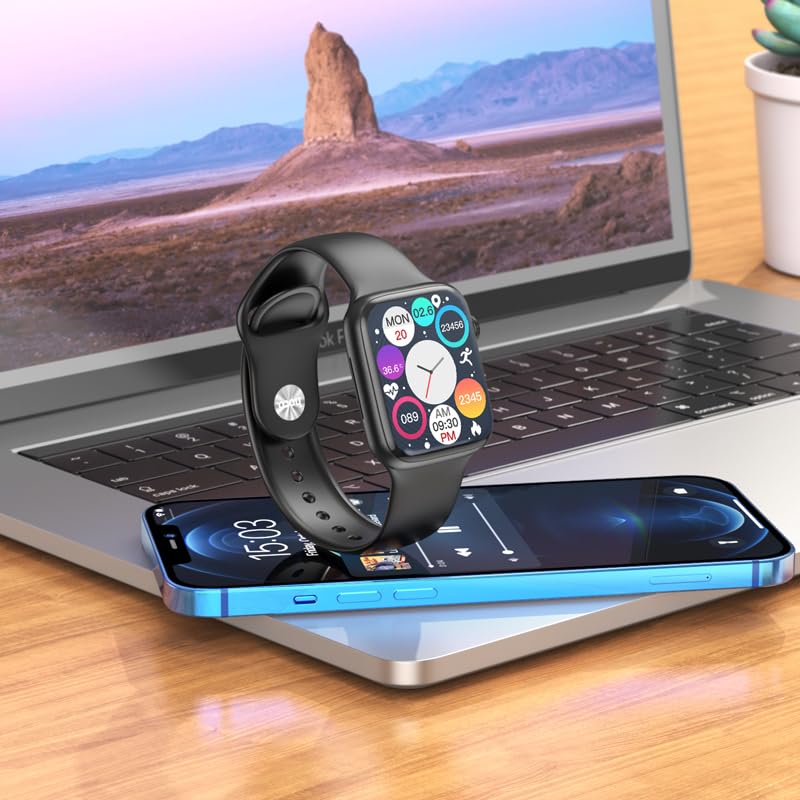
Figure 3: The HOCO Smart Watch Y5 positioned near a laptop and smartphone, demonstrating its compatibility and connectivity with other devices.
Instruccions de funcionament
Controls bàsics
- Pantalla tàctil: Navigate menus, select options, and interact with apps by swiping and tapping the 1.96-inch AMOLED display.
- Side Button/Dial: Press to wake/sleep the screen, return to the home screen, or access the app menu. Rotate the dial for scrolling through lists or adjusting settings.
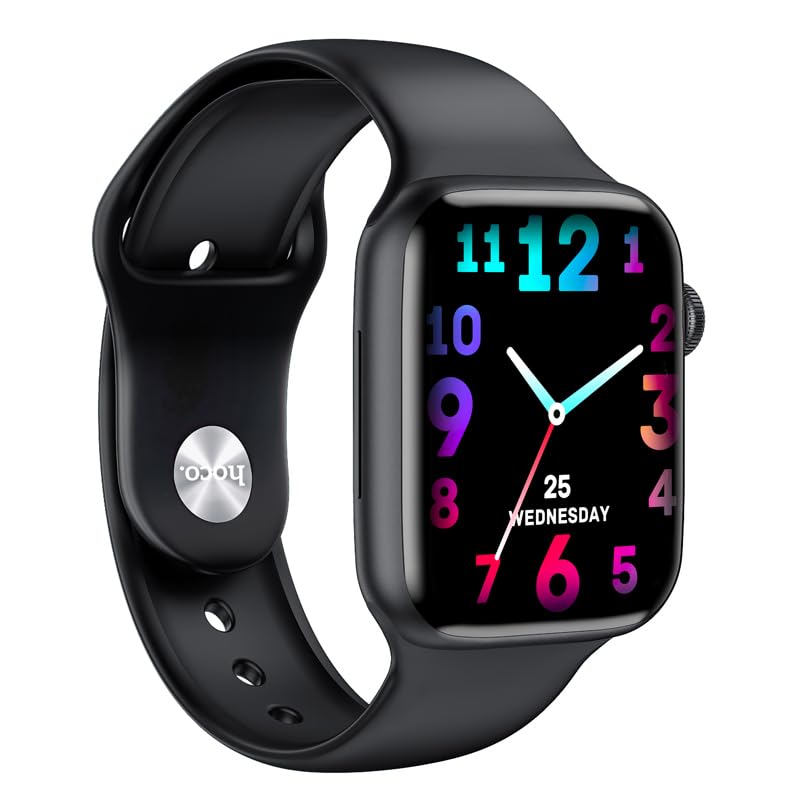
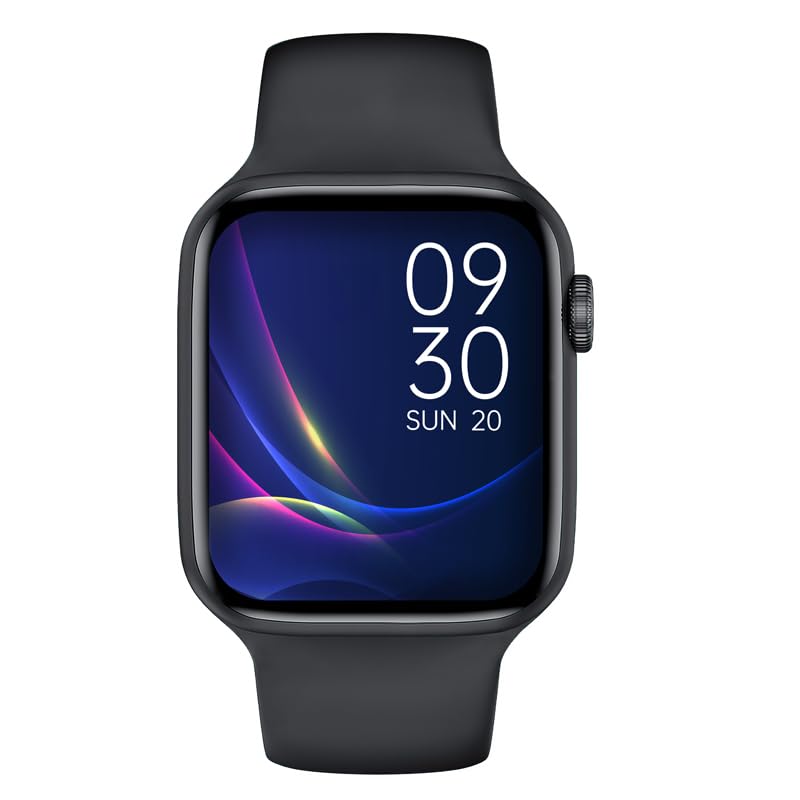
Figura 4: Examples of customizable watch faces on the HOCO Smart Watch Y5, including digital and analog styles.
Característiques i funcions clau
- Seguiment de la salut: Monitor your heart rate, blood oxygen levels, steps taken, calories burned, and sleep patterns. Access detailed reports via the companion app.
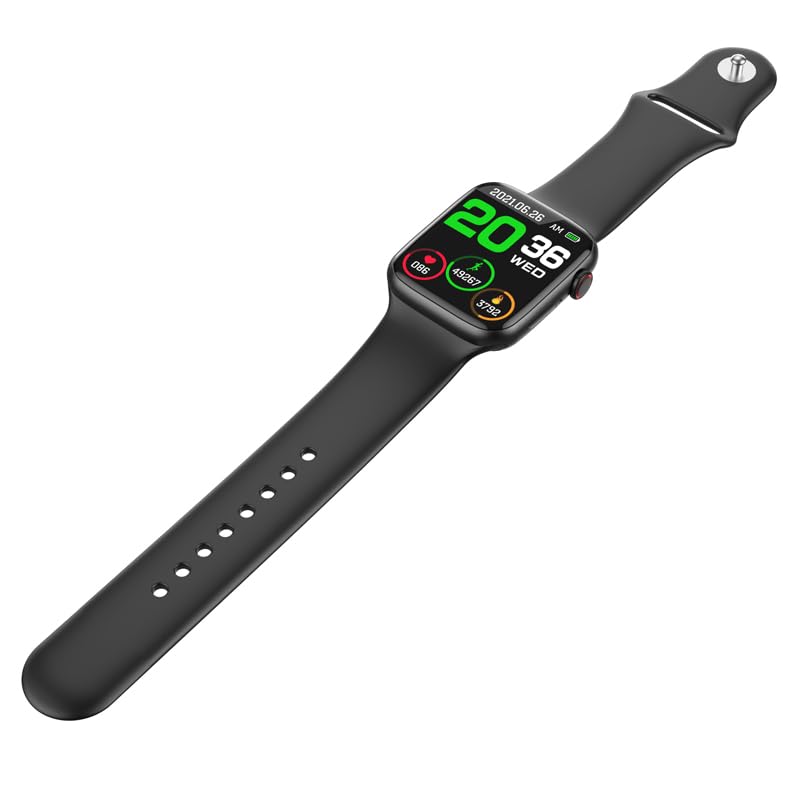
Figure 5: The HOCO Smart Watch Y5 displaying various health metrics, including heart rate and step count.
- Múltiples modes esportius: Select from various sports modes to accurately track your workouts, including running, walking, cycling, and more.
- Notificacions intel·ligents: Receive real-time alerts for incoming calls, messages, and social media notifications directly on your wrist.
- Fotografia a distància: Feu servir el rellotge com a disparador remot per a la càmera del vostre telèfon intel·ligent.
- Pantalla dividida: Access frequently used functions quickly with the split-screen feature.
- Informació meteorològica: Get current weather updates directly on your watch.
- Assistència de veu: Interact with Siri or Google Assistant through your watch (requires smartphone connection).
- Esferes de rellotge personalitzades: Customize your watch's appearance by choosing from a variety of pre-installed watch faces or downloading new ones via the app.
Manteniment
Neteja del rellotge intel·ligent
Regularly clean your watch to ensure optimal performance and hygiene. Use a soft, lint-free cloth to wipe the screen and body. For stubborn dirt, slightly dampRenta el drap amb aigua. Evita utilitzar productes químics agressius o materials abrasius.
Resistència a l'aigua i la suor (IP68)
The HOCO Smart Watch Y5 is IP68 rated, meaning it is resistant to dust and can withstand immersion in water up to 1.5 meters for 30 minutes. It is suitable for swimming and showering. However, it is not recommended for diving or high-pressure water activities. Always dry the watch thoroughly after exposure to water, especially the charging contacts.
Cura de la bateria
- Avoid exposing the watch to extreme temperatures (hot or cold) as this can degrade battery life.
- Carregueu el rellotge només amb el cable de càrrega proporcionat.
- Do not leave the watch uncharged for extended periods.
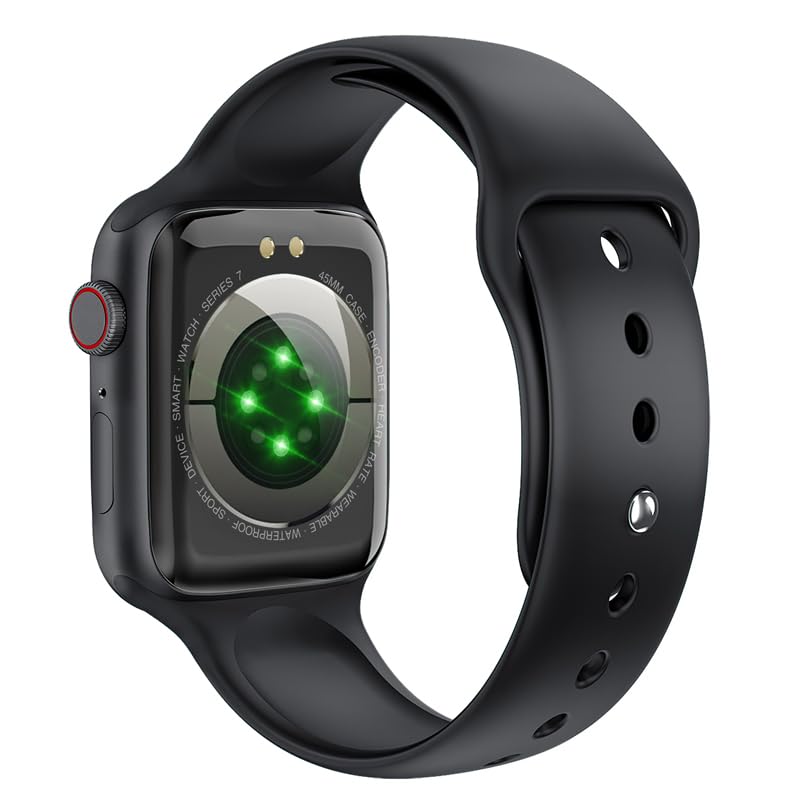
Figura 6: La part posterior view of the HOCO Smart Watch Y5, highlighting the optical heart rate sensors and charging contacts.
Resolució de problemes
| Problema | Possible solució |
|---|---|
| El rellotge no s'encén. | Assegura't que el rellotge estigui completament carregat. Connecta'l al carregador durant almenys 15 minuts. |
| No es pot emparellar amb el telèfon intel·ligent. |
|
| No es reben notificacions. |
|
| Heart rate/blood oxygen readings are inaccurate. |
|
Especificacions
| Marca | HOCO |
| Model | Y5 SMART WATCH |
| Mostra | 1.96 Inches AMOLED, 240 x 240 Resolution |
| Connectivitat | Bluetooth 5.3 |
| Capacitat de la bateria | 240 mAh |
| Durada de la bateria | Up to 7 days (single Bluetooth), 3-4 days (dual Bluetooth) |
| Temps de càrrega | Aproximadament 1 hora |
| Resistència a l'aigua | IP68 |
| Sistema operatiu compatible | iOS, Android |
| Capacitat d'emmagatzematge de memòria | 128 MB |
| Pes de l'article | 100 g |
| Dimensions del producte | 20 x 5 x 3 cm |
Garantia i Suport
Your HOCO Smart Watch Y5 comes with a standard manufacturer's warranty. Please refer to the warranty policy provided at the time of purchase for specific terms and conditions. For technical support, troubleshooting assistance, or warranty claims, please contact HOCO customer service through their official weblloc web o la informació de contacte proporcionada amb la compra.
For more information, visit the official HOCO weblloc: www.hoco.hk


