1. Introducció
Thank you for choosing the SANSUI 24-inch Eye Care 1080P FHD 100Hz Monitor. This manual provides essential information for setting up, operating, maintaining, and troubleshooting your new monitor. Please read this manual thoroughly before use to ensure proper functionality and to maximize your viewexperiència.
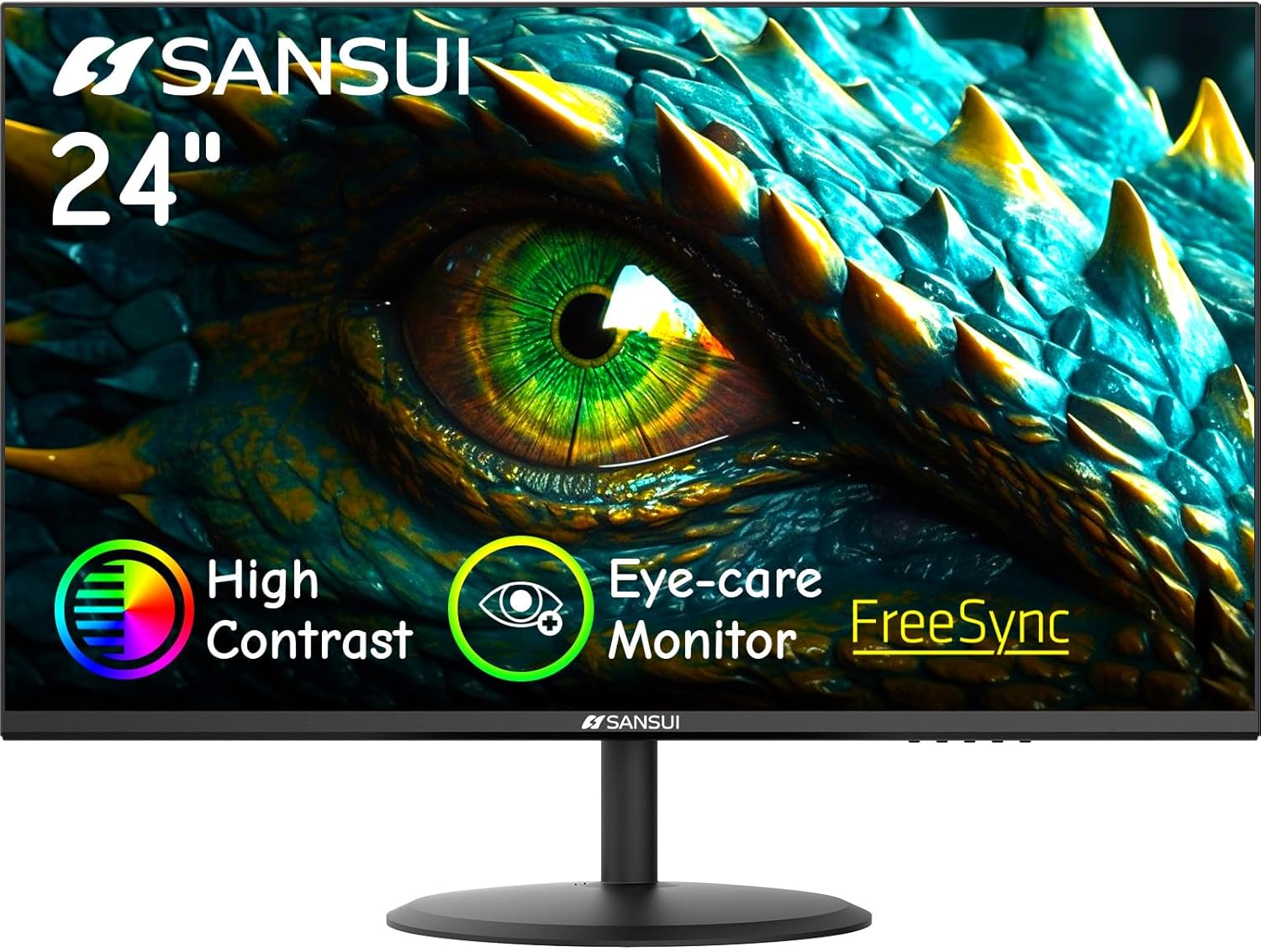
Davant view of the SANSUI 24-inch Eye Care 1080P FHD 100Hz Monitor.
2. Informació de seguretat
Per garantir un funcionament segur i evitar danys, observeu les següents precaucions de seguretat:
- No exposeu el monitor a la pluja ni a la humitat per evitar incendis o descàrregues elèctriques.
- No obriu el monitor casing. No hi ha peces a l'interior que l'usuari pugui reparar. Demaneu totes les tasques de manteniment a personal qualificat.
- Col·loqueu el monitor sobre una superfície estable i plana per evitar que caigui.
- Assegureu-vos que hi hagi una ventilació adequada al voltant del monitor. No bloquegeu les obertures de ventilació.
- Feu servir només l'adaptador de corrent que s'inclou amb el monitor.
- Desconnecteu l'endoll de la presa de corrent si no heu d'utilitzar el monitor durant un període prolongat.
3. Contingut del paquet
Verifiqueu que tots els elements siguin presents al vostre paquet:
- SANSUI 24-inch Monitor
- Adaptador d'alimentació
- Cable HDMI (1.5 m)
- Guia d'inici ràpid
- Manual d'usuari (aquest document)
- Targeta de garantia

Illustration of monitor and included accessories.
4. Configuració
4.1 Muntatge del suport
- Traieu amb cura el monitor del seu embalatge, mantenint la pantalla protegida.
- Enganxeu la base del suport al coll del suport.
- Align the assembled stand with the mounting slot on the back of the monitor and push until it clicks into place. No screws or tools are typically needed for this quick installation.

Steps for quick stand installation.
4.2 Connexió del monitor
Connecteu el monitor al vostre ordinador o a altres dispositius mitjançant els cables adequats.
- Connexió d'alimentació: Connect the power adapter to the DC input port on the monitor, then plug the adapter into a power outlet.
- Connexió HDMI: Use the provided HDMI cable to connect the monitor's HDMI port to the HDMI output port on your computer.
- Connexió VGA: Use a VGA cable (not included) to connect the monitor's VGA port to the VGA output port on your computer.
Nota: This monitor does not include built-in speakers or a headphone jack. Audio must be managed through your connected device.

Connectivity ports: HDMI, VGA, and DC power input.
5. Instruccions de funcionament
5.1 Encès/Apagat
Press the power button located on the back of the monitor to turn it on or off. The power indicator light will illuminate when the monitor is on.
5.2 Basic Controls (OSD Menu)
The On-Screen Display (OSD) menu allows you to adjust various monitor settings. Buttons for OSD navigation are typically located on the back or bottom of the monitor.
- Press a button to activate the OSD menu.
- Use the navigation buttons (up/down/left/right or joystick) to browse through menu options.
- Press the select/enter button to confirm a selection.
- Premeu el botó de sortida per tancar el menú OSD.
5.3 Ajust de la configuració de la pantalla
Within the OSD menu, you can customize settings such as:
- Brillantor/Contrast: Ajusta la luminància general i la diferència entre les zones clares i fosques.
- Configuració de color: Modifica la temperatura de color, el to i la saturació.
- Font d'entrada: Seleccioneu manualment entre les entrades HDMI i VGA.
- Modes d'imatge: Select from predefined modes like Standard, Game, Movie, Photo, or Reading for optimized viewfent experiències.
- Característiques de la cura dels ulls: Enable Low Blue Light and Flicker-Free settings to reduce eye strain during prolonged use.
- FreeSync: Enable or disable AMD FreeSync technology for smoother gameplay (requires compatible graphics card).

Monitor displaying various picture modes.

Visual comparison of display with and without Flicker-Free technology.
6. Manteniment
6.1 Neteja del monitor
- Desendolleu sempre el monitor de la presa de corrent abans de netejar-lo.
- Utilitzeu un drap suau i sense pelusa lleugerament dampesbandida amb aigua o un netejador de pantalles suau i no abrasiu.
- No ruixeu el netejador directament sobre la pantalla. Apliqueu-lo primer al drap.
- Eviteu utilitzar productes químics agressius, esponges abrasives o dissolvents.
6.2 Emmagatzematge
Si guardeu el monitor durant un període prolongat, desconnecteu tots els cables i guardeu-lo en un lloc fresc i sec, preferiblement en el seu embalatge original per protegir-lo de la pols i els danys físics.
7. Solució De Problemes
Consulteu la taula següent per veure els problemes habituals i les seves solucions.
| Problema | Causa possible | Solució |
|---|---|---|
| No hi ha imatge a la pantalla | Cable d'alimentació desconnectat; cable de vídeo desconnectat; font d'entrada incorrecta seleccionada. | Assegureu-vos que els cables d'alimentació i de vídeo estiguin connectats correctament. Seleccioneu la font d'entrada correcta a través del menú OSD. |
| La imatge és borrosa o distorsionada | Incorrect resolution; Video cable issue. | Estableix la resolució de la pantalla a 1920 x 1080. Comprova si el cable de vídeo està danyat o substitueix-lo. |
| La pantalla parpelleja | Discrepància de freqüència d'actualització; Interferències externes. | Ensure the refresh rate is set to 100Hz (or compatible). Enable Flicker-Free mode in OSD. Move away from other electronic devices. |
| El monitor no s'encén | Sense poder. | Check if the power adapter is properly connected to the monitor and a working power outlet. |
8. Especificacions
| Característica | Especificació |
|---|---|
| Número de model | ES-24X5AL |
| Mida de la pantalla | 24 polzades |
| Resolució | 1920 x 1080 (FHD) |
| Freqüència d'actualització | Fins a 100 Hz |
| Relació d'aspecte | 16:9 |
| Viewangle ing | 178° (Horitzontal/Vertical) |
| Brillantor | 250 nits |
| Relació de contrast | 4000:1 |
| Connectivitat | 1x HDMI 1.4, 1x VGA |
| Compatibilitat VESA | 75 x 75 mm |
| Ajust d'inclinació | -5° a 22° |
| Dimensions del producte (W x D x H) | 21.3 x 8.3 x 15.6 polzades (amb suport) |
| Pes de l'article | 10.09 lliures |
9. Garantia i Suport
SANSUI provides the following support for your monitor:
- Garantia: A 30-day money-back guarantee and free replacement warranty from the order date.
- Suport tècnic: Hi ha disponible assistència tècnica de per vida.
Per a més ajuda, consulteu el funcionari Manual d'usuari (PDF) o visiteu el SANSUI Store.

SANSUI support information.


