Introducció
This manual provides essential information for the proper use, setup, and maintenance of your XREAL H-C Cable. This high-speed HDMI to USB-C cable is designed to connect various devices, including gaming consoles and PCs, to compatible AR glasses like the XREAL Beam and Air AR glasses, supporting 4K/60Hz video transmission.
Informació de seguretat
Please read and follow these safety guidelines to ensure safe operation and prolong the life of your cable:
- No exposeu el cable a temperatures extremes, llum solar directa ni humitat elevada.
- Avoid bending or twisting the cable excessively, especially near the connectors, as this can damage internal wires.
- Keep the cable away from water and other liquids. If it gets wet, disconnect it immediately and allow it to dry completely before reuse.
- Do not attempt to disassemble or modify the cable. This will void the warranty and may cause damage.
- Mantenir fora de l'abast dels nens i mascotes.
- Feu servir només amb dispositius compatibles tal com s'especifica en aquest manual.
Contingut del paquet
El paquet conté el següent article:
- 1 x XREAL H-C Cable (HDMI to USB-C)
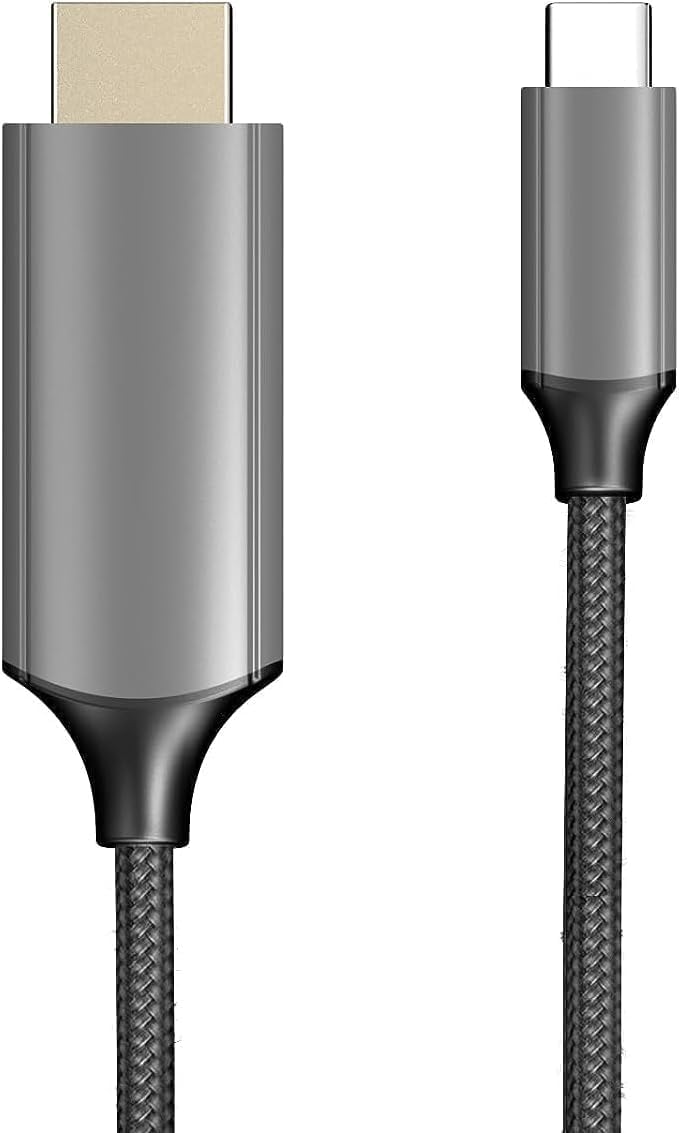
Image: The XREAL H-C Cable showing both the HDMI and USB-C connectors. The cable features a durable, woven design.
Producte acabatview
The XREAL H-C Cable is engineered for high-fidelity video and audio transmission. It features a robust, woven design for enhanced durability and tangle-free use. The cable facilitates connection from an HDMI source to a USB-C display, supporting resolutions up to 4K at 60Hz.
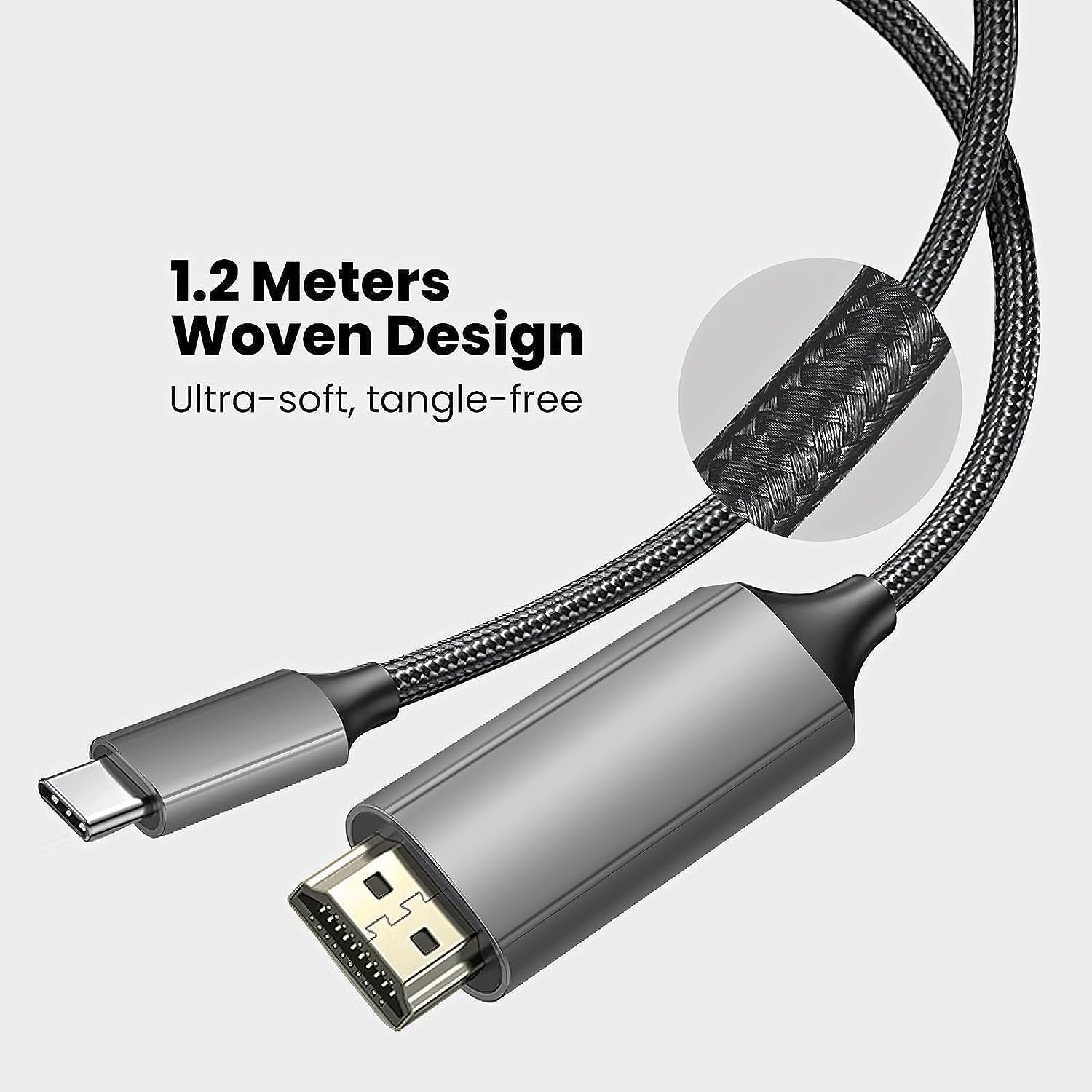
Image: Close-up of the XREAL H-C Cable highlighting its 1.2-meter length and ultra-soft, tangle-free woven design.
Configuració
Follow these steps to connect your XREAL H-C Cable:
- Identificació de connectors: Locate the HDMI "In" connector and the USB-C "Out" connector on the cable.
- Connecta a la font: Connecteu el HDMI "In" end of the cable into the HDMI output port of your source device (e.g., PlayStation, Xbox, Nintendo Switch, PC graphics card).
- Connecta a la pantalla: Connecteu el USB-C "Out" end of the cable into the USB-C input port of your compatible display device (e.g., XREAL Beam, XREAL Air AR glasses).
- Dispositius d'encesa: Assegureu-vos que tant el dispositiu font com el dispositiu de visualització estiguin encesos.
- Verifica la connexió: The display should automatically detect the input signal. If not, you may need to manually select the input source on your display device.

Image: The XREAL H-C Cable clearly labeled with "HDMI In" and "USB-C Out" to indicate connection direction.
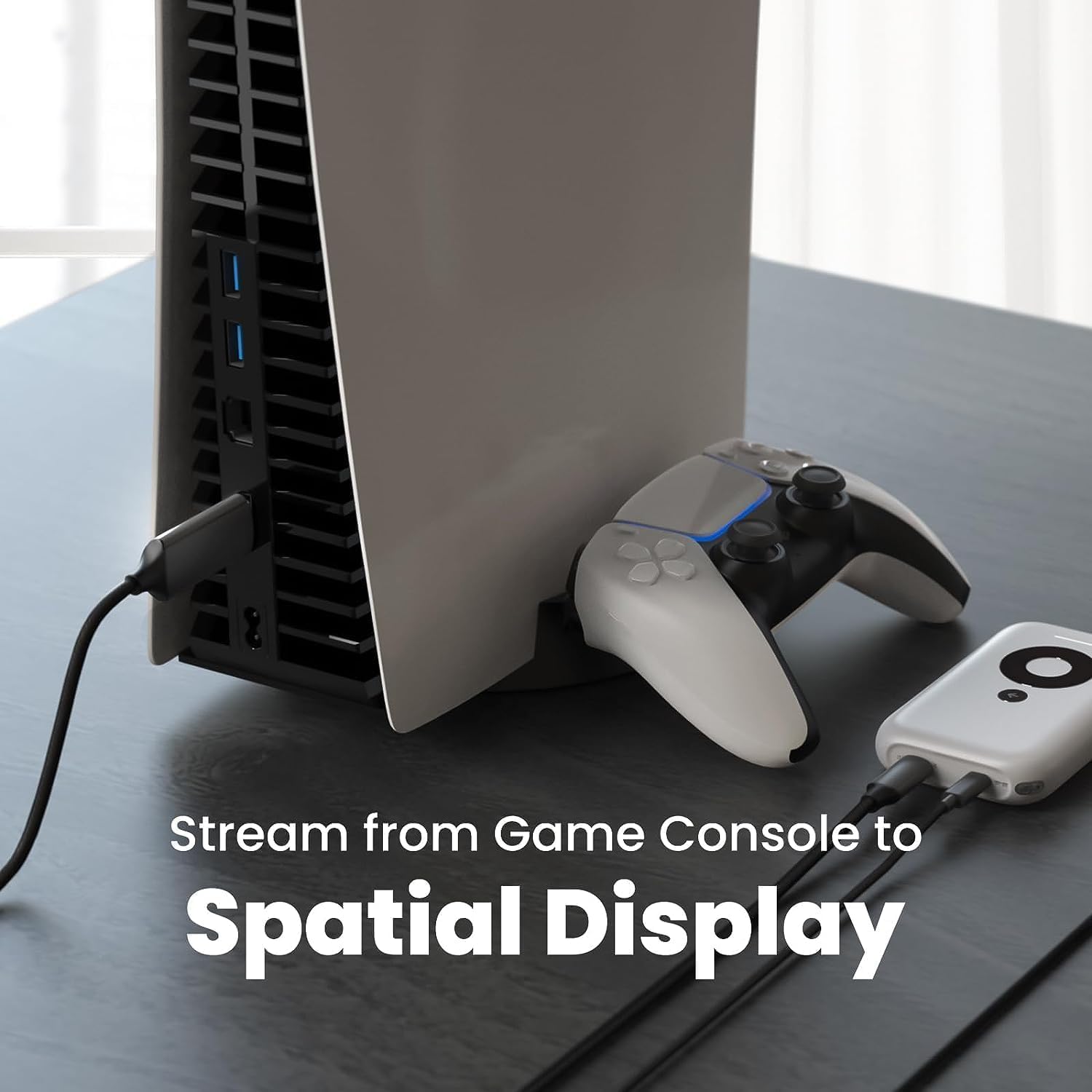
Imatge: Un example setup showing the XREAL H-C Cable connecting a PlayStation 5 console to an XREAL Beam device, enabling streaming to a spatial display.
En funcionament
Once connected, the XREAL H-C Cable operates as a plug-and-play device. No additional drivers or software are typically required.
- Resolució i freqüència d'actualització: The cable supports up to 4K resolution at 60Hz. Ensure your source device and display device are configured to output and receive these resolutions and refresh rates for optimal performance.
- Transmissió d'àudio: The cable transmits both video and audio signals. Verify audio settings on your source device if no sound is heard.
- Compatibilitat: This cable is designed for specific applications, primarily connecting HDMI output devices to USB-C input displays, such as XREAL AR glasses. It is not a bidirectional cable and will not function if connected in reverse.
Manteniment
Proper care will extend the life of your XREAL H-C Cable:
- Neteja: Use a soft, dry, lint-free cloth to gently wipe the cable and connectors. Do not use liquid cleaners or abrasive materials.
- Emmagatzematge: When not in use, coil the cable loosely. Avoid tight coiling or sharp bends. Store in a cool, dry place away from direct sunlight.
- Manipulació: Always grasp the connector housing when plugging or unplugging the cable. Do not pull on the cable itself.
Resolució de problemes
If you encounter issues with your XREAL H-C Cable, try the following solutions:
| Problema | Causa possible | Solució |
|---|---|---|
| Cap senyal a la pantalla |
|
|
| Imatge parpellejant o distorsionada |
|
|
| Sense àudio |
|
|
Especificacions
| Marca | XREAL |
| Número de model | 6976143800071 |
| Tipus de connector | HDMI (Input), USB Type-C (Output) |
| Velocitat de transferència de dades | 5 Gigabits per second (for compatible data streams) |
| Dispositius compatibles | Gaming Consoles (PlayStation, Xbox, Switch), Windows Desktop, XREAL Beam, XREAL Air AR Glasses |
| Suport de resolució màxima | 4K @ 60 Hz |
| Longitud del cable | 1.2 metres (aprox. 3.9 peus) |
Garantia i Suport
XREAL products are manufactured to high quality standards. For information regarding warranty coverage and customer support, please refer to the official XREAL weblloc web o contacteu directament amb el seu servei d'atenció al client. Conserveu el rebut de compra com a comprovant de compra per a qualsevol reclamació de garantia.
Per a més ajuda, visiteu: www.xreal.com/support


