1. Introducció
This manual provides detailed instructions for the UGREEN 4-Port USB 3.0 Hub, model CM219-50985B. Please read this manual thoroughly before using the device to ensure proper operation and to maximize its lifespan. Keep this manual for future reference.
2. Producte acabatview
The UGREEN 4-Port USB 3.0 Hub expands a single USB port into four USB 3.0 ports, allowing connection of multiple USB devices simultaneously. It features a compact, lightweight design for portability and includes a Micro USB port for optional external power when connecting power-hungry devices.

Image: The UGREEN 4-Port USB 3.0 Hub connected to various peripherals like a hard drive, printer, mouse, keyboard, and flash drive, illustrating its multi-port functionality.
3. Característiques
- 4-Port USB 3.0 Expansion: Converts one USB port into four USB 3.0 ports, eliminating the issue of insufficient USB interfaces.
- Transferència de dades de supervelocitat: Supports data transfer speeds up to 5 Gbps, which is 10 times faster than USB 2.0 (480 Mbps). This allows for rapid transfer of large files and high-definition media.
- Compatibilitat enrere: Fully compatible with USB 2.0 and USB 1.1 devices.
- Entrada d'alimentació micro USB: Includes a Micro USB port for connecting an external power adapter (5V/2A recommended, not included) to provide additional power for high-power consumption devices like external hard drives and SSDs.
- Plug and Play: No driver installation required. Simply connect the hub to your device, and it's ready to use.
- Àmplia compatibilitat: Works with Windows 10/8/8.1/7/Vista/XP, Mac OS X, Linux, and Chrome OS.
- Característiques de seguretat: Sobrevol incorporattage and over-current protection systems safeguard your connected devices and data. Multi-layer shielding prevents interference with Bluetooth and Wi-Fi signals.
- Disseny compacte i portàtil: Slim and lightweight with a 16 cm integrated cable, making it easy to carry and ideal for travel.
- Indicador LED: A soft white LED indicates the hub's operational status.
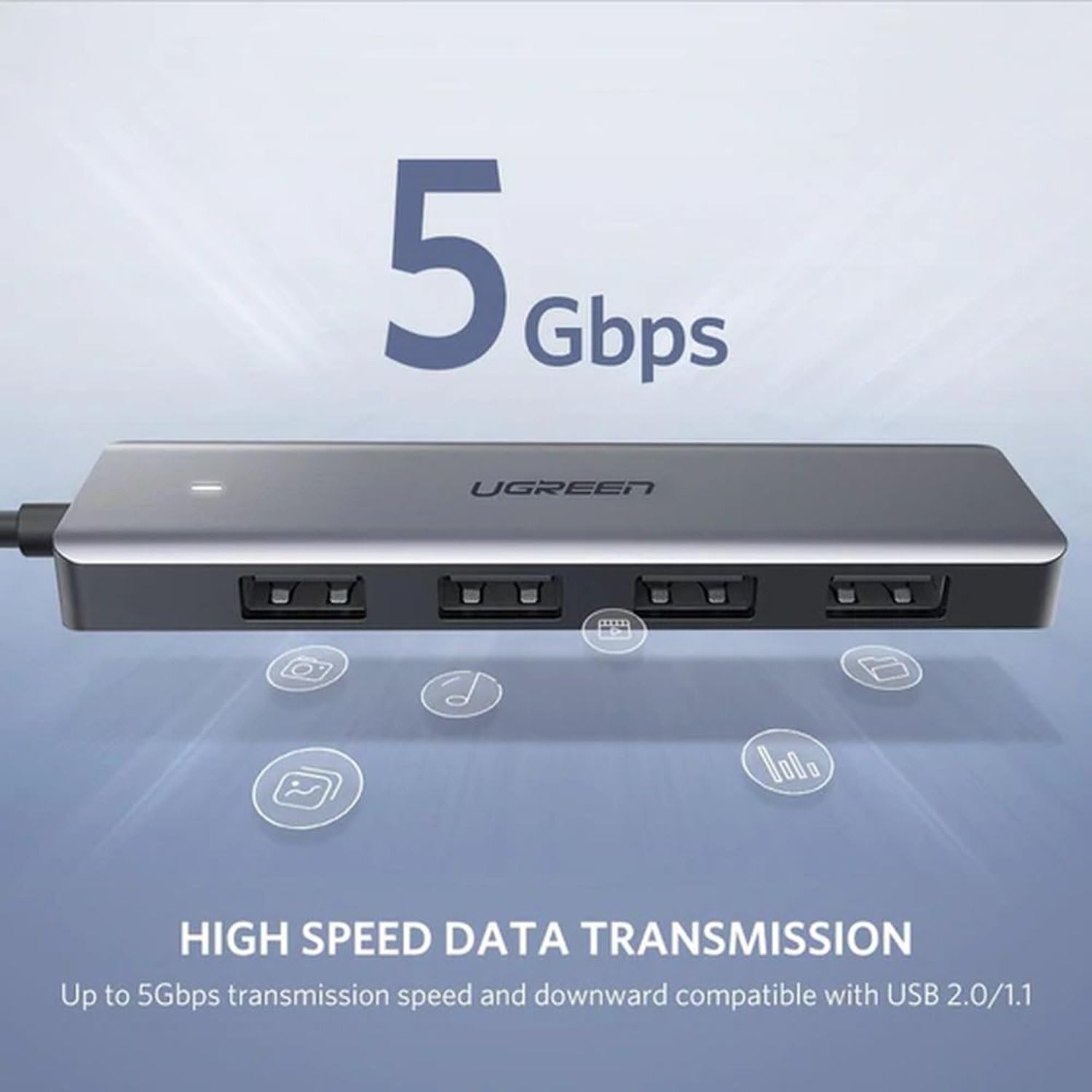
Image: The UGREEN USB 3.0 Hub highlighting its 5 Gbps high-speed data transmission capability, compatible with USB 2.0 and 1.1.
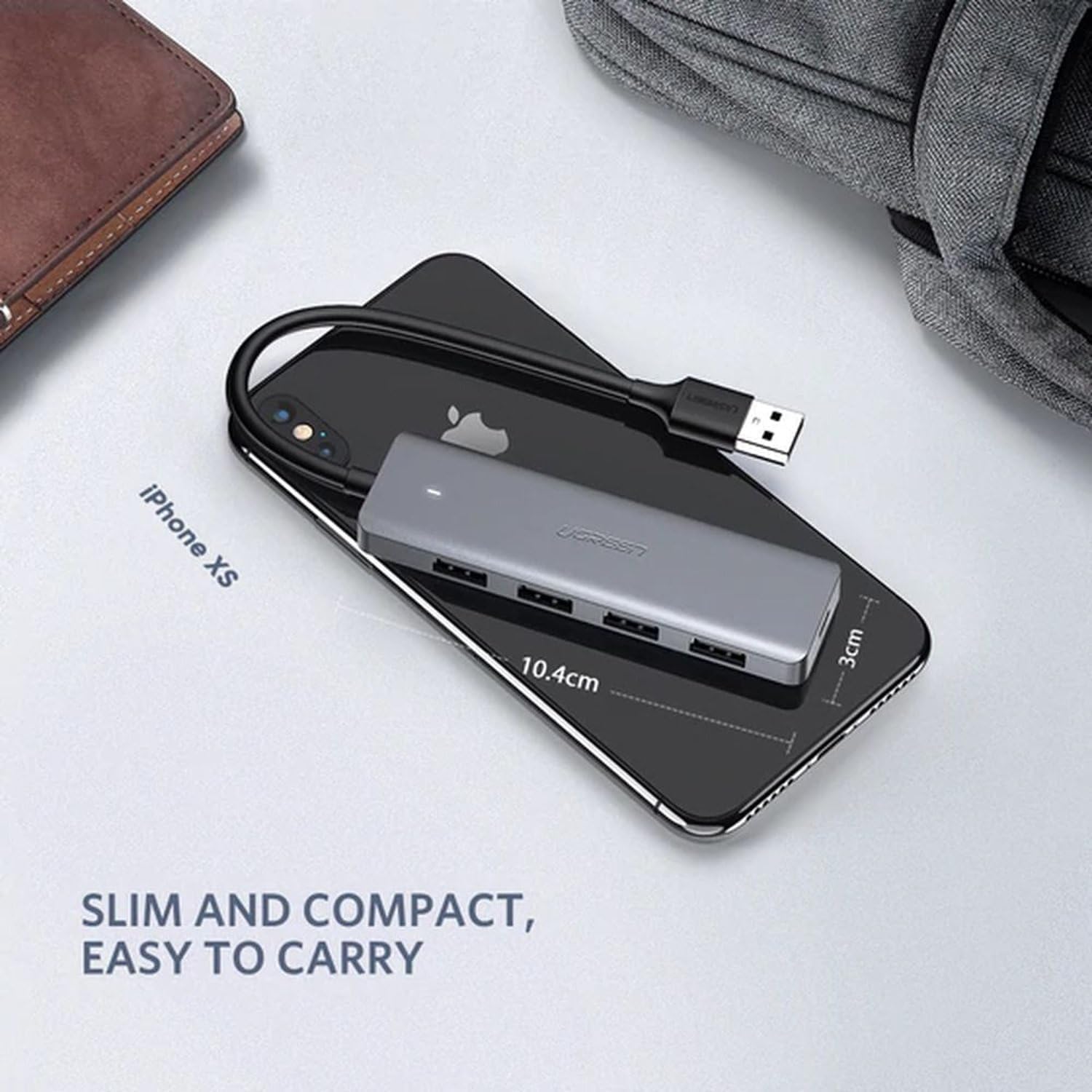
Image: The UGREEN USB 3.0 Hub placed on a smartphone, illustrating its slim and compact dimensions for easy portability.
4. Instruccions de configuració
- Connecta't al dispositiu amfitrió: Plug the USB-A connector of the UGREEN 4-Port USB 3.0 Hub into an available USB port on your computer, laptop, PS4, or other compatible host device.
- Connexió d'alimentació (opcional): If you are connecting power-hungry devices (e.g., external hard drives, SSDs) that require more power than your host device can provide, connect a Micro USB power adapter (5V/2A recommended, not included) to the Micro USB port on the hub. This ensures stable performance for all connected devices.
- Connecteu els perifèrics: Plug your USB devices (e.g., flash drives, mouse, keyboard, printer, external hard drives) into the four available USB 3.0 ports on the hub.
- Verificació: The white LED indicator on the hub will illuminate when it is powered and connected correctly. Your operating system should automatically detect the hub and any connected devices.
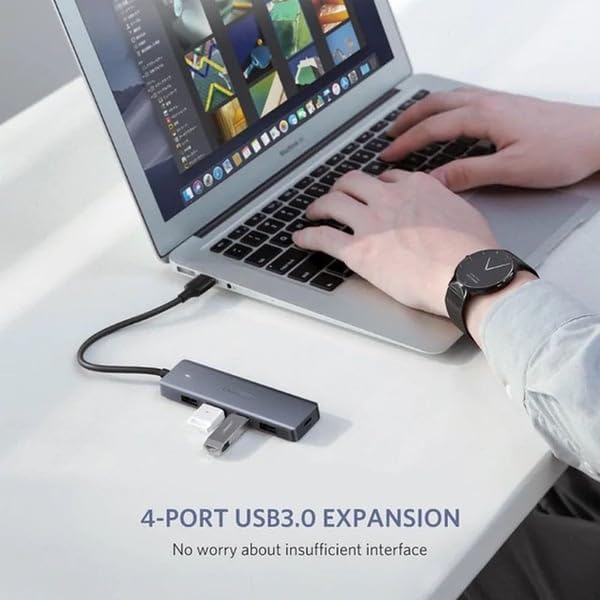
Image: The UGREEN 4-Port USB 3.0 Hub connected to a laptop, demonstrating its use for expanding USB ports for devices like a flash drive.
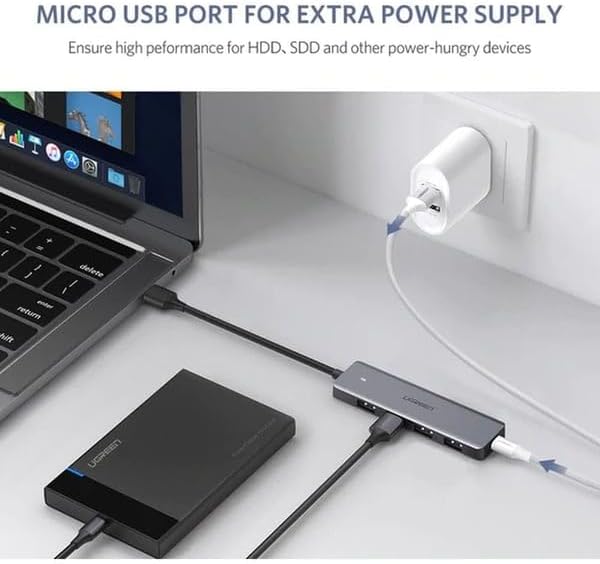
Image: The UGREEN USB 3.0 Hub connected to a laptop and an external hard drive, with its Micro USB port connected to a power adapter for additional power supply.
5. Instruccions de funcionament
The UGREEN 4-Port USB 3.0 Hub operates on a plug-and-play basis. Once connected, you can use your USB devices as you normally would. All four USB 3.0 ports can be used simultaneously.
- Transferència de dades: Insert your USB storage devices (e.g., flash drives, external hard drives) into any of the USB 3.0 ports for high-speed data transfer.
- Connexió perifèrica: Connect your mouse, keyboard, printer, or other USB peripherals to the hub. They will function immediately without additional setup.
- Nota important: This hub is designed for data transfer and connecting peripherals. It is not intended for charging devices. For optimal performance, avoid using it solely for charging.
6. Manteniment
- Neteja: Feu servir un drap suau i sec per netejar el centre. Eviteu netejadors líquids o materials abrasius.
- Emmagatzematge: Guardeu el concentrador en un lloc fresc i sec, allunyat de la llum solar directa i de temperatures extremes.
- Manipulació: Avoid dropping the device or subjecting it to strong impacts. Do not attempt to disassemble or modify the hub, as this will void the warranty and may cause damage.
- Cura del cable: Do not bend the integrated cable excessively or pull it forcefully.
7. Solució De Problemes
| Problema | Causa possible | Solució |
|---|---|---|
| Hub not recognized by computer. | Loose connection, faulty USB port on host device, or incompatible operating system. |
|
| Connected devices are not working or disconnecting. | Insufficient power supply, faulty device, or excessive power draw. |
|
| Velocitats de transferència de dades lentes. | Connected to a USB 2.0 port, or the connected device is USB 2.0. |
|
8. Especificacions
| Atribut | Detall |
|---|---|
| Marca | UGREEN |
| Número de model | CM219-50985B |
| Color | Gris |
| Ports USB totals | 4 (USB 3.0) |
| Interfície del maquinari | USB 3.0, USB 2.0, USB 1.1 |
| Velocitat de transferència de dades | Fins a 5 Gbps |
| Característiques especials | Plug and Play, Over-voltage Protection, Over-current Protection |
| Dispositius compatibles | Laptops, Desktops, PS4, External Hard Drives, SSDs, USB Flash Drives, Mouse, Keyboard, Printers, USB Headsets, Speakers, Card Readers, VR Devices |
| Sistemes operatius | Windows 10/8/8.1/7/Vista/XP, Mac OS X, Linux, Chrome OS |
| Material | Plàstic |
| Longitud del cable | 16 cm (integrated) |
| Dimensions (producte) | Approx. 10.4 cm (length) x 3 cm (width) |
| Dimensions del paquet | 17.4 x 9.8 x 5 cm |
| Pes | 170 grams (package weight) |
9. Garantia i Suport
Els productes UGREEN solen incloure una garantia estàndard del fabricant. Per obtenir detalls específics de la garantia, el registre o l'assistència tècnica, consulteu la targeta de garantia inclosa amb el producte o visiteu el lloc web oficial d'UGREEN. weblloc.
If you encounter any issues not covered in the troubleshooting section, please contact UGREEN customer support for assistance.


