Introducció
This manual provides instructions for the ADATA SC610 External Solid State Drive. Please read this manual thoroughly before using the device to ensure proper operation and to maximize its lifespan.
Contingut del paquet
- ADATA SC610 External SSD
Producte acabatview
The ADATA SC610 is a compact and portable external solid state drive designed for high-speed data transfer. It features a capless push-out USB connector for convenience.

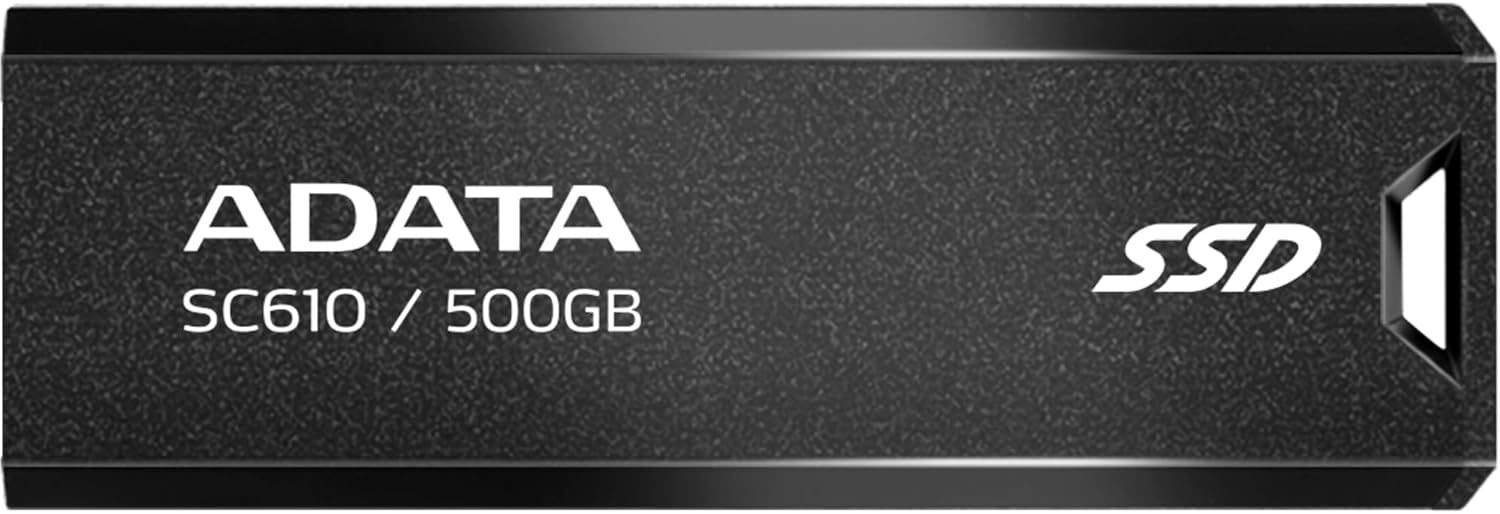
Davant view of the ADATA SC610 External SSD, showing the ADATA logo, SC610 / 500GB model designation, and SSD branding.

A dalt view of the ADATA SC610 External SSD, illustrating the push-out mechanism for the USB connector.
Configuració
Connexió de l'SSD
- Locate an available USB-A port on your computer or compatible device.
- Gently push the slider on the ADATA SC610 to extend the USB connector.
The ADATA SC610 External SSD with its USB-A connector fully extended, ready for connection.
- Insert the USB connector into the USB-A port.
- The device will be automatically detected by most operating systems.
Initial Use and Formatting
For Windows users, the drive should appear as a removable storage device. For macOS or Linux, it may require initial formatting depending on your intended use. Refer to your operating system's documentation for disk management and formatting procedures.
Operating the ADATA SC610
Transferència Files
Once connected, the ADATA SC610 functions like any other external storage device. You can drag and drop files, copy and paste, or use backup software to transfer data to and from the SSD.
The device supports USB 3.2 Gen 2, offering read speeds up to 550MB/s and write speeds up to 500MB/s for fast data transfers. Ensure your host device also supports USB 3.2 Gen 2 for optimal performance.
Using with Gaming Consoles
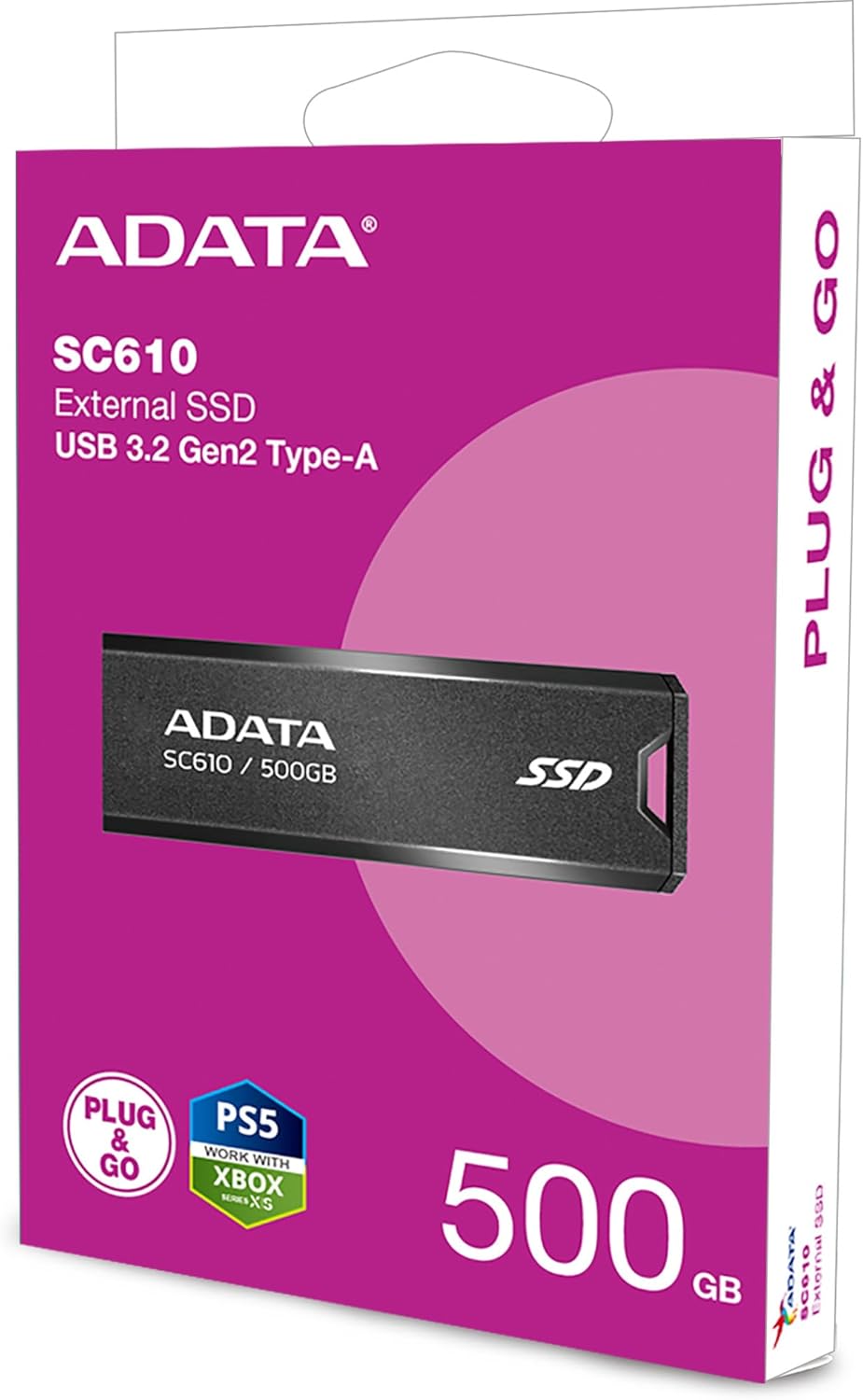
The SC610 is compatible with many gaming consoles, including PlayStation 5 and Xbox Series X|S, for storing games. Consult your console's manual for specific instructions on connecting and utilizing external storage for games.
ADATA SC610 External SSDs connected to an Xbox console, demonstrating their use as external game storage.
Eliminació segura
Always safely eject the ADATA SC610 from your operating system before physically disconnecting it to prevent data corruption. For Windows, use the "Safely Remove Hardware" icon in the system tray. For macOS, drag the drive icon to the Trash or use the Eject option.
Manteniment
- Keep the SSD clean and free from dust. Use a soft, dry cloth for cleaning.
- Eviteu exposar el dispositiu a temperatures extremes, llum solar directa o humitat elevada.
- Do not drop or subject the SSD to strong impacts.
- Ensure the USB connector is fully retracted when not in use to protect it from damage.
Resolució de problemes
Dispositiu no detectat
- Ensure the USB connector is fully extended and securely plugged into the USB port.
- Proveu un port USB diferent a l'ordinador.
- Test the SSD on another computer to rule out a port issue.
- Check your computer's Disk Management (Windows) or Disk Utility (macOS) to see if the drive is recognized but unformatted.
Velocitats de transferència lentes
- Verify that you are using a USB 3.2 Gen 2 compatible port on your host device. Older USB 2.0 or 3.0 ports will result in lower speeds.
- Assegureu-vos que els controladors del vostre ordinador estiguin actualitzats.
- Eviteu transferir moltes petites files simultàniament, ja que això pot reduir la velocitat de transferència general en comparació amb els grans files.
Data Corruption
- Always safely eject the device before disconnecting it.
- Evita interrompre file transferències.
- Run a disk check utility on the drive if you suspect corruption.
Especificacions
| Característica | Detall |
|---|---|
| Model | SC610 |
| Capacitat | 500 GB |
| Interfície | USB 3.2 Gen 2 (USB-A) |
| Velocitat de lectura | Fins a 550 MB/s |
| Velocitat d'escriptura | Fins a 500 MB/s |
| Dimensions (L x A x A) | 0.93 x 2.65 x 0.4 polzades |
| Pes | 0.459 unces |
| Tecnologia de connectivitat | USB |
| Dispositius compatibles | Consola de jocs |
Garantia i Suport
ADATA products are covered by a limited warranty. For detailed warranty information, technical support, and service inquiries, please visit the official ADATA weblloc o poseu-vos en contacte amb el seu servei d'atenció al client.
Official ADATA Weblloc: www.adata.com


