1. Introducció
This manual provides essential instructions for the safe and efficient operation of your Motorola Solutions R2 Two-Way Radio, model AAH11JDC9JA2N. Please read this manual thoroughly before using the radio to ensure proper functionality and to understand all features.
The Motorola Solutions R2 is a digital two-way radio designed for reliable communication, featuring 64 channels and operating in the VHF 136-174MHz frequency range. It is built for durability and clear audio performance in various environments.

Figura 1: Frontal view of the Motorola Solutions R2 Two-Way Radio.
2. Contingut del paquet
Comproveu que el vostre paquet contingui els elements següents:
- Motorola Solutions R2 Two-Way Radio (Model AAH11JDC9JA2N)
- Micròfon
- (Note: Battery, antenna, and charger may be sold separately or included depending on specific package configuration.)
3. Configuració
3.1. Connectar l'antena
- Align the threaded end of the antenna with the antenna connector on top of the radio.
- Gireu l'antena en sentit horari fins que estigui ajustada amb els dits. No l'estrenyeu massa.
3.2. Installing the Battery (if applicable)
- Assegureu-vos que la ràdio estigui apagada.
- Alineeu la bateria amb el compartiment de la bateria a la part posterior de la ràdio.
- Feu lliscar la bateria al seu lloc fins que faci clic de manera segura.
3.3. Carregant la bateria
Before initial use, fully charge the radio's battery. Use only Motorola Solutions approved chargers.
- Col·loqueu la ràdio (amb la bateria instal·lada) a la safata de càrrega.
- Ensure the charging indicator light illuminates, indicating proper charging.
- A full charge typically takes several hours. Refer to your charger's manual for specific charging times.
4. Funcionament
4.1. Encendre/apagar i control de volum
- To power on the radio, rotate the On/Off/Volume knob clockwise until you hear a click.
- Continueu girant el botó en sentit horari per augmentar el volum i en sentit antihorari per disminuir-lo.
- Per apagar-lo, gireu el botó en sentit antihorari fins que faci clic.
4.2. Selecció de canals
The R2 radio supports 64 channels. To select a channel:
- Rotate the Channel Selector knob (typically located next to the On/Off/Volume knob) to choose the desired channel.
- The radio may announce the channel number or display it if equipped with a screen.
4.3. Transmissió i recepció
- To transmit, press and hold the Push-to-Talk (PTT) button located on the side of the radio. Speak clearly into the microphone.
- Deixeu anar el botó PTT per aturar la transmissió i tornar al mode de recepció.
- When receiving a transmission, the radio's speaker will output the audio.

Figure 2: The Push-to-Talk (PTT) button is designed for easy activation.
4.4. Característiques i funcions principals
The Motorola Solutions R2 incorporates several features to enhance communication:
- SINC+ Noise Suppression: Utilizes advanced algorithms to reduce background noise for clearer audio.
- Anunci de veu: Provides audible feedback for channel changes or feature activation.
- Botons programables: The radio features two programmable buttons that can be customized for quick access to frequently used functions (e.g., priority scan, home channel reminder). Refer to your dealer for programming options.
- Extended Range Direct Mode: Allows for communication without a repeater, extending direct radio-to-radio range.
- Dual Capacity Direct Mode: Doubles the capacity of your 12.5 kHz channel without a repeater.
- Transmit Interrupt: Enables a high-priority user to interrupt another conversation for critical messages.
- Dual Priority Scan: Monitors two priority channels more frequently while scanning other channels.
- Bloqueig del teclat: Evita les pulsacions accidentals de botons.
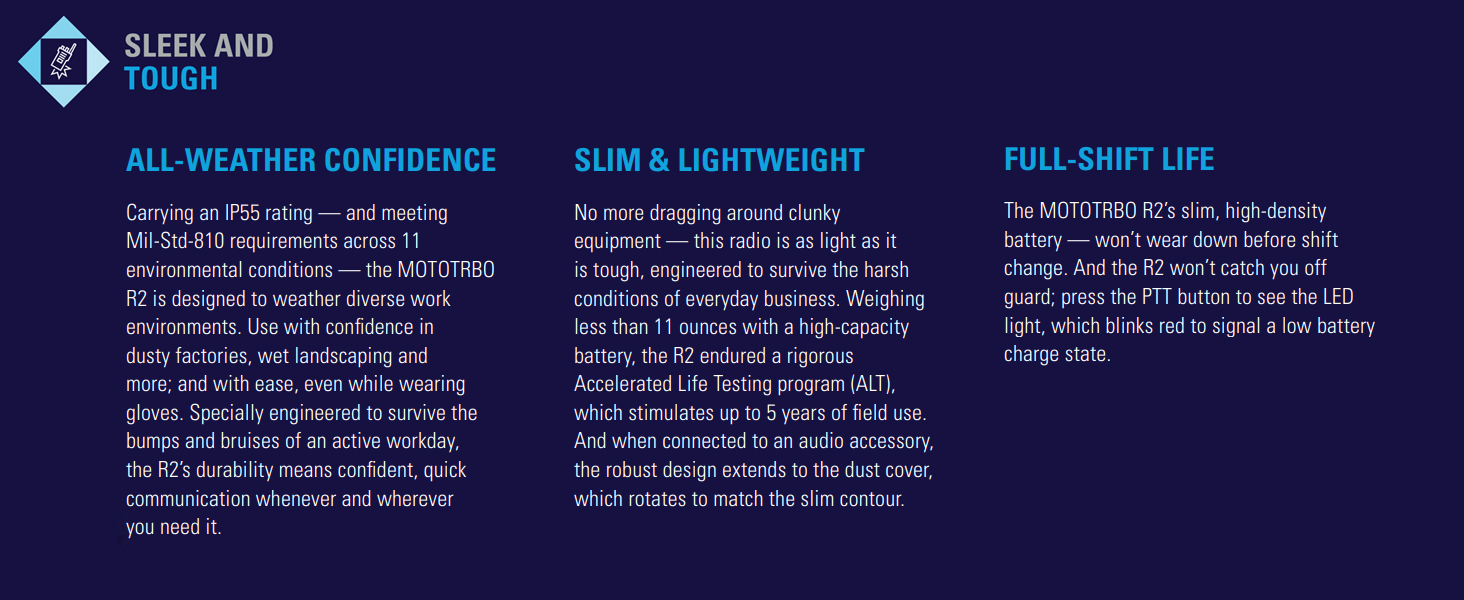
Figure 3: The R2 radio features SINC+ noise suppression for clear communication in noisy environments.
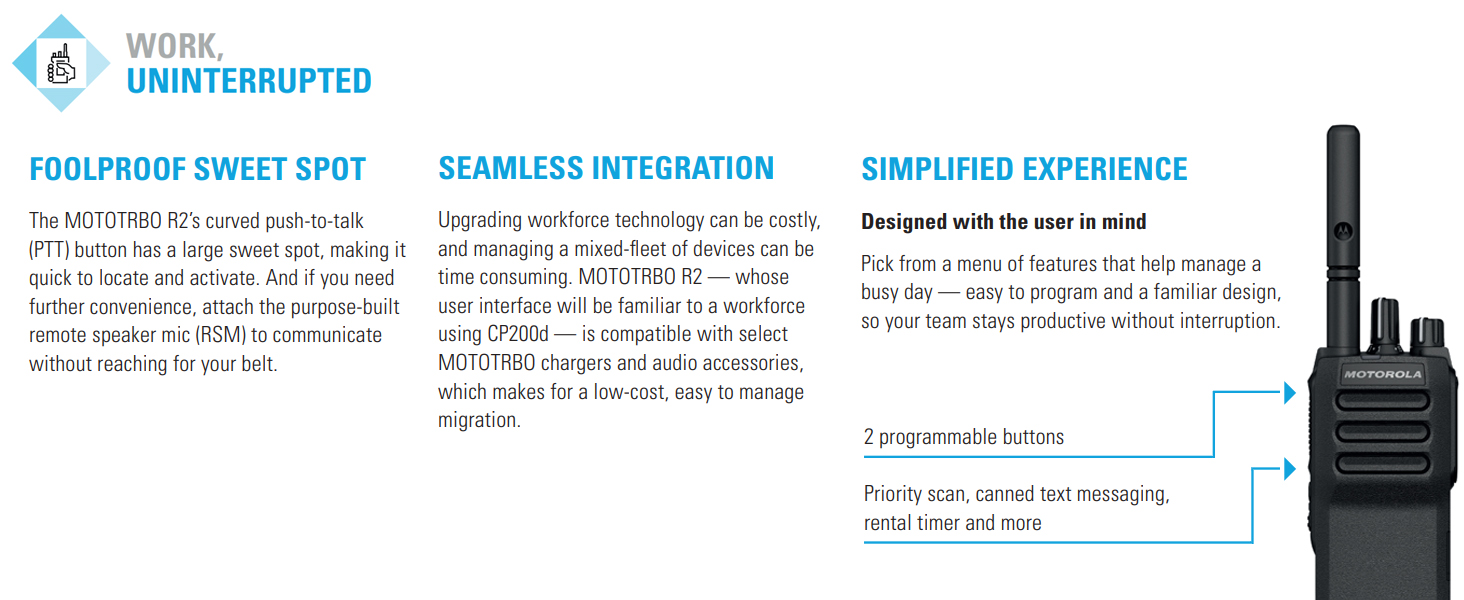
Figure 4: The R2 radio offers programmable buttons for a simplified user experience.
5. Manteniment
5.1. Neteja de la ràdio
- Netegeu l'exterior de la ràdio amb un drap suauamp tela.
- No utilitzeu productes químics agressius, dissolvents ni netejadors abrasius.
- Assegureu-vos que la ràdio estigui apagada i que la bateria estigui treta abans de netejar-la.
5.2. Cura de la bateria
- Utilitzeu sempre bateries i carregadors originals de Motorola Solutions.
- Eviteu exposar les piles a temperatures extremes.
- No curtcircuiteu els terminals de la bateria.
- Elimineu les piles velles d'acord amb la normativa local.
5.3. Atenció general
- Protect the radio from dust, moisture, and extreme temperatures.
- The radio is rated IP55 for dust and water ingress protection, but it is no resistent a l'aigua. Avoid submerging the radio in water.
- Eviteu deixar caure la ràdio o sotmetre-la a impactes forts.
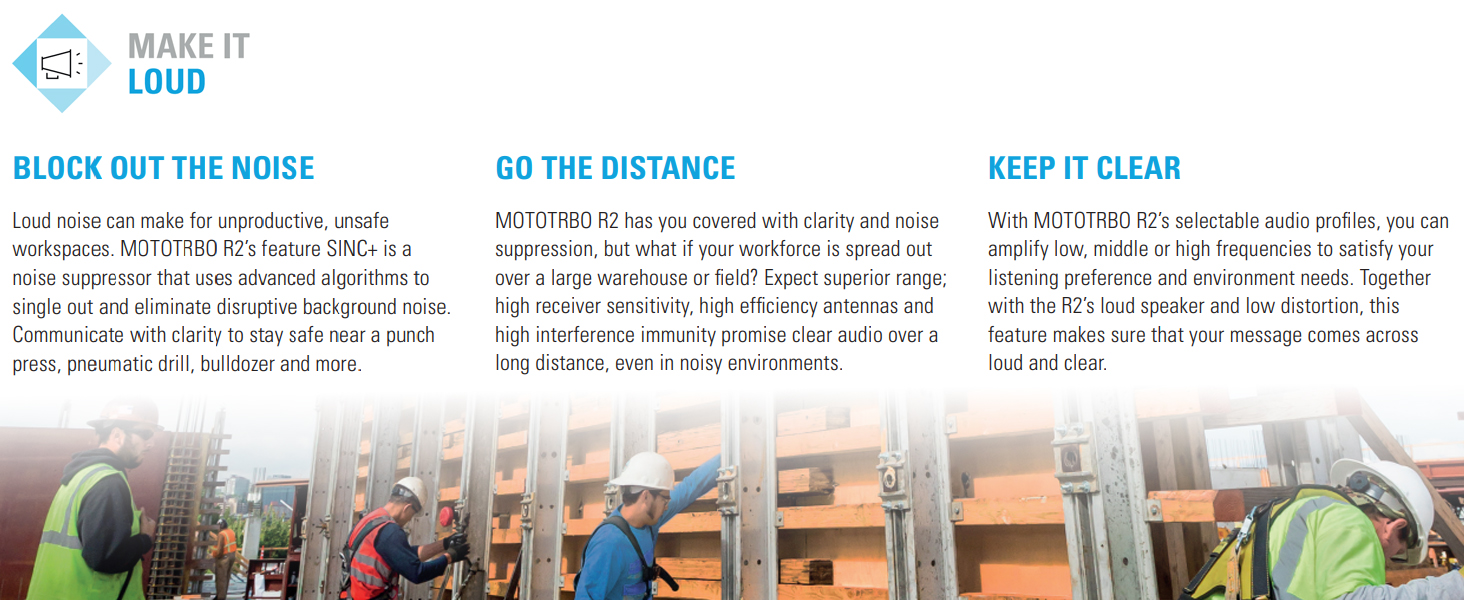
Figure 5: The R2 radio is designed to be sleek and tough, meeting Mil-Std-810 requirements and featuring an IP55 rating for dust and water ingress protection.
6. Solució De Problemes
| Problema | Causa possible | Solució |
|---|---|---|
| La ràdio no s'encén. | La bateria està esgotada o no està instal·lada correctament. | Charge the battery or ensure it is securely installed. |
| No es pot transmetre ni rebre. | Canal incorrecte seleccionat, fora de l'abast o antena no connectada. | Verify channel, move closer to other radios/repeater, check antenna connection. |
| L'àudio no és clar o distorsionat. | Volume too low/high, SINC+ noise suppression settings, or interference. | Adjust volume, check audio profile settings, move away from sources of interference. |
| La durada de la bateria és curta. | La bateria és vella o no està completament carregada. | Replace battery if old, ensure full charge before use. |
If the problem persists after attempting these solutions, contact Motorola Solutions customer support or your authorized dealer.
7. Especificacions
- Model: AAH11JDC9JA2N
- Marca: Solucions Motorola
- Interval de freqüència: 136 - 174 MHz (VHF)
- Nombre de canals: 64
- Interval de conversa màxim: 5 Miles (approximate, varies with terrain and conditions)
- Voltage: 7.2 volts (CC)
- Pes de l'article: Approximately 3 pounds (with standard battery)
- Dimensions del paquet: 12 x 9 x 3 polzades
- Nivell de resistència a l'aigua: Not Water Resistant (IP55 rated for dust and water ingress protection)
- Característiques especials: Keypad Lock, Portable, SINC+ Noise Suppression, Voice Announcement, Programmable Buttons, Extended Range Direct Mode, Dual Capacity Direct Mode, Transmit Interrupt, Dual Priority Scan, Home Channel Reminder.
- Normes ambientals: Meets Mil-Std-810 requirements.
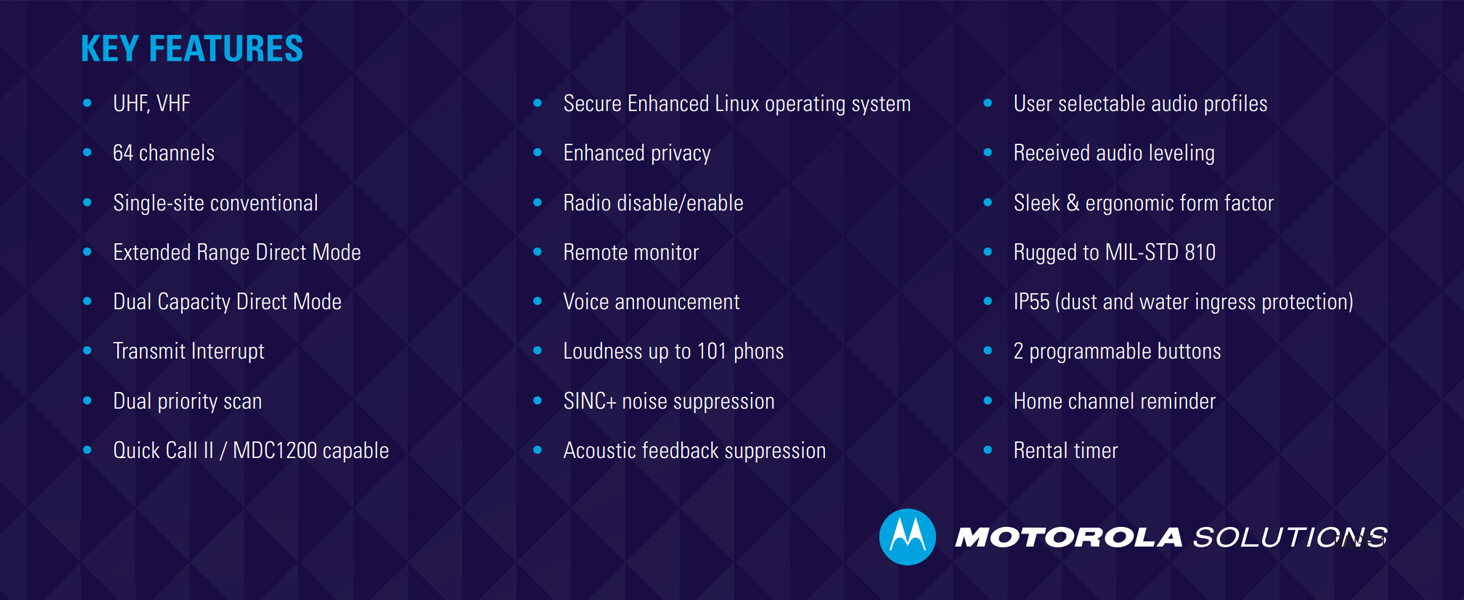
Figura 6: Mésview of key features including frequency bands, channel capacity, and ruggedness standards.
8. Garantia i Suport
For warranty information, please refer to the warranty card included with your product or visit the official Motorola Solutions website. Technical support and service are available through authorized Motorola Solutions dealers.
Recursos en línia: For additional information, FAQs, and software updates, visit the Oficial de Motorola Solutions weblloc.


