Introducció
The Emerson ES-4000 Bluetooth Micro Music System is a versatile audio device designed for various listening experiences. This compact and stylish system integrates multiple playback options including Bluetooth connectivity, a CD player, FM radio, USB playback, and an AUX input. It also features a dual alarm clock function and a sleep timer for added convenience. The system includes powerful stereo speakers for clear, dynamic sound and comes with a remote control for easy operation.
This manual provides detailed instructions for setting up, operating, and maintaining your ES-4000 system. Please read it thoroughly to ensure proper use and to maximize your enjoyment of the product.
Què hi ha a la caixa
En desempaquetar, assegureu-vos que hi hagi tots els elements que s'enumeren a continuació:
- Emerson ES-4000 Micro Music System Unit
- Detached Stereo Speakers (2 units)
- Adaptador AC/DC
- Control remot
- Manual d'usuari (aquest document)
- Targeta de garantia
Configuració
- Col·locació: Place the main unit and speakers on a stable, flat surface. For optimal sound, position the speakers equidistant from the main unit and facing the listening area.
- Connectar els altaveus: Connect the speaker wires from the detached stereo speakers to the corresponding speaker output terminals on the rear of the main unit. Ensure correct polarity (red to red, black to black).
Imatge: Part posterior view of the Emerson ES-4000, showing input/output ports and speaker connections.
- Connexió d'alimentació: Insert the AC/DC adapter into the DC IN jack on the back of the main unit, then plug the adapter into a standard wall outlet.
- Encesa inicial: Premeu el botó ESPERA button on the unit or remote control to turn on the system. The LED display will illuminate.
Instruccions de funcionament
1. Connectivitat Bluetooth
- Premeu el botó FONT button repeatedly until 'BT' (Bluetooth) appears on the display.
- The unit will automatically enter pairing mode, indicated by a flashing 'BT' on the display.
- Al dispositiu amb Bluetooth (telèfon intel·ligent, tauleta, etc.), activeu el Bluetooth i cerqueu els dispositius disponibles.
- Select 'ES-4000' from the list of devices. Once connected, the 'BT' indicator will stop flashing and remain solid.
- You can now stream audio wirelessly from your device to the ES-4000. Use your device or the system's controls to adjust volume and playback.

Image: Bluetooth Audio streaming from a smartphone to the ES-4000.
2. Reproducció de CD
- Premeu el botó FONT repetidament fins que aparegui «CD» a la pantalla.
- Open the CD compartment cover located on the top of the main unit.
- Carefully place a CD (audio CD or MP3 CD) onto the spindle with the label side facing up. Close the CD compartment cover.
- The system will read the disc, and playback will begin automatically. If not, press the REPRODUCCIÓ/PAUSA botó.
- Utilitza el SALTAR/CERCAR botons (|< / >>|) to skip tracks or fast forward/rewind.
- Premeu el botó STOP botó per aturar la reproducció.

Image: Top-loading CD player in use, showing a hand inserting a disc.
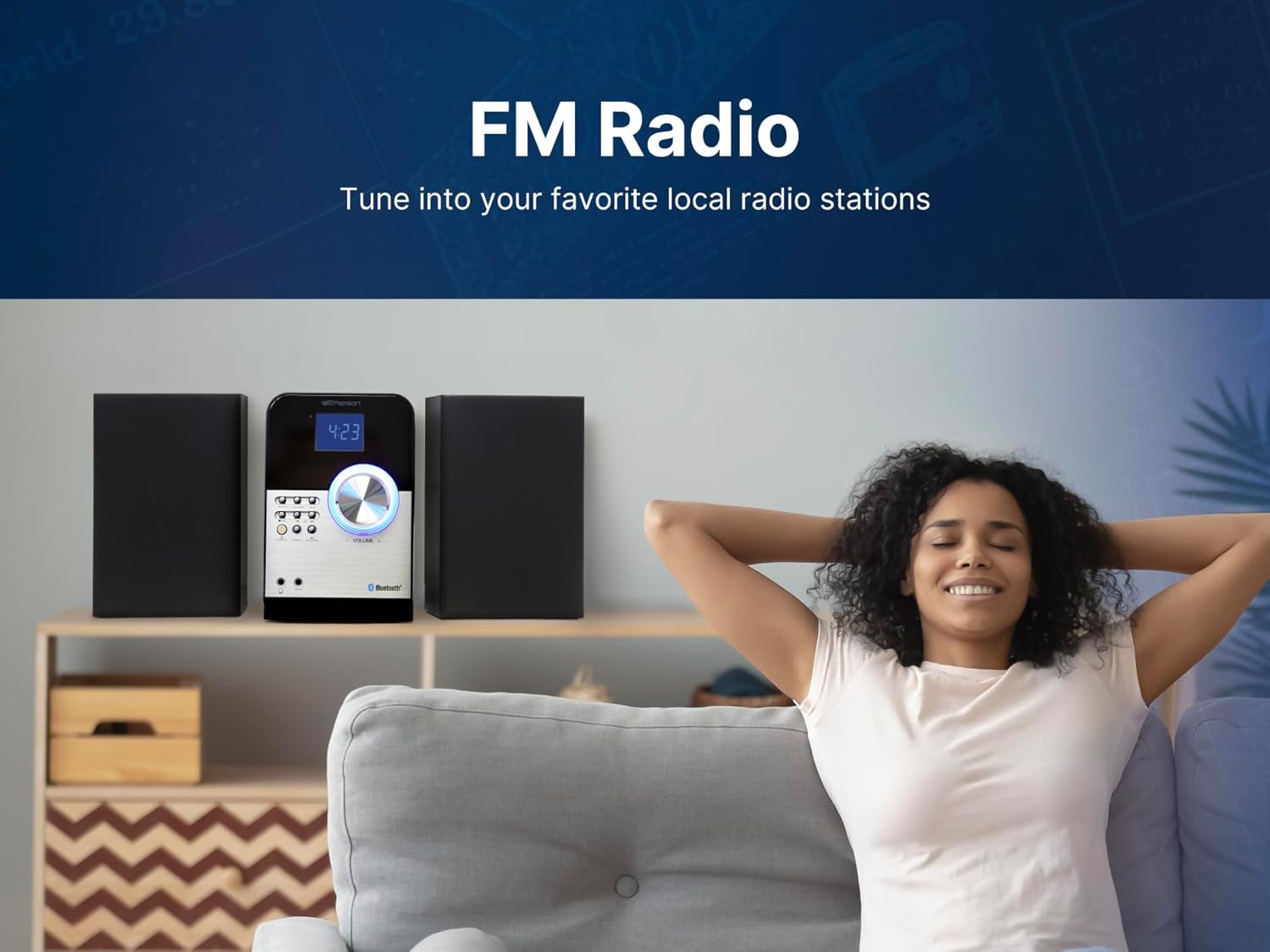
3. Ràdio FM
- Premeu el botó FONT repetidament fins que aparegui «FM» a la pantalla.
- Escaneig automàtic: Manteniu premut el botó ESCÀNER AUTOMÀTIC per escanejar i desar automàticament les emissores de FM disponibles.
- Sintonització manual: Premeu el botó SINTONIA botons (|< / >>|) to manually tune to a desired frequency.
- Estacions preseleccionades: Utilitza el PROGRAMA button to save and recall your favorite stations.

Image: A person enjoying music, illustrating the FM Radio feature.
4. Reproducció USB
- Inseriu una unitat flash USB que contingui MP3 files al port USB de la part frontal de la unitat.
- Premeu el botó FONT repetidament fins que aparegui «USB» a la pantalla.
- The system will automatically detect and begin playing MP3 files de la unitat USB.
- Utilitza el REPRODUCCIÓ/PAUSA i SALTAR/CERCAR botons per controlar la reproducció.
5. Entrada AUX
- Connect an external audio device (e.g., smartphone, MP3 player) to the AUX IN jack on the front of the unit using a 3.5mm audio cable (not included).
- Premeu el botó FONT repetidament fins que aparegui «AUX» a la pantalla.
- Play audio from your connected device. The sound will be output through the ES-4000 speakers.
- Adjust the volume using the ES-4000's volume knob or the remote control.

Image: Headphones connected to the 3.5mm Headphone & Aux In Ports.
6. Funció de despertador
- Refer to the detailed instructions in the full manual for setting the clock and dual alarms.
- You can choose to wake up to a buzzer, FM radio, or CD.
- The sleep timer allows you to fall asleep to music, automatically turning off the system after a set period.
7. Control remot
The included remote control provides convenient access to all major functions, including power, source selection, volume adjustment, playback controls, and alarm settings. Ensure the remote has working batteries and is pointed towards the main unit's sensor during use.
Manteniment
- Neteja: Use a soft, dry cloth to clean the exterior of the unit and speakers. Do not use abrasive cleaners, waxes, or solvents.
- Cura de CD: Manipuleu els CD per les vores. Manteniu-los nets i sense ratllades. Feu servir un drap suau i sense borrissol per netejar els CD des del centre cap a fora.
- Ventilació: Assegureu-vos que hi hagi una ventilació adequada al voltant de la unitat per evitar el sobreescalfament. No bloquegeu cap obertura de ventilació.
- Cable d'alimentació: Inspeccioneu regularment el cable d'alimentació per detectar qualsevol dany. Si està malmès, deixeu-ne d'utilitzar-lo i poseu-vos en contacte amb el servei d'atenció al client.
Resolució de problemes
| Problema | Causa possible | Solució |
|---|---|---|
| Sense poder | Cable d'alimentació no connectat; presa de corrent no activa. | Ensure power cord is securely plugged into unit and a working outlet. |
| Sense so | Volume too low; incorrect source selected; speaker wires loose. | Increase volume; select correct source; check speaker connections. |
| L'aparellament de Bluetooth falla | Device too far; ES-4000 not in pairing mode; device already paired to another unit. | Move device closer; ensure ES-4000 is in pairing mode; disconnect from other devices. |
| CD skips or doesn't play | El CD està brut o ratllat; el CD s'ha inserit incorrectament. | Clean CD; ensure CD is inserted label-side up. |
| Mala recepció de ràdio FM | Antena no estesa o no posicionada correctament. | Extend and adjust the FM antenna for better reception. |
Especificacions
| Característica | Detall |
|---|---|
| Dimensions del producte (L x A x A) | 18.5 x 8.66 x 9.45 polzades |
| Pes de l'article | 6.92 lliures |
| Número de model | ES-4000 |
| Marca | Emerson |
| Tecnologia de connectivitat | Auxiliar, Bluetooth, USB |
| Color | Negre |
| Tipus d'altaveu | estèreo |
| Fabricant | Naxa Electronics, Inc. |

Image: Dimensions and weight of the ES-4000 unit and speakers.
Garantia i Suport
The Emerson ES-4000 Micro Music System comes with a limited manufacturer's warranty. Please refer to the included Warranty Card for specific terms, conditions, and duration of coverage. For technical support, service, or warranty claims, please contact Emerson customer service or visit the official Emerson weblloc d'assistència.


