1. Introducció
Thank you for choosing the LEOTEC AM/FM Bluetooth Radio. This device combines classic aesthetics with modern functionality, offering AM/FM radio reception, Bluetooth connectivity, and auxiliary input. This manual provides detailed instructions to help you get the most out of your radio.

Imatge 1.1: Frontal view of the LEOTEC Retro Wood Table Radio.
2. Característiques del producte
- Sintonitzador de ràdio AM/FM: Enjoy a wide range of radio stations with clear reception.
- Connectivitat Bluetooth: Wirelessly stream audio from your Bluetooth-enabled devices.
- Entrada auxiliar (AUX IN): Connect external audio sources via a 3.5mm cable.
- Auriculars Jack: Private listening experience.
- Control de baix: Adjust the bass level to your preference.
- Control de volum: Easily manage audio output level.
- Retractable Telescopic Antenna: Enhances FM reception.
- Classic Wood Design: Estèticament agradableasing and durable construction.
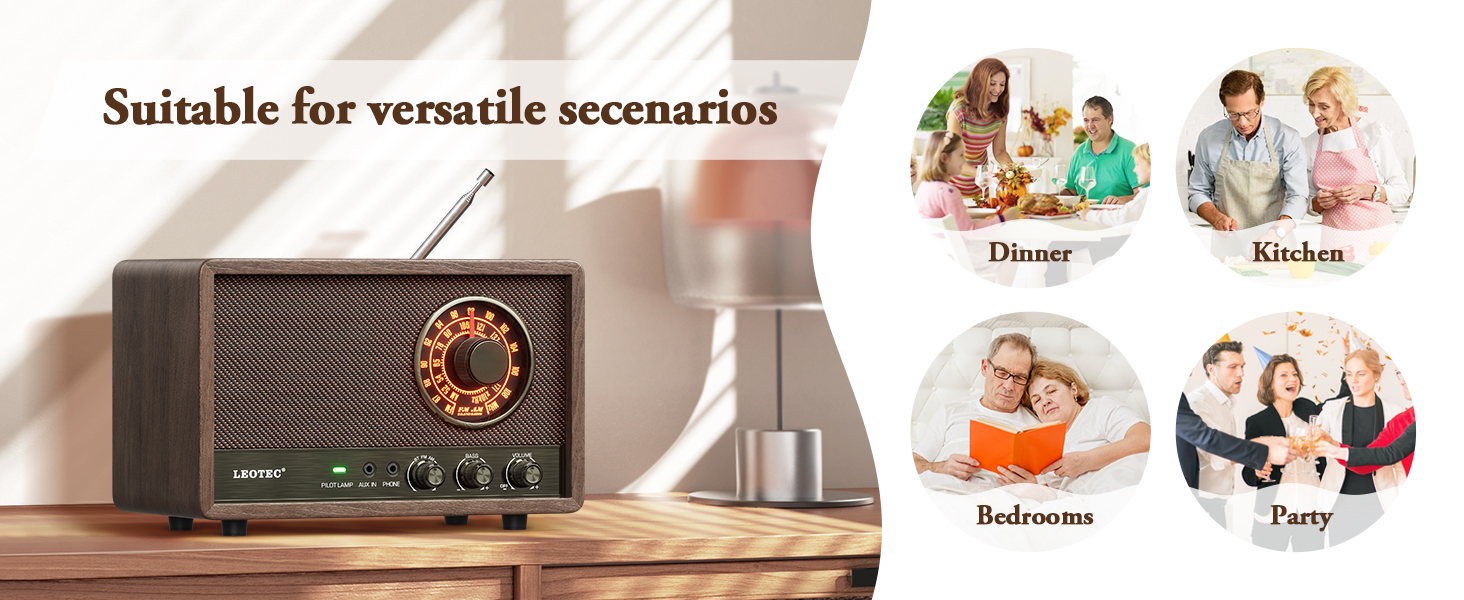
Imatge 2.1: acabatview of the radio's key features including AM/FM, Bluetooth, AUX, and Headphone Jack.
3. Contingut del paquet
Si us plau, comproveu el paquet per veure si hi ha els elements següents:
- LEOTEC AM/FM Bluetooth Radio
- Cable d'alimentació (integrat)
- Manual d'usuari (aquest document)
4. Controls i indicadors
Familiarize yourself with the controls and indicators on your LEOTEC radio:
- Pom d'afinació: Used to select AM or FM radio frequencies.
- Pom de volum: Ajusta el nivell general de sortida del so.
- Pom de baix: Controls the low-frequency audio output.
- Pilot Lamp: Indica l'estat d'alimentació.
- Jack AUX IN: Entrada de 3.5 mm per a dispositius d'àudio externs.
- Jack telefònic: Sortida de 3.5 mm per a auriculars.
- Mode Switch (BT/FM/AM): Selects between Bluetooth, FM, and AM modes.
- Antena retràctil: Located at the back, for FM reception.

Image 4.1: Front panel showing tuning dial, knobs for bass and volume, and input jacks.
5. Configuració
- Col·locació: Col·loqueu la ràdio sobre una superfície estable i plana, allunyada de la llum solar directa, de fonts de calor i d'humitat excessiva.
- Connexió d'alimentació: Plug the integrated power cord into a standard wall outlet (AC 120V, 60Hz). The radio is designed for corded electric power only.
- Ajust de l'antena: For optimal FM reception, fully extend the retractable telescopic antenna. For AM reception, the internal antenna is generally sufficient, but you may need to adjust the radio's position for best signal.
6. Instruccions de funcionament
6.1. Engegada/Apagada i Volum
- Gira el Pom de volum clockwise to turn the radio on. The Pilot Lamp il·luminarà.
- Continueu girant el Pom de volum per augmentar o disminuir el nivell sonor.
- Gira el Pom de volum counter-clockwise until it clicks to turn the radio off.
6.2. Funcionament de la ràdio AM/FM
- Estableix el Commutador de mode to 'FM' for FM radio or 'AM' for AM radio.
- Esteneu l'antena telescòpica per a la recepció FM.
- Gira el Pom de sintonització to scan for radio stations. The illuminated dial will show the selected frequency.
- Ajusteu el Pom de baix to fine-tune the audio's low frequencies.
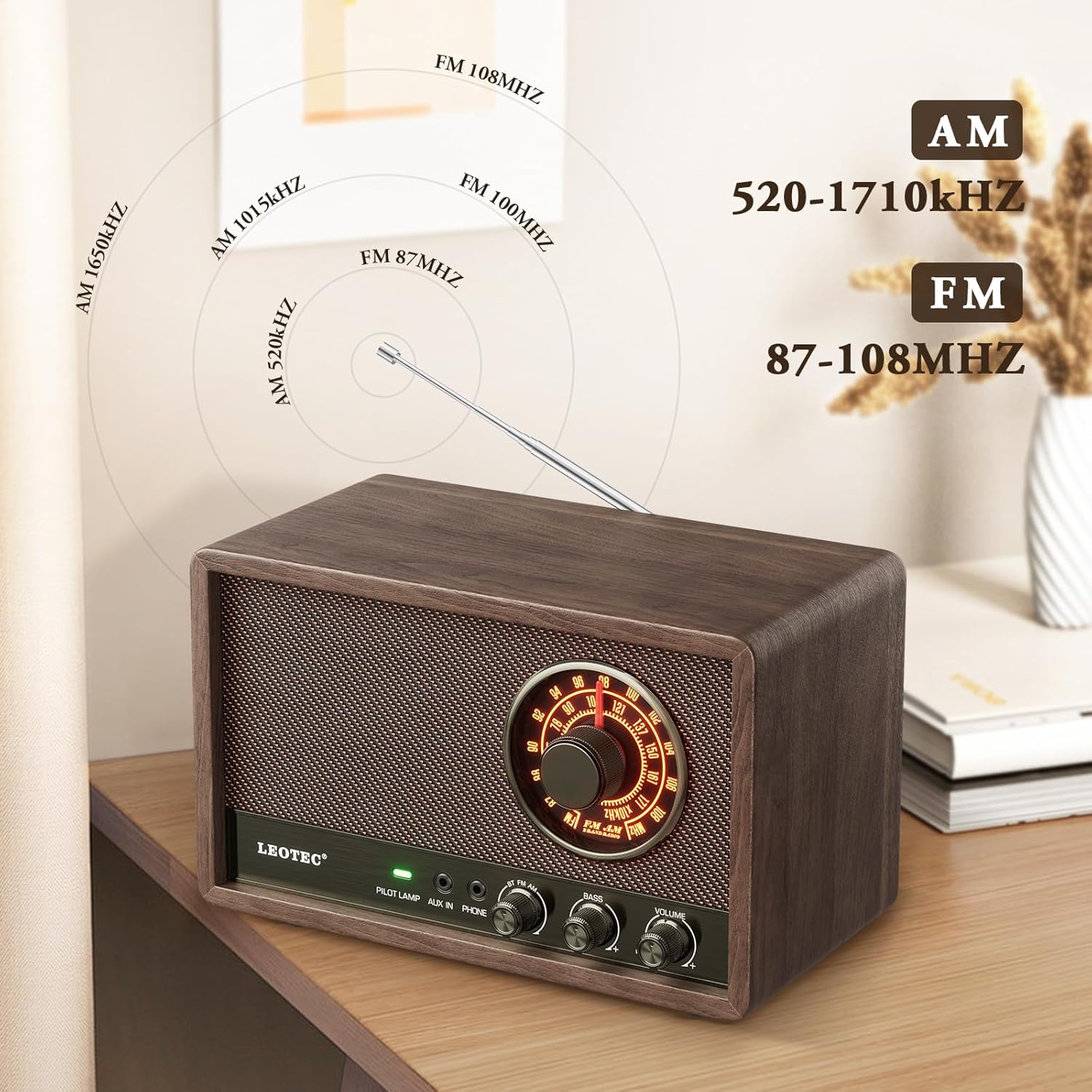
Image 6.2.1: Display showing AM and FM frequency ranges.
6.3. Funcionament Bluetooth
- Estableix el Commutador de mode to 'BT' (Bluetooth). The radio will enter pairing mode, indicated by a flashing light or audio prompt.
- Al dispositiu amb Bluetooth (per exemple, un telèfon intel·ligent o una tauleta), activeu el Bluetooth i cerqueu els dispositius disponibles.
- Select 'LEOTEC Radio' (or similar name) from the list of devices to pair.
- Un cop emparellat, pots reproduir àudio des del dispositiu a través de la ràdio.
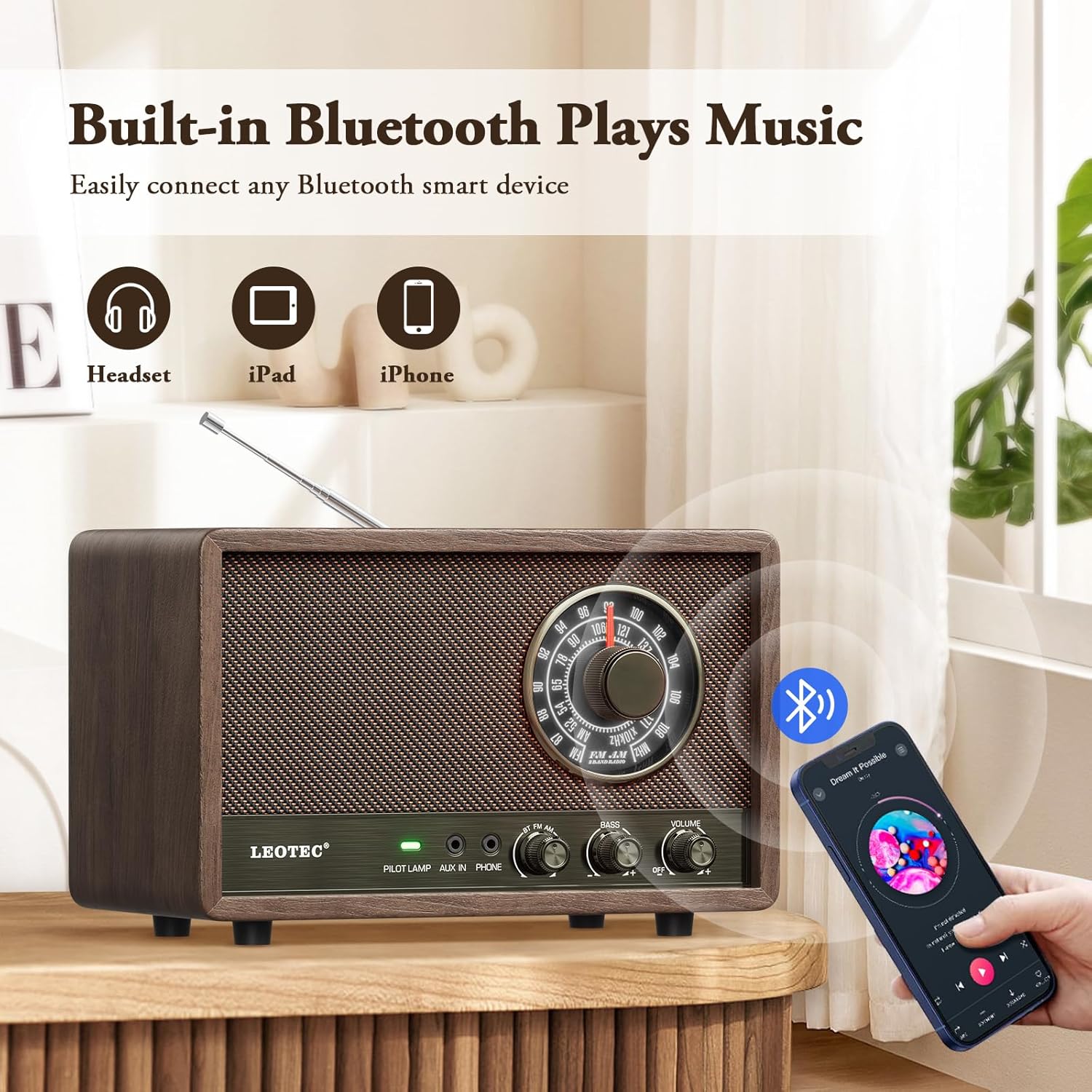
Image 6.3.1: Illustration of connecting a Bluetooth device to the radio.
6.4. Funcionament de l'entrada AUX
- Connect one end of a 3.5mm audio cable (not included) to the Jack AUX IN a la ràdio.
- Connect the other end of the cable to the headphone jack or audio output of your external audio device (e.g., MP3 player, CD player).
- Estableix el Commutador de mode to 'AUX'.
- Play audio from your external device. Adjust volume on both the radio and the external device as needed.
6.5. Ús d'auriculars
- Plug your headphones (not included) into the Jack de telèfon a la ràdio.
- The main speaker will mute, and audio will be routed to your headphones.
- Ajusteu el Pom de volum for comfortable listening.
7. Manteniment
- Neteja: Netegeu la ràdio amb un drap suau i sec. No utilitzeu productes de neteja abrasius, ceres ni dissolvents.
- Emmagatzematge: When not in use for extended periods, unplug the radio and store it in a cool, dry place.
- Cura de l'antena: Handle the telescopic antenna gently to prevent bending or breakage.
8. Solució De Problemes
| Problema | Causa possible | Solució |
|---|---|---|
| Sense poder | Power cord not securely plugged in; outlet not active. | Ensure power cord is fully inserted. Test the outlet with another device. |
| Mala recepció de ràdio | Antenna not extended (FM); radio position (AM); interference. | Fully extend the telescopic antenna for FM. Adjust radio position for AM. Move away from electronic devices causing interference. |
| Bluetooth no connectat | Radio not in BT mode; device Bluetooth off; already paired to another device. | Ensure radio is in BT mode. Turn Bluetooth on your device. Disconnect from other Bluetooth devices. |
| No sound from speaker/headphones | Volume too low; headphones plugged in (speaker); incorrect mode. | Increase volume. If headphones are plugged in, unplug them for speaker sound. Ensure correct mode (AM/FM/BT/AUX) is selected. |
9. Especificacions
- Marca: LEOTEC
- Número de model: 10282b06-df39-4249-847a-582b2973a2d8
- Dimensions del producte: 20.98 cm de llargada x 9.5 cm d'amplada x 11.68 cm d'alçada
- Pes de l'article: 1.98 lliures (0.9 kg)
- Font d'alimentació: Elèctric amb cable
- Bandes de ràdio admeses: AM, FM
- Rang de freqüència de FM: 87-108 MHz
- Interval de freqüència AM: 520-1710 KHz
- Tecnologia de connectivitat: Bluetooth
- Característica especial: Portable (requires power outlet)

Image 9.1: Diagram illustrating the product dimensions.
10. Garantia i Suport
LEOTEC is committed to providing quality products and customer satisfaction. For any technical assistance or inquiries, please contact our customer support team. We offer professional technical support and 24/7 after-sales service.
For further information or to contact support, please visit the official LEOTEC store or refer to the contact details provided with your purchase.
Nota: Extended protection plans may be available for purchase separately. These plans are not included with the standard product warranty.


