1. Introducció
Thank you for choosing the Irfora KUQIBAO BT5.1 Motorcycle Helmet Headset. This device is designed to enhance your riding experience by providing clear communication, music playback, and hands-free functionality. Please read this manual carefully before using the product to ensure proper operation and to maximize its lifespan.
2. Informació de seguretat
- Prioritzeu sempre la seguretat viària. No feu servir el dispositiu de manera que us distregui de la conducció.
- Assegureu-vos que els auriculars estiguin ben muntats al casc abans de conduir.
- No exposeu el dispositiu a temperatures extremes ni a la llum solar directa durant períodes prolongats.
- Mantingueu el dispositiu lluny dels nens.
- Feu servir només el cable de càrrega i els accessoris proporcionats.
3. Contingut del paquet
Verifiqueu que tots els elements siguin presents al vostre paquet:
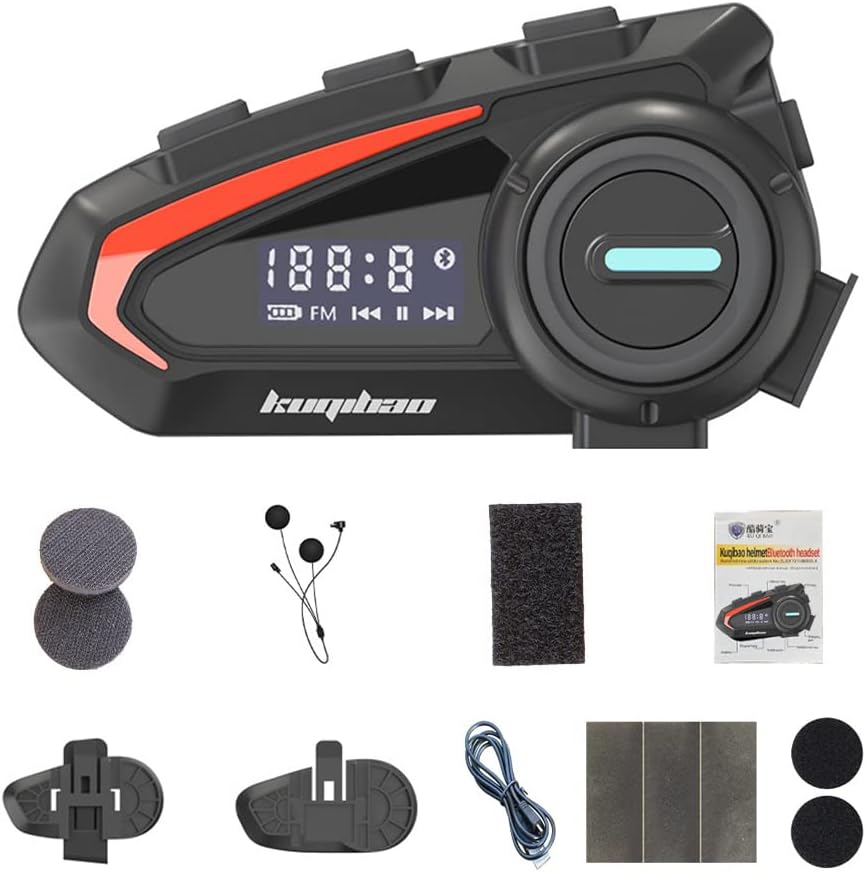
Image: The Irfora KUQIBAO BT5.1 Motorcycle Helmet Headset along with all included accessories, such as the microphone, charging cable, mounting bases, and pads.
- 1 x Host Unit
- 1 x Headset and Microphone (Soft Microphone variant)
- 1 x Microphone Cotton Case
- 2 x Helmet Stickers
- 2 x Headset Pads
- 1 base adhesiva
- 1 x Base amb clip
- 2 x Wiring Stickers
- 1 x cable USB
- 1 x Manual d'usuari
4. Configuració
4.1 Choosing Your Microphone

Image: Illustration showing the two available microphone types: the soft microphone (flexible boom) and the hard microphone (rigid boom).
This product comes with a Soft Microphone, which is suitable for most helmet types. Ensure it is securely connected to the main unit.
4.2 Muntatge dels auriculars

Image: Depiction of various helmet styles, including full-face, open-face, and half-helmets, demonstrating the headset's broad compatibility.
The headset supports two mounting methods: clip-on base or adhesive base. Choose the method that best suits your helmet type and preference.
Clip-on Base Installation:
- Identify a suitable location on the left side of your helmet, near the bottom edge.
- Slide the clip-on base between the helmet shell and the inner padding. Ensure it is firmly secured.
- Attach the main headset unit to the clip-on base until it clicks into place.
Adhesive Base Installation:
- Clean the desired mounting area on the left side of your helmet with an alcohol wipe and let it dry completely.
- Peel off the protective film from the adhesive base.
- Firmly press the adhesive base onto the helmet surface for at least 30 seconds. Allow 24 hours for the adhesive to cure before attaching the headset.
- Attach the main headset unit to the adhesive base until it clicks into place.
4.3 Speaker and Microphone Placement
- Place the speakers inside the helmet's ear pockets, ensuring they are aligned with your ears for optimal sound. Use the provided headset pads if needed for comfort or fit.
- Position the microphone approximately 1-2 cm from your mouth, ensuring it is not obstructed by padding or the helmet's chin bar.
5. Instruccions de funcionament
5.1 Encès/Apagat
- Encès: Premeu i manteniu premut el botó d'engegada durant 3 segons fins que l'indicador lluminós parpellegi.
- Apagar: Premeu i manteniu premut el botó d'engegada durant 3 segons fins que l'indicador lluminós s'apagui.
5.2 Vinculació Bluetooth
- Assegureu-vos que els auriculars estan apagats.
- Press and hold the Power button for 5-7 seconds until the indicator light flashes red and blue alternately, indicating pairing mode.
- Al telèfon mòbil, activa el Bluetooth i cerca els dispositius disponibles.
- Select "KUQIBAO" from the list of devices.
- Un cop emparellat, l'indicador lluminós parpellejarà lentament en blau.
The headset can connect to two mobile phones simultaneously, allowing for seamless switching between devices.

Image: A visual representation of the headset's ability to connect simultaneously to two mobile phones, demonstrating its multi-device connectivity feature.
5.3 Gestió de trucades

Image: A motorcyclist wearing a helmet with the headset, illustrating its use for hands-free calls and music playback while riding, with call and music icons.
- Respon a la trucada: When an incoming call rings, the headset will automatically answer after a few seconds. Alternatively, press the Multi-function button once to answer.
- Rebutja la trucada: Press and hold the Multi-function button for 2 seconds to reject an incoming call.
- Finalitzar la trucada: Press the Multi-function button once during a call to end it.
- Torna a marcar l'últim número: Premeu dues vegades el botó multifunció.
5.4 Reproducció de música
- Reproduir/pausa: Premeu el botó multifunció una vegada.
- Pista següent: Premeu el botó Pujar volum.
- Pista anterior: Premeu el botó per baixar el volum.
- Pujar el volum: Premeu i manteniu premut el botó de pujar el volum.
- Baixar el volum: Manteniu premut el botó de baixar el volum.
5.5 Assistent de veu
- Activa l'Assistent de veu: Triple-press the Multi-function button to activate your phone's voice assistant (e.g., Siri, Google Assistant).
6. Manteniment
6.1 Càrrega de la bateria
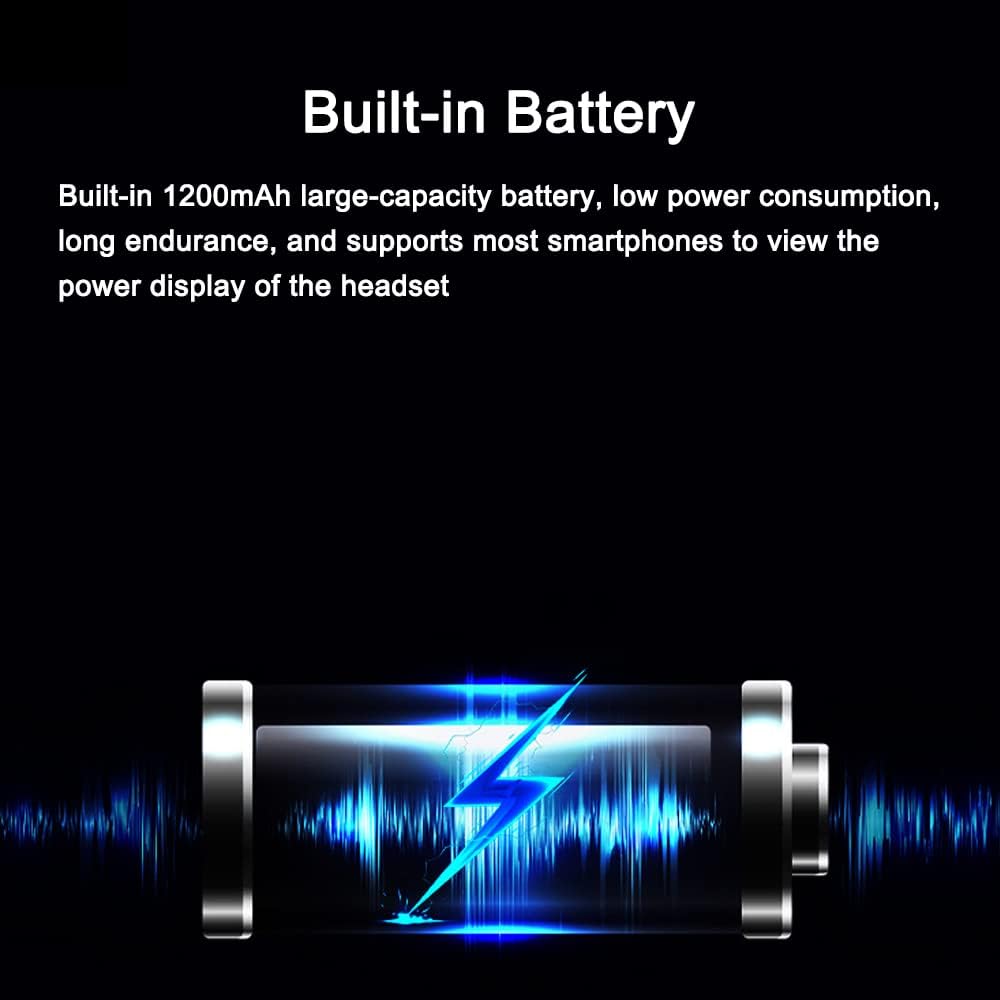
Image: A visual representation of the headset's built-in battery and its charging status, indicating its large capacity and power display feature.
The headset features a built-in 1200mAh lithium battery. Connect the provided USB cable to the charging port on the headset and to a 5V power source. The indicator light will show charging status. Most smartphones can display the headset's power level.
6.2 Neteja i cura
- Wipe the headset's exterior with a soft, damp tela. No utilitzeu productes químics aggressivs ni netejadors abrasius.
- Ensure the charging port cover is securely closed to maintain IPX6 waterproof rating when not charging.
- Guardeu els auriculars en un lloc fresc i sec quan no els feu servir.

Image: Three headset units submerged in water, illustrating the product's premium ABS housing, rubber oil surface treatment, and silicone internal structure, which contribute to its deep waterproof and sun-resistant properties.
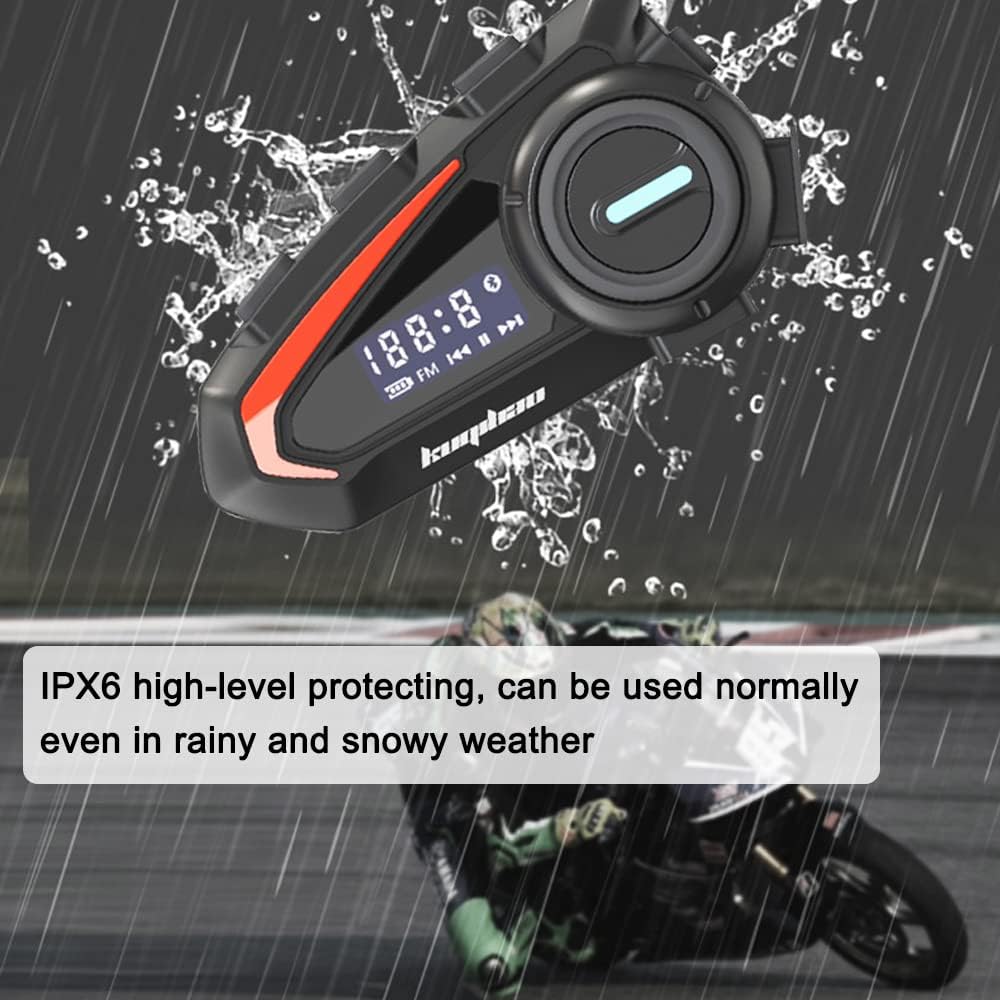
Image: The headset mounted on a helmet in rainy conditions, emphasizing its IPX6 high-level protection, allowing it to be used normally even in rain and snow.
7. Solució De Problemes
| Problema | Causa possible | Solució |
|---|---|---|
| Els auriculars no s'encén. | Bateria baixa. | Carregueu els auriculars durant almenys 2 hores. |
| No es pot emparellar amb el telèfon. | Headset not in pairing mode; Bluetooth off on phone. | Ensure headset is in pairing mode (red/blue flashing). Turn phone's Bluetooth off and on. |
| No hi ha so o hi ha mala qualitat de so. | Volume too low; speakers misplaced; microphone obstructed. | Increase volume. Adjust speaker position. Ensure microphone is clear and close to mouth. |
| Noise interference during calls. | Soroll ambiental. | The headset features intelligent noise reduction. Ensure microphone is correctly positioned. |

Image: A visual representation of the headset's intelligent noise reduction processing, highlighting its use of an ultra-high-sensitivity anti-noise silicon microphone and wind-proof microphone cover to ensure clear call quality.
8. Especificacions
| Característica | Detall |
|---|---|
| Model | Soft Microphone (TYHDEK21652-2) |
| Color | Negre |
| Material | ABS |
| Versió Bluetooth | BT5.1 |
| Distorsió | <1% |
| Relació senyal / soroll | > 80 dB |
| Entrada Voltage | 5V |
| Bateria | 3.7V 1200mAh Built-in Lithium Battery |
| Temps de treball | 30 hores |
| Temps d'espera | 180 hores |
| Classificació IP | IPX6 |
| Dimensions de l'article | 88 x 50 x 24 mm |
| Dimensions del paquet | 180 x 140 x 30 mm |
| Pes del paquet | 200 g |
9. Garantia i Suport
For any questions, technical support, or warranty claims, please contact your retailer or the manufacturer directly. Please refer to your purchase documentation for specific warranty terms and contact information.


