1. Introducció
This manual provides essential information for users of the Apple iPhone 15 Pro. It covers initial setup, daily operation, maintenance, and troubleshooting common issues. The aim is to help users, from beginners to experienced individuals, understand and utilize the full capabilities of their device.
2. Introducció (Configuració)
2.1 Configuració inicial del dispositiu
- How to set up your iPhone 15 Pro
2.2 eSIM Configuration
- How to set up an eSIM on your device
- How to transfer an eSIM on your device
2.3 Payment and Cash Features
- How to set up and use Apple Pay
- How to set up and use Apple Cash
- New Apple Pay and Apple Cash features in iOS 17
3. Com fer servir l'iPhone 15 Pro
3.1 StandBy Mode
- How to Use iPhone's New StandBy Mode
- How to Disable Notifications in StandBy Mode
- How to Change iPhone Clock Style in StandBy Mode
- How to Customize the Photos Screen in StandBy Mode
- How to Disable the Red Tint in StandBy Mode
- How to Make StandBy Mode Come On and Stay On
3.2 Messages and Communication
- How to Turn Live Photos into Animated Stickers in Messages
- How to Catch Up in a Messages Chat
- How to Organize Your iMessage Apps in Messages
- How to Delete iMessage Apps
- How to Auto-Delete Verification Codes in Messages and Mail
- How to Send an Audio Message in Apple's Messages App
- How to Share Photos in Apple's Revamped Messages App
- How to Create Live Stickers in Messages
- How to Find Messages Faster Using Search Filters
- How to Share Your Location in the Messages App
- How to Use Apple's Check In Feature in Messages
3.3 Siri and Web Navegació
- How to Get Siri to Read Web Articles to You
- How to Choose Which App Siri Uses to Send a Message
- How to Force Siri to Listen for 'Hey Siri' Instead of Just 'Siri'
- How to Clear Safari Web History for a Specific Profile
- How to Set a Different Default Search Engine When Private Browsing in Safari
3.4 FaceTime
- How to Record a FaceTime Video or Audio Message
- How to Use iPhone as a FaceTime Camera on Apple TV
- How to Trigger Reaction Effects in FaceTime
3.5 Photos and Camera
- How to Use One-Tap Crop in Photos
- How to Name Your Pets in Photos With Pet Recognition
- How to Straighten Your Shooting Angle With the New Camera Level Feature
- How to Take Portrait Mode Photos
- How to Turn Photos into Portraits After Shooting
3.6 Sharing and Connectivity
- Com enviar Files and Photos With AirDrop Proximity Sharing
- How to Share Contact Details With NameDrop
- How to Use Automatic AirPlay With Speakers
3.7 Health and Well-being
- How to Track Your Mood With Apple Health
- How to Get Follow Up and Critical Medication Reminders
- How to Protect Your Eyes With the Screen Distance Measuring Tool
3.8 Energia i bateria
- How to Charge Apple Watch, AirPods, or Another iPhone
- How to Check Your Device's Battery Cycle Count
3.9 Privacitat i seguretat
- How to Share Passwords With Friends and Family
- How to Control Which Apps Have Access to Your Photos
- How to Control Which Apps Have Access to Your Calendars
- How to Manage Communication Safety for Your Child's iPhone
- How to Enable Sensitive Content Warnings
4. Manteniment
- Cleaning and maintaining your device
- Keeping iOS Up to Date
5. Solució De Problemes
- How to Fix iPhone 15 Pro Battery Life Problems
- How to hard reset or Force restart your device
- Resolució de problemes comuns
6. Especificacions
| Característica | Detall |
|---|---|
| ASIN | B0CKP4B3ZK |
| Editor | Publicat independentment |
| Data de publicació | 7 d'octubre de 2023 |
| Llengua | Anglès |
| Longitud d'impressió | 253 pàgines |
| ISBN-13 | 979-8863700410 |
| Pes de l'article | 15.8 unces |
| Dimensions | 6 x 0.57 x 9 polzades |
7. Imatges del producte
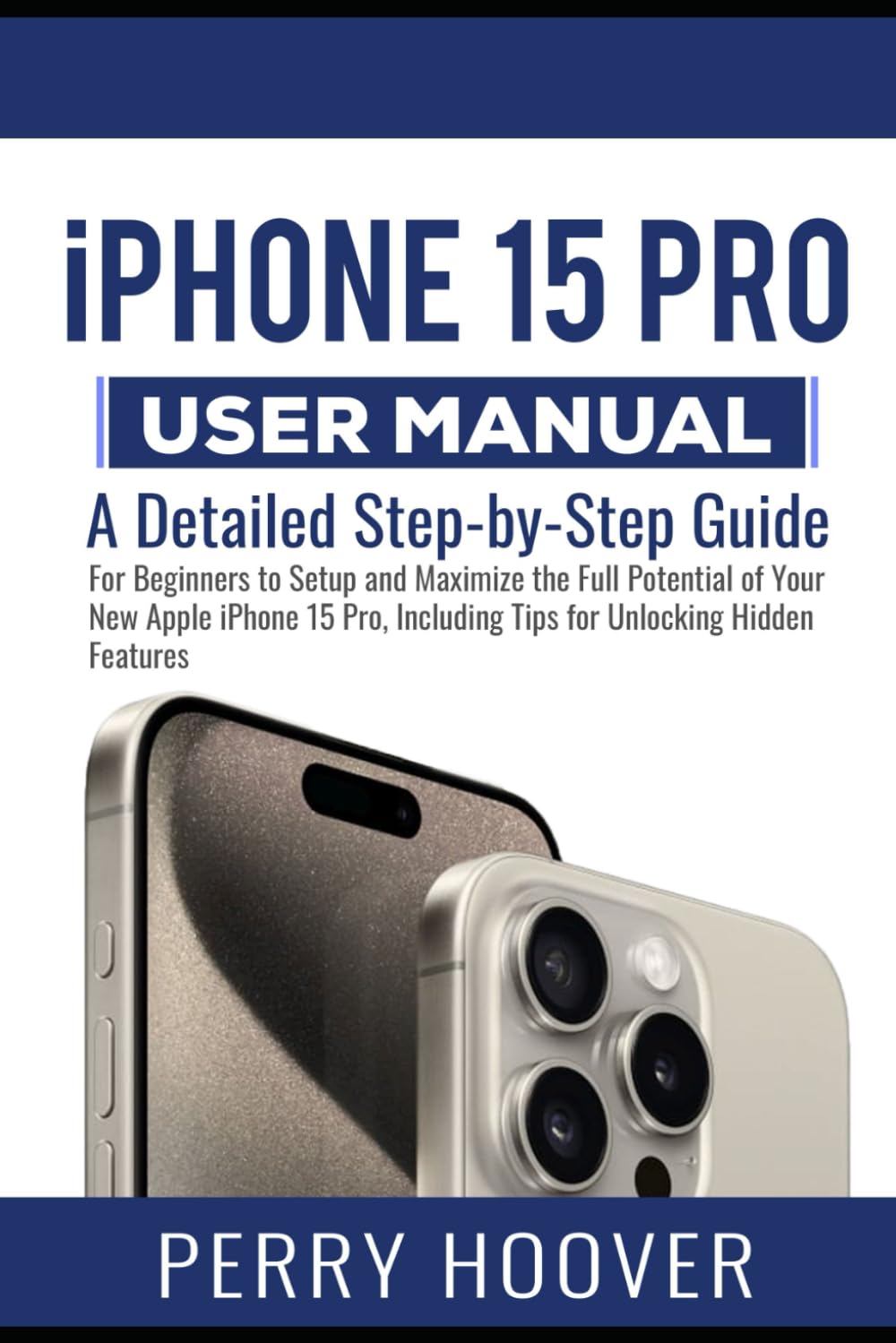
Imatge 1: Front cover of the iPhone 15 Pro User Manual, displaying the title and a visual representation of the iPhone 15 Pro device.

Imatge 2: Back cover of the iPhone 15 Pro User Manual, including a barcode and the ISBN-13: 979-8863700410.
8. Garantia i Suport
Information regarding product warranty and specific support contacts is not available in the provided data. For warranty details or technical support, please refer to the official Apple weblloc web o contacteu directament amb el servei d'atenció al client d'Apple.


