1. Introducció
Thank you for choosing the UrbanX M190 Bluetooth Speaker. This manual provides essential information for the proper setup, operation, and maintenance of your device. The UrbanX M190 is designed to deliver powerful stereo sound with features like IPX7 waterproofing, True Wireless Stereo (TWS) pairing, and a portable design, making it suitable for various environments.
2. Contingut del paquet
Si us plau, verifiqueu que tots els elements siguin presents al vostre paquet:
- UrbanX M190 Bluetooth Speaker
- Cable de càrrega USB tipus C
- Manual d'usuari (aquest document)
3. Configuració
3.1 Càrrega de l'altaveu
Before initial use, fully charge the speaker. Connect the provided USB Type-C charging cable to the speaker's charging port and a compatible USB power adapter (not included). The charging indicator will illuminate during charging and turn off when fully charged. A full charge typically takes 3-4 hours.
3.2 Engegada/apagada
- Per engegar: premeu i manteniu premut el botó d'engegada durant aproximadament 3 segons.
- Per apagar: premeu i manteniu premut el botó d'engegada durant aproximadament 3 segons.
3.3 Vinculació Bluetooth
- Assegureu-vos que l'altaveu estigui encès i en mode d'emparellament Bluetooth (indicat per un LED intermitent).
- Al dispositiu (telèfon intel·ligent, tauleta, etc.), activeu el Bluetooth i cerqueu els dispositius disponibles.
- Select "UrbanX M190" from the list of devices.
- Once connected, the speaker will emit an audible confirmation, and the LED indicator will stop flashing.
3.4 Emparellatge estèreo sense fil veritable (TWS)
To achieve surround sound, you can pair two UrbanX M190 speakers together:
- Ensure both UrbanX M190 speakers are powered on and not connected to any other Bluetooth device.
- On one speaker, press and hold the TWS pairing button (refer to button layout in Section 4.1) for 2-3 seconds. It will enter TWS pairing mode.
- The two speakers will automatically connect to each other. An audible tone will confirm successful TWS pairing.
- Once TWS paired, connect your device to one of the speakers via Bluetooth as described in Section 3.3. Both speakers will now play audio simultaneously.
4. Funcionament de l'altaveu
4.1 Funcions dels botons
The UrbanX M190 features intuitive controls for easy operation:
- Botó d'encesa: Press and hold to power on/off. Short press to play/pause music.
- Puja el volum (+): Premeu curt per augmentar el volum. Premeu llargament per passar a la següent pista.
- Baixar el volum (-): Premeu curt per baixar el volum. Premeu llargament per anar a la pista anterior.
- Call Button (if applicable): Short press to answer/end calls. Long press to reject calls.
- Botó TWS: Press and hold to initiate TWS pairing (refer to Section 3.4).
4.2 Reproducció multimèdia
- Reproducció Bluetooth: After successful Bluetooth pairing, audio from your connected device will play through the speaker.
- SD/TF Card Playback: Insert a microSD (TF) card (up to 32GB) with audio files into the designated slot. The speaker will automatically switch to card playback.
- Entrada AUX: Connect an audio device using a 3.5mm AUX cable (not included) to the AUX port. The speaker will automatically switch to AUX mode.
4.3 Trucades de mans lliures
When connected via Bluetooth, the built-in microphone allows for hands-free calls. Use the call button to manage incoming calls.
5. Característiques clau
- IPX7 Impermeable: The speaker is designed to withstand immersion in water up to 1 meter for 30 minutes, making it suitable for outdoor and wet environments.
- True Wireless Stereo (TWS): Connect two UrbanX M190 speakers for an enhanced stereo sound experience.
- Àudio potent: Features a 1.69-inch driver and BASSBOOST technology for clear and robust sound.
- Llarga vida útil de la bateria: Up to 20 hours of continuous playback on a single charge with its 1800mAh rechargeable lithium-ion battery.
- Múltiples modes de reproducció: Supports Bluetooth V5.2, SD/TF card, and AUX input.
- Disseny portàtil: Compact and lightweight with a fixed loop for easy carrying.
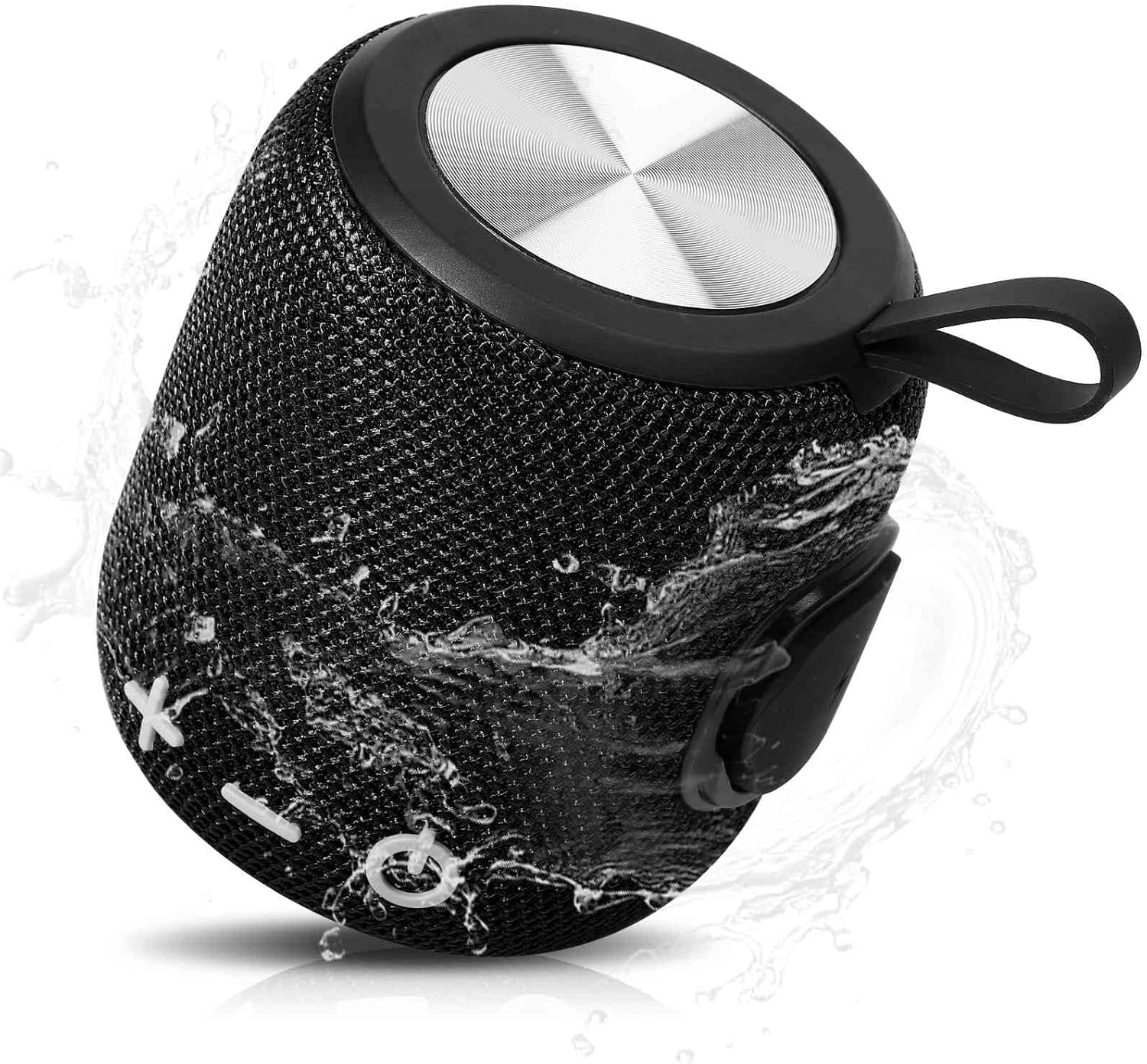
Image: The UrbanX M190 Bluetooth Speaker, showcasing its compact design and water-resistant capabilities with water splashing across its mesh exterior.

Image: An illustration highlighting the speaker's internal driver and bass boost technology, emphasizing its powerful audio output.

Image: The UrbanX M190 Bluetooth Speaker partially submerged in water, demonstrating its IPX7 waterproof rating in a natural outdoor setting.

Image: Two UrbanX M190 speakers, one black and one blue, wirelessly paired and emitting sound waves, illustrating the True Wireless Stereo (TWS) feature for a surround sound experience.

Image: A person riding a scooter with the UrbanX M190 speaker attached, highlighting its ultra-compact and lightweight design for portability during outdoor activities.

Image: The UrbanX M190 speaker attached to a bicycle, demonstrating its slim and light design for convenient transport while on the go.
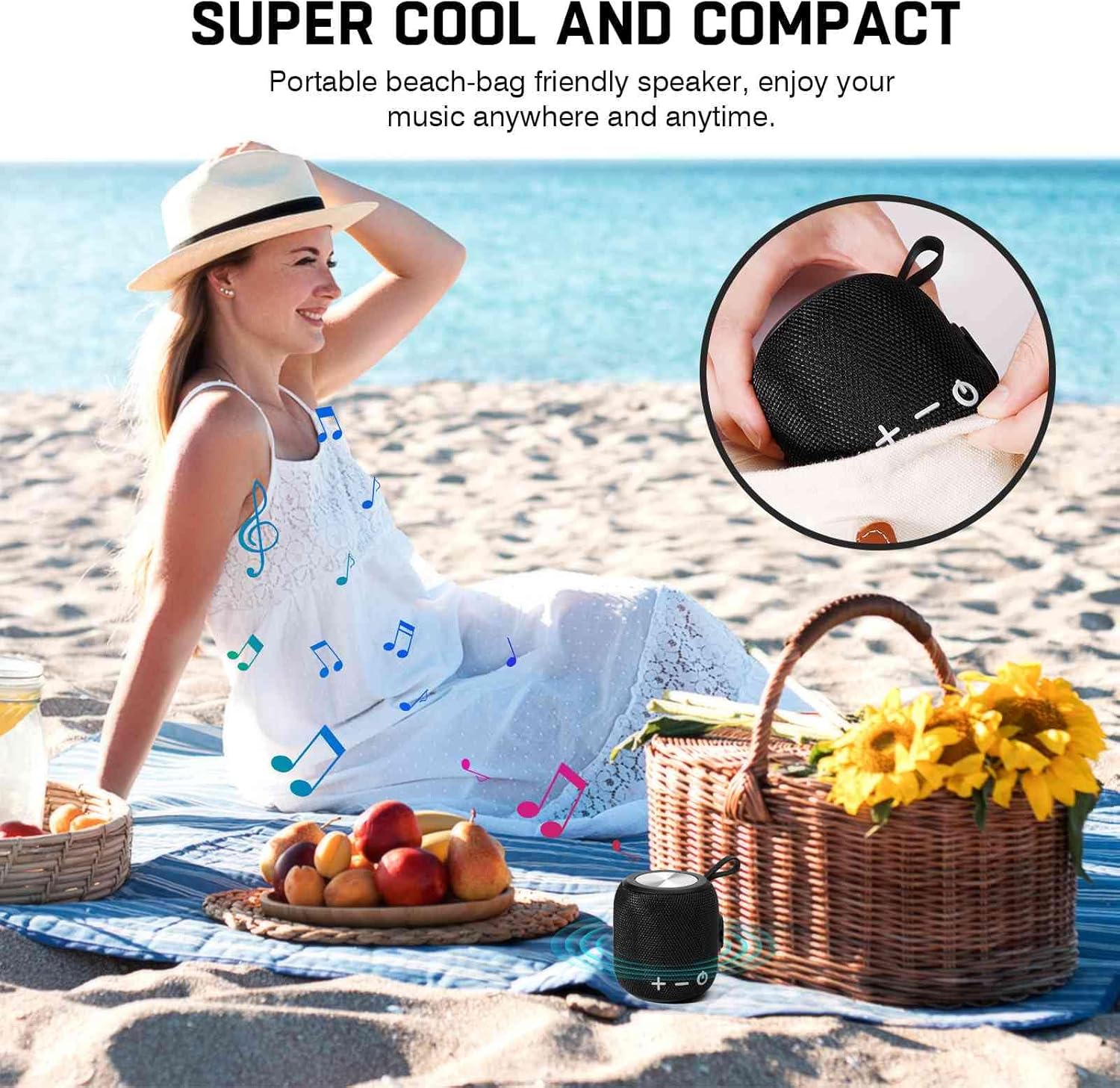
Image: The UrbanX M190 speaker placed on a beach blanket next to a picnic basket, illustrating its compact size and suitability for beach outings.
6. Manteniment
6.1 Neteja
Netegeu l'altaveu amb un suau, damp cloth. Do not use harsh chemicals or abrasive cleaners. Ensure the charging port cover is securely closed before cleaning or exposing to water.
6.2 Emmagatzematge
Guardeu l'altaveu en un lloc fresc i sec, allunyat de la llum solar directa i de temperatures extremes. Si l'emmagatzemeu durant un període prolongat, carregueu la bateria aproximadament al 50% cada pocs mesos per mantenir-la en bon estat.
6.3 Cura de la bateria
To prolong battery life, avoid fully discharging the speaker frequently. Charge the speaker regularly, even if not in use.
7. Solució De Problemes
- Speaker will not power on: Assegureu-vos que la bateria estigui carregada. Connecteu-la a una font d'alimentació i torneu-ho a provar.
- No es pot emparellar per Bluetooth:
- Assegureu-vos que l'altaveu estigui en mode d'emparellament (LED parpellejant).
- Assegureu-vos que el Bluetooth estigui habilitat al vostre dispositiu.
- Acosta l'altaveu al dispositiu (a menys de 10 metres).
- Oblida't de l'altaveu de la llista de Bluetooth del dispositiu i intenta tornar a emparellar-lo.
- Reinicieu tant l'altaveu com el dispositiu.
- Sense so:
- Comproveu el nivell de volum tant a l'altaveu com al dispositiu connectat.
- Ensure the speaker is correctly paired via Bluetooth or the correct input mode (SD/TF, AUX) is selected.
- If using TWS, ensure both speakers are properly paired to each other and then to your device.
- Mala qualitat del so:
- Acosteu l'altaveu al dispositiu per evitar interferències.
- Ensure there are no obstructions between the speaker and your device.
- Comproveu la qualitat de la font d'àudio.
8. Especificacions
| Nom del model | Altaveu Bluetooth impermeable |
| Número de model de l'article | FM0190 |
| Marca | UrbanX |
| Tecnologia de connectivitat | Bluetooth V5.2 |
| Tipus d'altaveu | Envoltant |
| Característiques especials | Bass Boost, Shockproof, USB Port, Waterproof (IPX7), TWS Pairing |
| Usos recomanats | Interior/Exterior |
| Capacitat de la bateria | 1800mAh Ió de liti |
| Temps de reproducció | Fins a 20 hores |
| Temps de càrrega | 3-4 hores |
| Dimensions del producte | 5.4" de profunditat x 3.76" d'amplada x 3.82" d'alçada (140 mm x 95.5 mm x 97 mm) |
| Pes de l'article | 15 unces (aprox. 425 g) |
| Mètode de control | Tàctil/Botó |
| Material | ABS, Nylon Fabric, Rubber Oil, Metal |
| UPC | 788951086303 |
9. Garantia i Suport
UrbanX products are manufactured to high-quality standards. For warranty information or technical support, please refer to the contact details provided with your purchase or visit the official UrbanX weblloc web. Si us plau, conserveu el comprovant de compra per a reclamacions de garantia.
