1. Introducció
This manual provides comprehensive instructions for the setup, operation, maintenance, and troubleshooting of your Monoprice 40-inch Ultrawide 1440P Productivity Monitor (Model 144394). Please read this manual thoroughly before using the monitor to ensure proper functionality and to prevent damage.
The Monoprice CrystalPro 40-inch Ultrawide Monitor is designed to enhance productivity with its expansive 3440x1440P (UWQHD) resolution and 144Hz refresh rate. Featuring an IPS panel, it delivers accurate colors and wide viewing angles, making it suitable for various professional and personal applications.
2. Informació de seguretat
Observe the following safety precautions to ensure safe operation and to extend the lifespan of your monitor:
- No exposeu el monitor a la pluja, la humitat ni a temperatures extremes.
- Eviteu col·locar el monitor a la llum solar directa o a prop de fonts de calor.
- Assegureu-vos que hi hagi una ventilació adequada al voltant del monitor. No bloquegeu les obertures de ventilació.
- Feu servir només l'adaptador de corrent que s'inclou amb el monitor.
- Disconnect the power cable from the outlet during lightning storms or when unused for long periods.
- No intenteu fer la reparació del monitor vosaltres mateixos. Encarregueu-vos de totes les tasques de manteniment a personal qualificat.
- Mantingueu el monitor allunyat de camps magnètics forts.
- Handle the screen with care. Do not press or scratch the display surface.
3. Contingut del paquet
Please verify that all items listed below are present in your package. If any items are missing or damaged, contact Monoprice customer support.
- Monoprice 40-inch Ultrawide Monitor
- Suport de monitor (base i coll)
- Adaptador d'alimentació i cable
- Cable HDMI
- Cable DisplayPort (DP)
- USB-A to USB-B Cable (for USB hub functionality)
- Manual d'usuari (aquest document)
- (Note: The product listing mentions "CD". Please check your package for any included software or drivers on a CD, though most modern systems download drivers online.)
4. Configuració
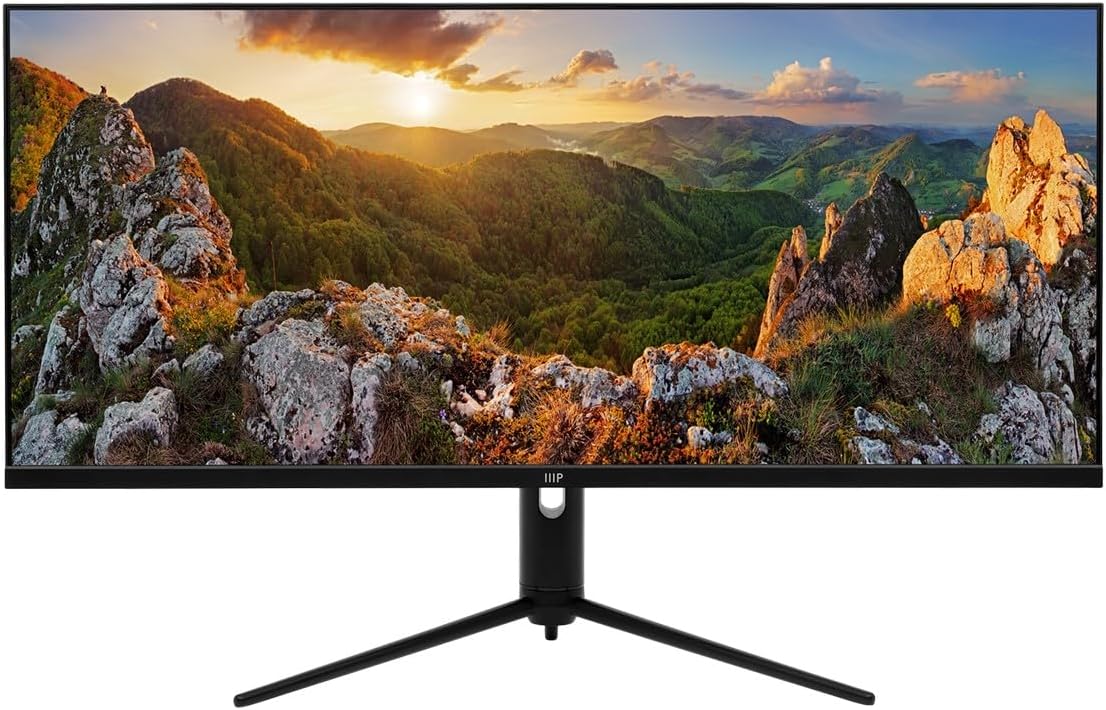
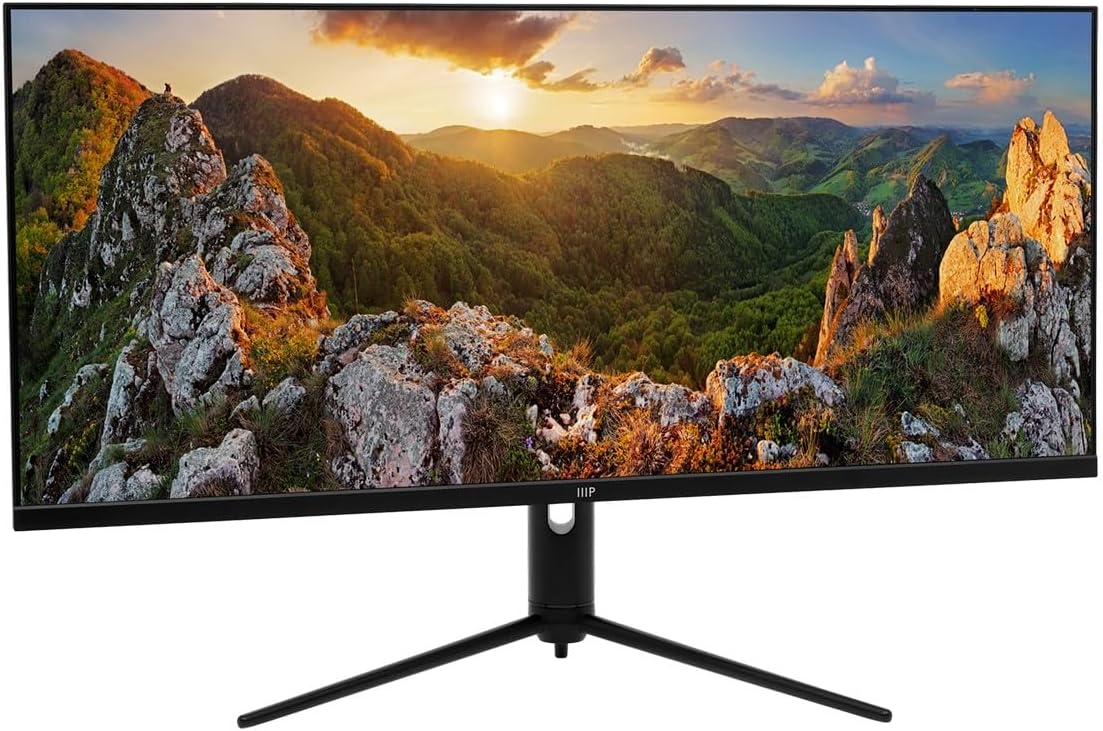
4.1. Muntatge del suport
Segueix aquests passos per fixar el suport al monitor:
- Col·loqueu amb cura el monitor cara avall sobre una superfície suau i neta per evitar ratllades.
- Fixeu el coll del suport a la part posterior del monitor, alineant els punts de muntatge. Fixeu-lo amb cargols si n'hi ha.
- Attach the stand base to the bottom of the stand neck. Tighten the thumb screw or screws from the bottom of the base.
- Once assembled, carefully lift the monitor and place it upright on a stable, flat surface.
4.2. Cables de connexió
Before connecting any cables, ensure both the monitor and your computer are powered off.
- Connexió d'alimentació: Connecteu l'adaptador de corrent a l'entrada d'alimentació del monitor i, a continuació, endolleu el cable d'alimentació a una presa de corrent.
- Connexió de vídeo:
- For optimal performance (3440x1440P at 144Hz), use the provided DisplayPort (DP) cable to connect the monitor to your computer's graphics card.
- Alternatively, use an HDMI cable. Note that HDMI may support up to 100Hz refresh rate at 3440x1440P, depending on the HDMI version and your graphics card.
- The monitor also supports USB-C video input. Connect a compatible USB-C cable from your device to the monitor's USB-C port.
- Connexió del concentrador USB: To enable the monitor's USB-A ports, connect the provided USB-A to USB-B cable from your computer's USB port to the monitor's USB-B upstream port.
- Sortida d'àudio: If desired, connect external speakers or headphones to the monitor's 3.5mm audio output jack.


4.3. Engegada inicial
Després de connectar tots els cables necessaris:
- Enceneu l'ordinador.
- Premeu el botó d'engegada del monitor. L'indicador lluminós d'engegada s'hauria d'il·luminar.
- The monitor should automatically detect the input signal. If not, you may need to manually select the input source using the On-Screen Display (OSD) menu.
5. Funcionament del monitor
5.1. Encendre/apagar
Press the power button, typically located on the bottom or back of the monitor, to turn the monitor on or off. The power indicator light will show the monitor's status.
5.2. Menú de visualització en pantalla (OSD).
The OSD menu allows you to adjust various monitor settings. Navigation is typically done using a joystick or a series of buttons located on the back or bottom of the monitor. While the OSD interface may require some familiarity, it provides access to all display controls.
- Press the OSD button (or joystick center) to open the main menu.
- Use the navigation buttons (or joystick) to move through menu options.
- Press the select button (or joystick center) to enter a sub-menu or confirm a selection.
- Press the exit button (or move joystick left) to go back or exit the OSD.
5.3. Selecció d'entrada
To switch between connected devices (e.g., PC via DisplayPort, console via HDMI), access the OSD menu and navigate to the "Input" or "Source" section. Select the desired input.
5.4. Configuració de la imatge
Adjust display characteristics through the OSD menu:
- Brillantor/Contrast: Ajusta la luminància general i la diferència entre les zones clares i fosques.
- Temperatura de color: Select predefined color modes (e.g., Warm, Cool, User) or adjust RGB values manually.
- Mode d'imatge: Choose from various presets optimized for different content (e.g., Standard, Game, Movie, Text).
- HDR: Enable or disable HDR (High Dynamic Range) functionality. Ensure your content and graphics card support HDR for optimal results.
5.5. Freqüència d'actualització
The monitor supports a 144Hz refresh rate. To ensure your system is utilizing this, verify the refresh rate setting in your operating system's display settings:
- Windows: Right-click on the desktop > Display settings > Advanced display settings > Display adapter properties for Display [X] > Monitor tab > Screen refresh rate.
- macOS: System Settings > Displays > Refresh Rate.
Nota: Achieving 144Hz at 3440x1440P typically requires a DisplayPort connection. HDMI may be limited to 100Hz or lower depending on the specific HDMI version and connected device.
5.6. Ajustaments ergonòmics
El suport del monitor permet ajustaments ergonòmics per optimitzar el vostre viewExperiència:
- Inclinació: Ajusta l'angle vertical de la pantalla (endavant/enrere).
- Ajust d'alçada: Puja o baixa el monitor a l'alçada dels ulls.
- Girar: Gireu el monitor horitzontalment sobre la base.


6. Manteniment
Un manteniment adequat garanteix la longevitat i el rendiment òptim del monitor:
- Neteja de la pantalla: Netegeu suaument la pantalla amb un drap suau i sense borrissol. Per a marques difícils, netegeu suaument.ampNetegeu el drap amb aigua o amb un netejador de pantalles especialitzat. No ruixeu mai el netejador directament sobre la pantalla.
- Neteja de la Casing: Feu servir un drap suau i sec per netejar el monitor casing. Eviteu netejadors o dissolvents abrasius.
- Ventilació: Ensure the ventilation openings on the back of the monitor are clear of dust and obstructions.
- Apagar: Apagueu i desendolleu sempre el monitor abans de netejar-lo o quan no l'utilitzeu durant períodes prolongats.
7. Solució De Problemes
Si teniu problemes amb el monitor, consulteu els problemes i solucions més comuns següents:
| Problema | Possible causa/solució |
|---|---|
| No hi ha imatge a la pantalla |
|
| La imatge és borrosa o distorsionada |
|
| No sound from monitor speakers (if applicable) or audio jack |
|
| USB ports on monitor not working |
|
| Monitor flickers or shows artifacts |
|
8. Especificacions
The following table outlines the technical specifications of the Monoprice 40-inch Ultrawide 1440P Productivity Monitor:
| Característica | Detall |
|---|---|
| Número de model | 144394 |
| Mida de la pantalla | 40 polzades |
| Tipus de panell | IPS |
| Resolució màxima | 3440 x 1440 (UWQHD) |
| Freqüència d'actualització | 144 Hz |
| Relació d'aspecte | 21:9 |
| Suport HDR | HDR600 |
| Gamma de colors | NTSC 105%, DCI-P3 95%, sRGB 99%, Adobe RGB 89% |
| Connectivitat | 2x HDMI, 1x DisplayPort, 1x USB-C, 1x Audio Out, 1x USB-B (Upstream) |
| Ports USB | 1x USB 2.0 (Downstream, requires USB-B upstream connection to PC) |
| Superfície de la pantalla | brillant |
| Pes | 31.9 lliures (amb suport) |
| Color | Negre |
9. Garantia i Suport
For warranty information, technical support, or service inquiries, please refer to the warranty card included with your product or visit the official Monoprice weblloc web. Conserveu el rebut de compra com a comprovant de compra per a reclamacions de garantia.
Atenció al client de Monoprice: www.monoprice.com/support


