1. Introducció
Thank you for choosing the ciciglow Portable 4G LTE Mobile Hotspot. This device provides high-speed 4G internet access, allowing you to create a Wi-Fi hotspot for multiple users and connect wired devices via its RJ45 port. This manual will guide you through the setup, operation, and maintenance of your device.
2. Producte acabatview
2.1 Característiques clau
- High-Speed 4G LTE Connectivity: Provides fast internet access using a 4G SIM card.
- RJ45 WAN/LAN Port: Offers flexible connectivity for both internet input (WAN) and wired device output (LAN).
- Suport multiusuari: Connects up to 32 users simultaneously.
- Disseny portàtil: Compact and lightweight with a 2600mAh rechargeable battery for on-the-go use.
- Llarga vida útil de la bateria: Up to 10 hours working time and 300 hours standby time.
2.2 Disseny del dispositiu
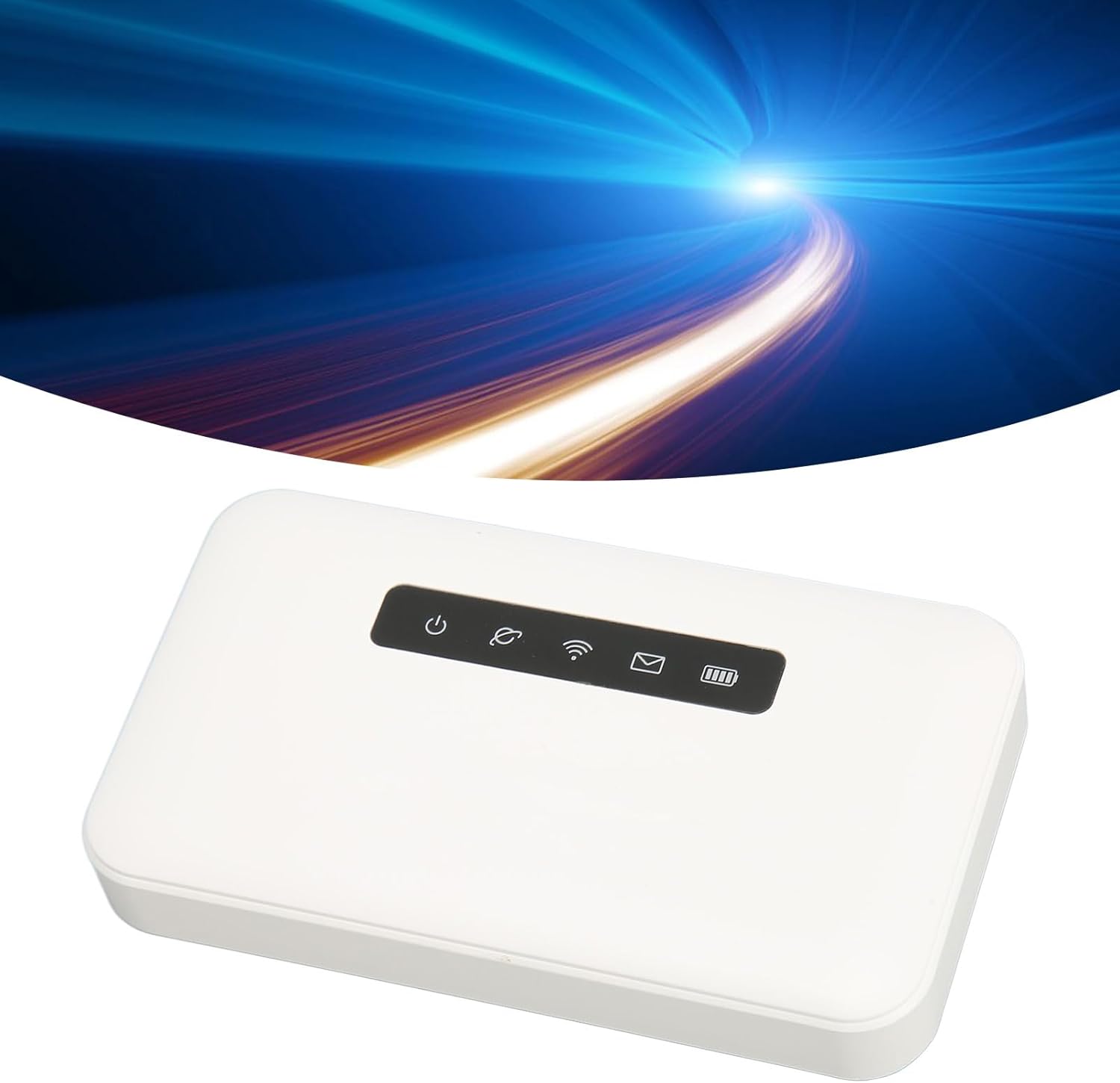

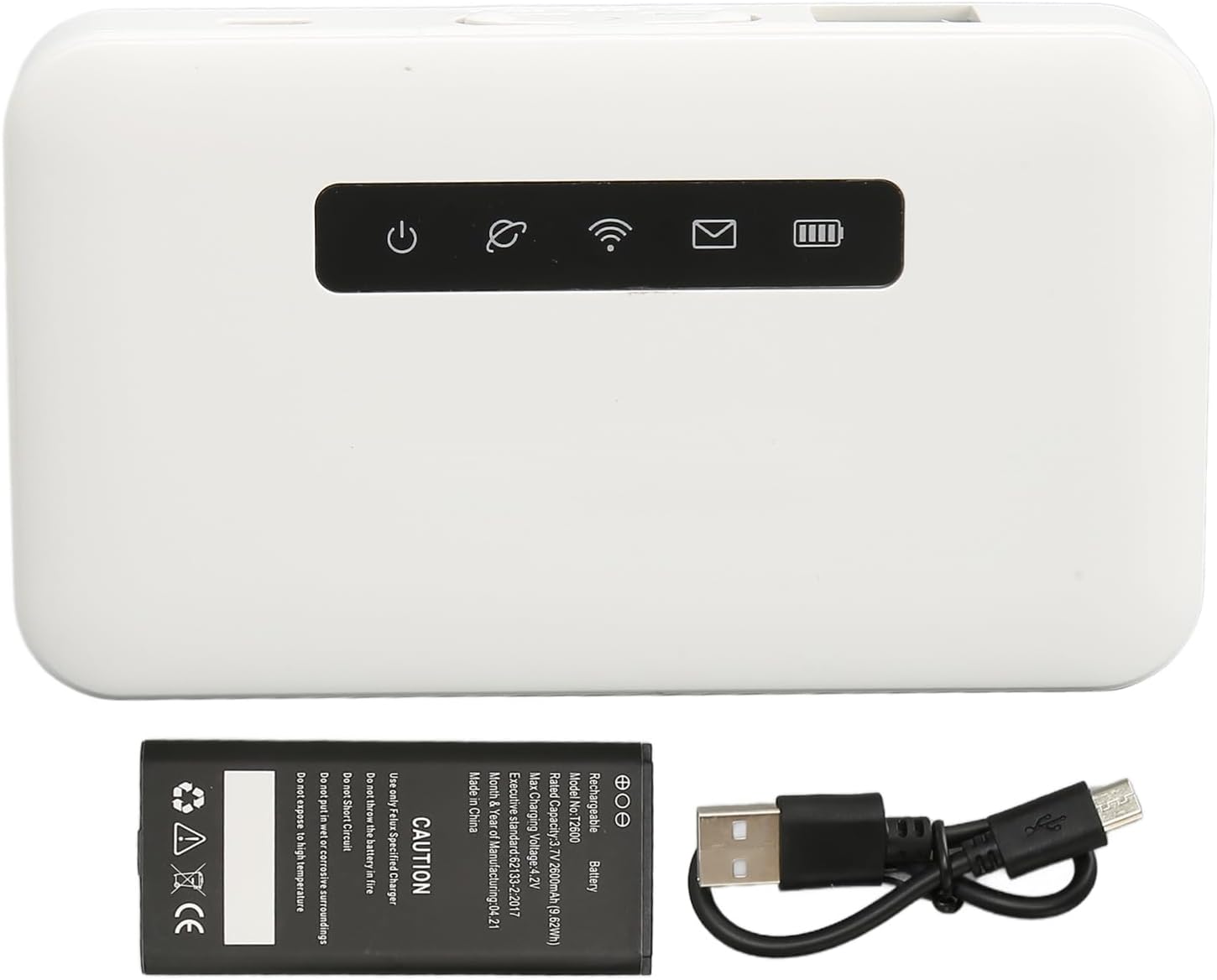
2.3 Contingut del paquet
- 1 x ciciglow 4G LTE Mobile Hotspot
- 1 x Rechargeable Lithium-Ion Battery (2600 mAh)
- 1 x cable USB
- 1 x Manual d'usuari (Aquest document)
3. Configuració
3.1 Instal·lació de la bateria
- Remove the back cover of the hotspot device.
- Insert the provided 2600mAh lithium-ion battery into the battery compartment, ensuring the contacts align correctly.
- Torneu a col·locar la coberta posterior fins que sentiu un clic i que quedi ben fixada al seu lloc.
3.2 Inserció de la targeta SIM
The device supports a Micro SIM card. Ensure your SIM card is activated and has an active data plan.
- Locate the Micro SIM card slot on the side of the device (refer to Figure 2).
- Carefully insert the Micro SIM card into the slot with the gold contacts facing down and the notched corner oriented as shown on the device.
- Push the SIM card gently until it locks into place.
3.3 Engegada/apagada
- Per encendre: Press and hold the Power button (refer to Figure 2) for approximately 3 seconds until the indicator lights illuminate.
- Per apagar: Press and hold the Power button for approximately 3 seconds until the indicator lights turn off.
3.4 Càrrega inicial
Before first use, it is recommended to fully charge the device. Connect the provided USB cable to the micro USB port on the hotspot and the other end to a compatible USB power adapter (not included) or a computer USB port. The battery indicator will show charging status.
4. Instruccions de funcionament
4.1 Connexió de dispositius mitjançant Wi-Fi
- Assegureu-vos que el punt d'accés estigui encès.
- Al dispositiu amb Wi-Fi (telèfon intel·ligent, tauleta, ordinador portàtil), cerqueu les xarxes Wi-Fi disponibles.
- Select the network name (SSID) of your ciciglow hotspot. The default SSID and password are usually found on a label inside the battery compartment or on the device packaging.
- Introduïu la contrasenya de Wi-Fi quan se us demani.
- Un cop connectat, el dispositiu tindrà accés a Internet.
4.2 Connecting Devices via RJ45 Port (LAN Mode)
The RJ45 port can be used to provide internet to a wired device (e.g., a desktop computer, gaming console).
- Connect one end of an Ethernet cable to the RJ45 port on the hotspot.
- Connect the other end of the Ethernet cable to the Ethernet port on your wired device.
- The wired device should automatically obtain an IP address and connect to the internet.
4.3 Using the RJ45 Port (WAN Mode)
The RJ45 port can also function as a WAN input, allowing the hotspot to use a wired internet connection as its source, then broadcast it as Wi-Fi.
- Connect an Ethernet cable from an active internet source (e.g., a wall Ethernet jack, another router's LAN port) to the RJ45 port on the hotspot.
- The hotspot will automatically detect the WAN connection and distribute internet via Wi-Fi.
4.4 Llums indicadors
Refer to Figure 1 for the location of the indicator lights.
- Indicador d'alimentació: Indicates if the device is on or off.
- Indicador de Wi-Fi: Shows Wi-Fi status (on/off, activity).
- Indicador de senyal: Mostra la intensitat del senyal de la xarxa 4G.
- Indicador de missatge: May indicate new SMS messages (if supported by your SIM card and carrier).
- Indicador de bateria: Mostra el nivell actual de la bateria i l'estat de càrrega.
5. Manteniment
5.1 Neteja
Netegeu el dispositiu amb un drap suau i sec. No utilitzeu netejadors líquids ni materials abrasius.
5.2 Cura de la bateria
- Eviteu exposar la bateria a temperatures extremes.
- Carregueu la bateria regularment, fins i tot si el dispositiu no està en ús, per mantenir-ne la vida útil.
- Use only the specified charger or a compatible USB power source.
6. Solució De Problemes
| Problema | Causa possible | Solució |
|---|---|---|
| Sense connexió a Internet | No SIM card, inactive SIM, no data plan, poor signal, incorrect settings. | Ensure SIM card is inserted correctly and active. Check signal strength. Restart the device. |
| No es pot connectar a la Wi-Fi | Incorrect Wi-Fi password, device too far from hotspot, Wi-Fi disabled. | Verify Wi-Fi password. Move closer to the hotspot. Ensure Wi-Fi indicator is on. |
| Velocitat d'internet lenta | Poor signal, too many connected users, network congestion. | Move to an area with better signal. Disconnect unnecessary devices. |
| El dispositiu no s'encén | Low battery, battery not installed correctly, faulty battery. | Charge the device. Reinstall the battery. If problem persists, contact support. |
6.1 Restabliment de fàbrica
If you experience persistent issues, a factory reset may resolve them. This will erase all custom settings and restore the device to its default configuration.
- With the device powered on, locate the reset button (often a small pinhole, refer to Figure 2).
- Use a thin object (like a paperclip) to press and hold the reset button for approximately 5-10 seconds until the device restarts.
7. Especificacions
| Característica | Especificació |
|---|---|
| Número de model | ciciglowBA9PNW6I12 |
| Dimensions | Aprox. 105 x 60 x 18 mm (4.1 x 2.36 x 0.7 polzades) |
| Pes | Aprox. 5.7 unces |
| Tipus de bateria | Ió de liti (recarregable) |
| Capacitat de la bateria | 2600 mAh |
| Temps de treball | Fins a 10 hores |
| Temps d'espera | Fins a 300 hores |
| Tipus d'interfície | 1x RJ45 (WAN/LAN Adaptive), 1x Micro USB Port, 1x Power Button, 1x WPS Button |
| Ranures per a targetes | 1x Micro SIM Card Slot, 1x Memory Card Slot (supports up to 32GB, card not included) |
| SIM Card Bands | LTE FDD: B1/B2/B3/B4/B5/B7/B8/B17/B20/B28; LTE TDD: B38/B39/B40/B41; HSPA+/HSPA/UMTS: B1/B2/B5/B9; GSM: 850MHz/900MHz/1800MHz/1900MHz |
| Velocitat de transmissió | Fins a 300 Mbps |
| Firewall Function | Admet |
| Wi-Fi estàndard | 802.11 b/g/n |
| Màxim d'usuaris | 32 |
8. Informació de seguretat
- No exposeu el dispositiu a l'aigua, la humitat o la humitat elevada.
- Avoid extreme temperatures. Operate the device within its specified temperature range.
- No intenteu desmuntar, reparar o modificar el dispositiu. Això anul·larà la garantia.
- Mantingueu el dispositiu lluny de fonts de calor i de la llum solar directa.
- Utilitzeu només accessoris i carregadors homologats.
9. Garantia i Suport
Per obtenir informació sobre la garantia o assistència tècnica, consulteu la documentació que s'inclou amb la compra o poseu-vos en contacte amb el vostre distribuïdor. Conserveu el comprovant de compra per a reclamacions de garantia.