1. Introducció
The Nextbase Series 2 OBD Power Cable is designed to provide a secure and continuous power supply to your Nextbase Dash Cam. This cable connects directly to your vehicle's OBD-II port, offering a convenient and efficient power solution that frees up your vehicle's 12/24V outlet. It ensures your dash cam remains powered for continuous surveillance, including parking mode functionality.
2. Característiques del producte
- Fàcil instal·lació Plug & Play: Connects directly into your vehicle's OBD2 port for a fast and secure power feed.
- Compatibilitat universal: Compatible with all Nextbase Series 2 Dash Cams (excluding iQ models).
- Frees Up 12/24V Outlet: Utilizes the OBD2 port, leaving your vehicle's cigarette lighter socket free for other devices.
- Permanent Power for Parking Mode: Provides a continuous live connection to your vehicle’s battery, enabling parking mode functionality.
- Indicador LED d'alimentació: An integrated blue LED light confirms power availability and proper connection.
- Longitud òptima del cable: Generous 196-inch (approximately 5-meter) cable length for neat routing.
- 90° Connector: Enhances ease of use and ensures a secure connection without straining the cable or port.
3. Contingut del paquet
The Nextbase Series 2 OBD Power Cable package includes:
- 1 x Nextbase Series 2 OBD Power Cable

Image: The Nextbase Series 2 OBD Power Cable, showing the OBD connector, in-line power module, fuse holder, and USB-C output connector.
4. Configuració i instal·lació
Follow these steps for a straightforward installation of your Nextbase Series 2 OBD Power Cable:
- Locate your Vehicle's OBD-II Port: The OBD-II port is typically located under the dashboard on the driver's side, though its exact position may vary by vehicle model. Consult your vehicle's manual if you cannot locate it.
- Connect the OBD Power Cable: Plug the OBD connector end of the power cable firmly into your vehicle's OBD-II port. The 90° connector design ensures a secure fit and reduces strain.
- Encamina el cable: Carefully route the 196-inch (approximately 5-meter) cable along the vehicle's interior, tucking it neatly behind trim panels or under carpets to reach your dash cam's mounting location. Ensure the cable does not interfere with airbags, pedals, or driver visibility.
- Connecteu-vos a la Dash Cam: Plug the USB-C end of the power cable into your Nextbase Series 2 Dash Cam.
- Verifica la connexió: Once connected, the integrated blue LED indicator light on the cable will illuminate, confirming that power is available and your dash cam is correctly receiving power.
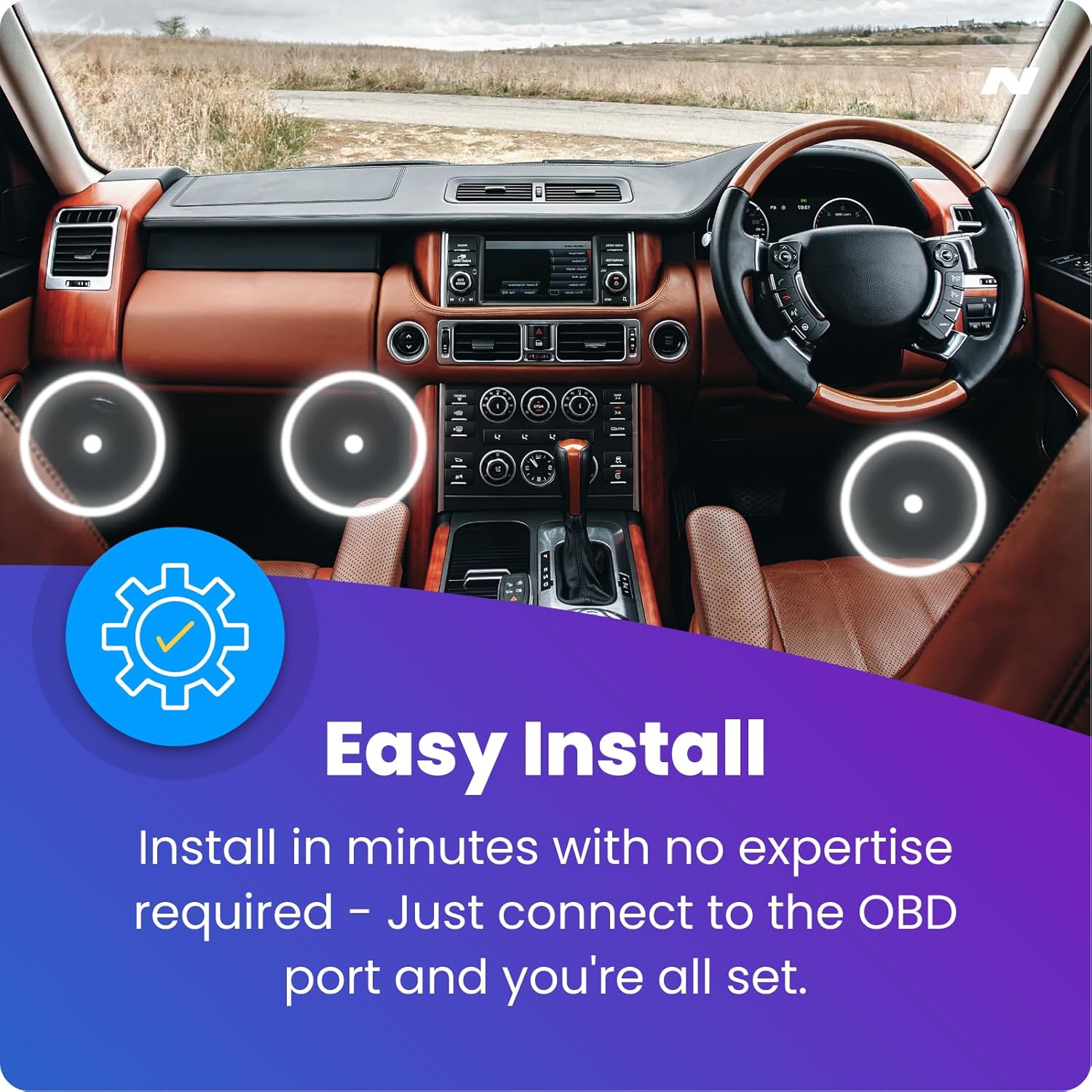
Image: Graphic illustrating the ease of installation, showing a car interior with highlighted areas for OBD port connection.

Image: Graphic emphasizing a neat and tidy installation, showing a dash cam mounted on a windshield with wires discreetly hidden.
5. Instruccions de funcionament
Once installed, the Nextbase Series 2 OBD Power Cable operates automatically to provide power to your dash cam.
- Font d'alimentació automàtica: The cable provides continuous power to your dash cam as long as it is connected to the OBD-II port and the vehicle's battery has sufficient charge.
- Parking Mode Functionality: With a permanent live connection, your dash cam will be able to utilize its parking mode feature, providing surveillance even when the vehicle is turned off. Refer to your dash cam's specific manual for details on activating and configuring parking mode.
- Indicador LED: The blue LED light on the cable indicates that power is being supplied to the dash cam. If the light is off, check the connections.

Image: Graphic highlighting the continuous power supply, showing a person driving with a dash cam active, indicating it's always powered.
6. Compatibilitat i notes importants
This OBD Power Cable is designed for optimal performance with Nextbase Series 2 Dash Cams.
- Compatibilitat: The 5V mini USB adapter makes it compatible with both Gen 1 and Gen 2 Nextbase dash cams. Please note, this cable excludes compatibility with 402G, 512G, Original DUO, and iQ range dash cams.
- Accessoris oficials: For best performance and to maintain your product warranty, always use official Nextbase cables and accessories with your dash cam.

Image: Graphic indicating compatibility, showing a Nextbase dash cam and text confirming compatibility with Gen 1 and 2 Nextbase dash cams (excluding specific models).
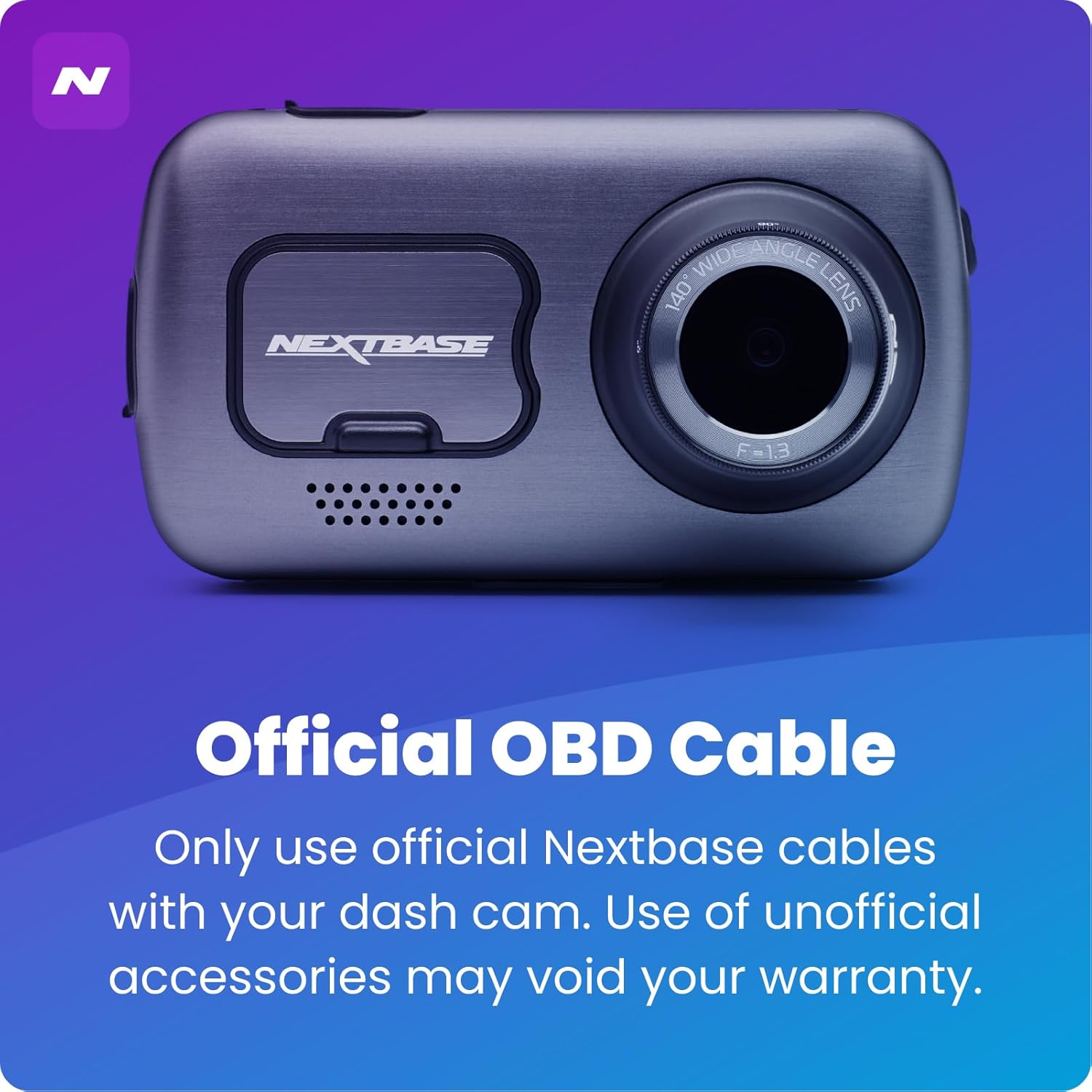
Image: Graphic stating "Official OBD Cable" and a warning that use of unofficial accessories may void warranty.
7. Manteniment
The Nextbase Series 2 OBD Power Cable requires minimal maintenance. Keep the connectors clean and free from dust or debris. Avoid bending or kinking the cable excessively, especially near the connectors, to prevent internal damage.
8. Solució De Problemes
If you encounter issues with your Nextbase Series 2 OBD Power Cable, consider the following:
- No hi ha alimentació a la càmera del salpicader:
- Ensure the OBD connector is fully seated in the vehicle's OBD-II port.
- Check if the blue LED indicator light on the cable is illuminated. If not, re-seat the connection.
- Verify that your vehicle's battery has sufficient charge.
- Ensure the USB-C connector is securely plugged into your dash cam.
- Interferències de cable:
- If the cable interferes with vehicle operation or safety features, re-route it to a more secure and discreet location.
- Dash Cam Not Entering Parking Mode:
- Ensure the OBD Power Cable is providing a continuous live connection (LED is on).
- Refer to your specific Nextbase Dash Cam manual for instructions on enabling and configuring parking mode.
If problems persist, contact Nextbase customer support for further assistance.
9. Especificacions
| Número de model | 1000002987 |
| Dimensions del producte | 0.78 x 1.18 x 1.18 cm; 210 g |
| Longitud del cable | 196 inches (approx. 5 meters) |
| Tecnologia de connectivitat | OBD-II |
| Característica especial | 90° Connector, LED Indicator |
| Color | Negre |
| Fabricant | NEXTBASE |
10. Garantia i Suport
Nextbase products are designed for durability and reliability. For specific warranty information, please refer to the documentation included with your Nextbase Dash Cam or visit the official Nextbase website. Nextbase offers 24/7, UK-based customer service for support and inquiries.
Per obtenir més ajuda, visiteu el NEXTBASE Store on Amazon or the official Nextbase support channels.


