Introducció
This user manual provides comprehensive instructions for the Dragon Touch Notepad K10 Android Tablet. It covers essential information regarding product features, setup, operation, maintenance, and troubleshooting to ensure optimal performance and user experience. Please read this manual thoroughly before using your device.
Contingut del paquet
En desempaquetar, comproveu que tots els elements que s'enumeren a continuació hi siguin presents i estiguin en bon estat:
- 1 x 10.1 Inch Android Tablet
- 1 x cable USB
- 1 x 5V 2A Charger
- 1 x Manual d'usuari (aquest document)

Image: The Dragon Touch Notepad K10 Android Tablet, front and back view.
Producte acabatview
The Dragon Touch Notepad K10 is a versatile 10.1-inch Android tablet designed for various uses, from entertainment to productivity. It features a robust quad-core processor and the Android 12 operating system for smooth performance.
Característiques principals:
- Rendiment potent: Equipped with a 64-bit quad-core processor up to 1.3GHz and 2GB RAM for efficient multitasking and smooth app launches.
- Latest Android 12 OS: GMS certified, providing full access to Google Play and a smarter, faster user experience.
- Pantalla vibrant: A 10.1-inch 800x1280 IPS HD display offers clear visuals and rich colors from all viewing angles. Includes an Eye-Care mode for comfortable night reading.
- Entreteniment millorat: Dual speakers deliver a robust audio experience. Dual-band Wi-Fi (2.4GHz and 5GHz) ensures high-speed network connections for streaming and browsing.
- AmpEmmagatzematge: Built-in 32GB storage, expandable up to 256GB via a micro SD card, allowing for extensive media and app storage.
- Càmeres duals: Features an 8MP rear camera and a 2MP front camera for capturing photos and video calls.

Imatge: Més deview of the tablet highlighting its 10.1-inch HD IPS display, Android 12, Quad-Core CPU, 2.4GHz+5.0GHz WiFi, 2GB RAM, 32GB Storage, and Dual Camera.
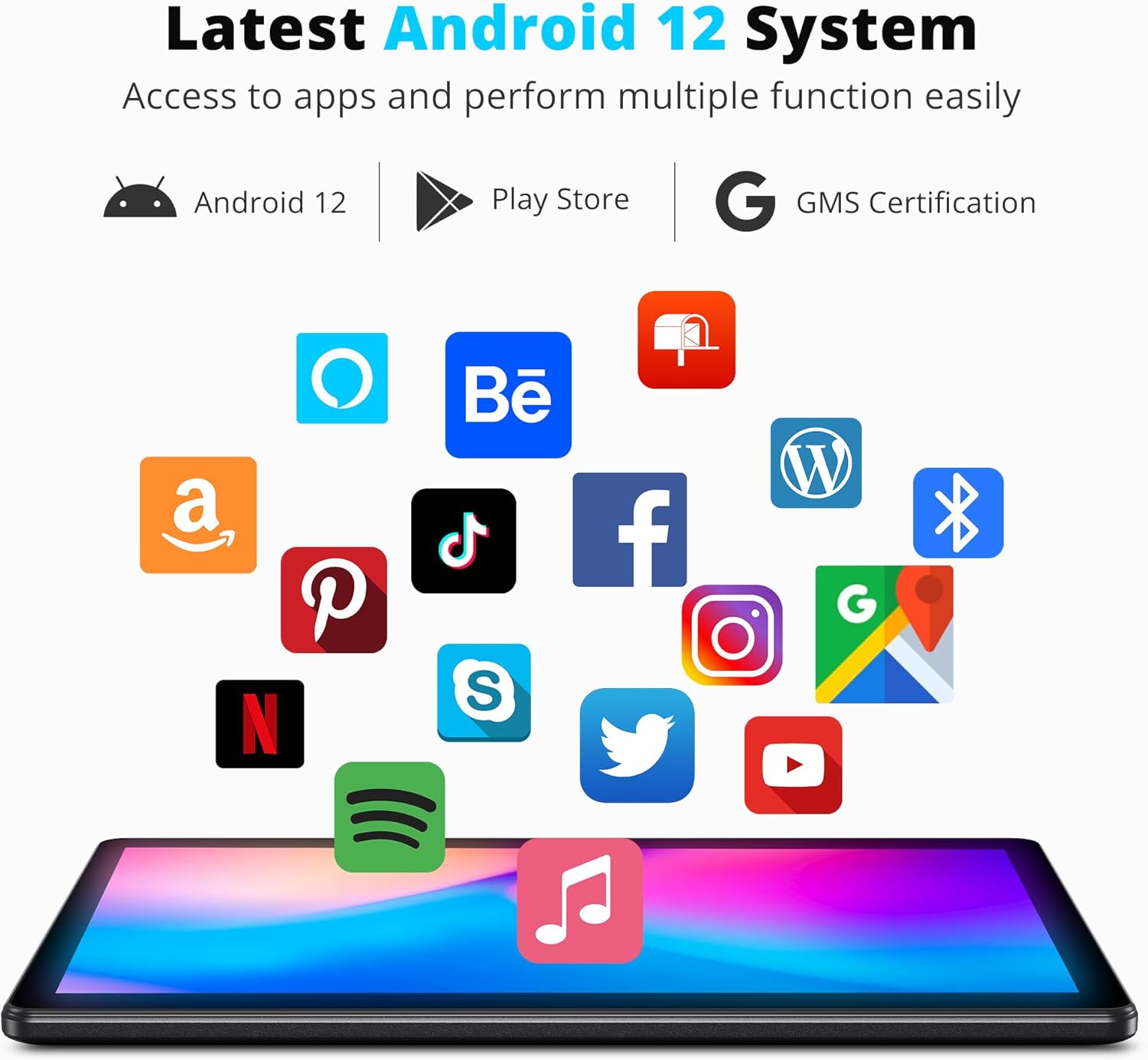
Image: The tablet displaying the Android 12 system interface with various popular application icons, indicating access to the Google Play Store.

Image: The tablet screen illustrating its 32GB internal storage capacity and the ability to expand storage up to 256GB using a microSD card.
Configuració
1. Càrrega inicial
Before first use, fully charge the tablet using the provided USB cable and 5V 2A charger. The charging indicator will typically show progress on the screen.
2. Encendre/apagar
- Per encendre: Premeu i manteniu premut el botó d'engegada situat al lateral de la tauleta fins que la pantalla s'il·lumini.
- Per apagar: Press and hold the Power button until a power-off menu appears. Select "Power off" to shut down the device.
3. Assistent de configuració inicial
Upon first power-on, the tablet will guide you through an initial setup process. This includes selecting your language, connecting to a Wi-Fi network, setting up your Google account, and configuring basic device settings. Follow the on-screen prompts to complete the setup.
Instruccions de funcionament
1. Navegació bàsica
- Gestos tàctils: Toca per seleccionar, llisca per desplaçar-te, pessiga per ampliar.
- Pantalla d'inici: Accedeix a les teves aplicacions, widgets i notificacions.
- Barra de navegació: Feu servir els botons Enrere, Inici i Aplicacions recents a la part inferior de la pantalla.
2. Connexió a Wi-Fi
- Vés a Configuració > Xarxa i Internet > Wi-Fi.
- Turn on Wi-Fi. The tablet will scan for available networks.
- Seleccioneu la xarxa desitjada i introduïu la contrasenya si se us demana.
The tablet supports both 2.4GHz and 5GHz Wi-Fi bands for optimal connectivity.
3. Installing and Managing Apps
Apps can be downloaded from the Google Play Store. Ensure you are signed in with your Google account.
- Instal·lar: Open the Play Store app, search for your desired app, and tap "Install".
- Desinstal·la: Vés a Configuració > Aplicacions > Veure totes les aplicacions, select the app, and tap "Uninstall".
4. Ús de les càmeres
La tauleta té una càmera posterior de 8 MP i una càmera frontal de 2 MP.
- Obriu el Càmera aplicació.
- Canvieu entre la càmera frontal i la posterior mitjançant la icona de la pantalla.
- Toqueu el botó de l'obturador per fer una foto o iniciar/aturar la gravació de vídeo.

Image: The tablet displaying a clear image captured by its HD Dual Camera, featuring a child and a dog.
5. Display Settings and Eye-Care Mode
Adjust brightness, font size, and enable Eye-Care mode for reduced eye strain.
- Vés a Configuració > Mostra.
- Adjust brightness using the slider.
- Locate and enable Eye-Care mode for optimized backlight during night reading.

Imatge: La tauleta que es mostraasing its 10.1-inch HD IPS display with vibrant colors, featuring a group of people enjoying a scenic view.
Manteniment
1. Neteja de la tauleta
Feu servir un drap suau i sense borrissol per netejar la pantalla i el cos de la tauleta. Eviteu utilitzar productes químics agressius o materials abrasius que puguin danyar la superfície.
2. Cura de la bateria
- Eviteu les temperatures extremes, ja que poden afectar la durada de la bateria.
- No deixeu que la bateria es descarregui completament amb freqüència.
- Use only the provided charger or a compatible 5V 2A charger.

Image: The tablet screen displaying a charging animation with a large '5000mAh' text, indicating its long-lasting battery capacity.
3. Actualitzacions de programari
Regularly check for and install system updates to ensure your tablet has the latest features, security patches, and performance improvements.
- Vés a Configuració > Sistema > Actualització del sistema.
- Seguiu les instruccions que apareixen a la pantalla per comprovar i instal·lar actualitzacions.
Resolució de problemes
This section addresses common issues you might encounter with your Dragon Touch Notepad K10 tablet.
| Problema | Causa possible | Solució |
|---|---|---|
| La tauleta no s'encén. | Bateria baixa; bloqueig del sistema. | Carrega la tauleta durant almenys 30 minuts. Si encara no respon, mantén premut el botó d'engegada durant 10-15 segons per forçar un reinici. |
| Apps crash frequently. | Insufficient RAM; app incompatibility; corrupted app data. | Close background apps. Clear the app's cache (Settings > Apps > [App Name] > Storage > Clear cache). Reinstall the app. Ensure the tablet's software is up to date. |
| Problemes de connexió Wi-Fi. | Contrasenya incorrecta; problema amb l'encaminador; problema amb el mòdul Wi-Fi de la tauleta. | Verify Wi-Fi password. Restart your Wi-Fi router. Forget the network on the tablet and reconnect. |
| Rendiment lent. | Massa aplicacions en execució; poc espai d'emmagatzematge; programari obsolet. | Close unused apps. Clear cache and unnecessary files. Uninstall rarely used apps. Perform a system update. |
| La bateria s'esgota ràpidament. | High screen brightness; background apps; old battery. | Reduce screen brightness. Close power-intensive apps. Limit background data usage. If the issue persists, contact support. |
Especificacions
Detailed technical specifications for the Dragon Touch Notepad K10 Android Tablet:
- Nom del model: Notepad K10
- Sistema operatiu: Android 12
- Processador: Quad-Core, 1.3GHz
- RAM: 2 GB
- Emmagatzematge intern: 32 GB
- Emmagatzematge ampliable: Fins a 256 GB mitjançant targeta Micro SD
- Mida de la pantalla: 10.1 polzades
- Resolució de visualització: 1280 x 800 pixels IPS HD
- Càmera posterior: 8 MP
- Càmera frontal: 2 MP
- Connectivitat sense fils: 802.11ac (2.4GHz & 5GHz Wi-Fi)
- Bateria: 5000mAh Lithium Polymer (Average Battery Life: 5 Hours)
- Dimensions (LxWxH): 9.4 x 0.4 x 6.7 polzades
- Pes de l'article: 2.31 lliures
- Color: Negre
Garantia i Suport
Dragon Touch products come with a standard warranty. For specific warranty terms and conditions, please refer to the warranty card included in your product packaging or visit the official Dragon Touch website. For technical support, troubleshooting assistance beyond this manual, or warranty claims, please contact Dragon Touch customer service through their official support channels.
Sovint podeu trobar informació de contacte d'assistència a la pàgina web del fabricant website or within the tablet's settings under "About tablet" or "Support".


