Introducció
This manual provides comprehensive instructions for the Mesqool Vibrating Alarm Clock, Model CR1027. Designed for heavy sleepers, the hearing-impaired, and those who prefer a silent wake-up, this cordless alarm clock offers multiple alarm modes, adjustable vibration levels, and a long-lasting rechargeable battery. Please read this manual thoroughly before using the device to ensure proper operation and maintenance.
Contingut del paquet
Verifiqueu que tots els elements que s'enumeren a continuació s'inclouen al vostre paquet:
- Mesqool Vibrating Alarm Clock (Model CR1027)
- Cable de càrrega USB-C
- Manual d'usuari

Image: Contents of the Mesqool Vibrating Alarm Clock package.
Producte acabatview
The Mesqool Vibrating Alarm Clock features a clear digital display and intuitive controls for easy operation. Its compact design makes it ideal for travel and discreet use.

Imatge: Frontal view of the Mesqool Vibrating Alarm Clock.
Controls i indicadors:

Imatge: Superior view of the alarm clock showing control buttons and display indicators.
- Visualització: Shows time, day of the week, AM/PM, alarm status (1 and 2), vibration mode, and battery indicator.
- Botó d'alarma 1: Used to set and activate/deactivate Alarm 1.
- Botó d'alarma 2: Used to set and activate/deactivate Alarm 2.
- Time/Snooze Button: Used to enter time setting mode and activate snooze during an alarm.
- Botó Menys (-): Used to decrease values during setting or adjust volume.
- Botó més (+): Used to increase values during setting or adjust volume.
- Interruptor de bloqueig: Evita les pulsacions accidentals de botons.
- Vibration Mode Switch: Selects vibration intensity (Low, Medium, High).
- Alarm Mode Switch: Selects alarm output (Vibration Only, Alarm Only, Both).
- Port USB-C: Per carregar el dispositiu.
Configuració
Càrrega inicial
Before first use, fully charge the alarm clock using the provided USB-C cable. The battery indicator on the display will show charging status. A full charge can provide up to six months of use.

Image: Alarm clock connected to its USB-C charging cable.
Establiment de l'hora
Follow these steps to set the current time on your alarm clock:
- Manteniu premut el botó Time/Snooze botó per entrar al mode de configuració de l'hora.
- The day of the week column will start flashing. Use the + or - buttons to select the current day of the week. Press the Time/Snooze botó per confirmar.
- The hour will start flashing. Use the + or - buttons to select the current hour. Press the Time/Snooze botó per confirmar.
- The minute will start flashing. Use the + or - buttons to select the current minute. Press the Time/Snooze botó per confirmar.
- Time setting is now complete.
Video: Demonstrates how to set the time on the Mesqool Vibrating Alarm Clock.
Setting AM/PM (12H/24H) and DST
To switch between 12-hour (AM/PM) and 24-hour formats, or to enable/disable Daylight Saving Time (DST):
- When the screen is off, press any button to turn on the screen.
- Premeu el botó - button once to toggle between AM/PM (12H) and 24H time formats.
- Premeu el botó + button once to toggle DST (Daylight Saving Time) on or off.
Video: Instructions on how to set AM/PM and DST on the alarm clock.
Instruccions de funcionament
Configuració d'alarmes (alarma 1 i alarma 2)
The Mesqool alarm clock supports two independent alarms, each configurable for weekdays, weekends, or all 7 days. You can also choose between vibration only, alarm sound only, or both.
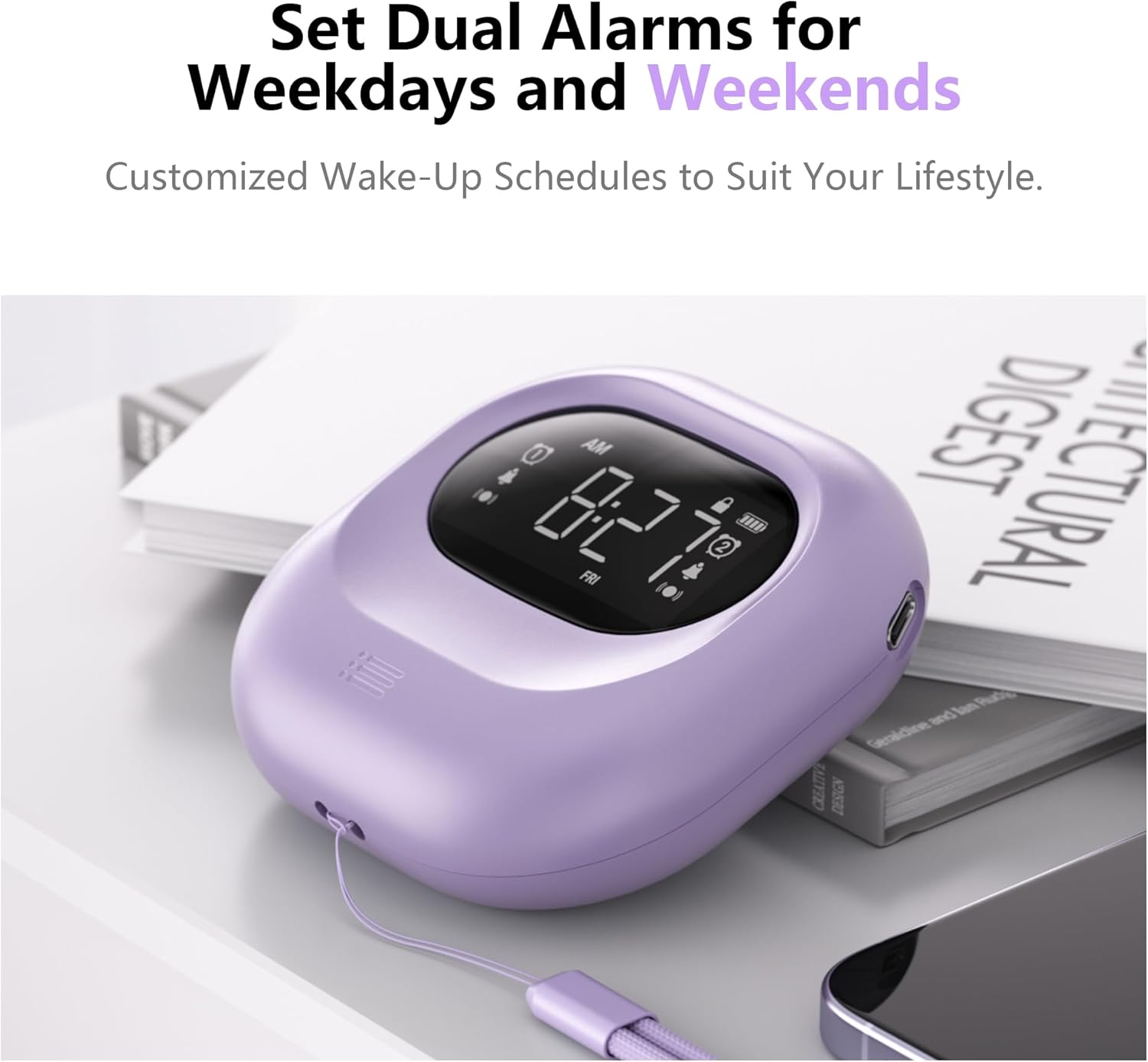
Image: Dual alarm functionality for weekdays and weekends.
- Premeu el botó Alarma 1 or Alarma 2 button once to turn on the respective alarm. The alarm icon will appear on the display. Long press the button to cancel the alarm.
- Premeu el botó Alarma 1 or Alarma 2 button again to start setting the alarm.
- Utilitza el + or - buttons to select the hour for the alarm to go off. Press the alarm button (1 or 2) to confirm.
- Utilitza el + or - buttons to select the minute for the alarm to go off. Press the alarm button (1 or 2) to confirm.
- Utilitza el + or - buttons to select the alarm mode: Només per vibracions, Només alarma, o Alarma i vibració. Press the alarm button (1 or 2) to confirm.
- Si has seleccionat Només alarma or Alarma i vibració, you will then adjust the alarm volume. Use the + or - buttons to set the desired volume (56db to 105db). Press the alarm button (1 or 2) to confirm.
- Ara l'alarma està activada.
Video: Detailed guide on setting the alarm on the Mesqool Vibrating Alarm Clock.

Image: Illustration of the three available alarm modes.
Adjusting Vibration Levels
The alarm clock offers three adjustable vibration levels to suit your preference:
- Baix: Gentle vibration for light sleepers.
- Mitjà: Moderate vibration for most users.
- Alt: Strong vibration for heavy sleepers or those with hearing impairment.
Use the dedicated vibration mode switch on the back of the device to select your desired intensity.

Image: Three adjustable vibration levels for personalized wake-up.
Funció de posposar
When the alarm sounds or vibrates, press the Time/Snooze button to activate the snooze function. The alarm will pause for 9 minutes and then resume.
Funció de bloqueig
To prevent accidental changes to your alarm settings, use the lock switch located on the back of the device. Slide the switch to the "Lock" position to disable button functionality. Slide it back to "Unlock" to enable controls.
Manteniment
Neteja
Wipe the alarm clock with a soft, dry cloth. Do not use abrasive cleaners or immerse the device in water.
Cura de la bateria
The Mesqool Vibrating Alarm Clock is equipped with a high-capacity rechargeable battery. For optimal battery life, avoid fully discharging the battery frequently. Recharge the device when the battery indicator shows low power.
Resolució de problemes
| Problema | Solució |
|---|---|
| Alarm not sounding/vibrating. | Ensure the alarm is activated (icon visible). Check the alarm mode switch (Vibration Only, Alarm Only, Both). Verify alarm volume is not set to minimum if using sound. Ensure the lock function is off. |
| La pantalla està en blanc. | Press any button to activate the display. Check battery level and recharge if necessary. |
| Els botons no responen. | Check if the lock function is enabled. Slide the lock switch to the "Unlock" position. |
| L'hora és incorrecta. | Re-set the time following the "Setting the Time" instructions. Check AM/PM or 24H setting. |
Especificacions
- Marca: Mesqool
- Model: CR1027
- Color: Lila
- Tipus de visualització: Digital
- Dimensions del producte: 3.35" d'amplada x 3.35" d'alçada x 1.06" de profunditat
- Font d'alimentació: Funciona amb bateria (recarregable)
- Capacitat de la bateria: 3000 mAh
- Característiques especials: Battery Operated, Loud Alarm, Adjustable Vibration (Low, Medium, High), Cordless, Battery Indicator, Dual Alarms, Weekday/Weekend Settings, Snooze Function, Lock Function.
- Material: Acrilonitril butadiè estirè (plàstic)
- Pes de l'article: 7 unces
Garantia i Suport
The Mesqool Vibrating Alarm Clock comes with an Garantia ampliada. For detailed warranty information, technical support, or customer service inquiries, please contact Mesqool customer support through the retailer's platform or visit the official Mesqool weblloc.
Note: Specific contact details may vary. Please refer to your purchase documentation for the most accurate support information.


