Introducció
Thank you for choosing the ciciglow Voice Translator Device. This device is designed to facilitate communication across language barriers with its advanced translation capabilities, supporting numerous online and offline languages, as well as photo translation. Please read this manual carefully to ensure proper use and optimal performance of your device.

Imatge: Frontal view of the ciciglow Voice Translator Device, highlighting its loudspeaker and noise-reduction microphone with sound wave graphics.
Contingut del paquet
Si us plau, comproveu el paquet per veure si hi ha els elements següents:
- 1 x ciciglow Voice Translator Device
- 1 x cable de càrrega
- 1 x Manual d'instruccions (aquest document)
- 1 x Card Removal Pin
Producte acabatview
The ciciglow Voice Translator is a versatile 4G translation device featuring a 3.1-inch HD screen. It is equipped with 1GB RAM and 16GB ROM, and a 2000mAh battery for extended use.
Característiques principals:
- Suport en diversos idiomes: Supports 142 online languages, 19 offline languages, and 57 languages for photo translation.
- Alta precisió: Sound recording to text with up to 98% accuracy.
- Reducció de soroll: Dual microphone noise reduction for clearer voice recognition.
- Pantalla HD: 3.1-inch HD screen for easy operation and clear display of translation status.
- Traducció fotogràfica: 5MP recognition camera for translating text from images.
- Llarga vida útil de la bateria: Built-in 2000mAh battery provides 8 to 12 hours of continuous playback.

Imatge: Anglesa view of the ciciglow Voice Translator Device, showing its sleek design and screen.

Imatge: Enrere view of the ciciglow Voice Translator Device, highlighting the 5MP photo translation camera and 4G network capabilities.
Configuració
1. Càrrega del dispositiu
Before first use, fully charge the device using the provided charging cable and a compatible USB power adapter (not included). The charging indicator on the screen will show the charging status.
2. Encès / apagat
- Per encendre: Press and hold the power button (usually located on the side) until the screen lights up.
- Per apagar: Mantingueu premut el botó d'engegada i, a continuació, seleccioneu "Apagar" a la pantalla.
3. Connexió a la xarxa
For online translation features, the device requires an internet connection. You can connect via Wi-Fi or 4G network.
- Connexió Wi-Fi: Go to 'Settings' > 'Wi-Fi', select your desired network, and enter the password if prompted.
- Connexió 4G: Insert a compatible 4G SIM card (not included) into the designated slot using the card removal pin. Ensure the device is powered off before inserting or removing the SIM card.
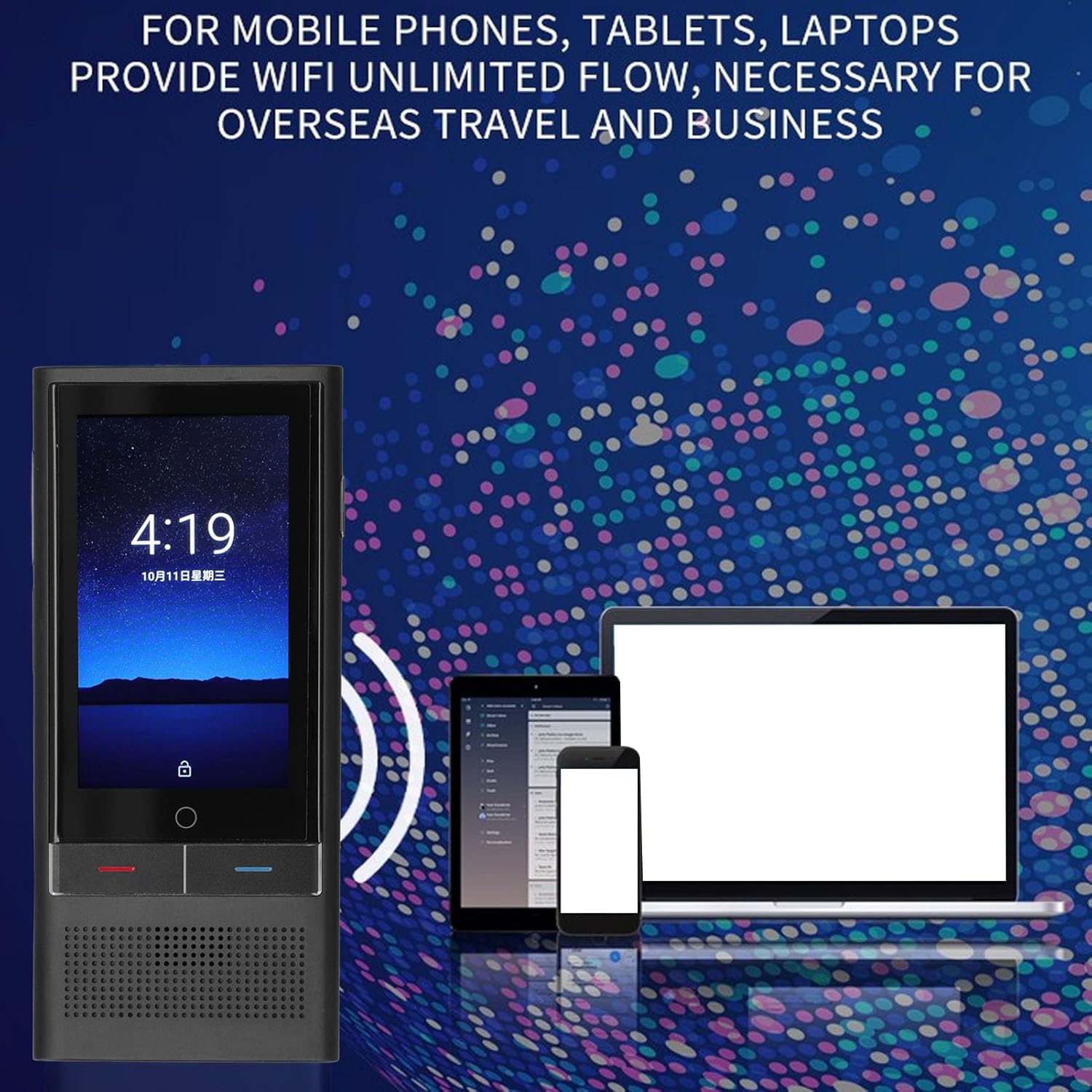
Image: The ciciglow Voice Translator Device displaying a WiFi connection, indicating its ability to connect to wireless networks for online services.
Instruccions de funcionament
1. Navegació bàsica
The device features a 3.1-inch HD touchscreen. Navigate through menus and options by tapping and swiping on the screen.
2. Online Voice Translation (142 Languages)
- Ensure the device is connected to Wi-Fi or 4G.
- From the main menu, select 'Voice Translation'.
- Tap on the language icons to select your source language and target language.
- Press and hold the corresponding microphone button (usually indicated by colors or symbols) and speak clearly into the device.
- Release the button, and the translated text will appear on the screen and be spoken aloud.
3. Offline Voice Translation (19 Languages)
The device supports offline translation for 19 languages, allowing use without an internet connection. Ensure the required offline language packs are downloaded in advance via a Wi-Fi connection.

Image: The ciciglow Voice Translator Device displaying text related to its 19 accurate offline translation languages, including Simplified Chinese, English, German, Spanish, French, Japanese, Korean, Russian, and Thai.
4. Photo Translation (57 Languages)
- From the main menu, select 'Photo Translation'.
- Point the 5MP camera at the text you wish to translate (e.g., menus, signs, documents).
- Tap the capture button on the screen.
- The device will recognize the text and display the translation.
5. Sound Recording to Text
The device can record spoken language and convert it into text with high accuracy.
- Select the 'Recording' or 'Text Conversion' feature from the menu.
- Start recording your speech.
- The device will transcribe the audio into text, which can then be translated or saved.
6. Language Practice
Utilize the device for language learning and pronunciation practice. The device may offer features for oral practice and evaluation to improve communicative English and test pronunciation accuracy.

Image: The ciciglow Voice Translator Device displaying text related to oral practice and evaluation, indicating its utility for improving English pronunciation and communication skills.
Manteniment
- Neteja: Feu servir un drap suau i sec per netejar el dispositiu. No utilitzeu netejadors líquids ni aerosols.
- Emmagatzematge: Guardeu el dispositiu en un lloc fresc i sec, allunyat de la llum solar directa i de temperatures extremes.
- Cura de la bateria: Per allargar la durada de la bateria, eviteu descarregar-la completament amb freqüència. Carregueu el dispositiu regularment, fins i tot si no l'utilitzeu durant períodes prolongats.
- Actualitzacions de programari: Comproveu i instal·leu periòdicament si hi ha actualitzacions de programari per garantir un rendiment òptim i l'accés a les noves funcions.
Resolució de problemes
El dispositiu no s'encén:
- Assegureu-vos que el dispositiu estigui completament carregat. Connecteu-lo a una font d'alimentació i torneu-ho a provar.
- Mantingueu premut el botó d'engegada durant almenys 10-15 segons per realitzar un reinici forçat.
Translation Inaccuracy:
- Parla clar i a un ritme moderat.
- Ensure the correct source and target languages are selected.
- Check your internet connection for online translation. A stable connection is crucial for accuracy.
- For photo translation, ensure the text is well-lit and clearly visible to the camera.
Problemes de connectivitat (Wi-Fi/4G):
- Wi-Fi: Verify your Wi-Fi password and ensure the network is active. Try restarting your router.
- 4G: Check if the SIM card is correctly inserted and activated. Ensure you have a data plan.
Especificacions
| Característica | Especificació |
|---|---|
| Número de model | ciciglowm7df4h50rx |
| Pantalla | 3.1 Inch Full Viewing Angle Screen |
| Píxels de la càmera | 5MP |
| Network Format | GSM, WCDMA, TD SCDMA, TDD, FDD |
| Freqüència | 1.5 GHz |
| Banda 4G | FDD:1 3 7 8 20 28A TDD:38 39 40 41 |
| Banda 3G | WCDMA: 1 2 5 8 TD SCDMA:34 39 |
| Product Memory (RAM) | 1 GB |
| Product Memory (ROM) | 16 GB |
| Tipus de bateria | Bateria de liti |
| Capacitat de la bateria | 2000 mAh |
| Online Languages Supported | 142 |
| Offline Languages Supported | 19 |
| Photo Translation Languages Supported | 57 |
Informació de la garantia
This product is typically covered by a standard manufacturer's warranty. Please refer to the warranty card included in your package or contact the seller/manufacturer directly for specific warranty terms and conditions, including duration and coverage details. Keep your purchase receipt as proof of purchase for any warranty claims.
Suport
For further assistance, technical support, or inquiries regarding your ciciglow Voice Translator Device, please contact the seller through the platform where you purchased the product. You may also visit the official ciciglow brand store for additional resources or contact information.