Introducció
The PureGear PureBoom Wireless Earbuds are designed to provide a superior audio experience with convenient touch controls and broad compatibility. This manual will guide you through the setup, operation, and maintenance of your new earbuds to ensure optimal performance and longevity.
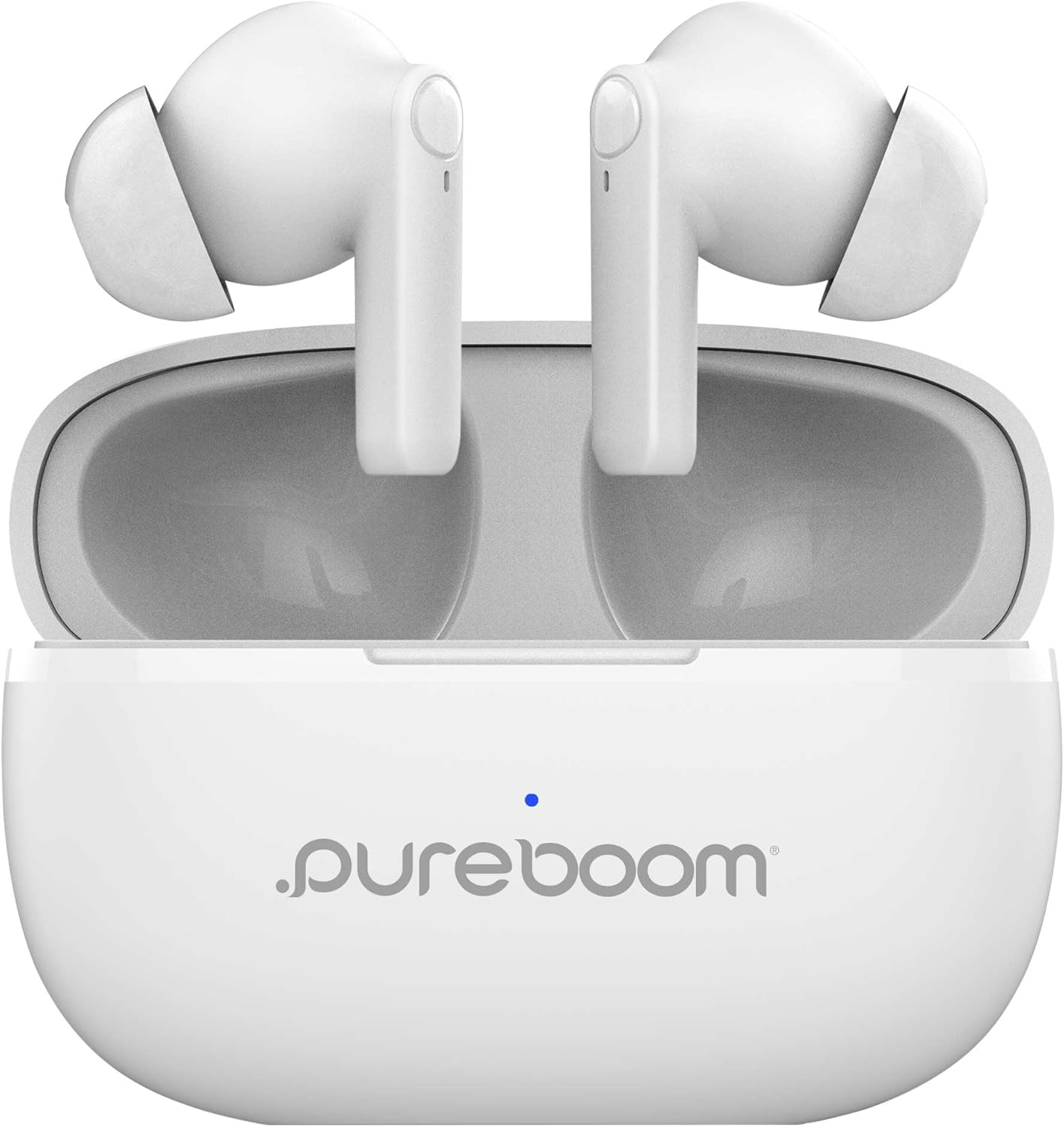
Image: PureGear PureBoom Wireless Earbuds in their charging case, ready for use.
Què s'inclou
Your PureGear PureBoom Wireless Earbuds package includes the following components:
- PureBoom Orbs True Wireless Earbuds (Left and Right)
- Estoig de càrrega sense fil
- Adjustable Earbud Ear Tips (S, M, L sizes)
- Cable de càrrega USB-A a USB-C

Image: All components included in the PureGear PureBoom Earbuds package: earbuds, charging case, various ear tip sizes, and a USB-C charging cable.
Configuració
1. Càrrega dels auriculars i l'estoig
Before first use, it is recommended to fully charge both the earbuds and the charging case. The charging case provides up to 18 hours of additional listening time.
- Place the earbuds into their respective slots in the charging case. Ensure they are seated correctly to initiate charging.
- Connect the provided USB-A to USB-C charging cable to the charging port on the case and plug the other end into a compatible USB power source (e.g., wall adapter, computer USB port).
- The indicator light on the charging case will show the charging status. Refer to the light indicators section for details (if available on product, otherwise omit).
- Un cop estigui completament carregat, desconnecteu el cable de càrrega.
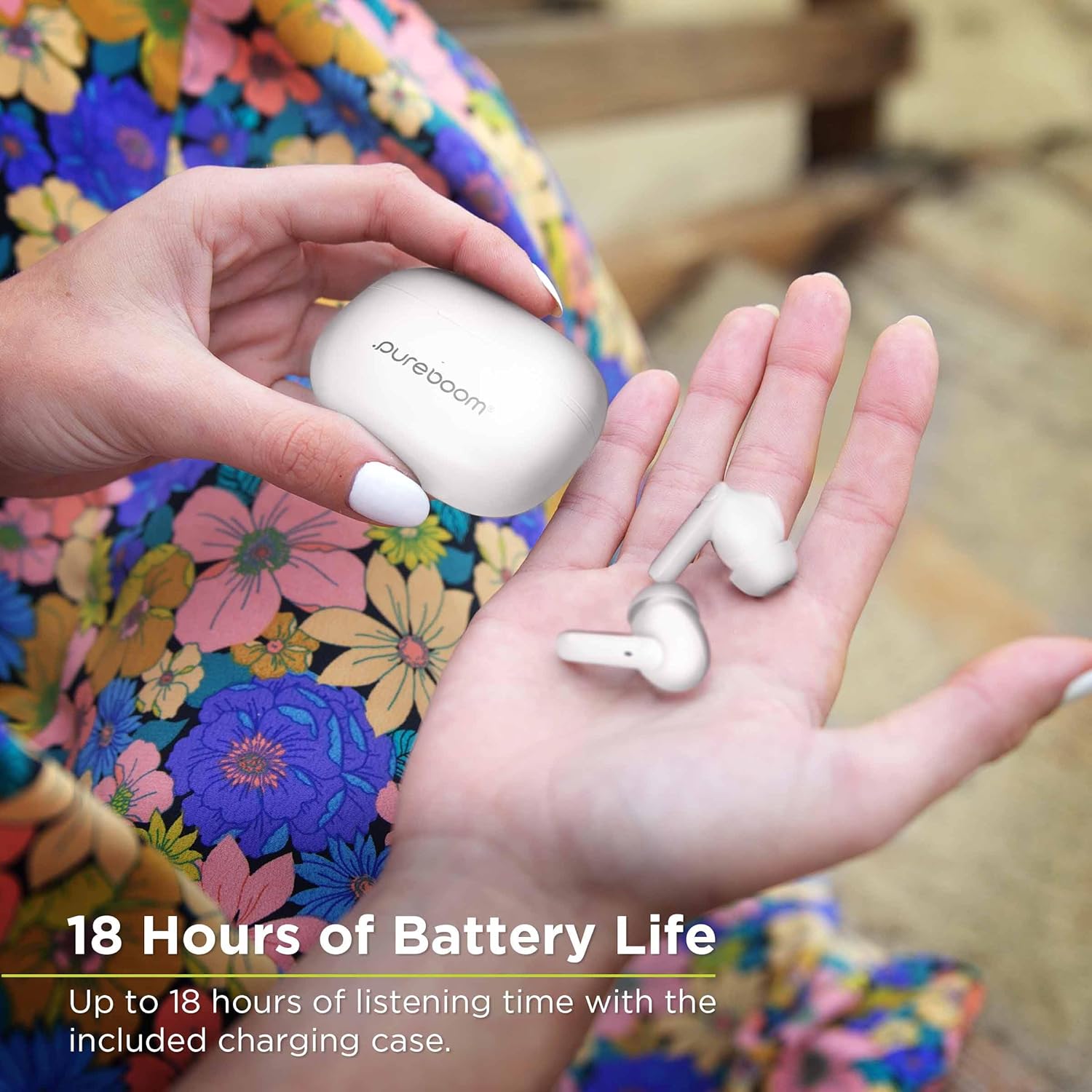
Image: A hand holding the PureBoom earbuds and their charging case, highlighting the extended battery life of up to 18 hours with the case.
2. Emparellament Bluetooth
Pair your PureBoom Wireless Earbuds with your device for the first time:
- Obre l'estoig de càrrega. Els auriculars entraran automàticament en mode d'emparellament.
- On your device (smartphone, tablet, laptop, etc.), navigate to the Bluetooth settings.
- Assegureu-vos que el Bluetooth estigui habilitat.
- Cerca available devices. You should see "PureBoom" or a similar name appear in the list.
- Select "PureBoom" to connect. Once connected, you will hear an audible confirmation, and the indicator light on the earbuds may change.
- Els auriculars es tornaran a connectar automàticament al darrer dispositiu emparellat quan es treguin de la funda, sempre que el Bluetooth estigui activat al dispositiu.
Funcionament dels auriculars
Controls tàctils
The PureBoom earbuds feature intuitive touch controls on each earbud for easy management of music, calls, and voice assistance. The specific functions are as follows:
- Reproduir/pausa: Un sol toc a qualsevol dels auriculars.
- Respon a la trucada: Toqueu un sol cop a qualsevol dels auriculars durant una trucada entrant.
- Finalitzar la trucada: Toqueu un sol cop a qualsevol dels auriculars durant una trucada.
- Rebutja la trucada: Prem i mantén premut qualsevol dels auriculars durant una trucada entrant.
- Skip Track (Next): Toqueu dues vegades l'auricular dret.
- Skip Track (Previous/Repeat): Toqueu dues vegades l'auricular esquerre.
- Control de volum: Triple tap on the right earbud to increase volume, triple tap on the left earbud to decrease volume.
- Assistència de veu: Press and hold on either earbud for 2 seconds to activate your device's voice assistant (Siri, Google Assistant, etc.).

Image: Visual representation of the touch control functions on the PureBoom earbuds, including play/pause, answer call, skip track, volume control, repeat track, and voice assistance.
Trucades mans lliures
The built-in microphone allows for clear hands-free calling. Ensure the earbuds are connected to your phone via Bluetooth. Use the touch controls to manage calls as described above.
Music and Media Playback
Enjoy your favorite music, podcasts, and streaming content with high-quality stereo sound. Use the touch controls to play, pause, skip tracks, and adjust volume. The earbuds are compatible with various devices, including smartphones, laptops, PCs, tablets, iPads, smart TVs, and gaming consoles.

Image: A woman smiling while wearing PureGear PureBoom Wireless Earbuds, illustrating the enjoyment of music.
Manteniment
To ensure the longevity and optimal performance of your PureBoom Wireless Earbuds, follow these maintenance guidelines:
- Neteja: Regularly clean the earbuds and charging case with a soft, dry, lint-free cloth. Do not use abrasive cleaners, alcohol, or chemical solvents. Gently clean the ear tips and speaker mesh to remove earwax or debris.
- Emmagatzematge: When not in use, store the earbuds in their charging case to protect them from dust, dirt, and physical damage. Store in a cool, dry place away from extreme temperatures.
- Cura de la bateria: Avoid fully depleting the battery for extended periods. Charge the earbuds and case regularly, even if not in frequent use, to maintain battery health.
- Resistència a l'aigua: These earbuds are not water resistant. Avoid exposure to water, sweat, and high humidity to prevent damage.
Resolució de problemes
If you encounter issues with your PureGear PureBoom Wireless Earbuds, try the following solutions:
| Problema | Solució |
|---|---|
| Els auriculars no s'emparellan/connecten |
|
| No hi ha so d'un auricular |
|
| Volum baix o mala qualitat de so |
|
| Els auriculars no es carreguen |
|
Especificacions
| Característica | Detall |
|---|---|
| Tecnologia de connectivitat | Sense fil |
| Tecnologia de comunicació sense fils | Bluetooth |
| Tipus de control | Control tàctil |
| Durada de la bateria (auriculars) | Fins a 18 hores (amb estoig de càrrega) |
| Interval Bluetooth | 9.75 metres (aprox. 32 peus) |
| Interval de freqüència | 20 Hz - 20,000 Hz |
| Nivell de resistència a l'aigua | No resistent a l'aigua |
| Pes de l'article | 3.04 unces |
| Número de model | 64718 PG |
| UPC | 810096258229 |
| Fabricant | PureGear |
| País d'origen | Xina |
Garantia i Suport
PureGear stands behind the quality of its products. Your PureBoom Wireless Earbuds come with:
- Garantia de per vida: For details on warranty coverage and claims, please refer to the official PureGear weblloc o contacteu amb el servei d'atenció al client.
- Garantia de devolució de 30 dies: If you are not satisfied with your purchase within 30 days, you may be eligible for a full refund.
For further assistance, technical support, or warranty claims, please visit the official PureGear weblloc o poseu-vos en contacte amb el seu departament d'atenció al client.
PureGear Official Weblloc: www.pure-gear.com


