Introducció
The Logitech Signature M550 L Wireless Mouse is designed for enhanced comfort and productivity, especially for users with larger hands. It features an adaptive SmartWheel for precise or hyper-fast scrolling, SilentTouch technology for quiet clicks, and versatile connectivity options. This manual provides detailed instructions for setup, operation, and maintenance of your device.
Contingut del paquet
- Logitech Signature M550 L Wireless Mouse
- 1 pila AA (preinstal·lada o inclosa)
- Logi Bolt USB Receiver (may be stored inside the mouse battery compartment)
- Documentació d'usuari (aquest manual)
Producte acabatview
Familiarize yourself with the key components of your Logitech Signature M550 L mouse.

Imatge: Part superior i lateral view of the Logitech Signature M550 L mouse, highlighting its features including the SmartWheel, silent clicking buttons, Bluetooth connectivity, ergonomic shape, and 24-month battery life.
- Botons de clic esquerre/dret: Feature SilentTouch technology for reduced clicking noise.
- Roda intel·ligent: Adaptive scroll wheel for line-by-line precision or super-fast free-spin scrolling.
- Indicador LED: Mostra l'estat de la bateria i el mode de connexió.
- Interruptor d'encesa/apagada: Situat a la part inferior del ratolí.
- Compartiment de la bateria: Houses the AA battery and Logi Bolt USB receiver.
- Disseny ergonòmic: Contoured shape with soft thumb area and rubber side grips for comfort.
Configuració
1. Instal·leu la bateria
- Obriu la tapa del compartiment de la bateria a la part inferior del ratolí.
- Inseriu la pila AA inclosa, assegurant-vos de la polaritat correcta (+/-).
- Close the battery compartment cover. The LED indicator on the mouse may flash briefly.
2. Connecteu-vos al vostre dispositiu
El Signature M550 L ofereix dos mètodes de connexió: el receptor USB Logi Bolt o Bluetooth Low Energy.
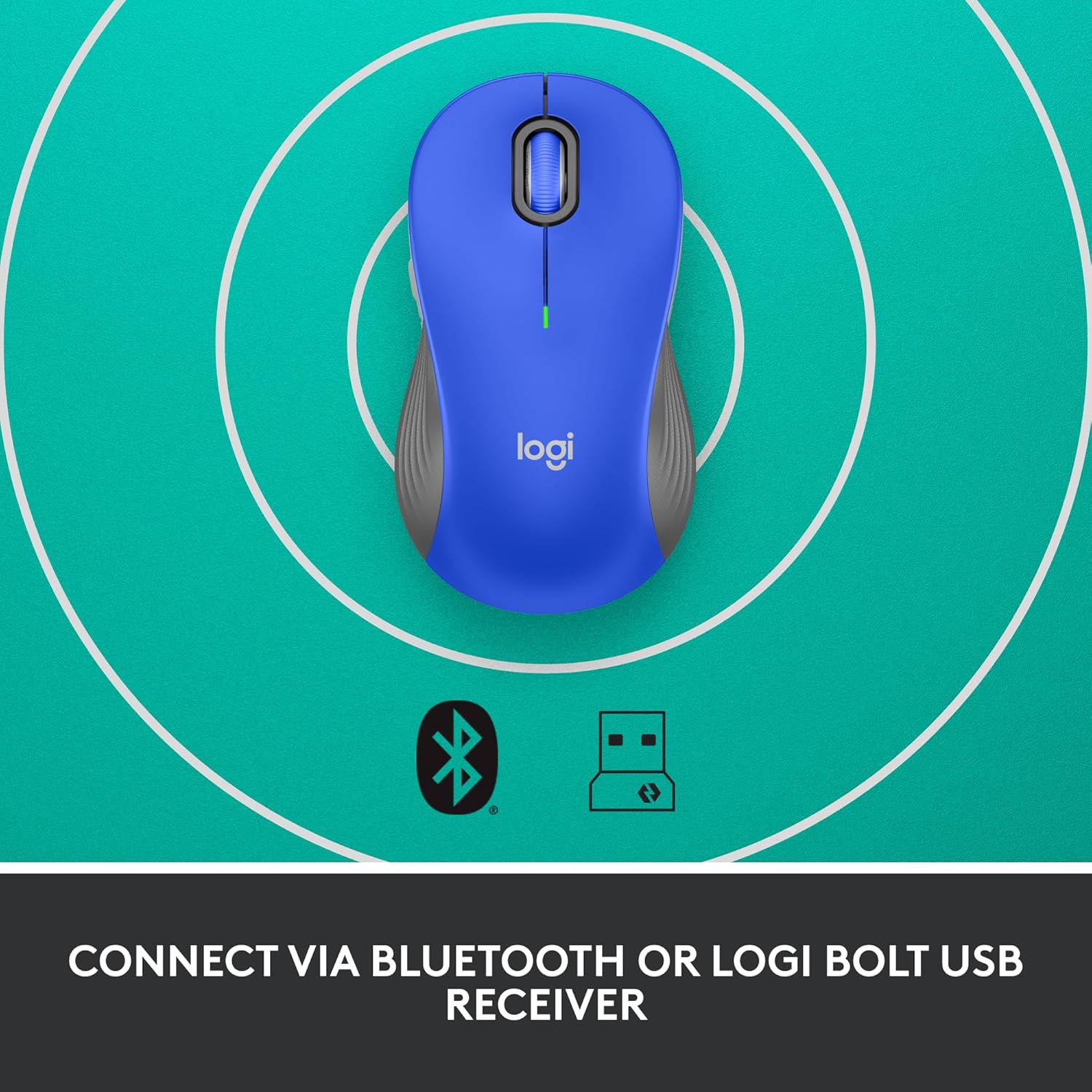
Image: The Logitech Signature M550 L mouse shown with icons representing Bluetooth and Logi Bolt USB receiver connectivity options.
Option A: Logi Bolt USB Receiver
- Locate the Logi Bolt USB receiver, typically stored inside the mouse's battery compartment.
- Connecteu el receptor USB Logi Bolt a un port USB disponible de l'ordinador.
- Turn on the mouse using the On/Off switch on the bottom. Your computer should automatically detect the mouse.
Option B: Bluetooth Low Energy
- Turn on the mouse using the On/Off switch on the bottom.
- Press and hold the Easy-Switch button (usually on the bottom or side, refer to product diagram if available) for 3 seconds until the LED indicator starts blinking rapidly. This indicates pairing mode.
- A l'ordinador o dispositiu, obriu la configuració de Bluetooth.
- Select "Logitech M550 L" from the list of available devices and follow any on-screen prompts to complete pairing.
The mouse is compatible with Windows, macOS, Linux, Chrome OS, iPadOS, and Android operating systems.
Instruccions de funcionament
Desplaçament amb la roda intel·ligent
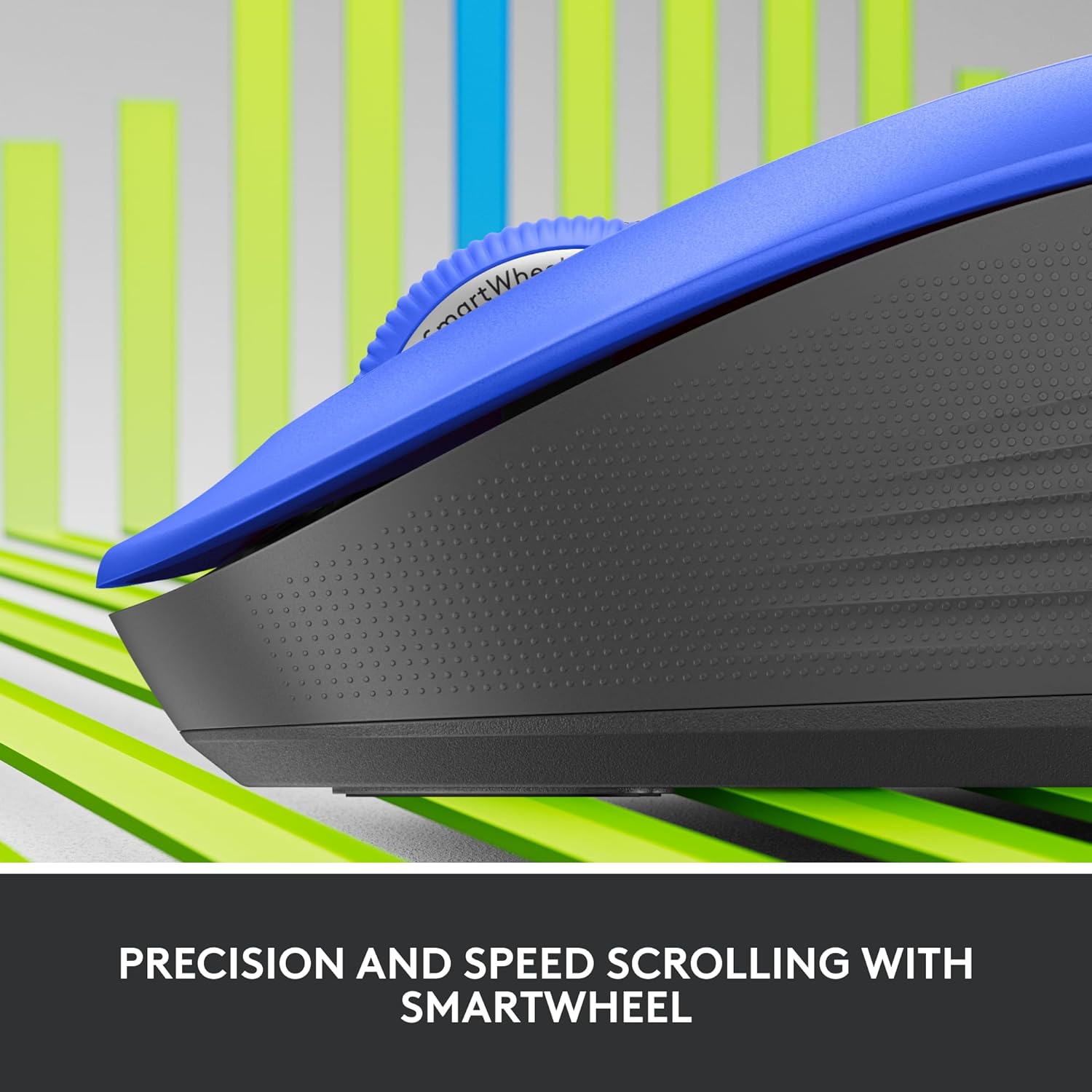
Imatge: Un primer pla view of the Logitech SmartWheel, demonstrating its precision and speed scrolling capabilities.
La SmartWheel canvia automàticament entre dos modes:
- Precisió línia per línia: Ideal for detailed work and navigating documents. Scroll slowly for precise control.
- Super-Fast Free-Spin: For quickly navigating long web pages or documents. Flick the wheel to activate.
Clics silenciosos

Image: A person using the Logitech Signature M550 L mouse at a desk, illustrating the benefit of 90% less clicking noise for a focused work environment.
The mouse features Logitech's SilentTouch technology, reducing click noise by over 90% compared to traditional mice. This allows for a quieter work environment without compromising click feel.
Compatibilitat amb diversos dispositius
The Signature M550 L can be paired with multiple devices and switched between them using the Easy-Switch button. This feature is ideal for users who work across several computers or tablets.
Manteniment
Canvi de bateria
The mouse operates on a single AA battery, offering up to 24 months of battery life depending on usage. When the battery is low, the LED indicator will turn red. To replace:
- Apagueu el ratolí.
- Open the battery compartment cover on the underside.
- Remove the old AA battery and insert a new one, observing correct polarity.
- Close the cover and turn the mouse back on.
Neteja
Per netejar el ratolí, utilitzeu un drap suau i sense borrissol, humitegeu-lo lleugerament.ampened with water or a mild cleaning solution. Avoid harsh chemicals or abrasive materials. Ensure no liquid enters the mouse's openings.
Resolució de problemes
- El ratolí no respon:
- Assegureu-vos que el ratolí estigui encès.
- Comproveu el nivell de la bateria i substituïu-la si cal.
- If using the Logi Bolt receiver, try plugging it into a different USB port or a different computer to rule out port issues.
- If using Bluetooth, ensure Bluetooth is enabled on your device and the mouse is properly paired. Try re-pairing the mouse.
- Move the mouse closer to the receiver or Bluetooth-enabled device to ensure it's within range.
- Moviment erràtic del cursor:
- Netegeu el sensor òptic de la part inferior del ratolí.
- Assegureu-vos que feu servir el ratolí sobre una superfície adequada. Eviteu superfícies molt reflectants o transparents.
- Connectivity issues after system update:
- Reinicieu l'ordinador.
- Check for updated drivers for your mouse or Bluetooth adapter.
Especificacions
| Marca | Logitech |
| Número de model | 910-006794 |
| Tecnologia de connectivitat | Bluetooth de baix consum, receptor USB Logi Bolt |
| Detecció de moviment | Òptic |
| Característiques especials | Lightweight, Portable, Silent Clicks (SilentTouch), SmartWheel, Wireless |
| Tipus de bateria | 1 bateria AA |
| Durada de la bateria | Fins a 24 mesos (pot variar segons l'ús) |
| Compatibilitat de sistemes operatius | Windows, macOS, Linux, Chrome OS, iPadOS, Android |
| Pes de l'article | 3.92 unces |
| Color | Blue (for this variant) |
Informació de la garantia
Els productes Logitech es fabriquen amb alts estàndards de qualitat i estan coberts per una garantia limitada de maquinari. Per conèixer els termes i condicions específics de la garantia aplicables a la vostra regió i producte, consulteu la pàgina oficial de Logitech. weblloc web o la targeta de garantia inclosa amb la compra.
Suport
For further assistance, technical support, or to download the latest software and drivers for your Logitech Signature M550 L Wireless Mouse, please visit the official Logitech support weblloc:
You can also find FAQs and community forums on the support site.