Introducció
Welcome to the user manual for your Baseus Bowie EZ10 Wireless Bluetooth Earbuds. This guide provides detailed instructions on how to set up, operate, and maintain your earbuds to ensure optimal performance and a seamless audio experience. Please read this manual carefully before using your device.
Producte acabatview
Contingut del paquet

Image: The package contents for the Baseus Bowie EZ10, including the two earbuds, the charging case, a USB charging cable, and multiple pairs of silicone ear tips in various sizes.
- Baseus Bowie EZ10 Wireless Earbuds (Left and Right)
- Estoig de càrrega
- Cable de càrrega USB
- Multiple Pairs of Ear Tips (various sizes)
- Manual d'usuari (aquest document)
Característiques clau
- Adaptive Noise Cancellation (ANC) up to -42dB: Experience high-quality, immersive audio regardless of your environment.
- ENC Noise Cancellation with 4 Microphones: Ensures clear and high-quality calls even in noisy surroundings.
- Latència ultrabaixa (0.038 s): Guarantees audio and video synchronization for an immersive experience, especially for gaming and video playback.
- Durada de la bateria ampliada: Up to 30 hours of total playback with the charging case, and 5 hours on a single charge.
- Simultaneous Device Connection: Connect to two devices at the same time for seamless switching.
- Customizable App Support: Personalize your audio experience and controls via the dedicated Baseus application.
Diagrama del producte
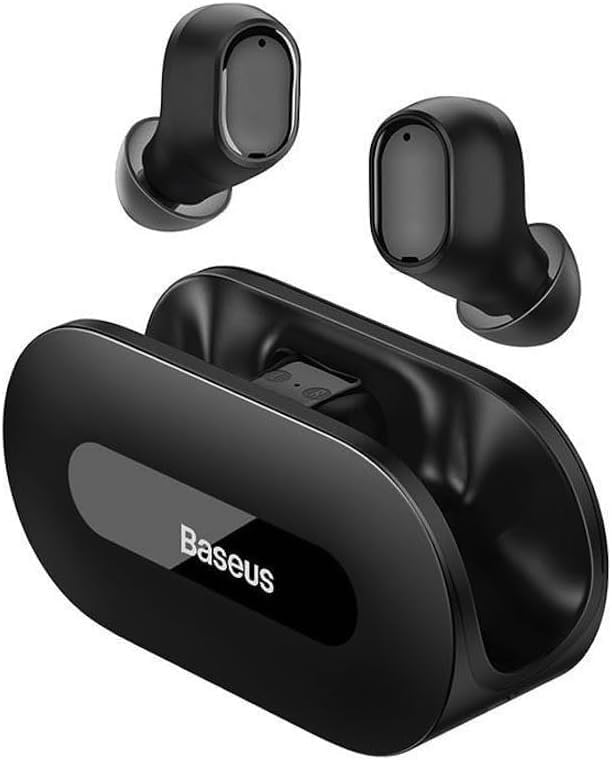
Imatge: Una clara view of the Baseus Bowie EZ10 wireless earbuds and their sleek black charging case, showcasing el seu disseny compacte.
The Baseus Bowie EZ10 earbuds feature a compact in-ear design for a comfortable and secure fit. The charging case is designed for easy portability and secure storage, with magnetic slots to hold the earbuds in place.
Configuració
Càrrega dels auriculars i la funda

Image: A graphic illustrating the long battery life of the Baseus Bowie EZ10 earbuds, indicating extended listening time with the charging case and quick charging capabilities.
- Càrrec inicial: Before first use, fully charge both the earbuds and the charging case. Place the earbuds into the charging case.
- Connecta el carregador: Connect the USB charging cable to the charging port on the case and plug the other end into a compatible USB power source (e.g., wall adapter, computer USB port).
- Indicadors de càrrega: The LED indicators on the charging case will show the charging status. Refer to the specific light patterns in your quick start guide for detailed information.
- Càrrega ràpida: The earbuds support fast charging, providing significant playback time with a short charge.
Vinculació amb el dispositiu
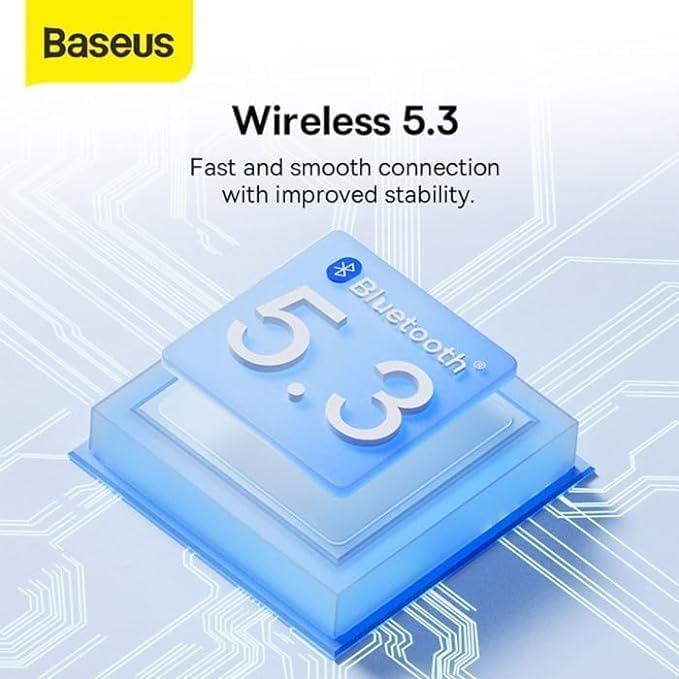
Image: A visual representation of Bluetooth 5.3 technology, highlighting its role in providing a fast and stable wireless connection for the Baseus Bowie EZ10 earbuds.
- Encès: Obre l'estoig de càrrega. Els auriculars s'encendran automàticament i entraran en mode d'emparellament.
- Activa el Bluetooth: Al dispositiu (telèfon intel·ligent, tauleta, ordinador), activeu el Bluetooth.
- Cerca Dispositius: A la configuració de Bluetooth del dispositiu, cerca els dispositius disponibles.
- Select 'Baseus Bowie EZ10': From the list of found devices, select 'Baseus Bowie EZ10' to connect.
- Confirmació: Once connected, you will hear an audio prompt from the earbuds, and the device's Bluetooth settings will show them as connected.
- Connexió multidispositiu: The earbuds can connect to two devices simultaneously. After pairing with the first device, disable Bluetooth on it, then pair with the second device. Re-enable Bluetooth on the first device, and the earbuds should connect to both.
Instruccions de funcionament
Portant els auriculars
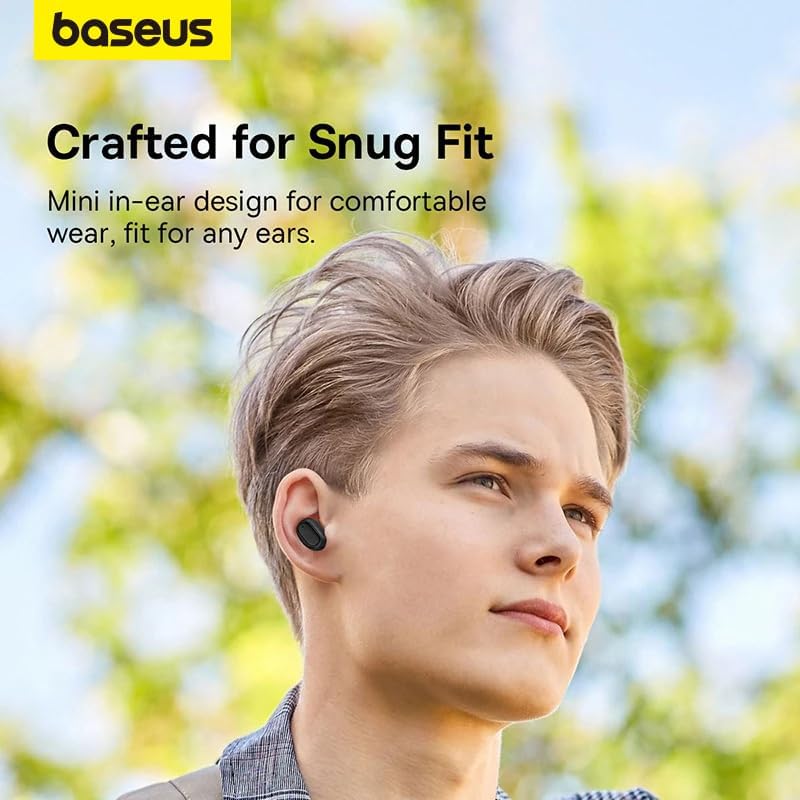
Image: A person wearing a Baseus Bowie EZ10 earbud, illustrating the comfortable and snug fit of the mini in-ear design.
- Choose Right Ear Tips: Seleccioneu les puntes per a les orelles que proporcionin el millor segellat i comoditat per a les vostres orelles.
- Inserir auriculars: Introduïu suaument cada auricular al canal auditiu.
- Ajustar per a l'ajust: Rotate the earbuds slightly until they feel secure and comfortable, ensuring a good seal for optimal sound quality and noise cancellation.
Controls tàctils
The Baseus Bowie EZ10 earbuds feature intuitive touch controls on each earbud. Specific functions may vary or be customizable via the Baseus app.
- Reproduir/pausa: Un sol toc a qualsevol dels auriculars.
- Pista següent: Toqueu dues vegades l'auricular dret.
- Pista anterior: Toqueu dues vegades l'auricular esquerre.
- Respondre/Finalitzar la trucada: Un sol toc a qualsevol dels auriculars.
- Rebutja la trucada: Prem i mantén premut qualsevol dels auriculars.
- Activa l'Assistent de veu: Toqueu tres vegades qualsevol dels auriculars.
- Control de volum: Specific gestures for volume control can often be set up in the Baseus app.
Noise Cancellation (ANC/ENC)
The Baseus Bowie EZ10 earbuds offer advanced noise cancellation features:
- Cancel·lació adaptativa de soroll (ANC): Reduces ambient noise for an immersive listening experience. This mode can often be toggled on/off or adjusted via the touch controls or the Baseus app.
- ENC Noise Cancellation for Calls: The 4-microphone ENC system automatically works during calls to ensure your voice is clear and background noise is minimized for the person on the other end.
Mode de baixa latència
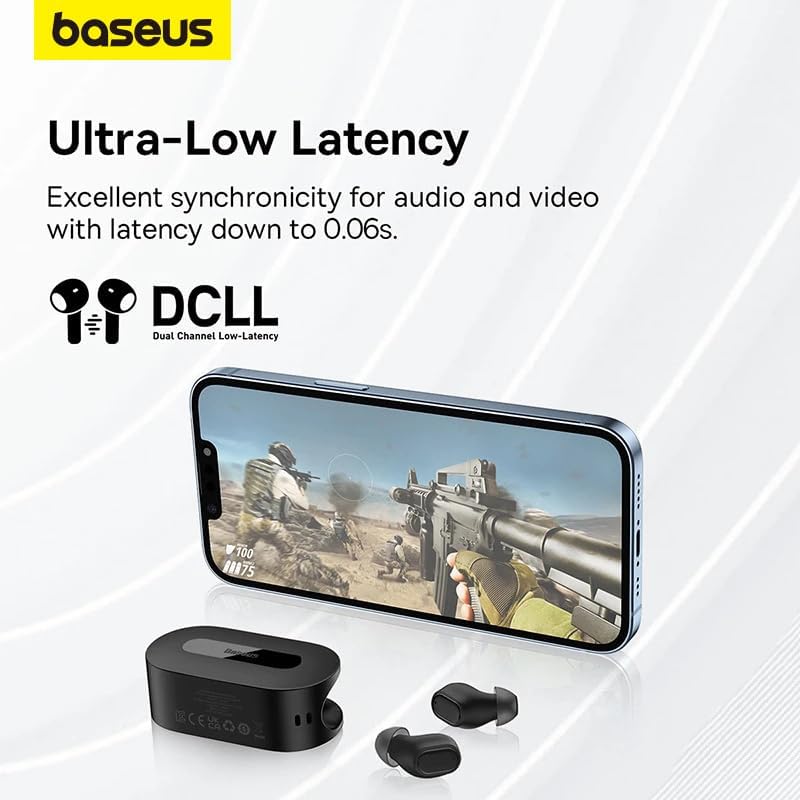
Image: The Baseus Bowie EZ10 earbuds and charging case positioned next to a smartphone displaying a gaming scene, emphasizing the ultra-low latency feature for synchronized audio and video.
For gaming or watching videos, activate the ultra-low latency mode to ensure perfect synchronization between audio and video. This mode can typically be activated via a specific touch gesture or through the Baseus app.
Ús de l'aplicació Baseus
Download the official Baseus app from your device's app store. The app allows you to:
- Personalitza els controls tàctils.
- Ajusta la configuració de l'equalitzador.
- Toggle noise cancellation modes.
- Comproveu els nivells de bateria.
- Actualitza el firmware.
Manteniment
Neteja
- Auriculars: Use a soft, dry, lint-free cloth to wipe the earbuds. For earwax or debris, gently clean with a small, soft brush or cotton swab. Do not use liquids or abrasive cleaners.
- Consells per a les orelles: Traieu les puntes de silicona per a les orelles i renteu-les amb aigua i sabó suau. Esbandiu-les bé i deixeu-les assecar completament abans de tornar-les a col·locar.
- Estoig de càrrega: Wipe the case with a soft, dry cloth. Ensure the charging contacts inside the case are clean and free of debris.
Emmagatzematge
- Guarda sempre els auriculars a la seva funda de càrrega quan no els facis servir per protegir-los i mantenir-los carregats.
- Guardeu el dispositiu en un lloc fresc i sec, allunyat de temperatures extremes i de la llum solar directa.
Resolució de problemes
| Problema | Causa possible | Solució |
|---|---|---|
| Els auriculars no s'aparellen | Auriculars no en mode d'emparellament; Bluetooth desactivat al dispositiu; dispositiu emparellat prèviament interfereix. | Ensure earbuds are in pairing mode (open case); turn on Bluetooth on your device; forget previous connections on your device and try again. |
| No hi ha so d'un auricular | Bateria baixa; auriculars no connectats correctament; auriculars bruts. | Place both earbuds in the case to charge; ensure they are properly seated; clean earbud and charging contacts. |
| Problemes de càrrega | Cable or adapter faulty; charging contacts dirty; case battery empty. | Try a different USB cable and power adapter; clean charging contacts on earbuds and case; ensure charging case is charged. |
| Mala qualitat del so | Improper fit; ear tips dirty; interference. | Adjust earbud fit and try different ear tips; clean ear tips and earbuds; move closer to your device or away from sources of interference. |
Especificacions
| Característica | Detall |
|---|---|
| Nom del model | Bowie EZ10 |
| Tecnologia de connectivitat | Sense fil (Bluetooth 5.3) |
| Col·locació de l'orella | In-orella |
| Control de soroll | Adaptive Noise Cancellation, ENC for calls |
| Latència | 0.038s (Ultra-Low Latency Mode) |
| Durada de la bateria (auriculars) | Fins a 5 hores (una sola càrrega) |
| Durada de la bateria (amb funda) | Fins a 30 hores |
| Tipus de control | Media Control, Volume Control (customizable) |
| Material | Plastic, Silicone/Memory Foam (ear tips) |
| Color | Negre |
| Fabricant | Baseus_Inc |
| Certificació | CE |
Garantia i Suport
The Baseus Bowie EZ10 Wireless Bluetooth Earbuds come with a manufacturer's warranty. Please refer to the warranty card included in your package or visit the official Baseus weblloc web per obtenir informació detallada sobre els termes i condicions de la garantia.
For technical support, troubleshooting assistance, or any product-related inquiries, please contact Baseus customer service through their official weblloc web o la informació de contacte que es proporciona a l'embalatge del producte.




