Magcubic HY320 Portable Projector User Manual
Model: HY320-Andriod
1. Introducció
Gràcies per la compraasing the Magcubic HY320 Portable Projector. This device is designed to provide a versatile and high-quality projection experience, supporting Full HD 1080P and 4K decoding. With its advanced features like 180° rotation, automatic keystone correction, and integrated Android 11.0, it offers an immersive viewing experience for various applications, from home entertainment to outdoor movie nights.
Les característiques clau inclouen:
- Full HD 1080P / 4K Decoding Support for stunning visuals.
- 180° Rotatable Design for flexible projection angles on walls, ceilings, or floors.
- Integrated BT 5.0 and Hi-Fi Speaker for rich audio.
- Automatic Keystone Correction for a perfectly rectangular image.
- WiFi 6 Connectivity for seamless screen mirroring and online content.
2. Informació de seguretat
Please read all safety instructions before using the projector to ensure proper operation and prevent damage. Keep this manual for future reference.
- Font d'alimentació: Feu servir només l'adaptador de corrent proporcionat. Assegureu-vos que el volumtage coincideix amb els requisits del projector.
- Ventilació: No bloquegeu les obertures de ventilació. Assegureu-vos que hi hagi un flux d'aire adequat al voltant del projector per evitar el sobreescalfament.
- Calor: The projector may become warm during operation. This is normal. Avoid touching the lens or vents immediately after use.
- Exposició a la llum: No mireu directament a la lent del projector quan estigui encès.amp està encès, ja que la llum brillant pot causar fatiga o danys als ulls.
- Neteja: Desconnecteu l'alimentació abans de netejar. Feu servir un drap suau i sec. No utilitzeu netejadors líquids ni en aerosol.
- Col·locació: Place the projector on a stable, level surface. Avoid placing it in direct sunlight, near heat sources, or in environments with high humidity or dust.
- Nens: Keep the projector out of reach of small children.
3. Contingut del paquet
Verifiqueu que tots els elements siguin presents al paquet:
- Magcubic HY320 Portable Projector
- Control remot
- Power Cord (EU PLUG)
- Manual d'usuari (aquest document)

Image: The Magcubic HY320 projector, its remote control, power cord, and user manual, all neatly arranged next to the product box.
4. Producte acabatview
Familiarize yourself with the main components and interfaces of your HY320 projector.
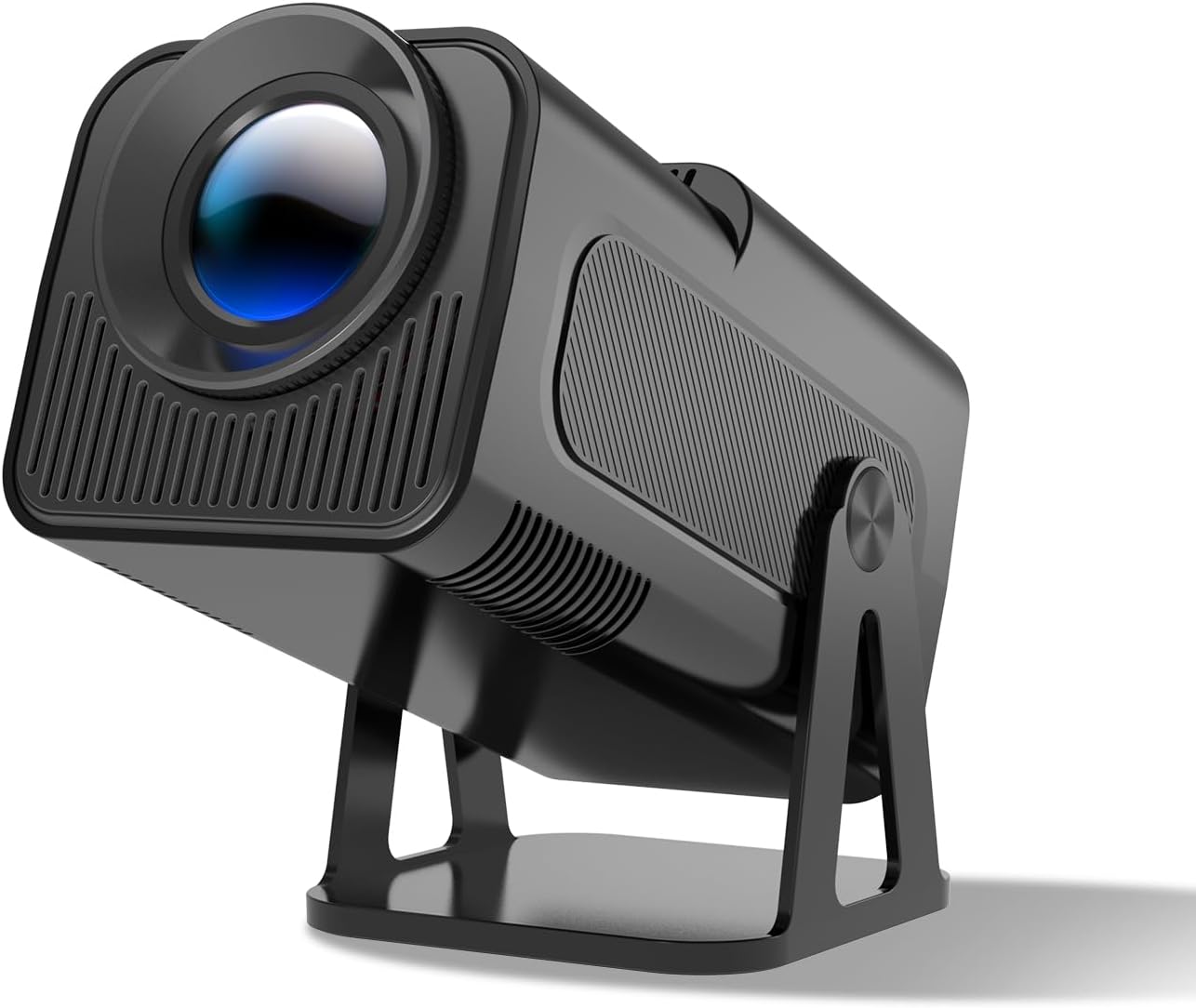
Image: A sleek, black Magcubic HY320 portable projector with its lens prominently displayed, resting on its adjustable stand.
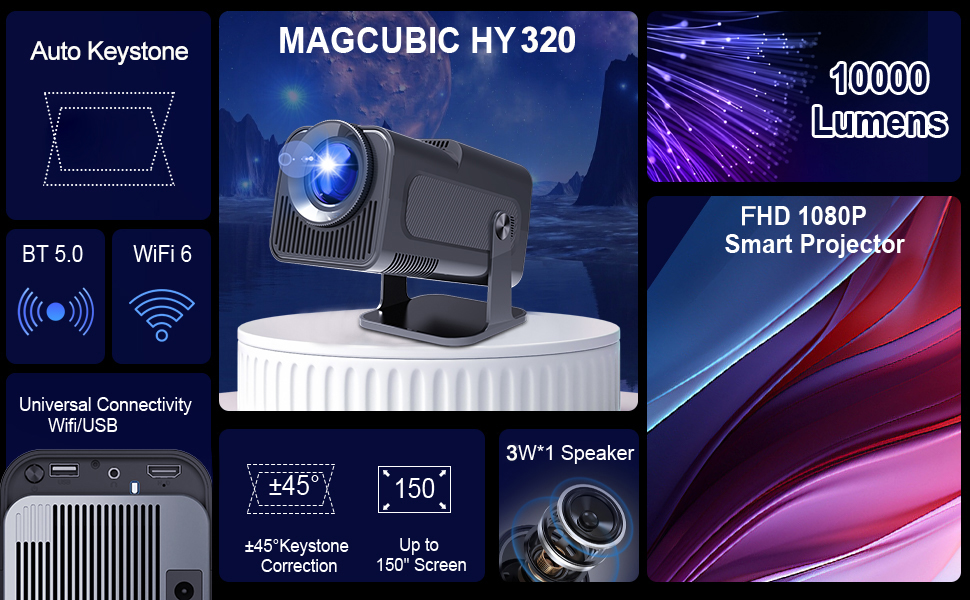
Image: A diagram highlighting the Magcubic HY320 projector's key features including Auto Keystone, BT 5.0, WiFi 6, 10000 Lumens brightness, FHD 1080P, 180° adjustable support, and a 3W speaker.
4.1 Ports i connexions
The projector features various ports for connectivity:
- Port HDMI: For connecting external devices like laptops, gaming consoles, or TV boxes.
- Port USB: Per connectar unitats USB per reproduir contingut multimèdia files directament.
- Entrada d'alimentació: Per connectar l'adaptador de corrent.

Imatge: Un costat view of the Magcubic HY320 projector, showcasing its various input ports including USB and HDMI, along with ventilation grilles.
5. Configuració
5.1 Connexió d'alimentació
- Connecteu el cable d'alimentació al port d'entrada d'alimentació del projector.
- Connecteu l'altre extrem del cable d'alimentació a una presa de corrent.
- The projector will power on automatically or can be turned on using the power button on the remote control or the device itself.
5.2 Col·locació i projecció
The HY320 projector features a 180° rotatable design, allowing for flexible placement and projection onto various surfaces.
- Col·loqueu el projector sobre una superfície estable.
- Adjust the projector's angle using its integrated stand to project onto a wall, ceiling, or screen.
- The optimal projection distance will vary based on the desired screen size (up to 150 inches recommended).

Image: The Magcubic HY320 projector positioned outdoors on a rocky surface, projecting an image onto a screen inside a camping tent, illustrating its portability for outdoor use.
5.3 Correcció de focus i trapezoide
The projector is equipped with automatic keystone correction and manual focus adjustment to ensure a clear and properly shaped image.
- Correcció trapezoidal automàtica: The projector will automatically correct skewed images to provide a rectangular picture. This feature activates upon startup or significant movement.
- Enfocament manual: Use the focus ring on the projector lens to fine-tune the image clarity until it is sharp.

Image: A Magcubic HY320 projector projecting an image of a motorcycle onto a screen, demonstrating its automatic keystone correction feature that corrects skewed images for a perfect rectangle.
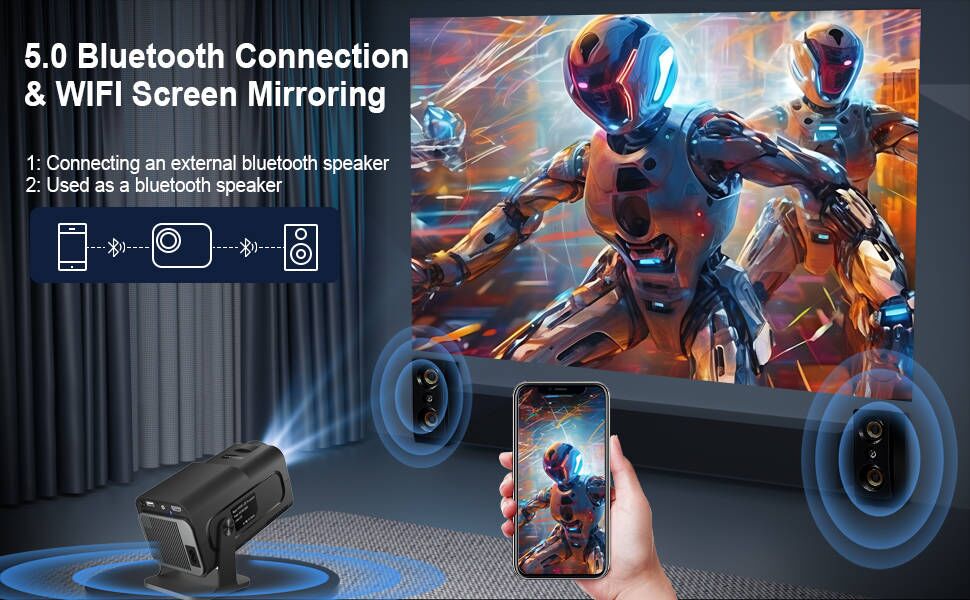
Image: A Magcubic HY320 projector on a coffee table, projecting an image onto a wall, illustrating its automatic keystone correction and four-point keystone adjustment capabilities.
6. Instruccions de funcionament
6.1 Initial Power On and Navigation
Once connected to power, the projector will boot up. Use the remote control to navigate the Android 11.0 interface.
- Use the directional buttons to move through menus.
- Premeu el botó
Documents relacionats - HY320-Andriod

Manual d'usuari del projector portàtil Magcubic L018: configuració, característiques i paràmetres
Manual d'usuari complet per al projector portàtil Magcubic L018. Aprèn sobre la configuració, el contingut del paquet, les funcions del comandament a distància, la navegació per la configuració, consells per a la resolució de problemes i instruccions de seguretat.
Projector intel·ligent Magcubic HY320: Guia d'instal·lació ràpida
Guia completa d'instal·lació ràpida i d'usuari per al projector intel·ligent Magcubic HY320. Aprèn sobre la configuració, les funcions del comandament a distància, les opcions de connectivitat (Wi-Fi, Bluetooth, Miracast, Airplay), la configuració i les precaucions de seguretat essencials. Optimitza la teva experiència de cinema a casa amb aquest manual detallat.
Manual d'usuari del projector intel·ligent Magcubic HY320
Guia de l'usuari per al projector intel·ligent Magcubic HY320, que cobreix la configuració, la seguretat, les funcions remotes, la configuració (xarxa, Bluetooth, projecció), la projecció sense fil (Miracast, Airplay) i el compliment de la normativa de la FCC.
Manual d'usuari del miniprojector Magcubic HY310X: configuració, configuració i seguretat
Manual d'usuari complet per al miniprojector Magcubic HY310X. Més informació sobre les instruccions de seguretat, més avallview, remote control, settings (networking, Bluetooth, projection, applications, language, date/time), about information, other settings, screen casting, and regulatory compliance.
Guia d'instal·lació ràpida del projector intel·ligent Magcubic HY450
Concise guide to installing and setting up your Magcubic HY450 smart projector, covering safety precautions, remote control functions, system settings, wireless screen mirroring, and support information.
Guia d'instal·lació ràpida del projector intel·ligent Magcubic: configuració i funcionament
Guia completa per configurar i fer funcionar el projector intel·ligent Magcubic, que cobreix la connectivitat, la configuració, la seguretat i la resolució de problemes. Apreneu a connectar-vos a Wi-Fi i Bluetooth, utilitzar la duplicació de pantalla i ajustar la configuració de la projecció.