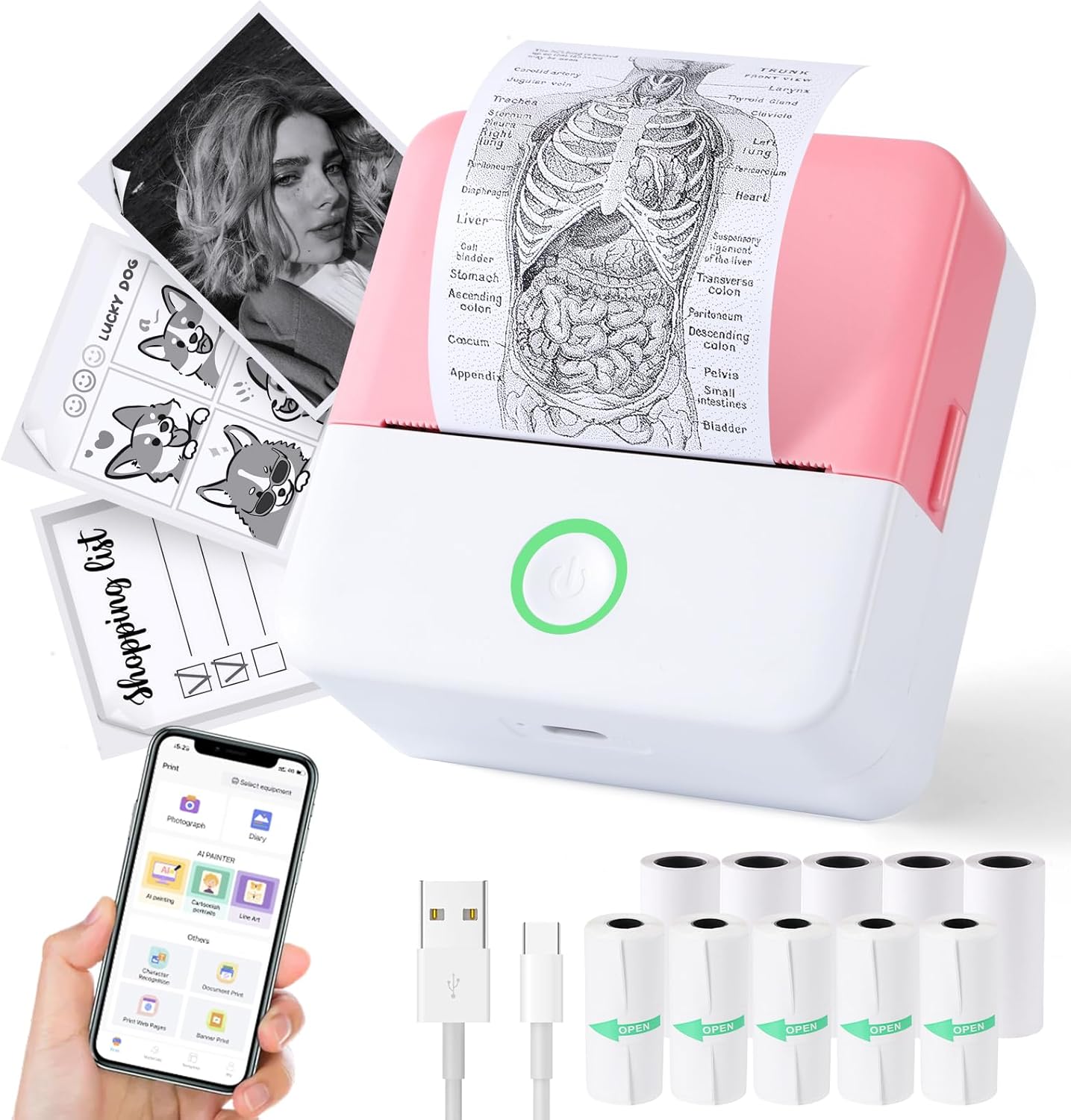
The Print Pods Mini Printer is a compact and portable thermal inkless printer designed for on-the-go printing. It connects wirelessly to your smartphone or tablet via Bluetooth, allowing you to print photos, notes, labels, and more directly from the dedicated app. This manual provides essential information on setting up, operating, and maintaining your printer to ensure optimal performance.
Figure 1: Print Pods Mini Printer and its versatile applications.
Què hi ha a la caixa
Si us plau, comproveu el contingut del paquet per assegurar-vos que hi hagi tots els elements:
Mini Printer (x1)
Power Cable (Type-C) (x1)
Manual d'usuari (x1)
Thermal Printing Paper (x5 rolls)
Adhesive Printing Paper (x5 rolls)
Figure 2: All components included in the Print Pods Mini Printer package.
Guia de configuració
1. Càrrega de la impressora
Before first use, fully charge the printer using the provided Type-C power cable. The printer has a built-in 1200mAh lithium-ion battery. The indicator light will show charging status.
Video 1: Initial charging and overview of the Cudinham X6 Mini Thermal Printer.
2. Descàrrega d'aplicacions i connexió Bluetooth
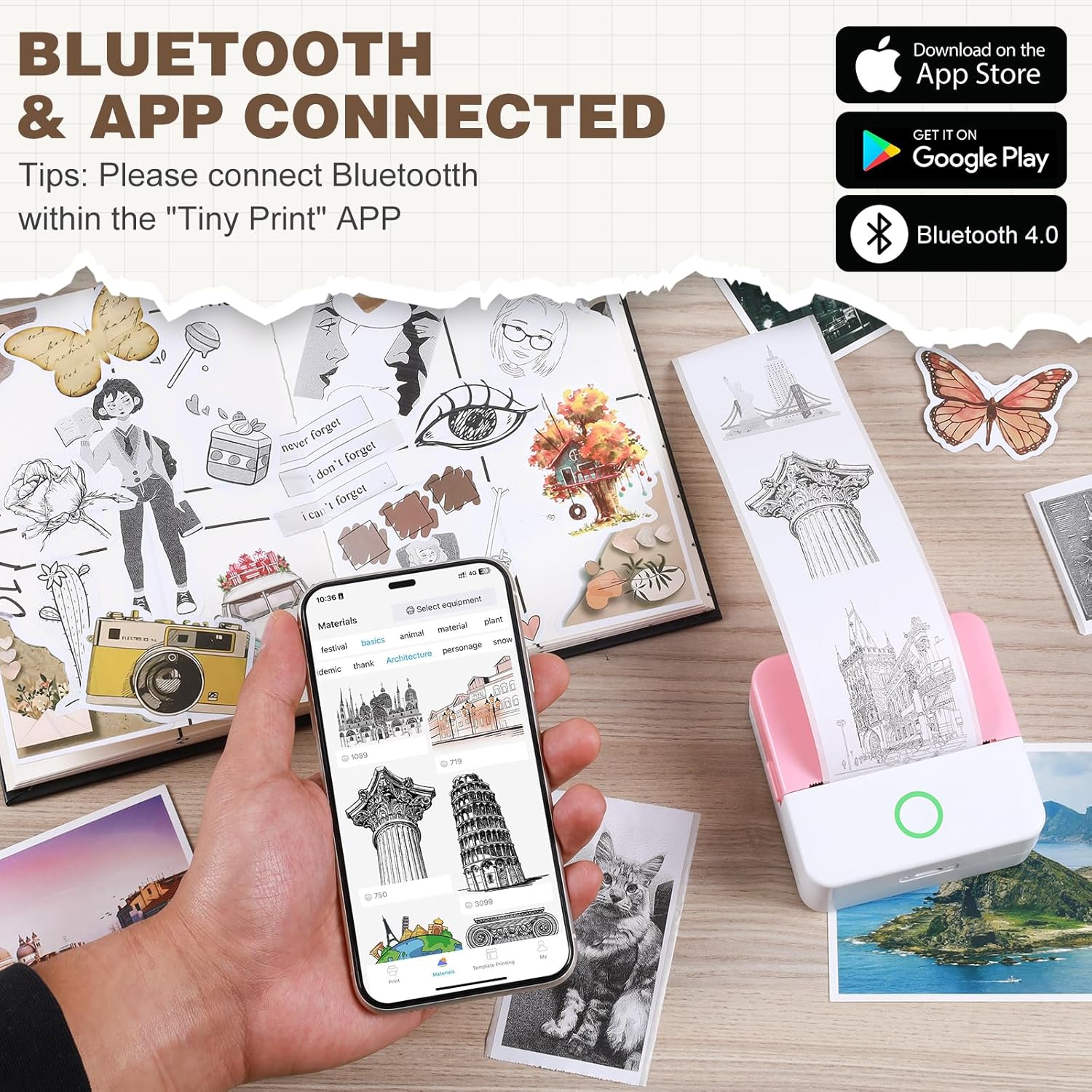
Download the "Tiny Print" app from your device's app store (compatible with Android 4.0 and iOS 9.0 or higher). Turn on the mini printer by pressing the power button. Open the "Tiny Print" app and follow the on-screen instructions to connect via Bluetooth. Ensure Bluetooth is enabled on your smartphone.
Figure 3: Connecting the printer to your smartphone via the "Tiny Print" app.
Video 2: Demonstrating app connection and basic printing with the Cudinham Thermal Mini Printer.
Instruccions de funcionament
1. Càrrega de paper tèrmic
Open the printer's paper loading compartment. Insert the thermal paper roll with the arc part facing down, ensuring the print side is facing up. Pull out a small portion of the paper (approx. 1cm) and close the lid. The printer is now ready for printing.
Figure 4: Visual guide for loading paper into the mini printer.
Figure 5: Correct paper orientation for optimal printing.
Video 3: Step-by-step guide on replacing thermal paper.
2. Funcions d'impressió
The "Tiny Print" app offers various functions to meet your printing needs:
Impressió de fotos: Print black and white photos directly from your phone's gallery.
Graphic Editing: Utilize in-app tools to edit images before printing.
Materials & Templates: Access a variety of pre-designed templates for notes, lists, and creative projects.
Text Extraction (OCR): Convert text from images into editable and printable text.
Impressió d'etiquetes: Create custom labels for organization.
Figura 6: Mésview of the multi-functional "Tiny Print" app interface.
Figure 7: Diverse applications of the Print Pods Mini Printer.
3. Adjusting Print Settings
The app allows you to adjust print depth for optimal results. For images, it is recommended to use the high definition printing mode and adjust the print depth between 4 and 7. For text, you can choose between image printing mode (emphasizes overall effect) or text printing mode (emphasizes text clarity), adjusting depth as needed.
Figure 8: Image printing settings within the app.
Figure 9: Text printing settings within the app.
Manteniment
Neteja del capçal d’impressió
If printing becomes unclear after repeated use, the print head may need cleaning. The laser bar (print head) is located in the paper loading compartment. Gently wipe it with a cotton swab lightly dampened with alcohol. Ensure the printer is turned off before cleaning.
Resolució de problemes
La impressora no es connecta per Bluetooth: Ensure the printer is turned on and fully charged. Check that Bluetooth is enabled on your smartphone and that you are connecting through the "Tiny Print" app, not directly through your phone's Bluetooth settings. Restart both the printer and your phone if issues persist.
Unclear or faded prints: Check the paper roll to ensure it is loaded correctly with the print side facing up. Adjust the print depth setting in the "Tiny Print" app (recommended depth 4-7 for high definition). If the problem continues, clean the print head as described in the Maintenance section.
Paper not feeding: Verify that the paper roll is inserted correctly and that a small portion extends out of the printer before closing the lid. Ensure there are no obstructions in the paper path.
La impressora no s'encén: Connect the printer to the power cable and ensure it is charging. If the battery is completely drained, it may take a few minutes for the indicator light to appear.
Especificacions
Característica
Detall
Marca
cudinham
Número de model
MP-01
Nom del model
X6
Tecnologia d'impressió
Tèrmica
Sortida de la impressora
Monocrom
Resolució màxima d'impressió en blanc i negre
200 Dots Per Inch (200 x 200 DPI)
Tecnologia de connectivitat
Bluetooth
Dispositius compatibles
Telèfons intel·ligents, tauletes (iOS, Android)
Mida màxima del suport
2 inches (2.25 Inches Sheet Size)
Bateria
Ió de liti de 1200 mAh (inclosa)
Dimensions del producte
1.77 x 3.35 x 3.35 polzades
Pes de l'article
14.9 unces
Data de primera disponibilitat
2 de gener de 2024
Garantia i suport
Aquest producte ve amb un Garantia limitada. For specific details regarding warranty coverage and duration, please refer to the warranty information provided with your purchase documentation or contact the manufacturer directly.
For technical support or further assistance, please visit the official cudinham store on Amazon or refer to the contact information provided in your product packaging.
Documents relacionats - MP-01
Canon Practical Guide for Advanced Printing A comprehensive guide from Canon detailing advanced printing techniques, calibration procedures, and troubleshooting tips for achieving optimal print quality and productivity with Canon imagePRESS devices.
Honeywell MP Compact Mark III User Guide: Setup, Configuration, and Maintenance This comprehensive user guide provides essential information for setting up, configuring, and maintaining the Honeywell MP Compact Mark III and MP Compact4 Mobile thermal label printers. Learn about installation, connectivity, maintenance procedures, and troubleshooting to ensure optimal performance.
Guia d'assistència del producte de la sèrie Ricoh D146-D177 Accediu a informació detallada d'assistència del producte per a les impressores multifunció de les sèries D146, D147, D148, D149, D150, D176 i D177 de Ricoh. Aquesta guia cobreix les especificacions, les opcions, la compatibilitat, la instal·lació i el manteniment d'aquestes solucions d'oficina avançades.
Sèrie RICOH MP 6054/5054/4054: Impressores multifunció digitals d'alt rendiment Discover the RICOH MP 6054, MP 5054, and MP 4054 Series, a line of versatile digital black & white multifunction printers designed for efficiency and productivity in modern offices. Featuring high-speed copying, printing, scanning, and faxing, these devices offer advanced security, user-friendly interfaces, and eco-friendly operation.
Guia de configuració fàcil de la impressora de rebuts MUNBYN IMP001 Una guia completa per configurar la impressora de rebuts MUNBYN IMP001 per a dispositius Android i Windows, que inclou el desembalatge, la configuració inicial, la càrrega de paper i les opcions de connectivitat.
10303-01 Paquet de 10 mocadors: Guia d'especificacions d'impressió i aprovació de proves Aquesta guia proporciona informació essencial per aprovar proves d'impressió per al paquet de 10 papers de seda 10303-01. Detalla les àrees d'impressió (segura, retallada, sagnat), les especificacions de color (CMYK, Pantone), les opcions de material i el procés d'aprovació de proves per garantir la precisió del producte.