1. Introducció
Welcome to your new TCL 40-Inch Class 3-Series FHD LED Smart Android TV. This television combines Full High Definition (1080p) resolution with the power of Android TV, offering a seamless and intelligent viewing experience. Enjoy integrated features like Google Assistant for voice control, Chromecast built-in for easy content casting, and Bluetooth connectivity for expanded audio options. This manual will guide you through the setup, operation, and maintenance of your new device.
2. Informació de seguretat
Please read all safety instructions carefully before using your TV. Keep this manual for future reference. Always ensure the TV is placed on a stable surface or securely mounted. Avoid exposing the TV to direct sunlight, extreme temperatures, or high humidity. Do not block ventilation openings. Disconnect the power cord during lightning storms or when unused for long periods.
3. Què hi ha a la caixa
Verifiqueu que tots els components siguin presents a l'embalatge:
- TCL 40-Inch Class 3-Series FHD LED Smart Android TV
- Comandament a distància (amb piles)
- Cable d'alimentació
- TV Stand Legs (2)
- Cargols per a suport de TV
- Guia d’inici ràpid i manual d’usuari
- Wall Mount (if included with your specific package)

Figure 3.1: TCL 40-Inch Smart Android TV with included wall mount components.
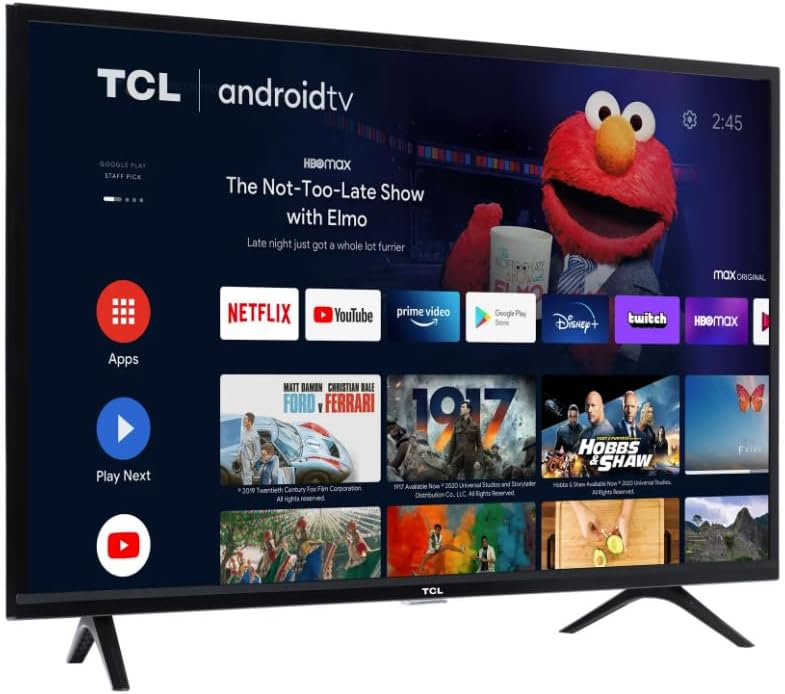
Figure 3.2: TCL 40-Inch Smart Android TV resting on its desktop stand.
4. Configuració
4.1 Instal·lació del suport per a TV
- Col·loqueu amb cura el televisor cap per avall sobre una superfície suau i neta per evitar que es faci malbé la pantalla.
- Alineeu les potes del suport amb els forats dels cargols de la part inferior del televisor.
- Secure each leg with the provided screws using a screwdriver.
- Aixequeu el televisor amb cura i col·loqueu-lo sobre una superfície estable i plana.
4.2 Muntatge a la paret (opcional)
If you choose to wall mount your TV, please refer to the instructions provided with your specific wall mount kit. Ensure the wall mount is compatible with your TV's VESA mounting pattern and weight. Professional installation is recommended for wall mounting.
4.3 Connexió de perifèrics
Your TCL Android TV offers various ports for connecting external devices:
- Ports HDMI: Connecteu reproductors de Blu-ray, consoles de jocs, descodificadors de cable, etc.
- Port USB: Per a la reproducció de contingut multimèdia des d'unitats USB.
- Port Ethernet: Per a una connexió a Internet per cable.
- Sortida d'àudio digital òptica: Per connectar-lo a una barra de so o a un receptor d'àudio.
- Entrada d'antena/cable: Per connectar una antena o un cable de televisió.
4.4 Engegada inicial i connexió de xarxa
- Connecteu el cable d'alimentació al televisor i després a una presa de corrent.
- Premeu el botó d'engegada del comandament a distància o del televisor.
- Follow the on-screen instructions to select your language, connect to your Wi-Fi network, and sign in with your Google account to activate Android TV features.
5. Com fer funcionar el televisor intel·ligent
5.1 Navegació per la pantalla d'inici
The Android TV home screen provides quick access to your favorite apps, movies, shows, and settings. Use the directional pad on your remote to navigate through the interface.
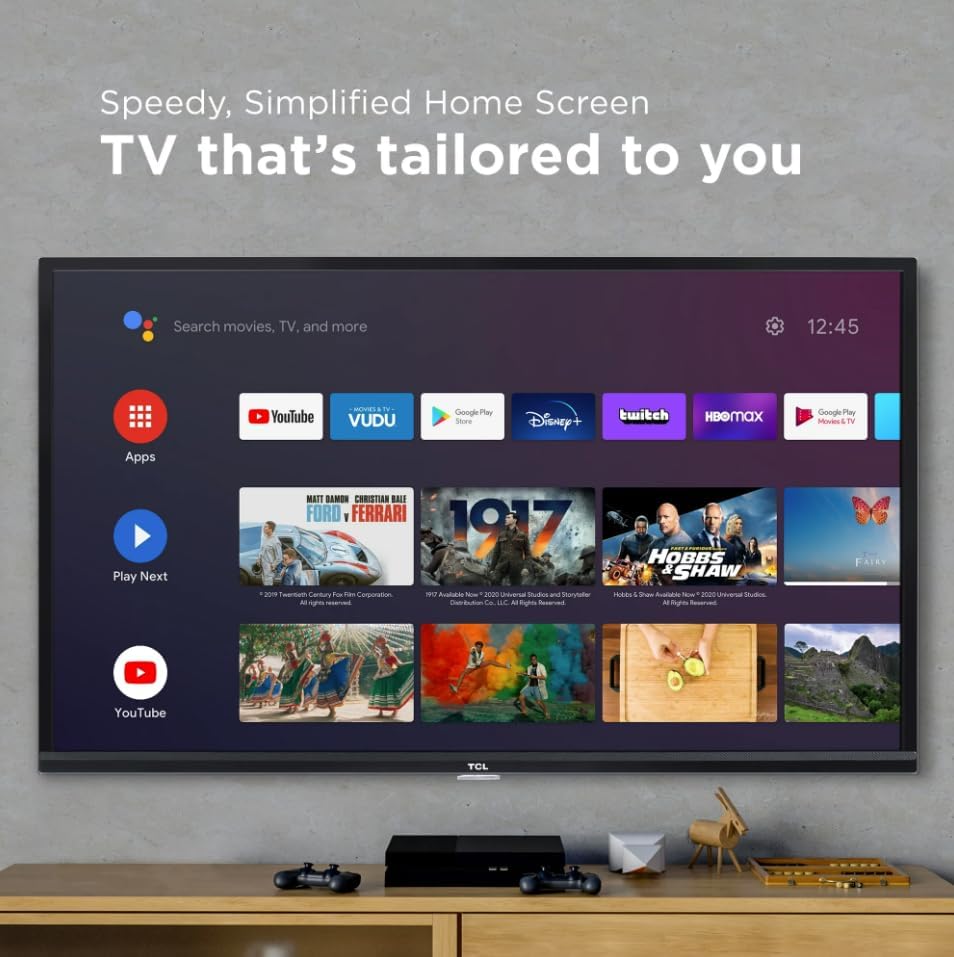
Figure 5.1: The intuitive Android TV home screen.
5.2 App Access
Access thousands of apps from the Google Play Store directly on your TV. Popular streaming services like Netflix, YouTube, Prime Video, and more are readily available.

Figure 5.2: A selection of available streaming applications on Android TV.
5.3 Control per veu amb l'Assistent de Google
Your TV features Google Assistant built-in. Press the Google Assistant button on your remote and speak your commands to search for content, control playback, get weather updates, manage smart home devices, and more.
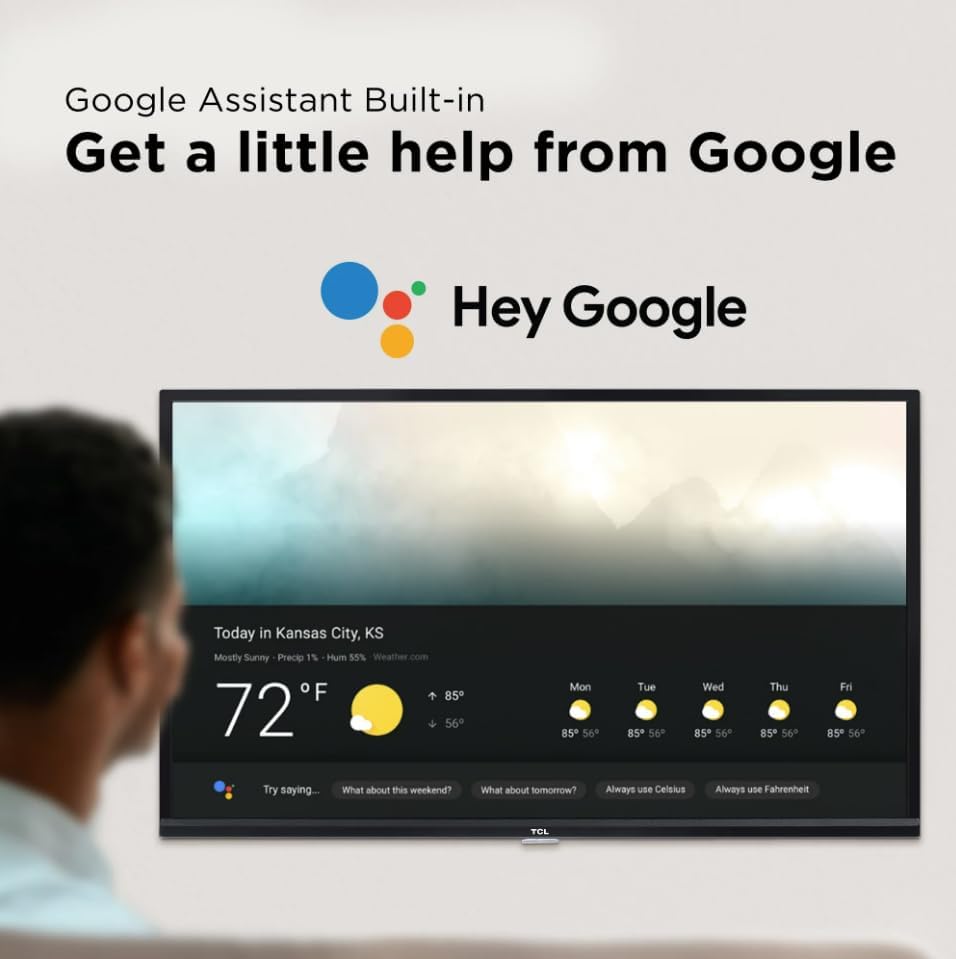
Figure 5.3: Interacting with Google Assistant on your TV.
5.4 Chromecast integrat
Easily cast movies, shows, photos, and more from your Android or iOS device directly to your TCL Android TV using Chromecast built-in. Simply tap the Cast icon in compatible apps on your mobile device.

Figure 5.4: Seamless content casting with Chromecast built-in.
5.5 Control remot
The included remote control is designed for ease of use, featuring dedicated buttons for popular streaming services and voice search functionality. It also includes volume controls and a mute button for quick adjustments.
6. Configuració d'imatge i so
6.1 Qualitat d'imatge
Your TV delivers Full HD (1080p) resolution, providing excellent detail, color, and contrast. The Direct LED backlighting ensures uniform brightness across the screen.
6.2 Modes d'imatge
Adjust picture settings to suit your viewing preferences. Common modes include:
- Estàndard: Balanced settings for general viewing.
- Viu: Enhanced brightness and color saturation.
- Esports: Optimized for fast-moving action.
- Pel·lícula: Calibrated for cinematic viewing.
- Baixa potència: Redueix el consum d'energia.
6.3 Característiques de so
Experience full, rich sound for an immersive audio experience. The TV also supports Bluetooth wireless connectivity, allowing you to stream audio to headphones or a soundbar.
7. Manteniment
7.1 Neteja del televisor
Per netejar la pantalla, netegeu-la suaument amb un drap suau i sense borrissol. Per a marques difícils, dampen the cloth with a small amount of water or a screen cleaner. Avoid harsh chemicals. Clean the TV's exterior with a soft, dry cloth.
7.2 Actualitzacions de programari
Your Android TV may receive automatic software updates to improve performance and add new features. Ensure your TV is connected to the internet to receive these updates.
8. Solució De Problemes
Si teniu problemes amb el televisor, proveu els passos bàsics següents per resoldre problemes:
- Sense energia: Comproveu si el cable d'alimentació està ben connectat al televisor i a la presa de corrent. Proveu una altra presa de corrent.
- Sense imatge/so: Ensure the correct input source is selected. Check all cable connections (HDMI, audio).
- El comandament a distància no respon: Substituïu les piles del comandament a distància. Assegureu-vos que no hi hagi cap obstacle entre el comandament a distància i el televisor.
- Problemes de connexió de xarxa: Restart your Wi-Fi router. Check the TV's network settings to ensure it's connected to the correct network.
- Frozen Screen/App Issues: Reinicieu el televisor desendollant-lo de la presa de corrent durant 30 segons i després tornant-lo a connectar.
For more advanced troubleshooting or persistent issues, please refer to the full user manual or contact TCL customer support.
9. Especificacions
| Característica | Detall |
|---|---|
| Marca | TCL |
| Model | 3-Sèrie |
| Mida de la pantalla | 40 polzades |
| Resolució | 1080p (Full HD) |
| Tecnologia de visualització | LED |
| Freqüència d'actualització | 60 Hz |
| Sistema operatiu | Android TV |
| Característiques especials | Google Assistant Built-in, Chromecast Built-in, Bluetooth, Works with Alexa and Google Assistant |
| Connectivitat | Bluetooth, Wi-Fi, HDMI, USB |
| Dimensions del producte | 40 "P x 6" W x 26" H |
| Pes de l'article | 19 lliures |

Figure 9.1: Physical dimensions of the TCL 40-Inch Smart Android TV.
10. Garantia i Suport
Your TCL 40-Inch Class 3-Series FHD LED Smart Android TV is covered by a manufacturer's warranty. For detailed warranty information, including terms and conditions, please refer to the warranty card included in your product packaging or visit the official TCL support website. For technical assistance, troubleshooting, or service requests, please contact TCL customer support through their official channels.


