Introducció
Thank you for choosing the Portronics Breeze 5 Portable Bluetooth Speaker. This manual provides essential information for setting up, operating, and maintaining your speaker. Please read it carefully to ensure optimal performance and longevity of your device.
Què hi ha a la caixa
- 1N Portable Speaker
- 1N Charging Cable
- Manual d'usuari 1N
Producte acabatview
The Portronics Breeze 5 is a 25W portable wireless Bluetooth speaker designed for a rich audio experience with added visual flair. Its compact size makes it suitable for various environments, from home to outdoor activities.

Image: Internal components illustrating the 25W HD sound architecture.
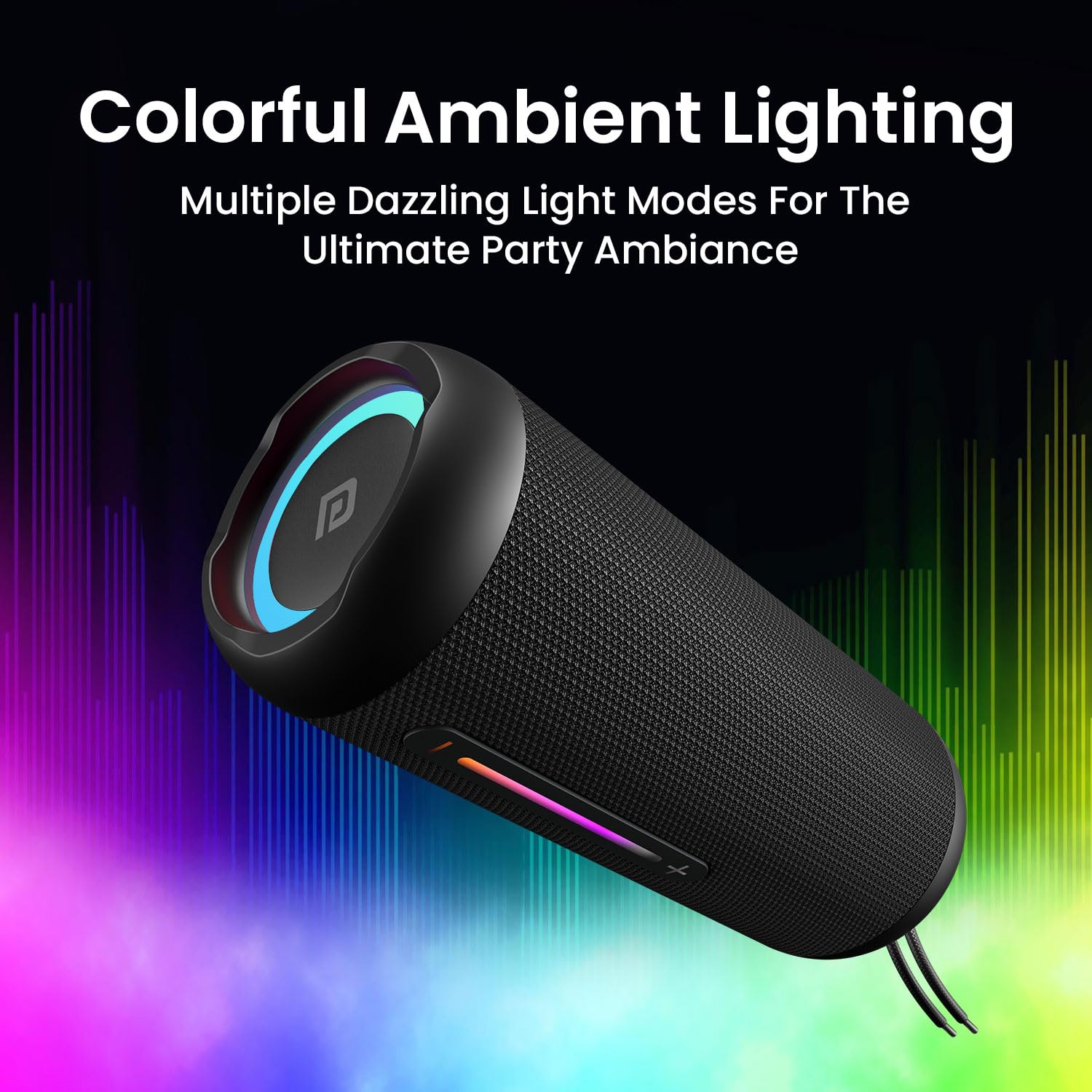
Image: Speaker showcasing its colorful ambient RGB lighting.
Controls i Ports
Familiarize yourself with the speaker's controls and connection ports for seamless operation.

Image: Speaker with visible control buttons and input ports.
- Botó d'encesa: Premeu i manteniu premut per encendre/apagar l'altaveu.
- Botó Reproduir/Pausa: Premeu per reproduir o posar en pausa l'àudio.
- Puja el volum (+): Premeu per augmentar el volum.
- Baixar el volum (-): Premeu per reduir el volum.
- Botó de mode (M): Press to switch between Bluetooth, FM Radio, AUX, and Micro SD/USB modes.
- Botó TWS: Premeu per iniciar l'emparellament estèreo sense fil veritable.
- Port USB: Per a la reproducció des d'una unitat flaix USB.
- Ranura per a targetes Micro SD: Per a la reproducció de targetes Micro SD.
- Port d'entrada AUX: Per a connexió d'àudio amb cable.
- Port de càrrega tipus C: Per carregar l'altaveu.
Carregant l'altaveu
Before first use, fully charge the speaker. Use the included Type-C charging cable to connect the speaker to a compatible USB power adapter (not included).
- Connect the Type-C end of the cable to the speaker's charging port.
- Connect the USB-A end to a 5V/2A USB power adapter.
- L'indicador LED mostrarà l'estat de càrrega i s'apagarà quan estigui completament carregat.
- A full charge provides approximately 6 hours of playtime, depending on volume and usage.

Image: Speaker highlighting its 6-hour playtime and Type-C fast charging capability.
Emparellament Bluetooth
- Turn on the speaker by pressing and holding the Power button. The speaker will enter Bluetooth pairing mode, indicated by a flashing LED.
- Activeu el Bluetooth al telèfon intel·ligent o a la tauleta.
- Cerca "Portronics Breeze 5" in the list of available devices and select it to pair.
- Once successfully paired, the LED indicator will stop flashing and remain solid, and you will hear an audible confirmation.
Emparellament TWS (True Wireless Stereo)
To achieve a powerful 50W dual sound output, you can pair two Breeze 5 speakers together.

Image: Two speakers demonstrating TWS connectivity for dual sound.
- Ensure both Breeze 5 speakers are powered ON and not connected to any other Bluetooth device.
- En un altaveu, premeu el botó Botó TWS. It will emit a sound indicating it's searching for another speaker.
- Els dos altaveus es connectaran automàticament entre si. Un cop connectats, sentireu un so de confirmació.
- Now, connect your device to one of the paired speakers via Bluetooth as described in the Bluetooth Pairing section. Both speakers will play audio simultaneously.
Using Other Playback Modes
The Breeze 5 supports multiple connectivity options:
- Mode d'entrada AUX: Connect an audio device using a 3.5mm AUX cable (not included) to the AUX-in port. The speaker will automatically switch to AUX mode.
- Mode de memòria USB: Insert a USB flash drive into the USB port. The speaker will automatically detect and play audio files.
- Mode de targeta micro SD: Insert a Micro SD card into the Micro SD card slot. The speaker will automatically detect and play audio files.
- Mode de ràdio FM: Premeu el botó Botó de mode (M) to switch to FM Radio mode. Use the Play/Pause button to auto-scan for stations and the Volume +/- buttons to navigate.
Trucades mans lliures
When connected via Bluetooth to your smartphone, the built-in microphone allows for hands-free calling.
- Respon a la trucada: Premeu el botó Reproduir/Pausa una vegada per respondre a una trucada entrant.
- Finalitzar la trucada: Premeu el botó Reprodueix/Pausa una vegada durant una trucada per finalitzar-la.
- Rebutja la trucada: Mantén premut el botó Reproduir/Pausa per rebutjar una trucada entrant.
Llums LED RGB
The speaker features dynamic RGB LED lights with three modes to enhance your listening experience.
- The lights automatically cycle through different colors and patterns.
- Specific controls for changing light modes are typically integrated with the Mode button or a dedicated light button (refer to the speaker's physical controls for exact functionality).
Resistència a l'aigua (IPX5)
The Portronics Breeze 5 is IPX5 water-resistant, meaning it can withstand splashes of water from any direction. This makes it suitable for outdoor use and environments where it might encounter light rain or splashes.

Image: Speaker in a light rain environment, illustrating its IPX5 water resistance.
Note: IPX5 rating means the speaker is splash-proof, not fully waterproof. Do not submerge the speaker in water. Ensure the rubber flap covering the ports is securely closed before exposure to water.
Especificacions
| Característica | Detall |
|---|---|
| Nom del model | Brisa 5 |
| Número de model | POR-2098 |
| Àudio Wattage | 25 watts |
| Tecnologia de connectivitat | Bluetooth 5.3v, Auxiliary, USB, Micro SD |
| Característiques especials | Portable, Wireless, Built-in Mic, RGB LEDs, TWS Mode, FM Radio |
| Font d'alimentació | Alimentat per bateria (polímer de liti) |
| Hora de joc | Fins a 6 hores |
| Port de càrrega | Tipus-C |
| Resistència a l'aigua | IPX5 (resistent a esquitxades) |
| Dimensions | 21P x 10A x 10H centímetres |
| Pes de l'article | 600 grams |
Resolució de problemes
- Sense energia: Assegureu-vos que l'altaveu estigui carregat. Connecteu-lo a una font d'alimentació i torneu-ho a provar.
- Sense so: Comproveu els nivells de volum tant a l'altaveu com al dispositiu connectat. Assegureu-vos que esteu seleccionat el mode d'entrada correcte.
- Desconnexió Bluetooth: Ensure the speaker is within the effective range (approx. 10 meters) of your device. Disconnect and re-pair the speaker.
- Error d'emparellament TWS: Ensure both speakers are fully charged and not connected to any other Bluetooth device before initiating TWS pairing.
- Mala recepció d'FM: Extend the antenna (if available) or reposition the speaker for better signal.
Cura i Manteniment
- Keep the speaker away from extreme temperatures, direct sunlight, and corrosive liquids.
- Netegeu l'altaveu amb un drap suau i sec. No utilitzeu productes químics agressius ni materials abrasius.
- Guardeu l'altaveu en un lloc fresc i sec quan no l'utilitzeu durant períodes prolongats.
- Ensure the charging port cover is sealed when not charging to maintain water resistance.
Garantia i Suport
The Portronics Breeze 5 comes with a Limited Warranty. For warranty claims or technical support, please refer to the contact information provided in the included warranty card or visit the official Portronics weblloc.
Fabricant: Portronics Digital Pvt Ltd
Contacte: 9555-245-245


