Introducció
Thank you for choosing PowerLocus P6 Bluetooth Headphones. These over-ear headphones are designed to provide a high-quality audio experience with the convenience of wireless connectivity. Featuring a foldable design and a hard-shell carry case, they are ideal for travel and daily use. This manual provides detailed instructions on how to set up, operate, and maintain your headphones.
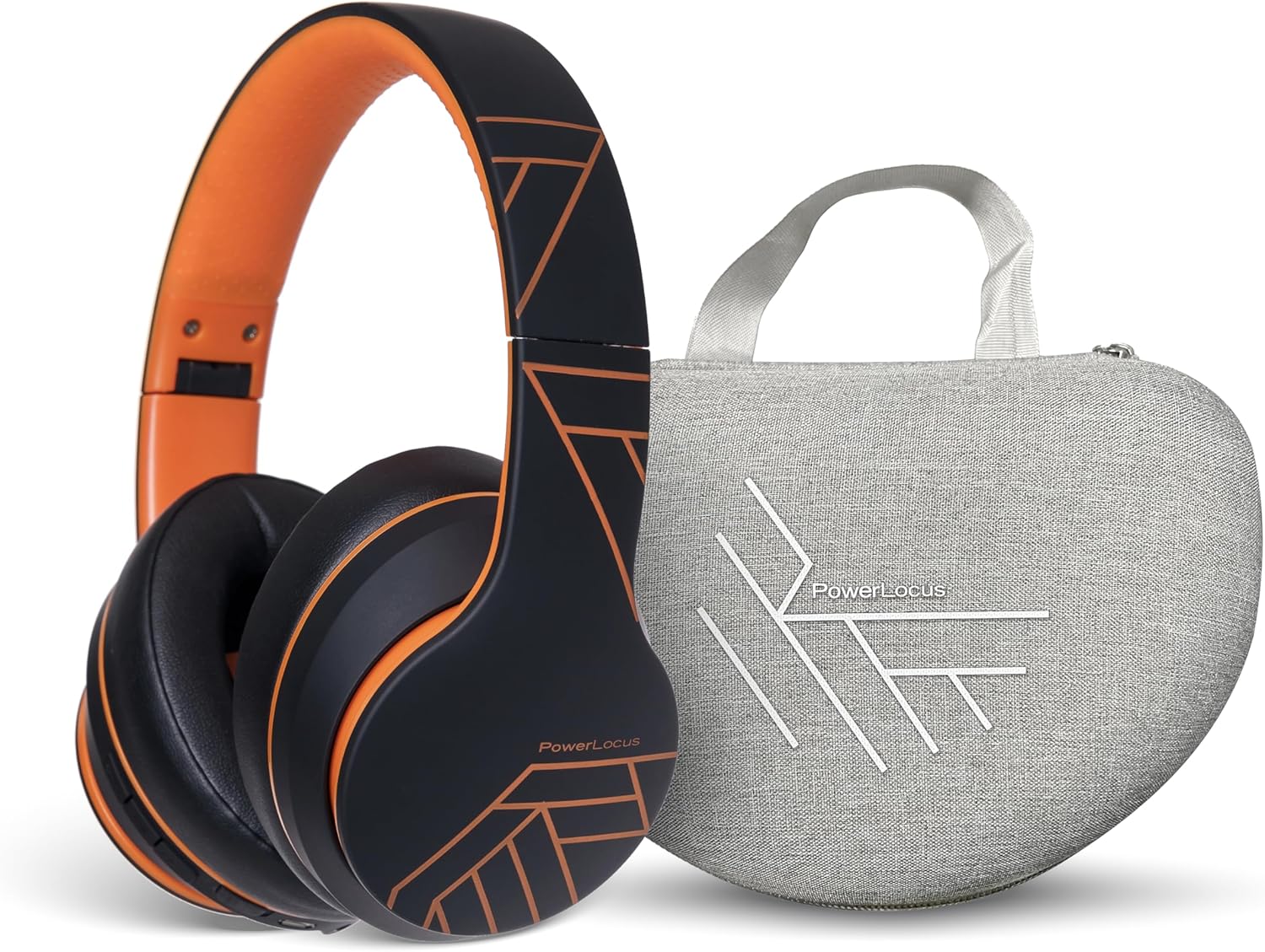
Image: PowerLocus P6 Bluetooth Headphones in black and orange, shown alongside their grey hard-shell carry case. The headphones are folded, demonstrating their compact design for portability.
Informació de seguretat
- No exposeu els auriculars a temperatures extremes, humitat ni substàncies corrosives.
- Eviteu deixar caure els auriculars ni sotmetre'ls a impactes forts.
- No desmunteu ni intenteu reparar els auriculars vosaltres mateixos. Això anul·larà la garantia.
- Clean the headphones with a soft, dry cloth only. Do not use liquid cleaners.
- Escoltar durant molt de temps a nivells de volum alts pot causar danys auditius. Ajusteu el volum a un nivell segur.
Contingut del paquet
Assegureu-vos que tots els elements siguin presents al paquet:
- PowerLocus P6 Bluetooth Headphones
- Estoig dur de transport
- Cable de càrrega USB
- Cable d'àudio (3.5 mm)
- Manual d'usuari

Image: A hand holding the grey hard-shell carry case for the PowerLocus P6 headphones by its fabric loop. The case features the PowerLocus logo on its front.
Producte acabatview
The PowerLocus P6 headphones are designed for comfort and functionality. Key features include:
- Flexible Earpads: Designed for a comfortable fit.
- Soft Memory Foam Earmuffs: Provide enhanced comfort during extended listening sessions.
- Talla única: Adjustable headband to suit various head sizes.
- Disseny plegable: Allows for compact storage and easy portability.
- Micròfon integrat: Per trucades mans lliures.
- Botons de control: Located on the earcup for easy access to media and call controls.

Image: A person wearing PowerLocus P6 headphones, demonstrating their comfortable fit. Insets highlight key features: flexible earpads, soft memory foam earmuffs, and the adjustable "one size fits all" design.

Image: A close-up of the PowerLocus P6 headphones, accompanied by icons illustrating their key features: Hi-Fi Stereo Sound, Stable Wireless Connectivity, HD Microphones for Clear Calls, Foldable Design, and Long Battery Life.
Configuració
1. Càrrega dels auriculars
Before first use, fully charge the headphones. Connect the USB charging cable to the charging port on the headphones and the other end to a USB power source (e.g., computer USB port, wall adapter). The LED indicator will show charging status and turn off or change color when fully charged.
2. Emparellament Bluetooth
- Assegureu-vos que els auriculars estiguin apagats.
- Premeu i manteniu premut el botó d'engegada fins que l'indicador LED parpellegi en blau i vermell alternativament, cosa que indica el mode d'emparellament.
- Al dispositiu (telèfon intel·ligent, tauleta, PC), activeu el Bluetooth i cerqueu els dispositius disponibles.
- Select "PowerLocus P6" from the list of devices.
- Un cop emparellat, l'indicador LED parpellejarà en blau lentament o es tornarà blau fix.
3. Connecting to Multiple Devices (Multi-Point)
The PowerLocus P6 headphones support multi-point connection, allowing you to connect to two Bluetooth devices simultaneously. This is useful for switching between a phone and a laptop without re-pairing.
- Emparella els auriculars amb el primer dispositiu tal com s'ha descrit anteriorment.
- Desactiva el Bluetooth al primer dispositiu. Els auriculars tornaran a entrar en mode d'emparellament.
- Vincula els auriculars amb el segon dispositiu.
- Torneu a activar el Bluetooth al primer dispositiu. Els auriculars s'haurien de connectar automàticament als dos dispositius.
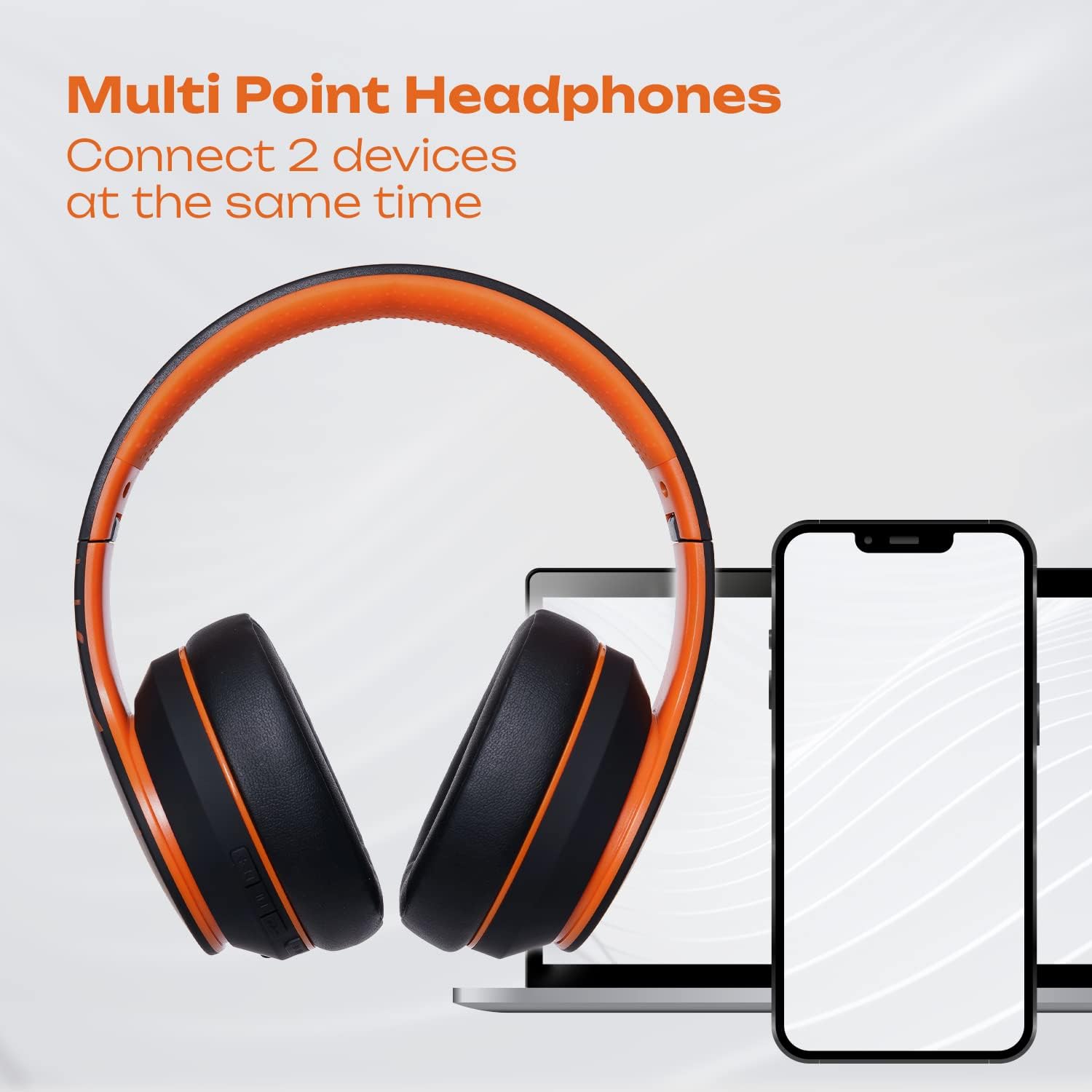
Image: PowerLocus P6 headphones positioned between a laptop and two smartphones, illustrating their capability to connect to multiple devices simultaneously via multi-point Bluetooth technology.

Image: A person using PowerLocus P6 headphones with a laptop, with icons below indicating universal compatibility with phones, tablets, PCs, and TVs.
Instruccions de funcionament
Encès/Apagat
- Encès: Manteniu premut el botó d'engegada durant 3 segons.
- Apagar: Manteniu premut el botó d'engegada durant 3 segons.
Reproducció de música
- Reproduir/pausa: Premeu el botó multifunció una vegada.
- Pista següent: Premeu i manteniu premut el botó de pujar el volum.
- Pista anterior: Manteniu premut el botó de baixar el volum.
- Pujar el volum: Premeu breument el botó de pujar el volum.
- Baixar el volum: Premeu breument el botó per baixar el volum.
Gestió de trucades
- Respondre/Finalitzar la trucada: Premeu el botó multifunció una vegada.
- Rebutja la trucada: Manteniu premut el botó multifunció durant 2 segons.
- Torna a marcar l'últim número: Premeu dues vegades el botó multifunció.
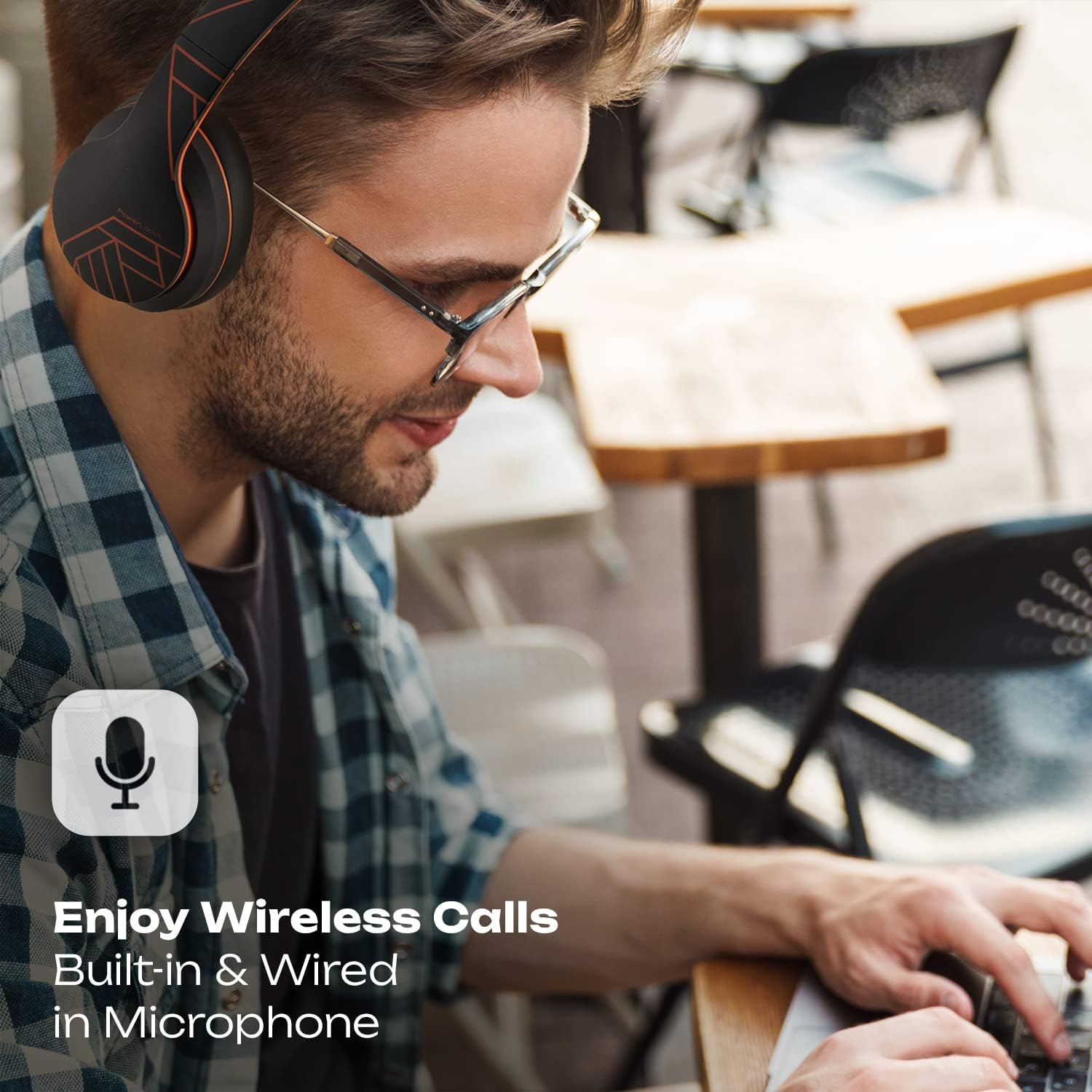
Image: A person wearing PowerLocus P6 headphones while working on a laptop, with an icon emphasizing the built-in and wired microphone for clear wireless calls.
Assistent de veu
- Activa l'Assistent de veu: Triple-press the Multi-function button (e.g., Siri, Google Assistant).
Manteniment
Neteja
Use a soft, dry, lint-free cloth to clean the headphones. Do not use abrasive cleaners, alcohol, or chemical solvents, as these may damage the surface or internal components.
Emmagatzematge
When not in use, store the headphones in their hard-shell carry case to protect them from dust, scratches, and impacts. Store in a cool, dry place away from direct sunlight and extreme temperatures.

Image: A hand placing the grey PowerLocus P6 hard-shell carry case into the main compartment of a grey backpack, demonstrating its portability and ease of storage.

Image: The grey PowerLocus P6 hard-shell carry case placed neatly inside an open suitcase alongside folded clothing, illustrating its compact size and suitability for travel.
Resolució de problemes
| Problema | Causa possible | Solució |
|---|---|---|
| Els auriculars no s'engeguen. | Bateria baixa. | Carregueu els auriculars completament. |
| No es pot emparellar amb el dispositiu. | Els auriculars no estan en mode d'emparellament; el Bluetooth està desactivat al dispositiu; el dispositiu està massa lluny. | Ensure headphones are in pairing mode (flashing blue/red). Enable Bluetooth on your device. Move device closer to headphones (within 10 meters). |
| No hi ha so o hi ha mala qualitat de so. | Volum massa baix; auriculars no connectats; interferències. | Increase volume on both headphones and device. Reconnect headphones. Move away from other wireless devices. |
| El micròfon no funciona. | Microphone muted on device; incorrect audio input selected. | Check device settings to ensure microphone is not muted and PowerLocus P6 is selected as the input device. |
Especificacions
- Model: PowerLocus P6
- Connectivitat: Bluetooth
- Factor de forma: Sobre l'orella
- Tipus de control: Control multimèdia, tàctil
- Micròfon: Integrat
- Control de soroll: Aïllament acústic
- Components inclosos: Funda protectora
- ASIN: B0CSC3PH3Y
Garantia i Suport
PowerLocus P6 headphones come with a 2 any de garantia completa. This warranty covers manufacturing defects and ensures the reliability of your product. For warranty claims or technical support, please contact PowerLocus customer service through the official PowerLocus weblloc web o el vostre punt de compra.
Per obtenir més ajuda, visiteu el PowerLocus Store on Amazon.


