Introducció
Thank you for choosing the Symcode USB 1D Barcode Scanner. This manual provides comprehensive instructions for setting up, operating, and maintaining your new barcode scanner. Please read this manual thoroughly before use to ensure optimal performance and longevity of the device.
Informació de seguretat
Si us plau, observeu les següents pautes de seguretat per evitar lesions o danys al dispositiu:
- Do not stare directly into the laser beam. The laser light is visible and can cause eye damage.
- Keep the device away from water or other liquids to prevent electric shock or damage.
- No intenteu desmuntar ni reparar l'escàner vosaltres mateixos. Encarregueu tot el manteniment a personal qualificat.
- Use the scanner within the specified operating temperature and humidity ranges.
- Avoid dropping the scanner from excessive heights, although it is designed for durability, extreme impacts can cause damage.
Contingut del paquet
Verifiqueu que tots els elements siguin presents al paquet:
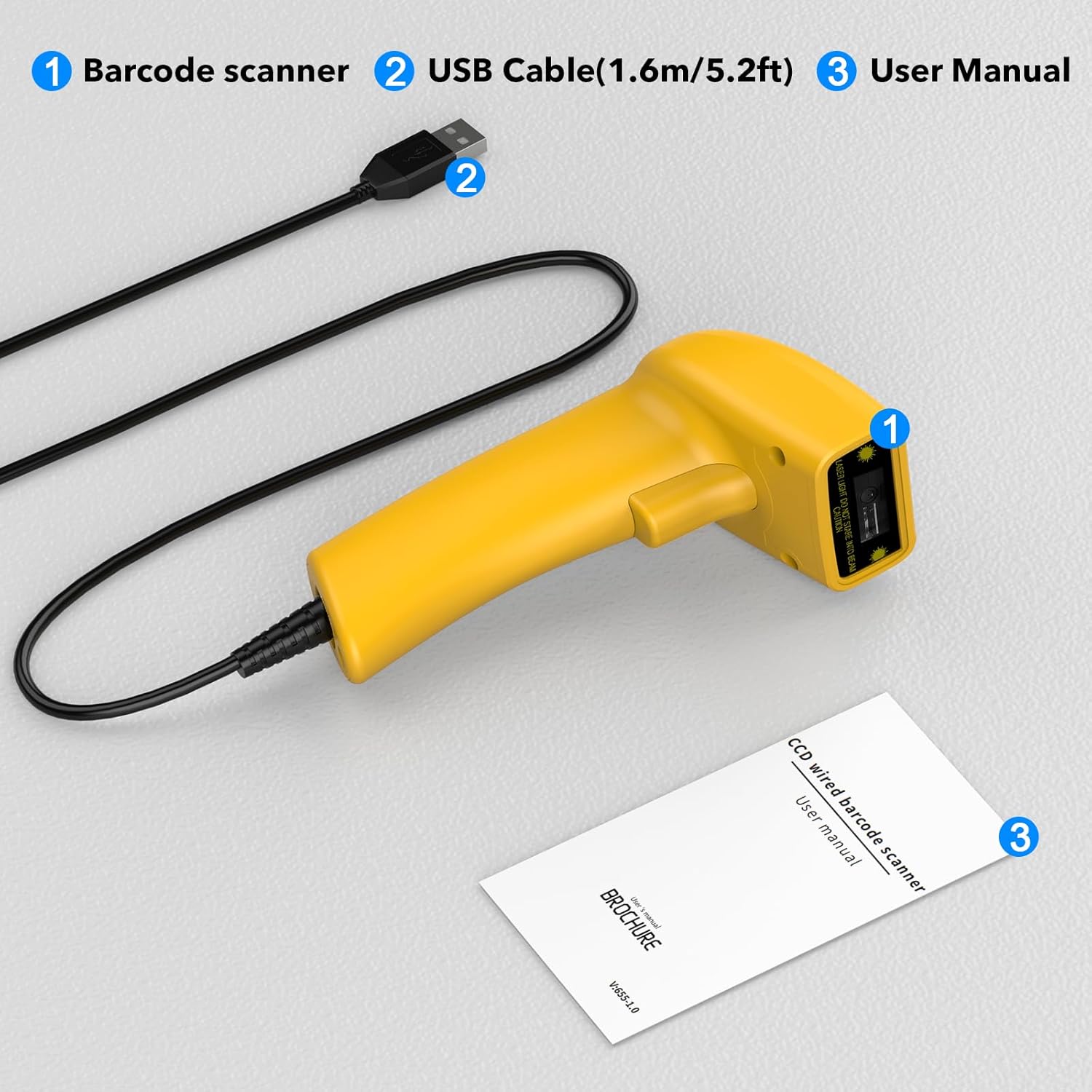
Image showing the Symcode 1D Barcode Scanner, its USB cable, and the included user manual, indicating the complete package contents.
- 1 x Symcode CCD Barcode Scanner
- 1 x USB Cable (1.6m / 5.2ft)
- 1 x Manual d'usuari
Producte acabatview
The Symcode 1D Barcode Scanner features a compact and ergonomic design for comfortable handheld use. It is equipped with a CCD sensor for efficient barcode reading.
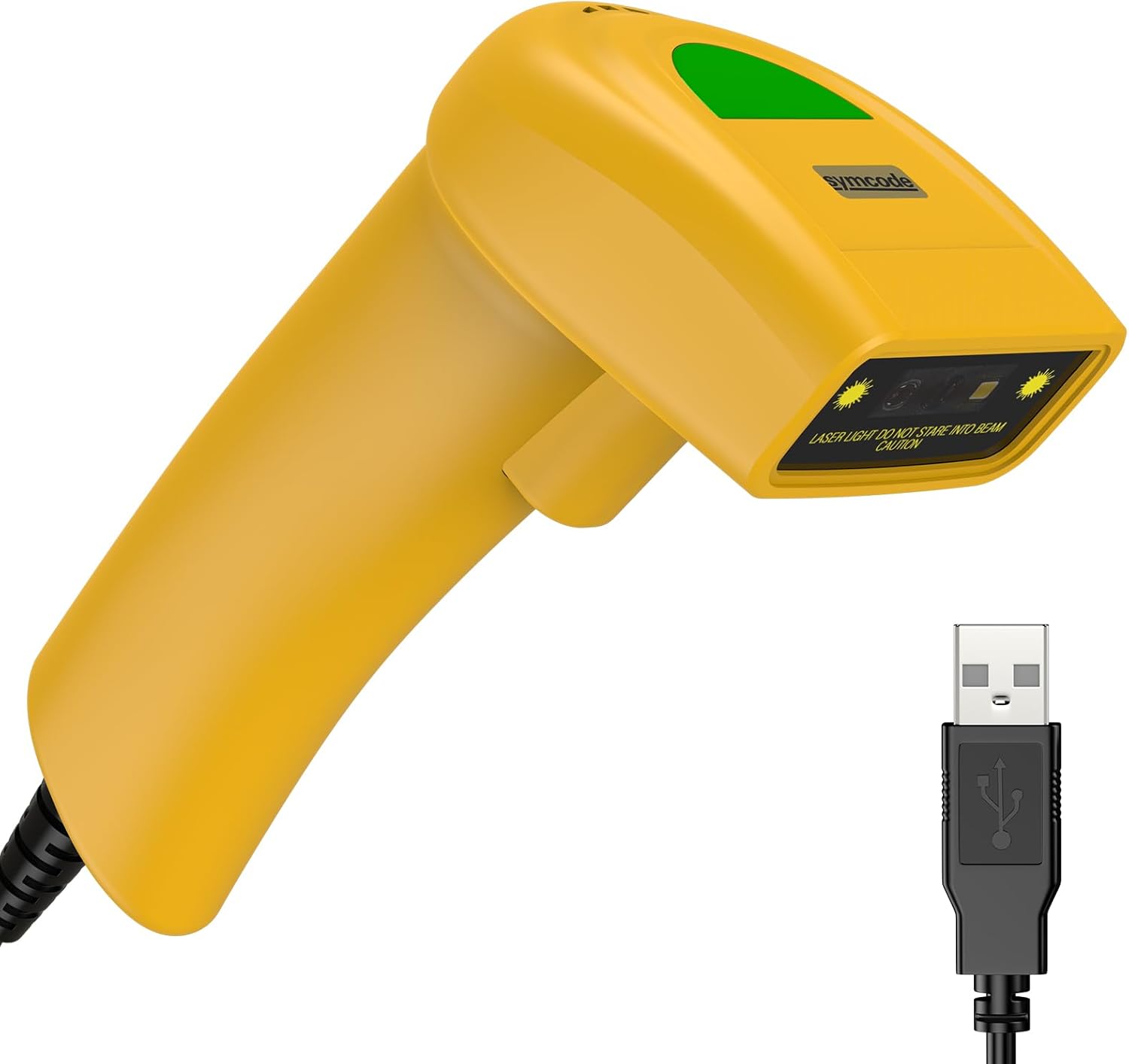
Un detallat view of the Symcode 1D Barcode Scanner in yellow, highlighting its ergonomic shape and the attached USB cable for connectivity.
Instruccions de configuració
The Symcode barcode scanner is designed for simple plug-and-play operation.
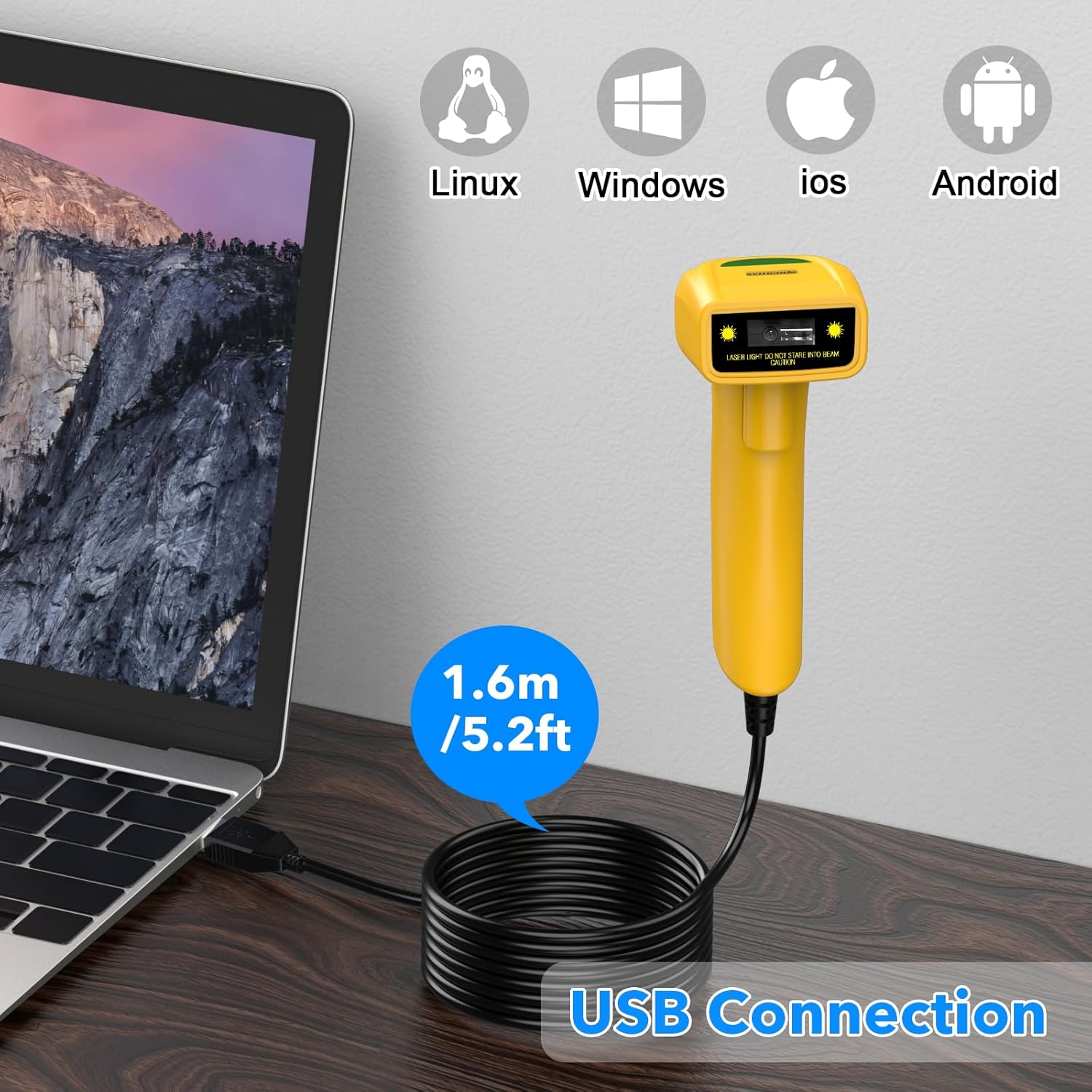
The Symcode barcode scanner connected to a laptop via its USB cable, illustrating its compatibility with Linux, Windows, iOS, and Android operating systems.
- Connect the USB cable from the scanner to an available USB port on your computer (Laptop or Desktop).
- The scanner is compatible with various operating systems including Linux, Windows, iOS, and Android. No additional drivers are typically required.
- Once connected, the scanner will be recognized as a keyboard input device. You can open any text editor, spreadsheet, or POS application and scan a barcode to test. The scanned data will appear as if typed by a keyboard.
Modes de funcionament
The scanner supports three primary scanning modes to suit different operational needs:
- Mode d'activació clau: Press the trigger button to activate the scan beam and read a barcode. The beam will turn off when the button is released.
- Auto-Induction Mode: The scanner automatically detects a barcode within its scanning range and activates the beam to read it without requiring a trigger press.
- Mode continu: The scan beam remains continuously active, allowing for rapid scanning of multiple barcodes without individual trigger presses.
Refer to the included user manual (physical copy) for specific barcode configurations to switch between these modes.
Funcions avançades
Prefix and Suffix Customization
The scanner allows for customization of prefixes and suffixes to be added to the scanned data, providing flexibility for various applications.
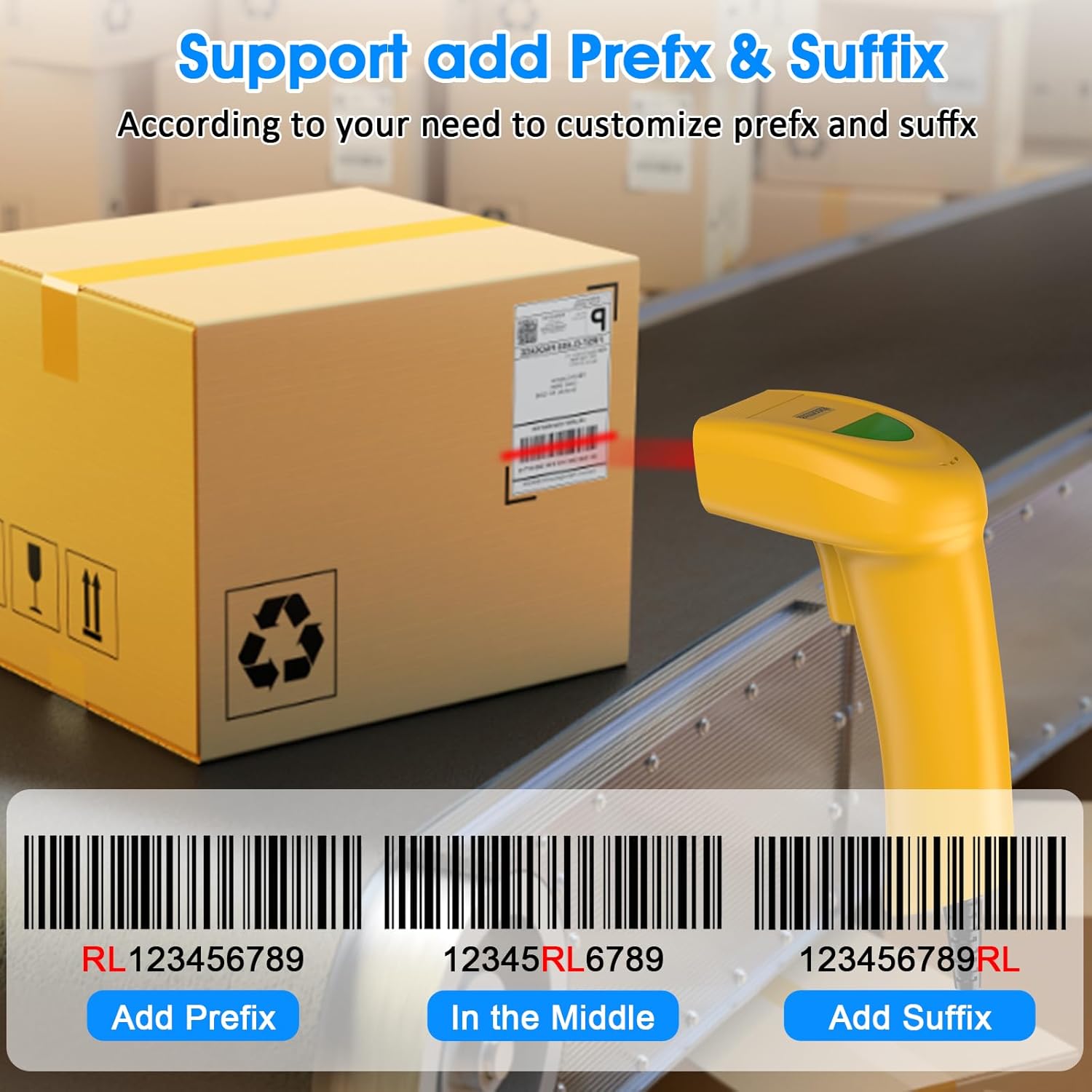
An illustration demonstrating how the Symcode barcode scanner can add custom prefixes (e.g., RL123456789), suffixes (e.g., 123456789RL), or insert characters in the middle (e.g., 12345RL6789) of scanned barcode data.
This feature is useful for integrating scanned data into specific software systems or for data organization. Consult the physical user manual for programming barcodes to configure these options.
Configuració de so
The scanner provides audible feedback upon successful scans. The sound can be turned on or off according to your preference and working environment.
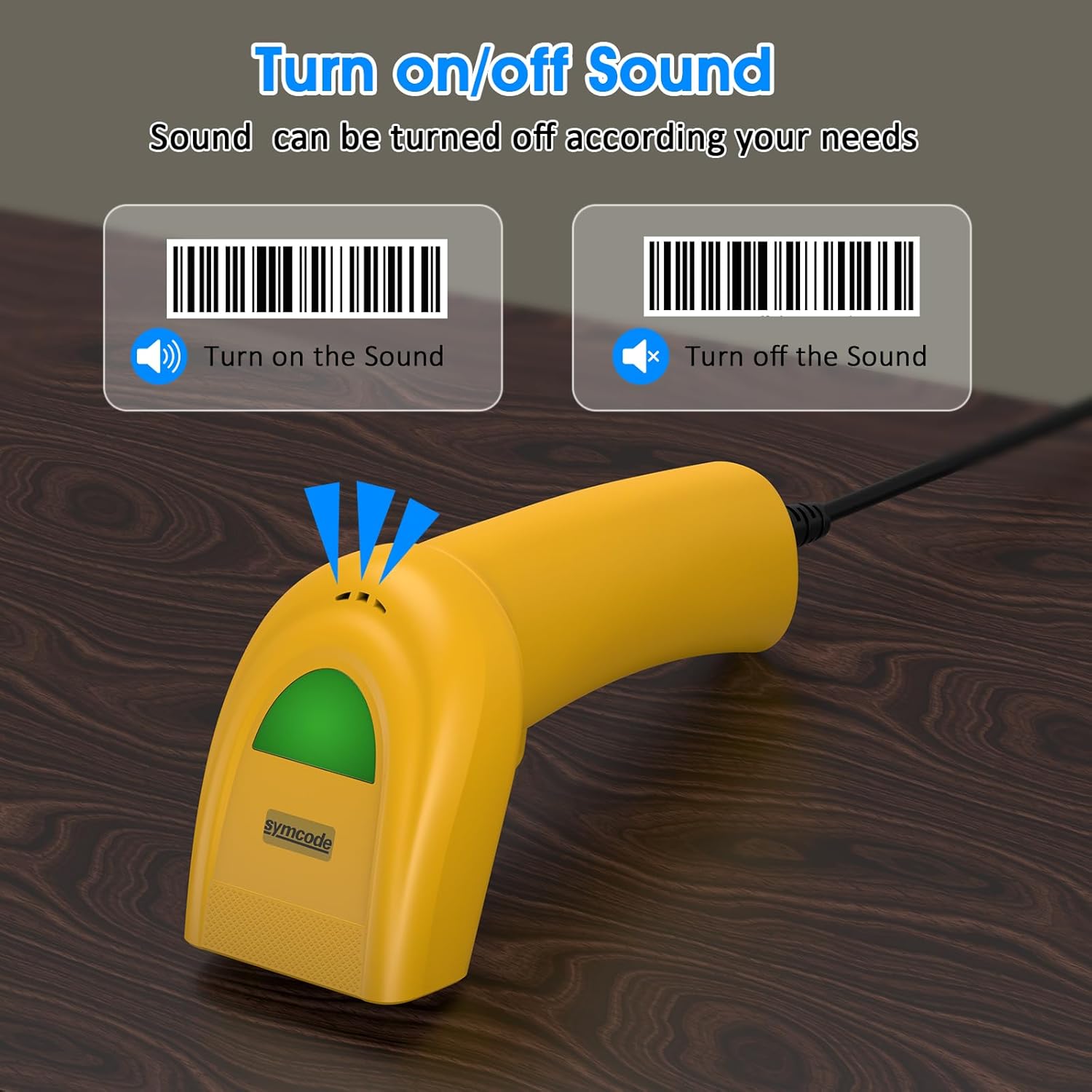
An image illustrating the option to turn the scanner's sound on or off, with visual cues for both states, allowing users to customize audible feedback.
Scan the appropriate configuration barcode from the user manual to toggle the sound feature.
Codis de barres compatibles
The Symcode 1D Barcode Scanner is equipped with advanced CCD sensor technology, enabling it to accurately read a wide range of 1D barcodes from both paper and digital screens. It can even decode smudged, damaged, fuzzy, or reflective barcodes.
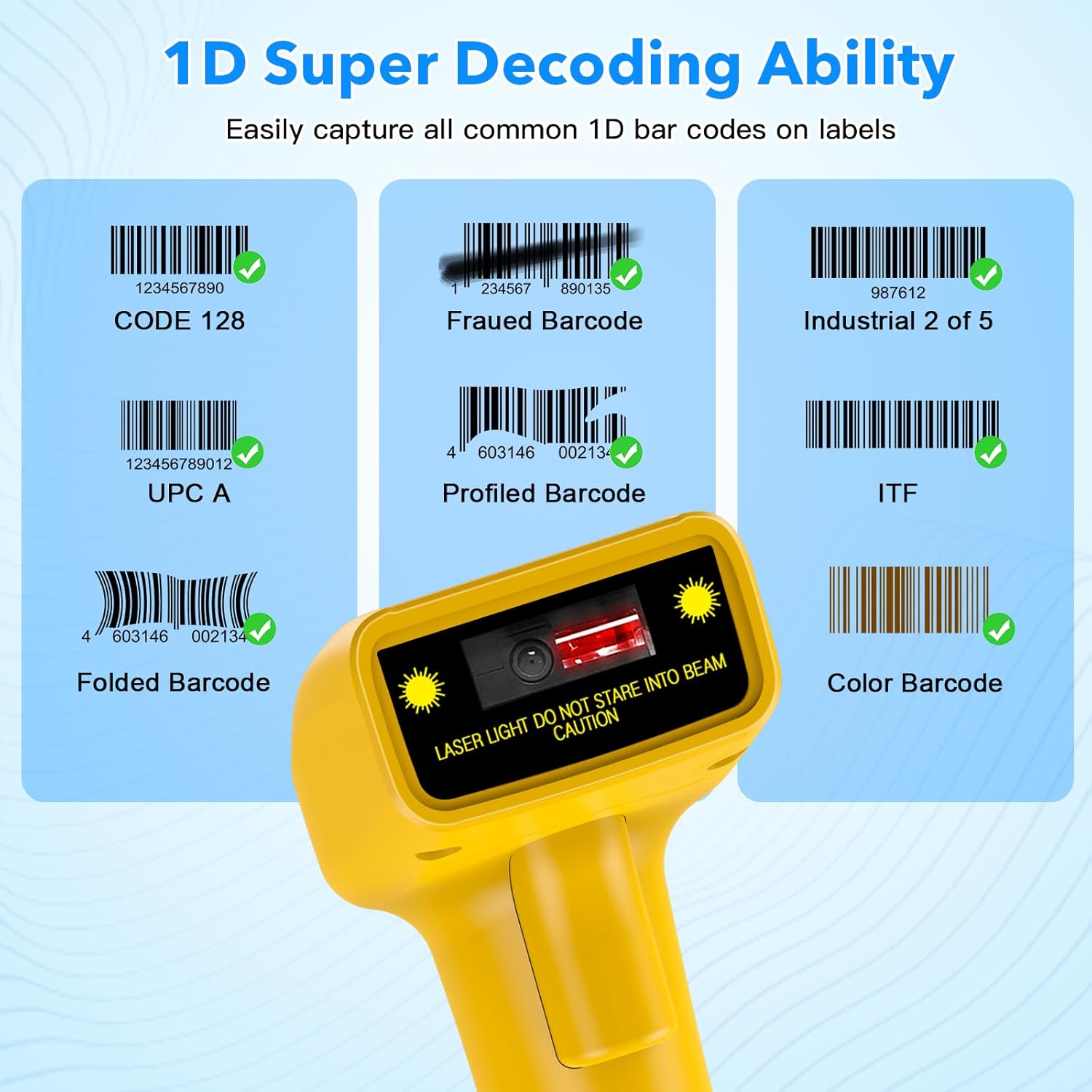
Examen visualamples of various 1D barcodes that the Symcode scanner can decode, including CODE 128, Frauded Barcode (e.g., 1234567890135), Industrial 2 of 5, UPC A (e.g., 0123456789012), Profiled Barcode (e.g., 4603146002134), ITF, Folded Barcode (e.g., 6234567890178), and Color Barcode, demonstrating its super decoding ability.
Supported 1D Barcode Symbologies include:
- EAN-8 / EAN-13
- UPC-A / UPC-E
- Code 39 / Code 93 / Code 128
- EAN-128
- Codabar
- Industrial 2 de 5
- Entrellaça 2 de 5
- Matriu 2 de 5
- MSI
- Codi 11
- RSS variants
- Xinès 2 de 5
The scanner also supports 180 configurable options for prefix, suffix, and termination strings.
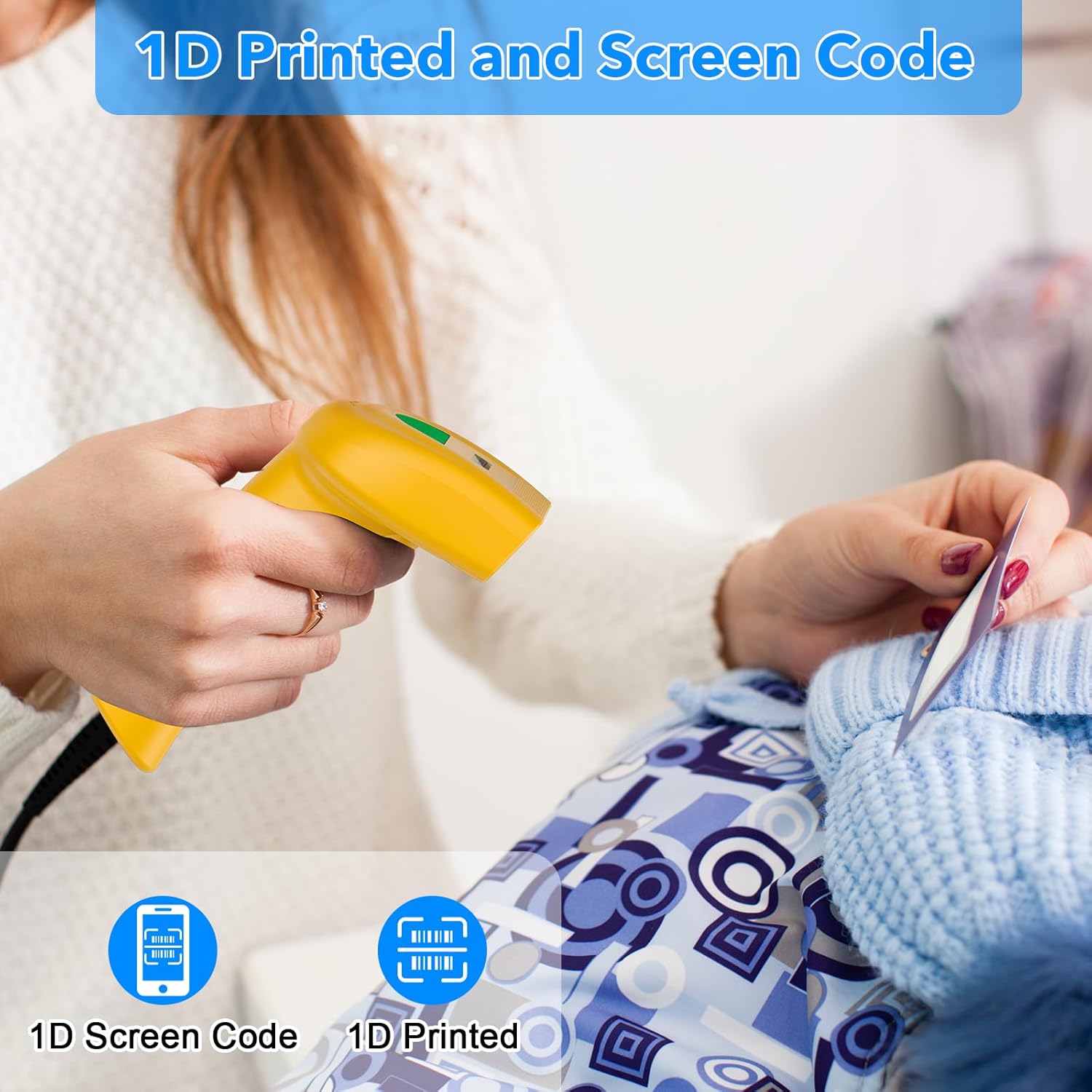
The Symcode barcode scanner in use, demonstrating its capability to scan both 1D printed barcodes and 1D barcodes displayed on screens, highlighting its versatility.
Manteniment
Un manteniment adequat garanteix la longevitat i el rendiment òptim del vostre escàner de codis de barres.
- Neteja: Use a soft, dry cloth to clean the scanner's exterior. For the scanning window, use a lens cleaning cloth or a soft cloth lightly dampened with a non-abrasive cleaner. Do not use harsh chemicals or abrasive materials.
- Emmagatzematge: Guardeu l'escàner en un lloc fresc i sec, allunyat de la llum solar directa i de temperatures extremes.
- Cura del cable: Eviteu doblegar o torçar excessivament el cable USB, ja que això pot danyar els cables interns.
Resolució de problemes
If you encounter issues with your scanner, refer to the table below for common problems and solutions.
| Problema | Causa possible | Solució |
|---|---|---|
| L'escàner no s'encén. | El cable USB no està connectat correctament o el port USB està defectuós. | Assegureu-vos que el cable USB estigui ben connectat tant a l'escàner com a l'ordinador. Proveu un port USB diferent. |
| L'escàner no llegeix codis de barres. | Incorrect scanning mode, barcode type not supported, or damaged barcode. | Check the scanning mode (trigger, auto-induction, continuous). Ensure the barcode symbology is supported. Try scanning a known good barcode. Clean the scanning window. |
| Les dades escanejades apareixen incorrectament. | Keyboard language settings mismatch or incorrect prefix/suffix settings. | Ensure your computer's keyboard language matches the scanner's default. Reset prefix/suffix settings if recently changed. |
| No sound feedback. | Sound feature is turned off. | Scan the 'Turn on Sound' configuration barcode from the user manual. |
Especificacions tècniques
| Característica | Especificació |
|---|---|
| Dimensions | 165 x 63 x 87 mm |
| Pes | 156 g (6.4 unces) |
| Font de llum | 650nm~670nm visible laser |
| Velocitat d'escaneig | 100 escanejos/s |
| Read Preciseness | 0.1 mm (4 mil) |
| Contrast d'impressió | 30% min |
| Profunditat de camp | 0~600mm (0.33mm, PCS 90%) |
| Scan Scope | 10 mm ~ 250 mm |
| Distància de lectura | 2.5~600mm (100% UPC/EAN) |
| Taxa d'error de bits | 1/5 milió |
| Actual | 85mA (working), 36mA (storage) |
| Interfície | USB |
| Temperatura de funcionament | 0 ~45 (32 ~113 ) |
| Temperatura d'emmagatzematge | -20 ~60 (-4 ~140 ) |
| Humitat | 5% ~ 95% sense condensació |
| Material | ABS+PC |
| Tecnologia de connectivitat | Cable USB |
| Dispositius compatibles | Ordinador portàtil, escriptori |
| Font d'alimentació | Elèctric amb cable |
Garantia i Suport
Symcode products are manufactured to high-quality standards. For warranty information and technical support, please refer to the documentation included with your purchase or visit the official Symcode store.
For further assistance, you may contact Symcode support directly through their official store page: Symcode Official Store


