1. Producte acabatview
These SUPVAN KATASYMBOL thermal adhesive labels are designed for use with SUPVAN E10, E11, and E16 label printers. Each roll contains 280 labels, measuring 12 mm x 22 mm, with black text on a yellow background. They utilize thermal printing technology, eliminating the need for ink or toner, and are engineered for durability across various applications.
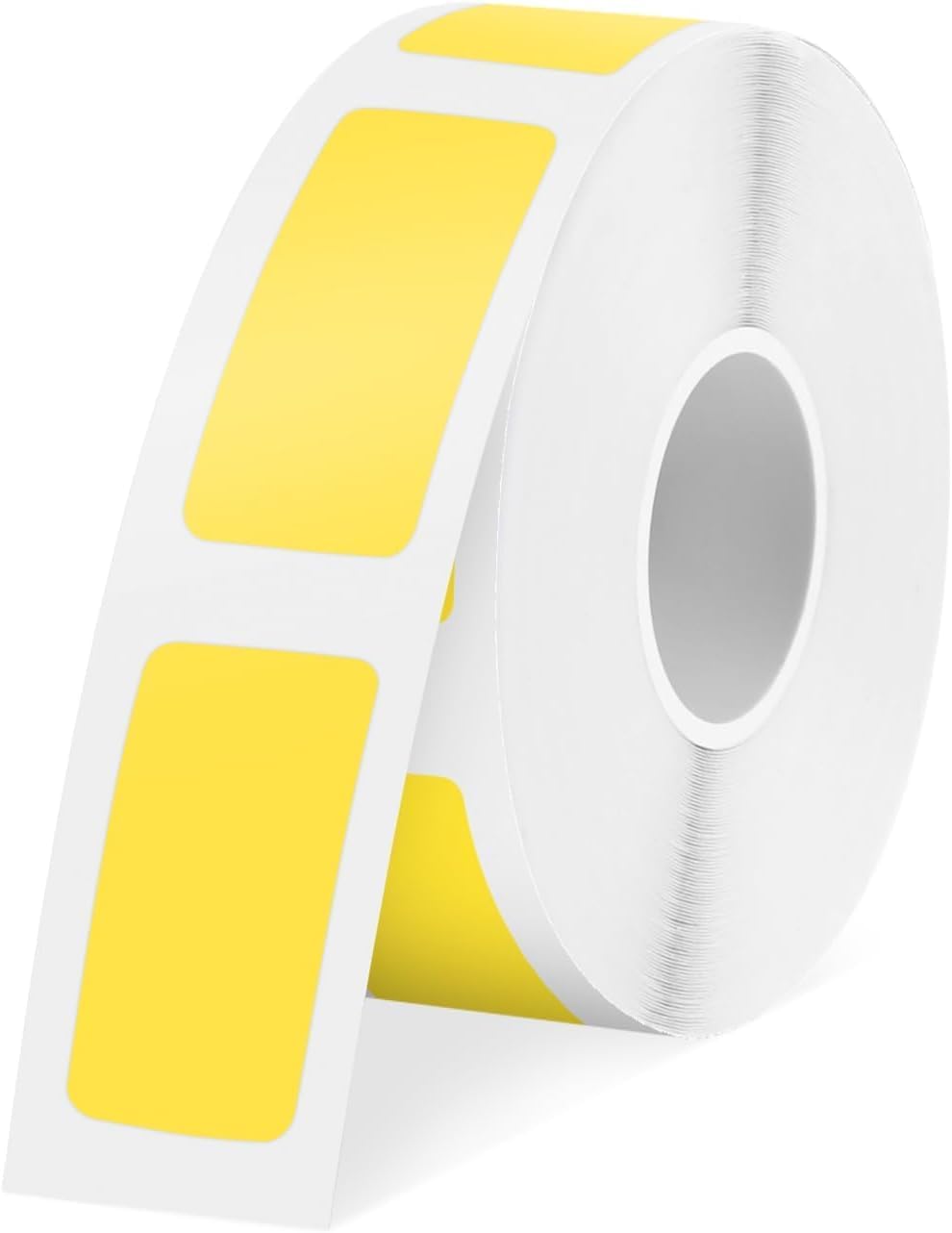
Image 1.1: A roll of SUPVAN KATASYMBOL thermal adhesive labels, 12mm x 22mm, black on yellow.

Image 1.2: Visual representation of label dimensions (12mm x 22mm) and quantity (280 labels per roll).
2. Configuració i instal·lació
To begin using your SUPVAN KATASYMBOL labels, ensure you have a compatible SUPVAN E10, E11, or E16 label printer. Follow these steps for proper installation:
- Open the label compartment of your SUPVAN label printer.
- Insert the label roll into the designated slot, ensuring the labels feed correctly.
- Nota important: Do not remove the small sticker located on the back of the label roll. This sticker contains a smart chip that the Katasymbol application uses to automatically identify the label type and size. Removing it will prevent the printer from recognizing the label tape.
- Tanqueu el compartiment de l'etiqueta amb seguretat.

Image 2.1: The labels are compatible with SUPVAN E10 and E16 label printers, shown alongside various label rolls.

Image 2.2: Installation notes highlighting the smart chip sticker on the label roll. This sticker must remain intact for the printer to recognize the labels.
3. Instruccions de funcionament
The SUPVAN KATASYMBOL labels are designed for easy use with the dedicated Katasymbol application. This application streamlines the printing process and offers extensive customization options.
3.1 Using the Katasymbol Application
- Download and install the Katasymbol application on your smartphone or tablet.
- Connect your SUPVAN label printer to the application via Bluetooth.
- The application will automatically identify the label type and size from the smart chip on the label roll.
- Utilize the application's features to design your labels:
- Choose from over 600 templates.
- Select from 35 fonts.
- Access over 1000 icons.
- Add text, barcodes, QR codes, graphics, frames, dates, shapes, and tables.
- Preview your label design and then send it to the printer.

Image 3.1: The Katasymbol application offers multiple personalized printing templates and powerful functions for text, barcodes, QR codes, and more.
3.2 Aplicació Examples
These versatile labels are suitable for a wide range of organizational and identification needs:
- School Use: Labeling school supplies, books, water bottles, and lunchboxes.
- Ús domèstic: Organizing food containers, spice jars, storage bins, and personal items.
- Ús d'oficina: Etiquetatge files, folders, office supplies, cables, and inventory.

Imatge 3.2: Ex.amples of label use in a school environment, such as on notebooks and water bottles.

Imatge 3.3: Ex.amples of label use in a home environment, including on storage boxes and cosmetic bottles.

Imatge 3.4: Ex.amples of label use in an office environment, such as on files and desk organizers.
4. Manteniment i durabilitat
SUPVAN KATASYMBOL labels are constructed with a multi-layer design and synthetic materials to ensure long-lasting performance and resistance to various environmental factors.
4.1 Característiques de durabilitat
- Vida útil: Designed for a lifespan of over 5 years.
- Impermeable: Resistant to water, making them suitable for items that may encounter moisture.
- Oil-Proof: Resistant to oil, ideal for kitchen or industrial applications.
- High Adhesion Strength: Ensures labels stay firmly attached to surfaces.
- Resistència a la temperatura: Maintains integrity in both high and low-temperature environments.
- Scratch-Resistant: Designed to withstand minor abrasions, keeping text clear.

Image 4.1: Visual demonstration of the labels' waterproof, oil-resistant, low-temperature resistant, and scratch-resistant properties.
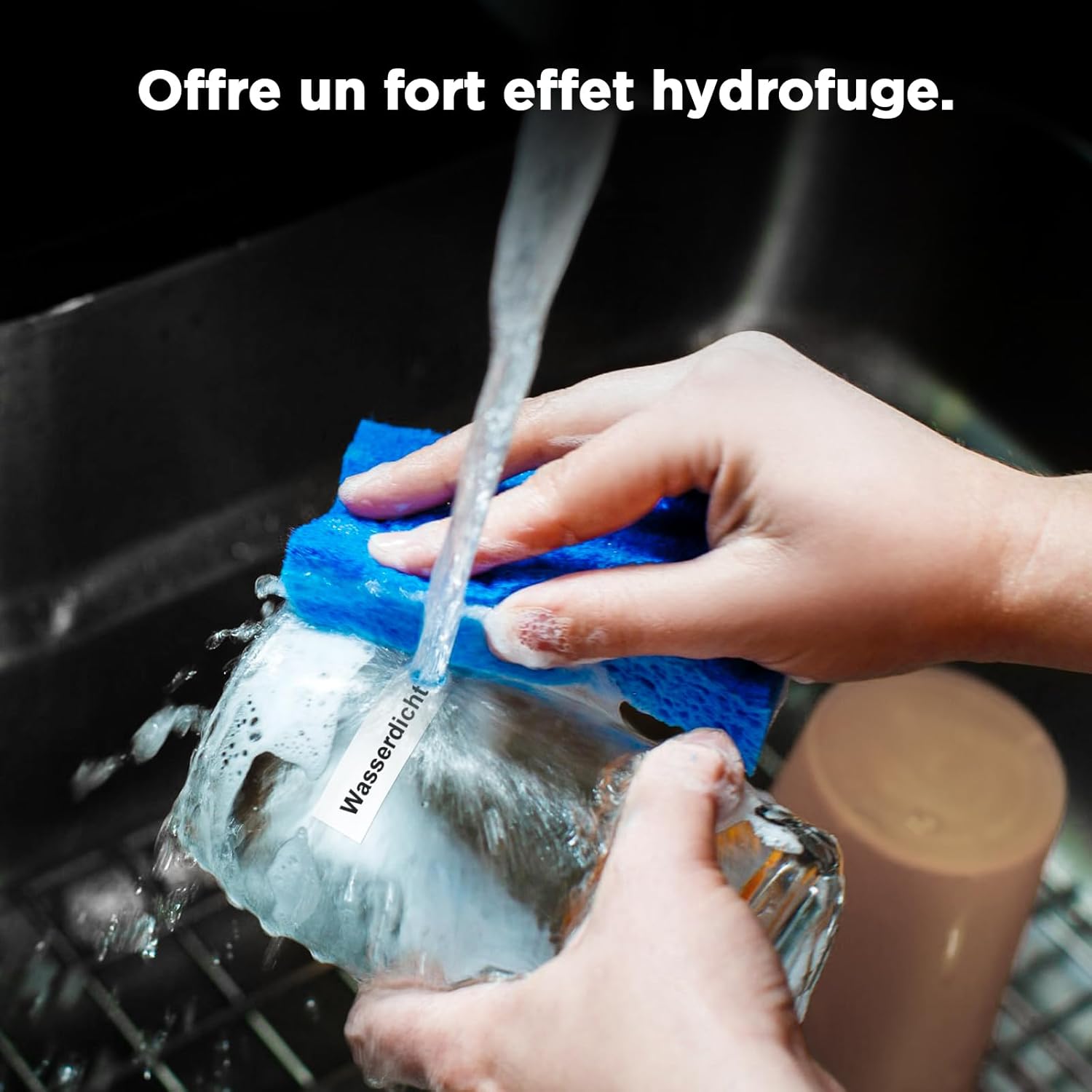
Image 4.2: A hand washing a mug with a label attached, illustrating the label's waterproof capability.
4.2 Recomanacions d'emmagatzematge
To maintain the quality and adhesive properties of your labels, store them in a cool, dry place away from direct sunlight and extreme temperatures.
5. Solució De Problemes
If you encounter issues while using your SUPVAN KATASYMBOL labels, consider the following common solutions:
- Label Not Recognized: Ensure the small sticker with the smart chip on the back of the label roll has not been removed. The Katasymbol application relies on this chip for automatic identification.
- Mala qualitat d'impressió: Check if the label roll is correctly inserted and seated in the printer. Ensure the printer's thermal print head is clean. Refer to your printer's manual for cleaning instructions.
- Etiquetes que no alimenten: Verify that the label roll is properly aligned and not jammed. Ensure there are no obstructions in the label path.
6. Especificacions
| Característica | Detall |
|---|---|
| Marca | SUPVAN |
| Número de model | E10, 12 mm*22 mm, 280, Yellow |
| Dimensions de l'etiqueta | 12 mm x 22 mm |
| Labels per Roll | 280 |
| Color | Negre sobre groc |
| Tipus de material | Paper (Synthetic) |
| Forma | Rectangular |
| Durabilitat | Waterproof, Oil-proof, High/Low Temperature Resistant, Scratch-Resistant |
| Compatibilitat | SUPVAN E10, E11, E16 Label Printers |
| Pes de l'article | 10 grams |
| Dimensions del producte (L x A x A) | 13 x 8 x 1.5 cm |
7. Informació de la garantia
Specific warranty details for this product are not provided in the available information. For warranty inquiries, please refer to the official SUPVAN weblloc web o contacteu directament amb el seu servei d'atenció al client.
8. Suport
For further assistance, product information, or to explore other SUPVAN products, please visit the official SUPVAN store or contact their customer service.
- SUPVAN Store: Visit the SUPVAN Store on Amazon


