1. Introducció
This manual provides detailed instructions for the setup, operation, maintenance, and troubleshooting of your Rapoo V500Pro Full-Size Mechanical Gaming Keyboard. Please read this manual thoroughly before using the product to ensure optimal performance and longevity.
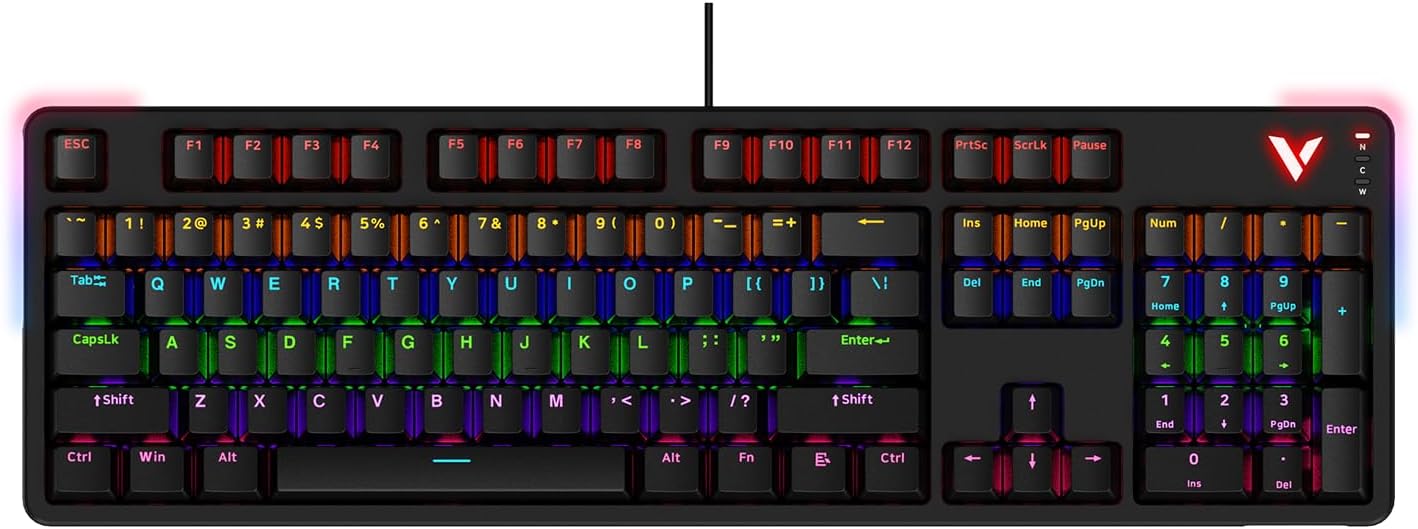
Image: The Rapoo V500Pro Full-Size Mechanical Gaming Keyboard, showcasing its full layout and RGB backlighting.
2. Contingut del paquet
Si us plau, verifiqueu que tots els elements siguin presents al paquet:
- 1 x Mechanical Gaming Keyboard
- 1 x cable USB
- 1 x Manual d'usuari
- 1 x extractor de tecles
3. Configuració
To set up your Rapoo V500Pro keyboard, follow these simple steps:
- Connecteu el cable USB: Locate the USB-C port on the keyboard and connect one end of the provided USB cable. Connect the other end (USB-A) to an available USB port on your computer.
- Instal·lació del controlador: The keyboard is plug-and-play and typically does not require additional drivers for basic functionality. For advanced customization, such as macro programming and detailed RGB settings, please download the official Rapoo V500Pro software from the Rapoo website. The keyboard driver is available for Windows operating systems only.
- Col·locació: Position the keyboard comfortably on your desk. The integrated cable management system allows you to route the cable to the left, center, or right for a tidy setup.

Imatge: Part inferior view of the keyboard showing channels for optimized cable management, allowing routing to the left, center, or right.
4. Instruccions de funcionament
4.1. RGB Backlighting Customization
The Rapoo V500Pro features customizable RGB backlighting with 20 lighting modes. You can adjust brightness, speed, and create custom effects directly from the keyboard.
- FN + PGUP/PGDN: Canvia entre els diferents modes de retroiluminació.
- FN + INS: Switch side lights modes (RGB/solid color/solid breathing/off).
- FN + DEL: Switch side lights color (red/orange/yellow/green/cyan/blue/purple/white).
- FN + ↑: Augmenta la brillantor.
- FN + ↓: Disminueix la brillantor.
- FN + ←: Decrease breathing frequency/speed.
- FN + →: Increase breathing frequency/speed.
- FN + ESC (short press): Restore default lighting settings.
- FN + V: Switch logo lighting (on/breathing/off).
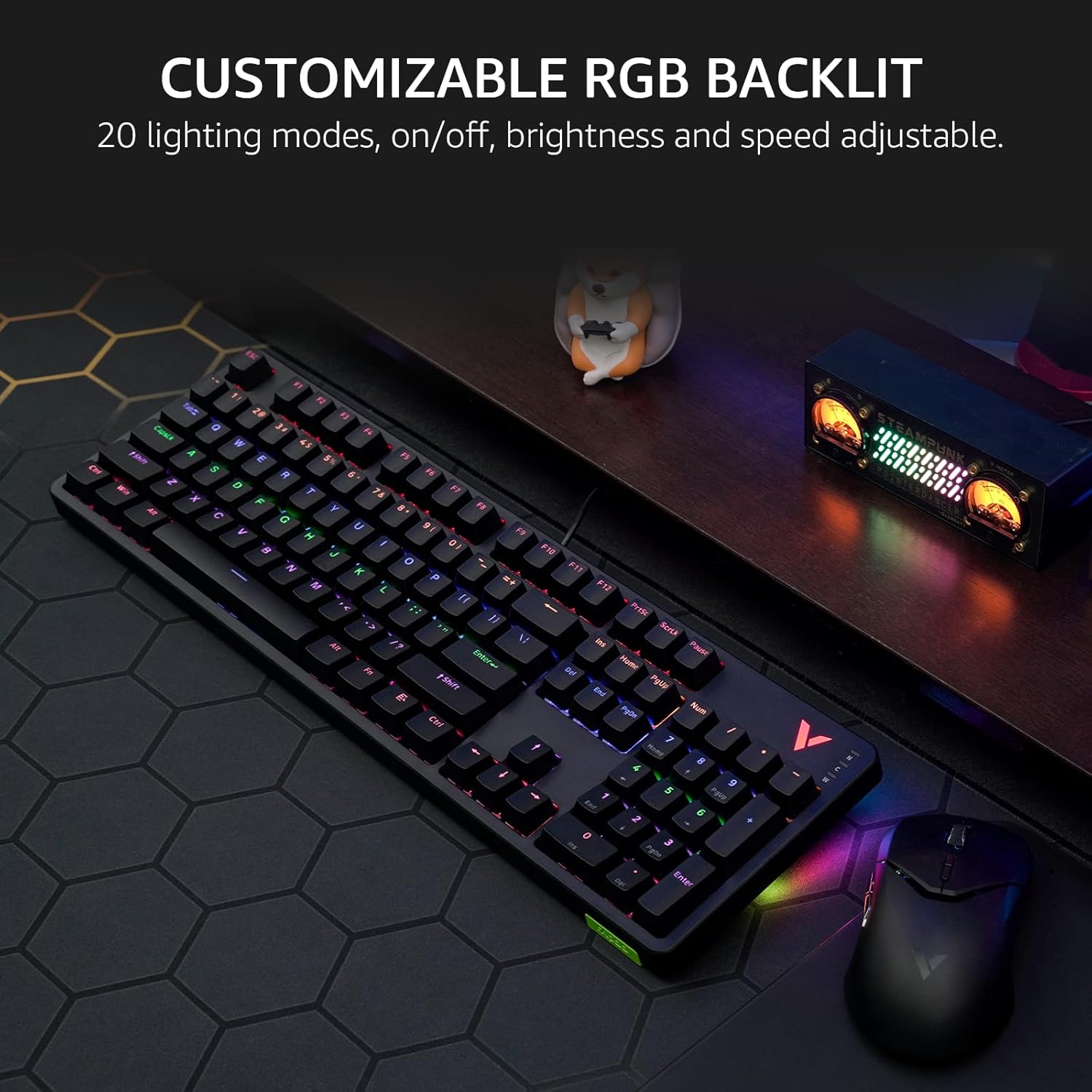
Image: The Rapoo V500Pro keyboard displaying its vibrant customizable RGB backlighting, highlighting the various color options.
4.2. Tecles d'accés directe multimèdia
The keyboard includes 12 multimedia hotkeys for quick access to common functions. These are activated by pressing the Fn key in combination with the corresponding function key (F1-F12).
| Combinació | Funció |
|---|---|
| Fn + F1 | Ordinador |
| Fn + F2 | Calculadora |
| Fn + F3 | Bústia de correu |
| Fn + F4 | Pàgina d'inici |
| Fn + F5 | Cerca |
| Fn + F6 | Reproductor multimèdia |
| Fn + F7 | Pista anterior |
| Fn + F8 | Pista següent |
| Fn + F9 | Reproduir/Pausa |
| Fn + F10 | Volum - |
| Fn + F11 | Volum + |
| Fn + F12 | Silenciar |
| Fn + Win | Bloqueig de tecles de Windows |

Image: Diagram illustrating the Fn key combinations for multimedia hotkeys on the Rapoo V500Pro keyboard.
4.3. Anti-ghosting
The V500Pro supports full 104-key anti-ghosting, ensuring that every keypress is registered accurately, even when multiple keys are pressed simultaneously. This is particularly beneficial for gaming, allowing for complex skill combos without input conflicts.

Image: A visual representation of the 104-key anti-ghosting capability, showing multiple simultaneous key presses being registered.
4.4. Programmable Keys with On-board Memory
You can assign commands and macros to 103 of the keys (excluding the Fn key) using the dedicated software. This allows for simplified complex actions and improved efficiency. Your custom profiles can be saved to the keyboard's on-board memory, allowing them to be used on different devices without re-configuration.

Image: Screenshot of the Rapoo V500Pro software interface, demonstrating options for creating and managing programmable key assignments and macros.
4.5. Switchable High/Low Profile
The V500Pro features a removable top case, allowing you to switch between two profiles:
- Sinking Format (Low Profile): Offers lower keycaps and reduced noise, ideal for productive typing environments.
- Floating Format (High Profile): Provides longer switch travel for a more tactile and crisp gaming experience.
The removable top case also facilitates easier cleaning of the keyboard.

Imatge: Dos views of the Rapoo V500Pro keyboard, one in low profile (sinking format) and one in high profile (floating format), demonstrating the effect of the removable top case.
5. Característiques clauview
- Versatile Brown Switches: Provides a tactile bump with lower audible feedback, suitable for both gaming and office use.
- Aircraft-grade Aluminum Alloy Frame: Designed for durability and prolonged use.
- Connectivitat USB-C: Ensures a stable and reliable wired connection.

Imatge: Un primer pla view of the brown mechanical switch used in the Rapoo V500Pro keyboard, highlighting its internal structure.
6. Manteniment
Un manteniment adequat garanteix la longevitat i el rendiment del teclat:
- Neteja: Regularly clean the keyboard using a soft, dry cloth. For deeper cleaning, especially under the keycaps, use the provided keycap puller to remove keycaps and a can of compressed air to remove dust and debris. The removable top case also aids in cleaning.
- Eviteu líquids: Do not expose the keyboard to liquids. In case of accidental spills, immediately disconnect the keyboard from your computer and allow it to dry completely before reconnecting.
- Emmagatzematge: Quan no l'utilitzeu durant períodes prolongats, guardeu el teclat en un lloc sec i fresc, allunyat de la llum solar directa.
7. Solució De Problemes
If you encounter issues with your Rapoo V500Pro keyboard, refer to the following common problems and solutions:
| Problema | Solució |
|---|---|
| El teclat no respon. |
|
| RGB backlighting is not working or is incorrect. |
|
| Certain keys are not responding. |
|
| Macros or custom settings are not saving/working. |
|
8. Especificacions
| Característica | Detall |
|---|---|
| Dimensions del producte | 17.4 x 5.29 x 1.58 polzades (44.2 x 13.4 x 4 cm) |
| Pes de l'article | 2.42 lliures (1.1 kg) |
| Fabricant | Shenzhen Rapoo Technology Co., Ltd. |
| Número de model | V500Pro_2024 Edition |
| Nombre de claus | 104 |
| Tipus de canvi | Mechanical Brown Switch |
| Tecnologia de connectivitat | USB-C amb cable |
| Il·luminació de fons | Customizable RGB |
| Anti-fantasma | All 104 Keys |
| Característiques especials | Removable Top Case (High/Low Profile), Programmable Keys, On-board Memory, Multimedia Hotkeys |
| Dispositius compatibles | Consola de jocs, ordinador portàtil, PC, televisor intel·ligent |
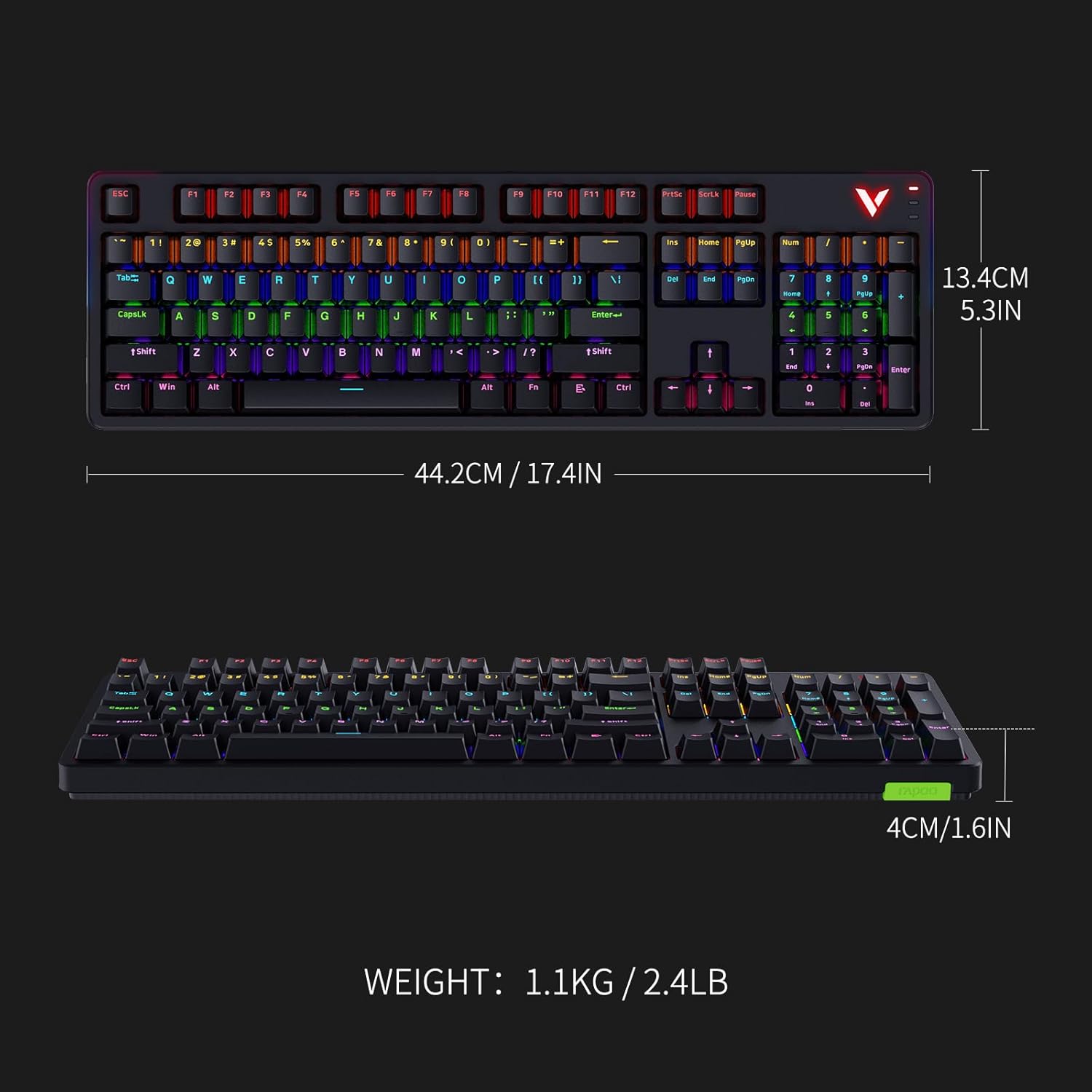
Image: Technical drawing showing the dimensions (length, width, height) and weight of the Rapoo V500Pro keyboard.
9. Garantia i Suport
Rapoo products are designed for reliability and performance. For warranty information and technical support, please refer to the warranty card included in your product packaging or visit the official Rapoo website. You may also contact Rapoo customer support for assistance with product issues or inquiries.
Nota: The product comes with a 30-day return window as per Amazon's policy if purchased through Amazon's buy box winner.


