1. Introducció
This manual provides essential information for the safe and efficient use of your Metz MTD7000Z 40-inch Full HD Smart TV. Please read these instructions thoroughly before operating the device and retain them for future reference. This television combines Full HD resolution with Google TV, offering a comprehensive entertainment experience.
2. Què hi ha a la caixa
En desembalar, assegureu-vos que tots els components siguin presents i no estiguin danyats. El paquet ha de contenir:
- Unitat de TV
- Control remot
- Manual d'usuari
- 2 x piles AAA
- Cable d'alimentació
- 4 x cargols
- 2 x Support Bases

Image: Metz MTD7000Z TV with dimensions and a list of included accessories.
3. Configuració
3.1 Muntatge del suport
- Col·loqueu amb cura la pantalla del televisor amb la pantalla cap avall sobre una superfície suau i plana per evitar que es faci malbé.
- Align the support bases with the corresponding screw holes on the bottom of the TV.
- Secure the bases using the provided screws. Ensure they are tightened firmly.
3.2 Connecting Power and Antennas
- Connecteu el cable d'alimentació a l'entrada d'alimentació del televisor i després a una presa de corrent.
- Connect your antenna or cable to the DVB-C/T2/S2 input on the TV.
3.3 Engegada inicial i configuració de Google TV
- Premeu el botó d'engegada del televisor o del comandament a distància per encendre el televisor.
- Follow the on-screen instructions to complete the initial setup, including language selection, network connection (Wi-Fi or Ethernet), and Google account login for Google TV features.
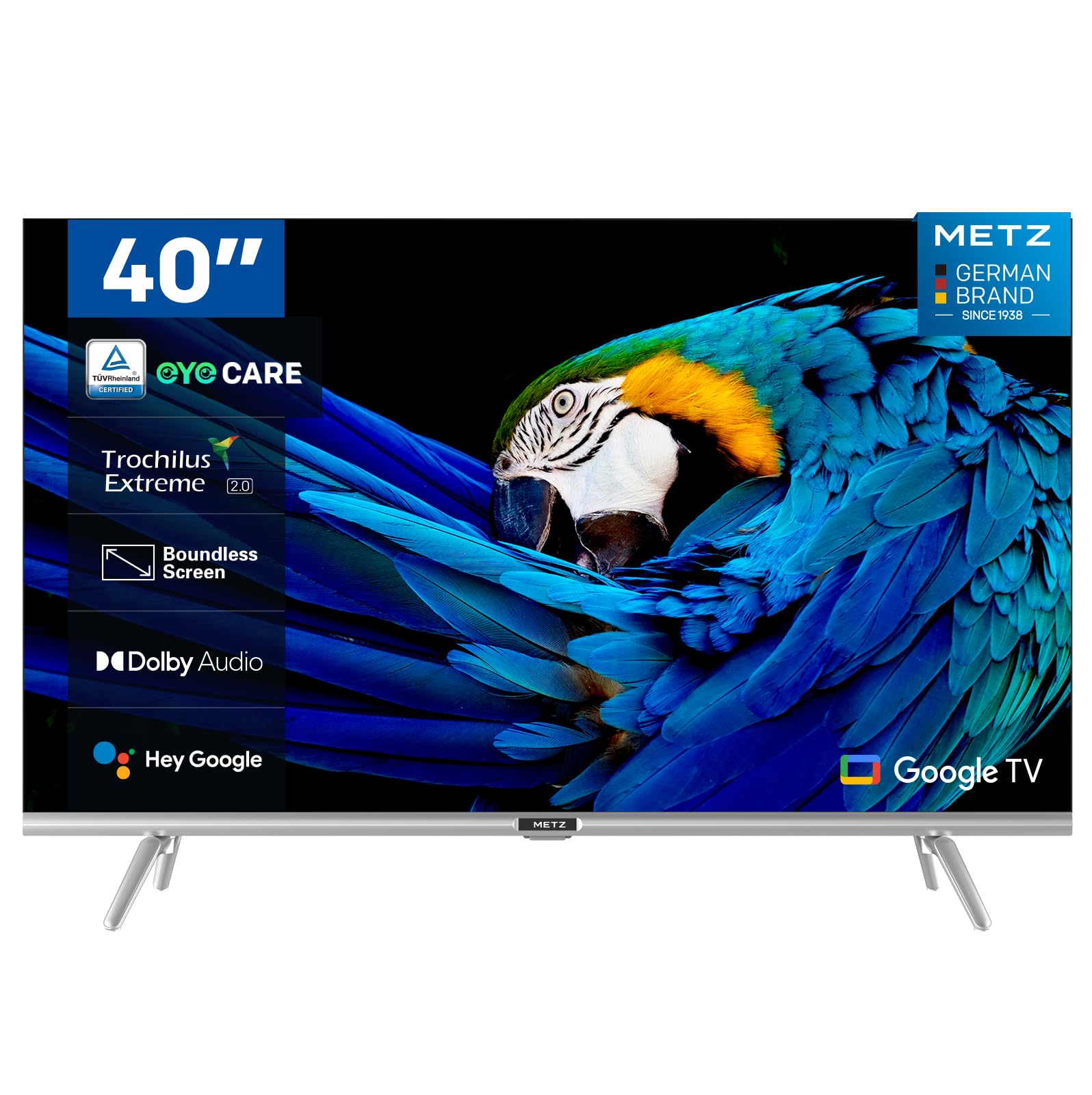
Imatge: Frontal view of the Metz MTD7000Z 40-inch Full HD Smart TV.
4. Característiques clau
- Full HD Resolution with HDR10: The Metz MTD7000Z series features Direct LED technology and a 1920x1080 resolution, delivering sharp and realistic images. HDR10 enhances contrast between bright and dark scenes for a more immersive visual experience.

Image: Visual comparison demonstrating improved contrast with HDR10 on the TV.
- Google TV with Voice Control: This TV utilizes Google TV, providing an intuitive interface and integrated Google Assistant for easy voice control. Access a vast library of apps and content.

Image: The Google TV home screen displaying various applications.
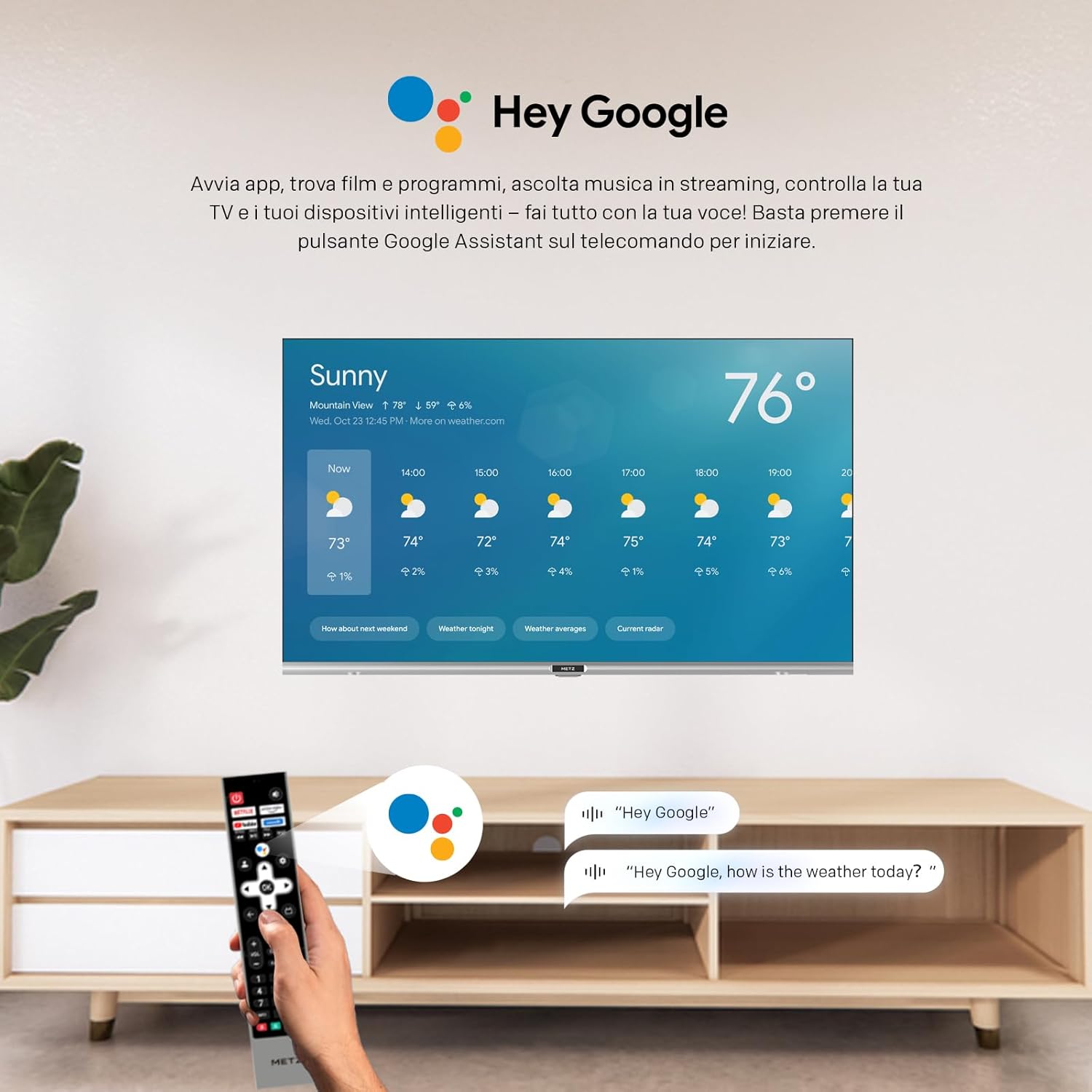
Image: A user using voice commands with the 'Hey Google' feature on the TV.
- Qualitat d'àudio superior: Equipped with two 8W speakers, this smart TV offers excellent audio quality. Dolby Audio and DTS Studio Sound provide an immersive sound experience.
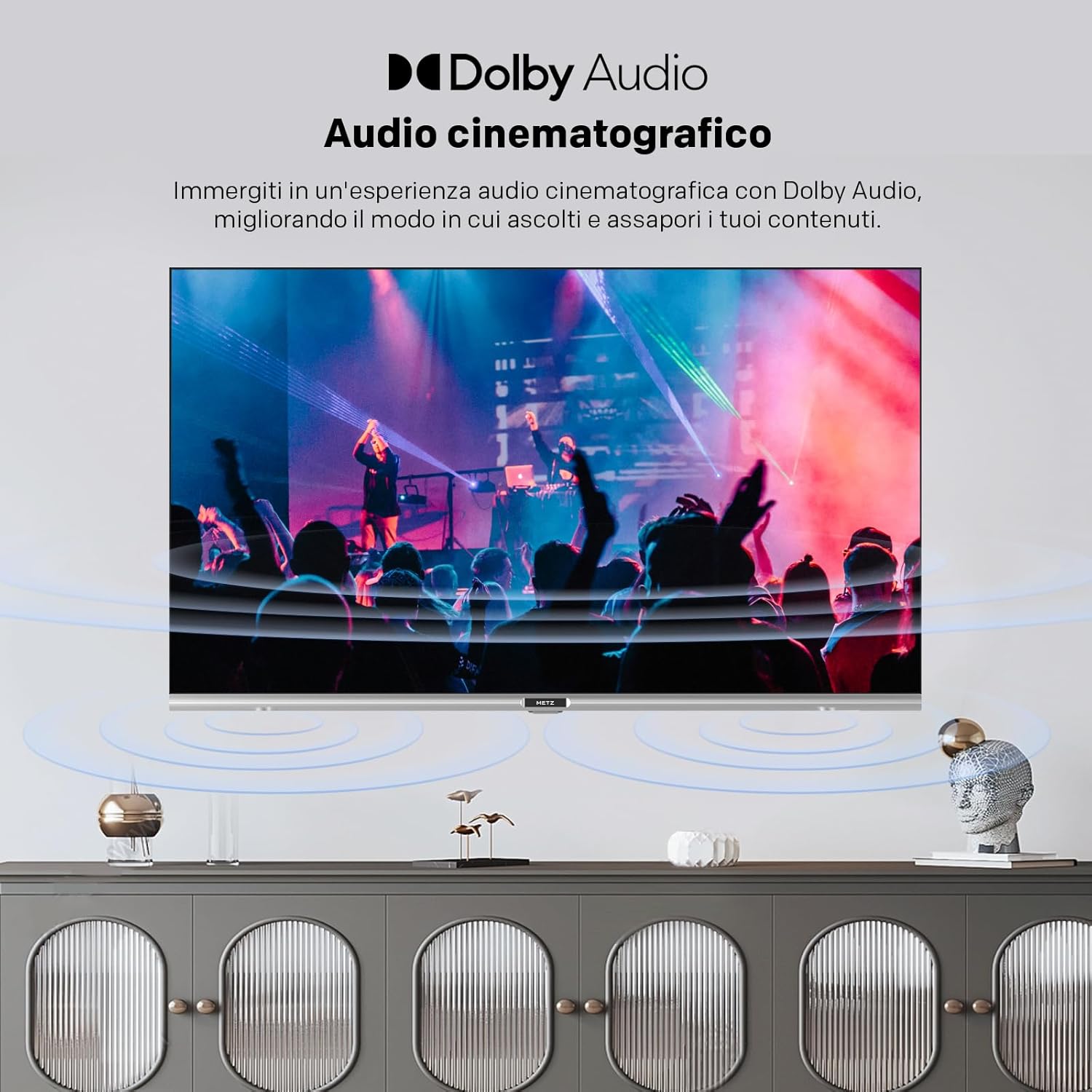
Image: Illustration of cinematic audio experience with Dolby Audio.
- Connectivitat estable: Dual-band Wi-Fi (2.4GHz & 5GHz) ensures a fast and stable internet connection. Bluetooth 5.0 enhances remote control responsiveness and voice control, facilitating connection with other wireless devices.
- Disseny elegant: A sophisticated design with a borderless screen, silver decorative bar, and modern lines. The refined touch of Metz integrates perfectly into elegant interiors.
- Característiques de la cura dels ulls: Includes Flicker-Free technology and Low Blue Light emission to reduce eye strain during prolonged viewing.

Image: Demonstrating the flicker-free display of the MTD7000Z.

Image: Explanation of reduced blue light emission for eye comfort.
5. Instruccions de funcionament
5.1 Funcions de control remot
The remote control allows you to navigate the Google TV interface, change channels, adjust volume, and access various smart features. Familiarize yourself with the button layout for optimal use.
5.2 Navegació per Google TV
The Google TV home screen provides personalized recommendations and quick access to your favorite streaming services and apps. Use the directional buttons on your remote to browse content and select applications.
5.3 Sintonització de canals
After connecting your antenna or cable, access the TV settings to perform an automatic channel scan. This will detect and store all available digital and analog channels.
6. Connectivitat
The Metz MTD7000Z offers a variety of ports for connecting external devices:
- HDMI: Connect Blu-ray players, gaming consoles, and other HDMI-enabled devices. The TV features 2 HDMI ports.
- USB: Use the 2 USB ports to connect USB drives for media playback or to power compatible devices.
- S/PDIF: Per a la sortida d'àudio digital a barres de so o sistemes de cinema a casa.
- LAN: For a wired internet connection, providing stable network access.
- AV IN: Per connectar dispositius antics mitjançant cables de vídeo compost i àudio estèreo.
- Bluetooth 5.0: Connect wireless headphones, speakers, or other Bluetooth accessories.
- Wi-Fi (2.4 GHz i 5 GHz): Per a la connectivitat a Internet sense fil.

Imatge: Més deview of available input/output ports on the TV.
7. Especificacions
| Característica | Especificació |
|---|---|
| Marca | Metz |
| Model | 40MTD7000Z |
| Mida de la pantalla | 40 polzades (100 cm) |
| Tecnologia de visualització | LED-LCD, Direct LED |
| Resolució | 1080p Full HD (1920x1080 pixels) |
| Freqüència d'actualització | 60 Hz |
| Sistema operatiu | Android (Google TV) |
| Suport HDR | HDR10 |
| Tecnologia d'àudio | Dolby Audio, DTS Studio Sound |
| Ponent Wattage | 2 x 8W |
| Connectivitat | Wi-Fi (2.4GHz & 5GHz), Bluetooth 5.0, 2x HDMI, 2x USB, S/PDIF, LAN, AV In |
| Tecnologia del sintonitzador | DVB-C/T2/S2 |
| Dimensions (amb suport) | 72.4 x 20.6 x 56.8 cm |
| Pes | 5.2 kg |
| Viewangle ing | 178 graus |
| Consum d'energia | 39 watts (39 kWh/1000h) |

Image: Energy label for the Metz MTD7000Z TV.
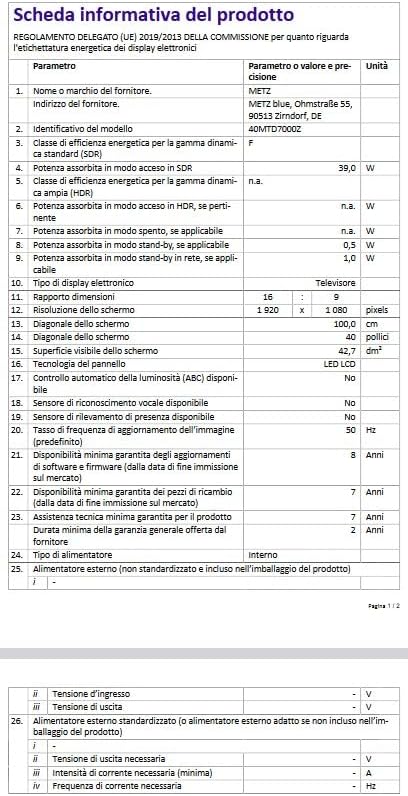
Image: Product information sheet with detailed technical data.
8. Solució De Problemes
8.1 Sense poder
- Assegureu-vos que el cable d'alimentació estigui connectat correctament tant al televisor com a la presa de corrent.
- Comproveu si la presa de corrent funciona connectant-hi un altre dispositiu.
- Premeu el botó d'engegada del televisor, no només del comandament a distància, per descartar problemes amb el comandament a distància.
8.2 Sense imatge o mala qualitat d'imatge
- Verify that the correct input source (HDMI, AV, etc.) is selected.
- Comproveu si totes les connexions dels cables (HDMI, antena) estan soltes o danyats.
- If using an antenna, ensure it is properly positioned and perform a channel scan.
- Ajusteu la configuració de la imatge (brillantor, contrast, color) al menú del televisor.
8.3 Sense so o mala qualitat de so
- Augmenta el volum tant del televisor com de qualsevol dispositiu d'àudio extern connectat.
- Comproveu les connexions del cable d'àudio.
- Assegureu-vos que el televisor no estigui silenciat.
- Si feu servir altaveus externs, assegureu-vos que estiguin encesos i configurats correctament.
8.4 El comandament a distància no funciona
- Substituïu les piles del comandament a distància.
- Assegureu-vos que no hi hagi obstacles entre el comandament a distància i el sensor d'infrarojos del televisor.
- Si és un comandament a distància Bluetooth, assegureu-vos que estigui vinculat correctament.
8.5 Problemes de connexió de xarxa
- Reinicieu el router i el mòdem.
- Check Wi-Fi password and ensure the TV is within range of your router.
- If using a wired connection, ensure the Ethernet cable is securely plugged in.
9. Manteniment
9.1 Neteja de la pantalla
- Desendolla sempre el televisor abans de netejar-lo.
- Use a soft, lint-free cloth (e.g., microfiber) to gently wipe the screen.
- Per a marques difícils, esbandiu lleugeramentampNetegeu el drap amb aigua o amb un netejador de pantalles especialitzat. No ruixeu mai el netejador directament sobre la pantalla.
- Avoid using abrasive cleaners, alcohol, benzene, or thinners, as these can damage the screen.
9.2 Neteja de l'armari
- Netegeu el moble del televisor amb un drap suau i sec.
- No utilitzeu cap netejador líquid ni en esprai a l'armari.
9.3 Ventilació
- Assegureu-vos que hi hagi una ventilació adequada al voltant del televisor per evitar el sobreescalfament.
- No bloquegeu les obertures de ventilació amb objectes com ara diaris, estovalles o cortines.
10. Garantia i Suport
Your Metz MTD7000Z Smart TV comes with a manufacturer's warranty. Please refer to the warranty card included in your packaging for specific terms and conditions, including the warranty period and coverage details.
For technical support, service, or further assistance, please contact Metz customer service or visit the official Metz website. Contact information can typically be found in the warranty documentation or on the manufacturer's weblloc.


