1. Introducció
The THOMSON Google TV Streaming Box 240 transforms your television into a Smart TV, offering access to a wide range of streaming services and applications. This manual provides instructions for setting up, operating, and maintaining your device to ensure optimal performance and an enhanced viewexperiència.
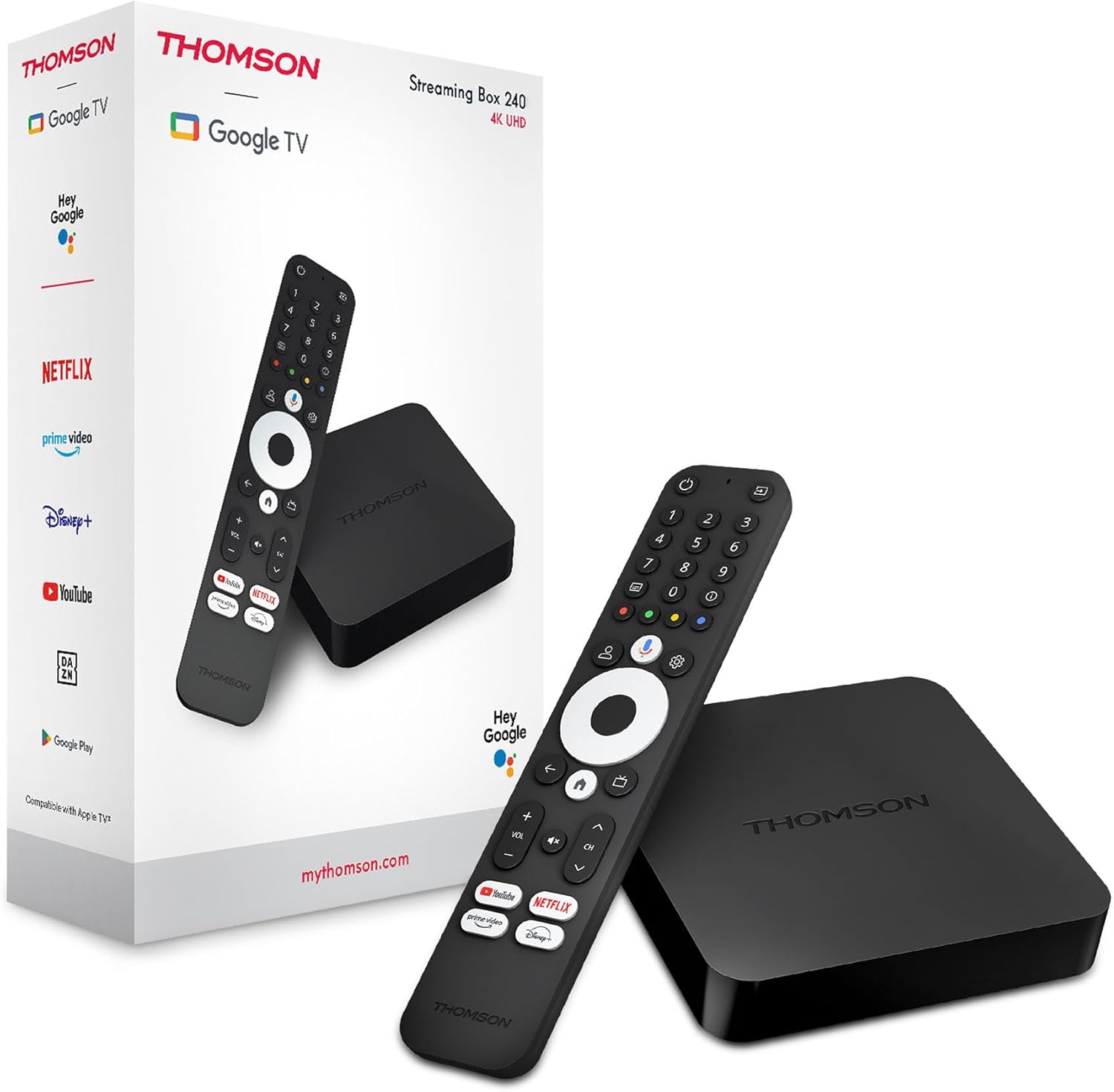
Image 1.1: THOMSON Google TV Streaming Box 240 and its remote control.
2. Què hi ha a la caixa
Si us plau, comproveu el contingut del paquet per assegurar-vos que hi hagi tots els elements:
- THOMSON Streaming Box 240
- Remote Control with Google Assistant
- Adaptador d'alimentació
- Cable HDMI
- Manual d'usuari (aquest document)
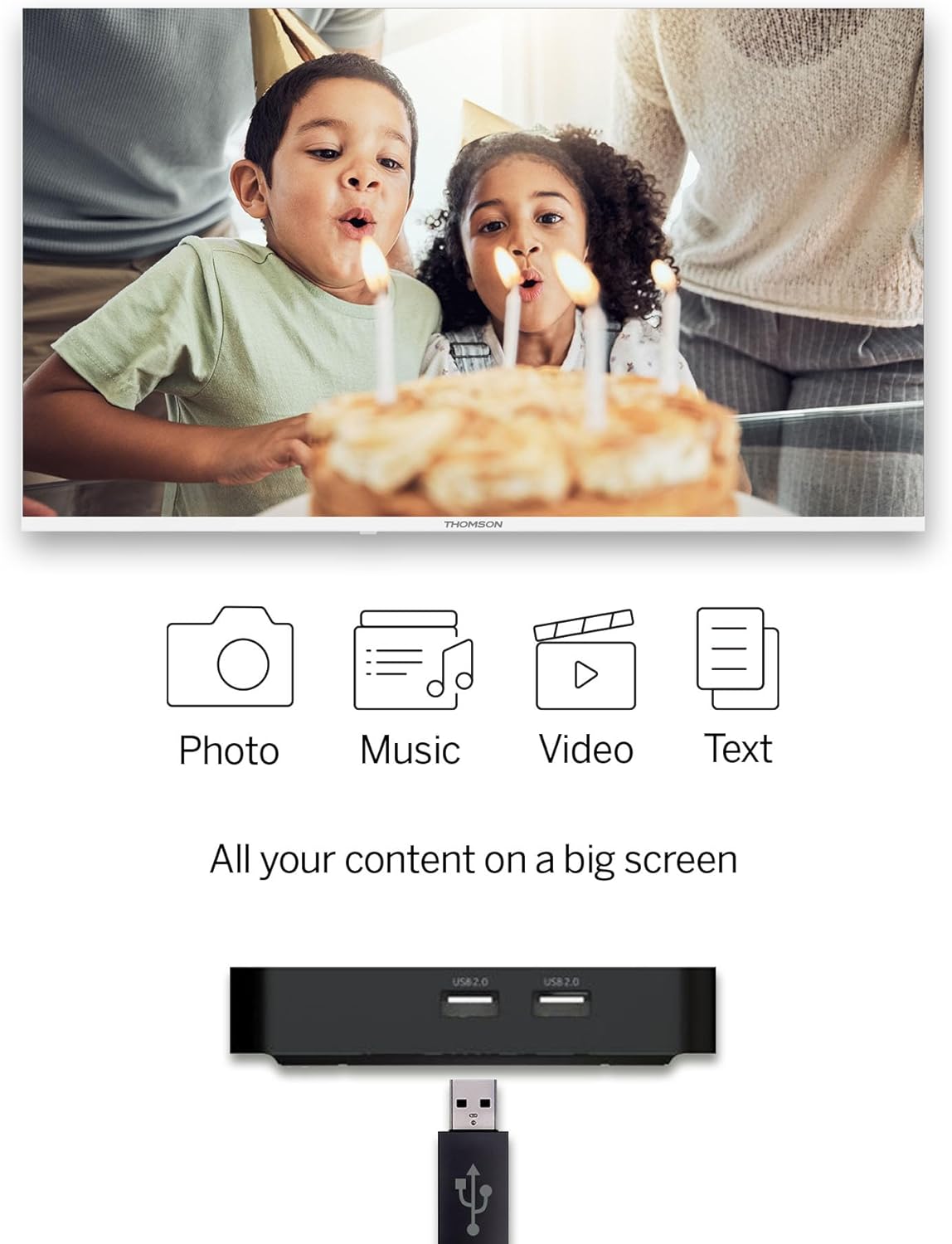
Image 2.1: The THOMSON Streaming Box 240 and its accompanying remote control.
3. Guia de configuració
Follow these steps to set up your THOMSON Google TV Streaming Box 240:
- Connectar-se al televisor: Connect one end of the HDMI cable to the HDMI port on the Streaming Box and the other end to an available HDMI input on your television.
- Connectar l'alimentació: Plug the power adapter into the DC IN port on the Streaming Box, then plug the adapter into a wall power outlet.
- Encès: Turn on your television and select the correct HDMI input source using your TV remote. The Streaming Box should power on automatically.
- Configuració inicial: Follow the on-screen instructions to complete the initial setup. This includes selecting your language, connecting to your network (Wi-Fi or Ethernet), and logging in with your Google account.
- Parella el comandament a distància: If prompted, pair your remote control by following the on-screen instructions. Typically, this involves holding down specific buttons on the remote near the device.

Imatge 3.1: posterior view of the Streaming Box 240, highlighting its connectivity ports.
4. Instruccions de funcionament
4.1 Control remotview
The ergonomic Bluetooth remote control provides easy navigation and access to features.

Image 4.1: Key features of the THOMSON Streaming Box 240 remote control.
- Botó d'encesa: Encén o apaga el dispositiu.
- Botons numèrics (0-9): Easily switch between available channels within supported applications.
- Botó de l'Assistent de Google: Activa el control per veu.
- Bloc de navegació: Per a la navegació del menú (Amunt, Avall, Esquerra, Dreta, D'acord).
- Botó enrere: Torna a la pantalla anterior.
- Botó d'inici: Torna a la pantalla d'inici de Google TV.
- Botons de volum: Ajusta el volum.
- Botons de canal: Changes channels within supported applications.
- Direct Access Buttons: One-click access to Netflix, Prime Video, YouTube, and Disney+.
- Profile Botó de canvi: Allows switching between different user profiles.
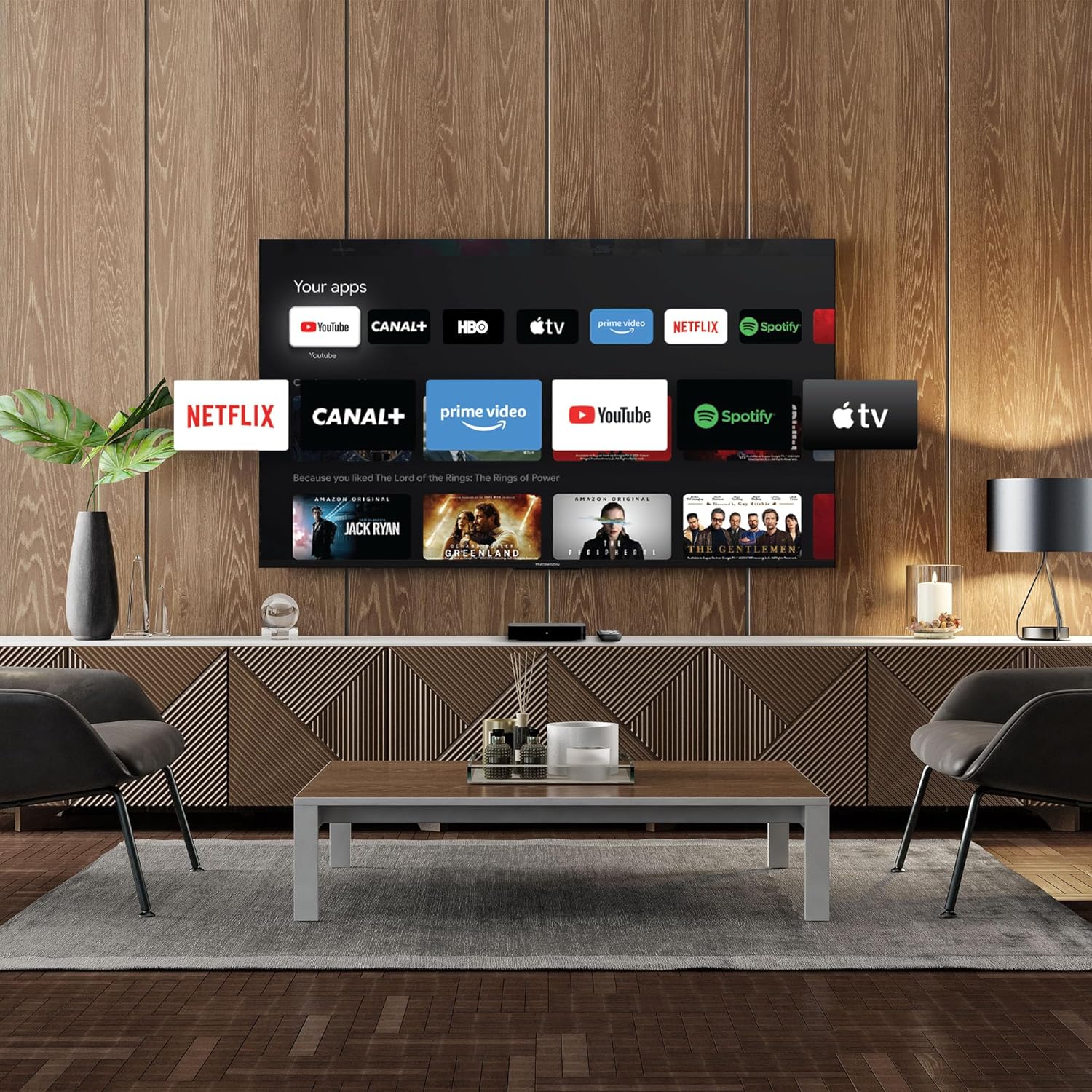
Image 4.2: Using numeric buttons on the remote for in-app channel switching.
4.2 Interfície de Google TV
Google TV combines content from various streaming services onto a single home screen, providing personalized recommendations. You can create multiple user profiles to tailor content suggestions for each family member.

Image 4.3: The Google TV interface with integrated streaming services.
4.3 Assistent de Google
Use the built-in Google Assistant for voice control. Press the Google Assistant button on your remote and speak your commands. You can search for content, open apps, get information, and control smart home devices.

Image 4.4: Activating Google Assistant via the remote control.
4.4 Google Cast
With Google Cast built-in, you can wirelessly stream movies, music, and photos from your compatible smartphone, tablet, or computer directly to your TV screen.
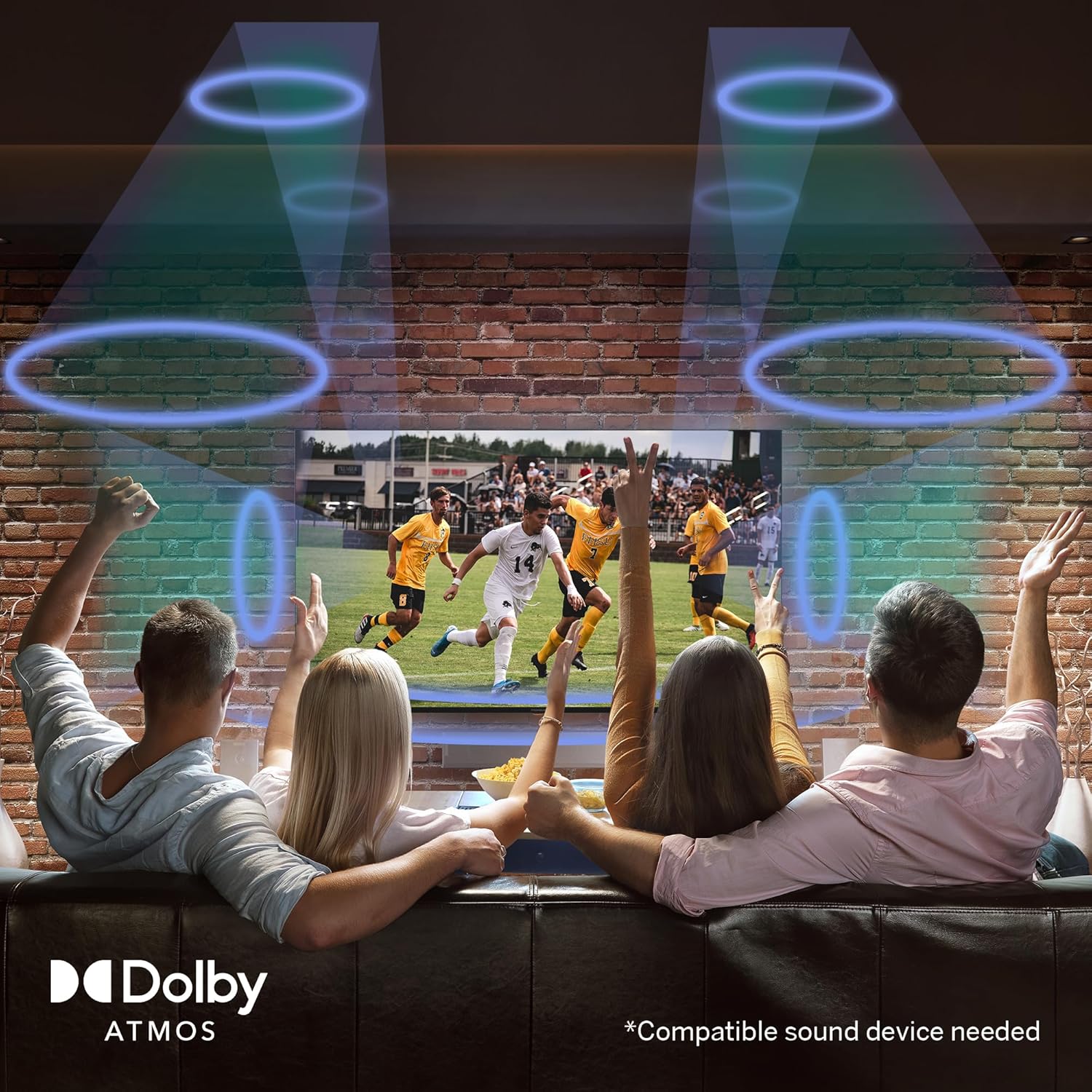
Image 4.5: Demonstrating the Google Cast functionality.
4.5 Reproducció multimèdia USB
Connect a USB storage device to one of the USB 2.0 ports to view your personal photos and videos on your television.
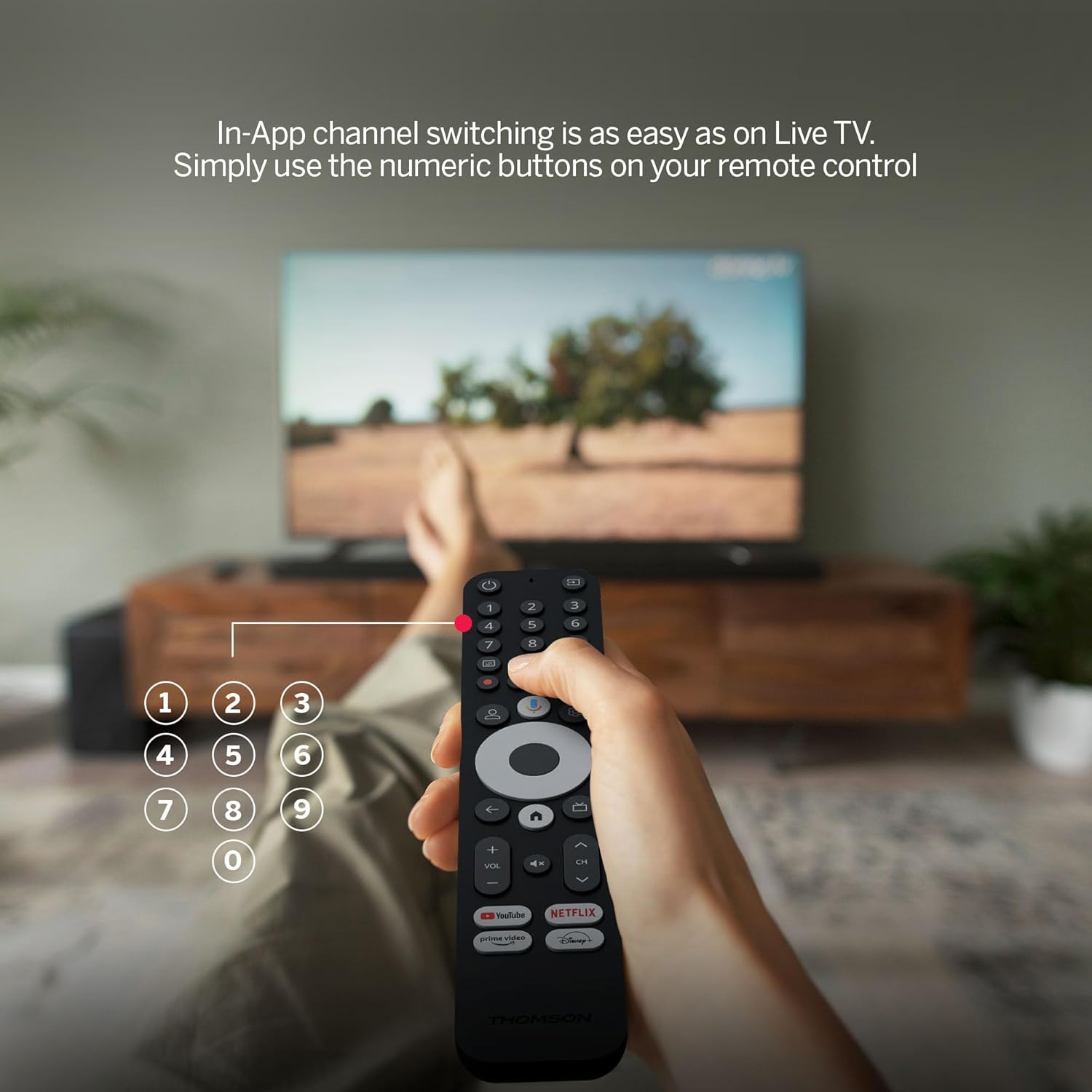
Image 4.6: USB media playback for various content types.
5. Característiques clau
- Resolució 4K UHD: Experience stunningly sharp and vivid images with 4x the precision of Full HD.
- Google TV (Android 12): Enjoy personalized content recommendations and multiple user profiles for a customized Smart TV experience. Access popular streaming services like Netflix, Prime Video, YouTube, Disney+, and more.
- Assistent de Google: Control your TV and search for content using voice commands.
- Chromecast integrat: Wirelessly cast movies, music, and photos from compatible devices to your TV.
- Powerful Quad-Core Processor: Ensures smooth and fluid performance without lag.
- Reproductor multimèdia: Play your favorite photos and videos directly from a USB drive on the big screen.
- Direct Access Buttons: Quickly launch Netflix, Prime Video, YouTube, and Disney+ with dedicated buttons on the remote.
- Dolby Atmos: Delivers an immersive audio experience (requires a compatible sound device).
- Connectivitat integral: Equipped with HDMI, 2x USB, optical digital audio, and LAN ports.
- Convenient Network Access: Choose between Wi-Fi or Ethernet LAN for stable internet connection.
- Bluetooth 5.0: Easily connect gamepads, speakers, or other external devices wirelessly.

Image 5.1: Visual comparison of different display resolutions, highlighting 4K UHD.
6. Connectivitat
The THOMSON Streaming Box 240 offers a variety of connection options:
- HDMI 2.1: For high-definition video and audio output to your television.
- USB 2.0 (x2): For connecting external storage devices like USB drives.
- Ethernet (LAN): Per a una connexió a Internet per cable estable.
- Sortida d'àudio òptic: Per connectar sistemes d'àudio externs amb entrada digital.
- Wi-Fi: Per a la connectivitat a Internet sense fil.
- Bluetooth 5.0: For pairing wireless peripherals such as game controllers, headphones, or speakers.
7. Manteniment
To ensure the longevity and optimal performance of your Streaming Box 240, follow these maintenance guidelines:
- Neteja: Gently wipe the device with a soft, dry cloth. Do not use liquid cleaners or abrasive materials.
- Ventilació: Assegureu-vos que les obertures de ventilació no estiguin bloquejades per evitar el sobreescalfament.
- Medi ambient: Eviteu exposar el dispositiu a temperatures extremes, llum solar directa, humitat elevada o ambients polsosos.
- Desconnexió d'alimentació: Disconnect the power adapter during electrical storms or if the device will be unused for an extended period.
8. Solució De Problemes
If you encounter issues with your THOMSON Streaming Box 240, refer to the following common solutions:
| Problema | Causa possible | Solució |
|---|---|---|
| Sense alimentació/El dispositiu no s'encén | Power adapter not connected; Power outlet not working | Comproveu la connexió del cable d'alimentació; proveu una altra presa de corrent. |
| Sense senyal a la pantalla del televisor | Incorrect HDMI input selected; Loose HDMI cable | Select the correct HDMI input on your TV; Ensure HDMI cable is securely connected. |
| No network connection (Wi-Fi/Ethernet) | Incorrect Wi-Fi password; Router issue; Loose Ethernet cable | Verify Wi-Fi password; Restart your router; Check Ethernet cable connection. |
| El comandament a distància no respon | Low battery; Remote not paired | Replace batteries; Re-pair the remote control as per initial setup instructions. |
| Applications freezing or slow performance | Too many apps running; Software glitch | Close unused applications; Restart the Streaming Box; Clear app cache in settings. |
9. Especificacions
Detailed technical specifications for the THOMSON Google TV Streaming Box 240:
| Característica | Especificació |
|---|---|
| Marca | THOMSON |
| Nom del model | Streaming Box 240 |
| Color | Negre |
| Resolució | 4K UHD (3840 x 2160) |
| Sistema operatiu | Google TV (Android 12) |
| RAM | 2 GB |
| Memòria interna | 8 GB |
| Connectivitat | HDMI 2.1, 2x USB 2.0, Ethernet, Optical Audio Out, Wi-Fi, Bluetooth 5.0 |
| Característiques especials | Google Assistant, Chromecast, Dolby Atmos, HDR10 |
| Dimensions (L x A x A) | 112 mm x 112 mm x 23 mm |

Image 9.1: Dimensions of the Streaming Box 240 and its remote control.
10. Garantia i Suport
Your THOMSON Google TV Streaming Box 240 comes with a comprehensive Garantia del fabricant de 3 anys, garantint fiabilitat i tranquil·litat.
For further assistance, technical support, or warranty claims, please visit the official THOMSON weblloc web o poseu-vos en contacte amb el seu departament d'atenció al client. Conserveu el comprovant de compra per validar la garantia.


