Manual d'usuari dels auriculars Brookstone Wireless Silent Disco
Model: BSBTH22WH-2PK
Producte acabatview
The Brookstone Wireless Silent Disco Headphones offer a unique audio experience with wireless freedom and vibrant LED lighting. Designed for shared listening, these headphones allow multiple users to connect to a single audio source, making them ideal for social gatherings or personal use. Each pack includes 8 headphones, ensuring a comprehensive setup for group activities.
Característiques clau
8-Pack Configuration: Includes eight headphones for multi-user silent disco experiences.
Interval sense fil ampliat: Operates up to 100 meters from the audio source, providing freedom of movement.
Llums LED vibrants: Features rainbow LED lights that illuminate the headphones, creating an engaging visual effect.
Connectivitat Bluetooth 5.0: Ensures stable and efficient wireless connection to compatible devices.
Temps de joc llarg: Offers up to 10 hours of continuous audio playback on a single charge.
Guia de configuració
Unboxing
Carefully remove all components from the packaging. Verify that all 8 headphones and any included accessories are present.
Carregant els auriculars
Before first use, fully charge each headphone. Connect the included charging cable to the headphone's charging port and a standard USB power source. A full charge takes approximately 5 hores. The LED indicator will change to show charging status and completion.
Vinculació amb dispositius
Ensure the headphones are powered off. Press and hold the power button on the headphone until the LED lights begin to flash, indicating pairing mode. On your Bluetooth-enabled device (e.g., smartphone, tablet), navigate to the Bluetooth settings and search for available devices. Select 'Brookstone Headphones' from the list to connect. Once connected, the LED lights will indicate a successful pairing, and the flashing will stop.
Image: Multi-device connectivity diagram illustrating how one master headphone broadcasts synced audio to additional headsets.
Instruccions de funcionament
Encès/Apagat
To power on the headphones, press and hold the power button for approximately 3 seconds until the LED lights illuminate. To power off, press and hold the power button again for 3 seconds until the lights turn off.
Controls i reproducció d'àudio
The headphones feature integrated controls tàctils for media management. Use these controls to adjust volume, skip tracks, and play/pause audio directly from the earcup. Refer to the specific icons on the headphone for their respective functions.
LED Light Functionality
The headphones are equipped with vibrant, multicolor LED lights that cycle through a rainbow spectrum. These lights are automatically active when the headphones are powered on, adding a dynamic visual element to your listening experience.
Imatge: Primer pla view of the headphone showcasing its multicolored LED ambience.
Silent Disco Functionality
These headphones are designed to facilitate a shared audio experience. One headphone can be designated as the master unit, broadcasting synced audio to other Brookstone Silent Disco Headphones within its 100-meter wireless range. This allows multiple participants to listen to the same audio source simultaneously, creating a private and immersive group listening environment.
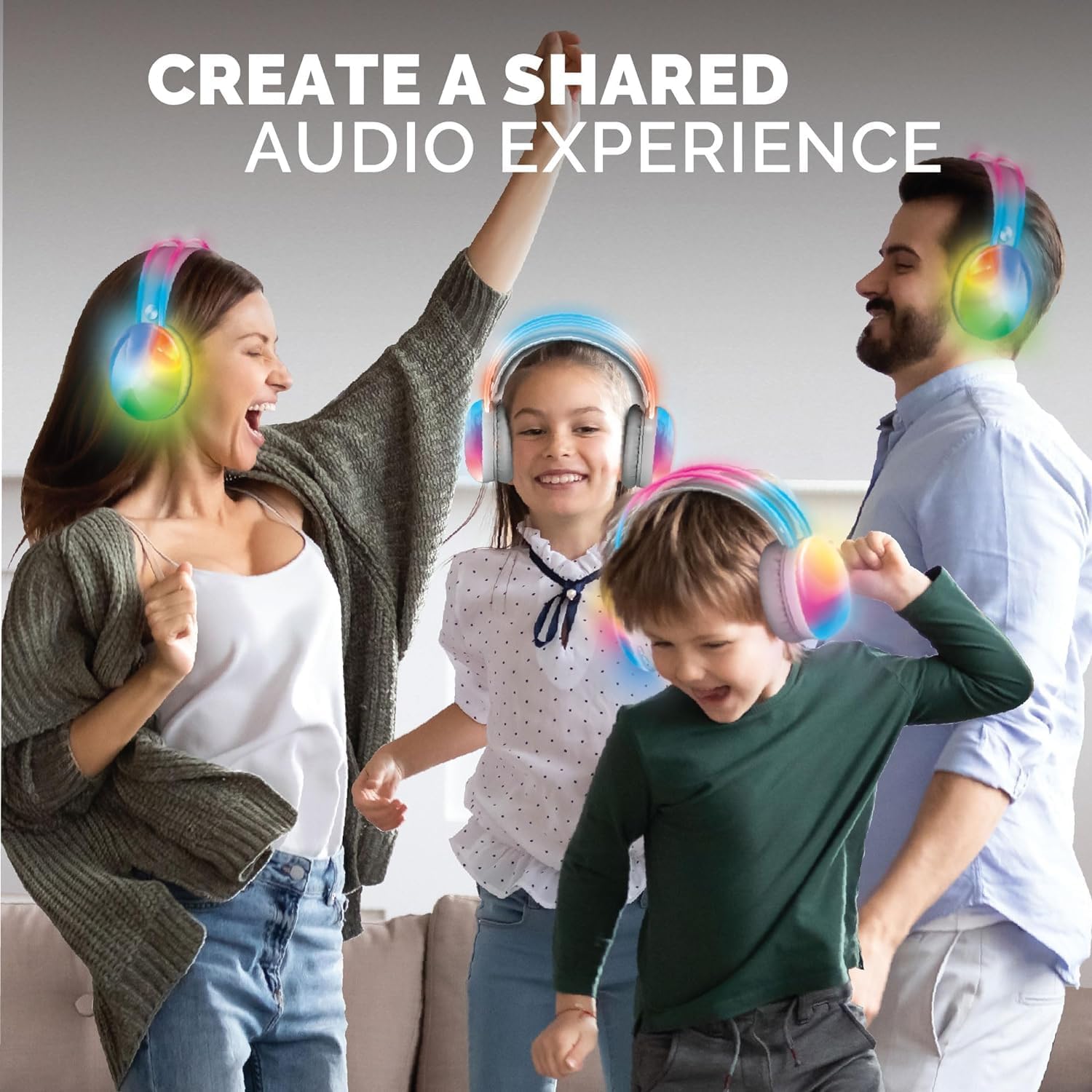
Image: Individuals enjoying a shared audio experience with the headphones.
Image: Friends connecting with wireless Bluetooth technology for an intimate listening party.
Image: Synchronized listening with multiple headphones.
Cura i Manteniment
Neteja: Wipe the headphones with a soft, dry cloth. Do not use abrasive cleaners, solvents, or immerse the headphones in water.
Emmagatzematge: Guardeu els auriculars en un lloc fresc i sec, allunyat de la llum solar directa i de temperatures extremes.
Cura de la bateria: To prolong battery life, fully charge the headphones before first use and at least once every three months if not in regular use. Avoid completely draining the battery frequently.
Resolució de problemes
Problema
Causa possible
Solució
No hi ha so dels auriculars
Headphones not powered on, not paired, volume too low, or source device issue.
Ensure headphones are powered on and charged. Verify Bluetooth pairing. Increase headphone and device volume. Check audio source.
Cannot pair headphones
Headphones not in pairing mode, device Bluetooth off, or out of range.
Ensure headphones are in pairing mode (flashing lights). Turn on Bluetooth on your device. Move device closer to headphones (within 100 meters).
Els llums LED no funcionen
Low battery or temporary malfunction.
Charge the headphones fully. Power cycle the headphones (turn off and on again).
Mala qualitat d'àudio
Interference, distance from source, or low battery.
Reduce interference by moving away from other wireless devices. Move closer to the audio source. Charge the headphones.
Especificacions tècniques
Característica
Detall
Nom del model
BSBTH22WH-2PK
Tecnologia de connectivitat
Sense fil
Tecnologia de comunicació sense fils
Bluetooth
Versió Bluetooth
5.0
Interval Bluetooth
100 metres
Durada de la bateria
10 hores
Temps de càrrega
5 hores
Tipus de control
Control de suports
Mètode de control
Toca
Dispositius compatibles
Dispositius compatibles amb Bluetooth
Tipus de controlador d'àudio
Conductor dinàmic
Col·locació de l'orella
Sobre l'orella
Factor de forma
Sobre l'orella
Color
Multi
Interval d'edat (descripció)
Adult
Fabricant
Southern Telecom Inc
UPC
680079023379
Data de primera disponibilitat
19 de febrer de 2024
Informació de la garantia
Specific warranty details for your Brookstone Wireless Silent Disco Headphones are typically provided with your purchase or can be found on the official Brookstone weblloc web. Si us plau, conserveu el comprovant de compra per a qualsevol reclamació de garantia.
Atenció al client
For further assistance, technical support, or inquiries regarding your Brookstone Wireless Silent Disco Headphones, please contact Brookstone customer support through their official channels. Refer to the product packaging or the Brookstone weblloc per obtenir informació de contacte.
Brookstone Bluetooth Wireless Headphones User Manual and Guide Comprehensive guide to Brookstone Bluetooth Wireless Headphones, covering setup, pairing, usage, troubleshooting, and warranty information. Learn how to connect and enjoy pro sound and hands-free calls.