Introducció
This manual provides detailed instructions for the setup, operation, maintenance, and troubleshooting of your Cisco Bang & Olufsen 950 True Wireless Earbuds. These earbuds are designed for professionals, offering high-quality audio, active noise cancellation, and seamless integration with Cisco and Webex platforms.
Què hi ha a la caixa
Verifiqueu que tots els components siguin presents a l'embalatge:
- Cisco Bang & Olufsen 950 True Wireless Earbuds (Left and Right)
- Estoig de càrrega sense fil
- Cable de càrrega USB
- Eartips (Multiple sizes, including Comply™ memory foam)
- Manual d'usuari (Aquest document)
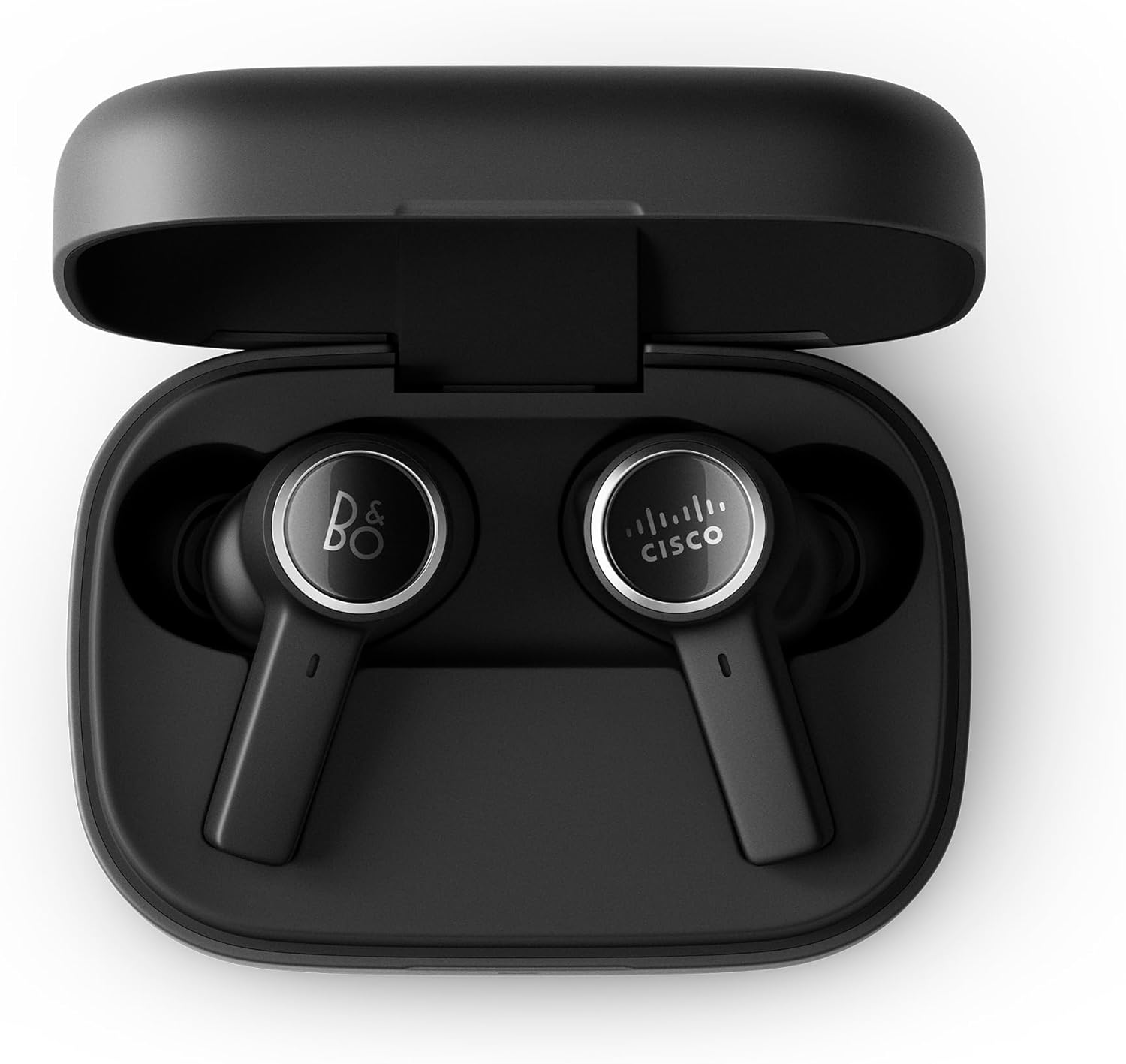
Image: The Cisco Bang & Olufsen 950 True Wireless Earbuds resting inside their open wireless charging case. The earbuds are black with silver accents, and the case is also black.
Configuració
1. Càrrega dels auriculars i l'estoig
Before first use, fully charge the earbuds and the charging case. Place the earbuds into the charging case. Connect the USB charging cable to the case and a power source, or place the case on a Qi-compatible wireless charger.
- L'indicador LED de la carcassa mostrarà l'estat de càrrega.
- Una càrrega completa sol trigar aproximadament 2 hores.

Image: The closed black wireless charging case for the Cisco Bang & Olufsen 950 earbuds, showing a green LED indicator light on the front, signifying a charged or charging state.
2. Emparellament Bluetooth
- Assegureu-vos que els auriculars estiguin a l'estoig de càrrega i que la tapa de l'estoig estigui oberta.
- Press and hold the pairing button on the charging case (if available, otherwise refer to the specific pairing method in the quick start guide) or initiate pairing via the Bang & Olufsen app.
- On your device (smartphone, laptop, etc.), go to Bluetooth settings and select "Cisco B&O 950" from the list of available devices.
- Once connected, a confirmation sound will play in the earbuds.
The earbuds support simultaneous connection to up to 2 Bluetooth devices (Bluetooth 5.2). An optional Cisco USB HD Adapter can also be used for connectivity.
3. Col·locació dels auriculars
Proper fit is crucial for optimal sound quality and Active Noise Cancellation (ANC) performance. Experiment with the included ear tips (silicon and Comply™ memory foam) to find the best seal for your ears.
- Introduïu suaument l'auricular al canal auditiu.
- Twist slightly to ensure a snug and comfortable fit.
- Test different ear tip sizes to achieve a good seal.

Image: A person wearing a black Cisco Bang & Olufsen 950 earbud in their right ear, demonstrating the in-ear fit of the device.

Imatge: Un primer pla view of the two Cisco Bang & Olufsen 950 True Wireless Earbuds, highlighting their black finish and the distinct B&O and Cisco logos on each earbud's outer surface.
4. Bang & Olufsen Mobile App
Download the Bang & Olufsen mobile app from your device's app store. The app allows you to:
- Personalitza el professional del sofiles with Beosonic.
- Ajusta els nivells de cancel·lació activa de soroll (ANC).
- Actualitza el firmware.
- Access troubleshooting guides and support.
Funcionament dels auriculars
Encès/Apagat
- Encès: Remove earbuds from the charging case. They will automatically power on and attempt to connect to the last paired device.
- Apagar: Torneu a col·locar els auriculars a l'estoig de càrrega i tanqueu la tapa. S'apagaran automàticament i començaran a carregar-se.
Touch and Motion Controls
The earbuds feature intuitive touch and motion controls. Specific functions can be customized via the Bang & Olufsen app.
| Acció | Funció |
|---|---|
| Toc únic (esquerra/dreta) | Reproduir / Pausar música, Respondre / Finalitzar trucada |
| Doble toc (dreta) | Pista següent |
| Doble toc (esquerra) | Pista anterior |
| Toc triple (esquerra/dreta) | Activa l'Assistent de veu |
| Press and Hold (Right) | Puja el volum |
| Press and Hold (Left) | Baixa el volum |
| Premda llarga (esquerra/dreta) | Activa/desactiva el mode ANC/Transparència |
Per Webex and Cisco devices, integrated call controls are available via Bluetooth, allowing for an intuitive user experience.

Image: A person wearing Cisco Bang & Olufsen 950 earbuds while participating in a video conference on a laptop, demonstrating their use in a professional setting with Webex.
Cancel·lació activa de soroll (ANC) i mode de transparència
The earbuds feature Adaptive Active Noise Cancellation to reduce ambient noise and Transparency Mode to allow you to hear your surroundings.
- ANC: Reduces external sounds, ideal for focused work or travel.
- Mode de transparència: Amplifies ambient sounds, useful for awareness in your environment without removing the earbuds.
- Toggle between modes using the touch controls or the Bang & Olufsen app.
Manteniment
Neteja
- Netegeu regularment els auriculars i l'estoig de càrrega amb un drap suau, sec i sense borrissol.
- Remove ear tips and clean them with a mild soap solution and water, then dry thoroughly before reattaching.
- Eviteu utilitzar materials abrasius, alcohol o netejadors químics.
- Assegureu-vos que els contactes de càrrega dels auriculars i de la funda estiguin nets i lliures de residus.
Emmagatzematge
Quan no els utilitzeu, guardeu els auriculars a la seva funda de càrrega per protegir-los i mantenir-los carregats. Guardeu-los en un lloc fresc i sec, allunyat de la llum solar directa i de temperatures extremes.
Resolució de problemes
Si trobeu problemes, proveu les solucions següents:
- Sense so:
- Assegureu-vos que els auriculars estiguin carregats.
- Verifiqueu la connexió Bluetooth al vostre dispositiu.
- Check device volume settings.
- Els auriculars no s'aparellen:
- Assegureu-vos que els auriculars estiguin en mode d'emparellament.
- Desactiva i activa el Bluetooth al dispositiu.
- Oblida't del dispositiu a la configuració de Bluetooth i torna a vincular-lo.
- Mala qualitat de so/rendiment ANC:
- Ensure earbuds are properly seated in your ears with a good seal. Try different ear tip sizes.
- Netegeu les puntes de les orelles i les reixetes dels auriculars.
- Problemes de càrrega:
- Assegureu-vos que el cable de càrrega estigui ben connectat.
- Verifiqueu que la font d'alimentació estigui activa.
- Netegeu els contactes de càrrega dels auriculars i de la funda.
For further assistance, refer to the Bang & Olufsen mobile app or the support section.
Especificacions
| Característica | Detall |
|---|---|
| Model | HS-WL-950-BUN-C |
| Connectivitat | Bluetooth 5.2, Multipoint (up to 2 devices) |
| Control de soroll | Adaptive Active Noise Cancellation (ANC), Transparency Mode |
| Durada de la bateria (auriculars) | Fins a 5 hores (amb ANC) |
| Estoig de càrrega | Provides 2.5 additional charges (approx. 12.5 hours), Wireless (Qi) and USB-C charging |
| Micròfons | 6 microphones for calls and ANC |
| Còdecs d'àudio | aptX™ Adaptive, AAC |
| Resistència a l'aigua | Classificació IP57 |
| Pes (caixa) | Aproximadament 53 grams |
| Components inclosos | Auriculars, estoig de càrrega, cable USB, coixinets, manual d'usuari |
Informació de la garantia
The Cisco Bang & Olufsen 950 True Wireless Earbuds come with a 1-Year Limited Liability WarrantyAquesta garantia cobreix defectes de fabricació i mà d'obra en condicions d'ús normal. Si us plau, conserveu el comprovant de compra per a reclamacions de garantia.
For full terms and conditions of the warranty, please refer to the official Cisco or Bang & Olufsen support websites, or contact customer support.
Suport
For technical support, product inquiries, or warranty service, please utilize the following resources:
- Bang & Olufsen Mobile App: Access troubleshooting guides, FAQs, and direct support contact options.
- Suport de Cisco Weblloc: Visita cisco.com/go/support for product documentation and support contacts.
- Webex Control Hub: For IT teams managing multiple devices, the Webex Control Hub provides centralized management and support tools.
When contacting support, please have your product model number (HS-WL-950-BUN-C) and serial number ready.


