1. Introducció
This manual provides essential information for the safe and efficient use of your Xgody A54 smartphone. Please read it thoroughly before operating the device to ensure proper functionality and to understand its features.
2. Dispositiu acabatview
The Xgody A54 is an Android 10 smartphone featuring a 6.52-inch HD display, dual SIM support, and a 4500mAh battery. It is designed for everyday communication and multimedia use.

Imatge: Més deview of the Xgody A54 smartphone's main features, including its Android 10 operating system, 4G connectivity, memory configuration, processor, navigation capabilities, face unlock, and card slot design.
3. Configuració
3.1. SIM and SD Card Installation
The Xgody A54 supports two SIM cards (1 Nano SIM, 1 Micro SIM) and one SD card for expandable storage. Ensure the phone is powered off before inserting or removing cards.
- Localitza la safata de la targeta SIM al lateral del dispositiu.
- Feu servir l'eina d'expulsió de la SIM proporcionada per obrir la safata.
- Carefully place your Nano SIM, Micro SIM, and SD card into their respective slots on the tray.
- Empenyeu suaument la safata cap a dins del dispositiu fins que quedi al mateix nivell.

Image: Illustration of the dual SIM and SD card slot configuration, demonstrating how to insert the cards into the Xgody A54 smartphone. It also highlights the phone's 4G LTE network compatibility and supported frequency bands.
3.2. Càrrega inicial i engegada
- Connect the USB cable to the phone's Type-C port and the other end to a power adapter.
- Allow the phone to charge until the battery indicator shows a sufficient charge.
- Press and hold the Power button until the Xgody logo appears to turn on the device.
3.3. Configuració del desbloqueig facial
To set up Face Unlock for convenient access:
- Navega a Configuració > Seguretat i ubicació > Desbloqueig facial.
- Follow the on-screen instructions to register your face. Ensure good lighting and hold the phone at eye level.

Image: Visual guide to the Face Recognition feature on the Xgody A54, detailing the process of facial scanning for unlocking the device. It also highlights the specifications of the front (8MP) and rear (15MP with LED flash) cameras.
4. Instruccions de funcionament
4.1. Navegació bàsica
- Pantalla tàctil: Toca per seleccionar, llisca per desplaçar-te, pessiga per ampliar.
- Pantalla d'inici: Accedeix a aplicacions, widgets i notificacions.
- Barra d'estat: Displays notifications, time, battery status, and signal strength.
4.2. Fer trucades i enviar missatges
- Trucades: Obriu l'aplicació Telèfon, introduïu el número i toqueu la icona de trucada.
- Missatges: Open the Messages app, tap the new message icon, enter the recipient and message, then send.
4.3. Ús de la càmera
The Xgody A54 features a 15MP rear camera and an 8MP front camera.
- Obriu l'aplicació Càmera.
- Select between front and rear cameras using the switch icon.
- Toqueu el botó de l'obturador per fer una foto.
- Explore various modes like Beauty Mode for enhanced photos.
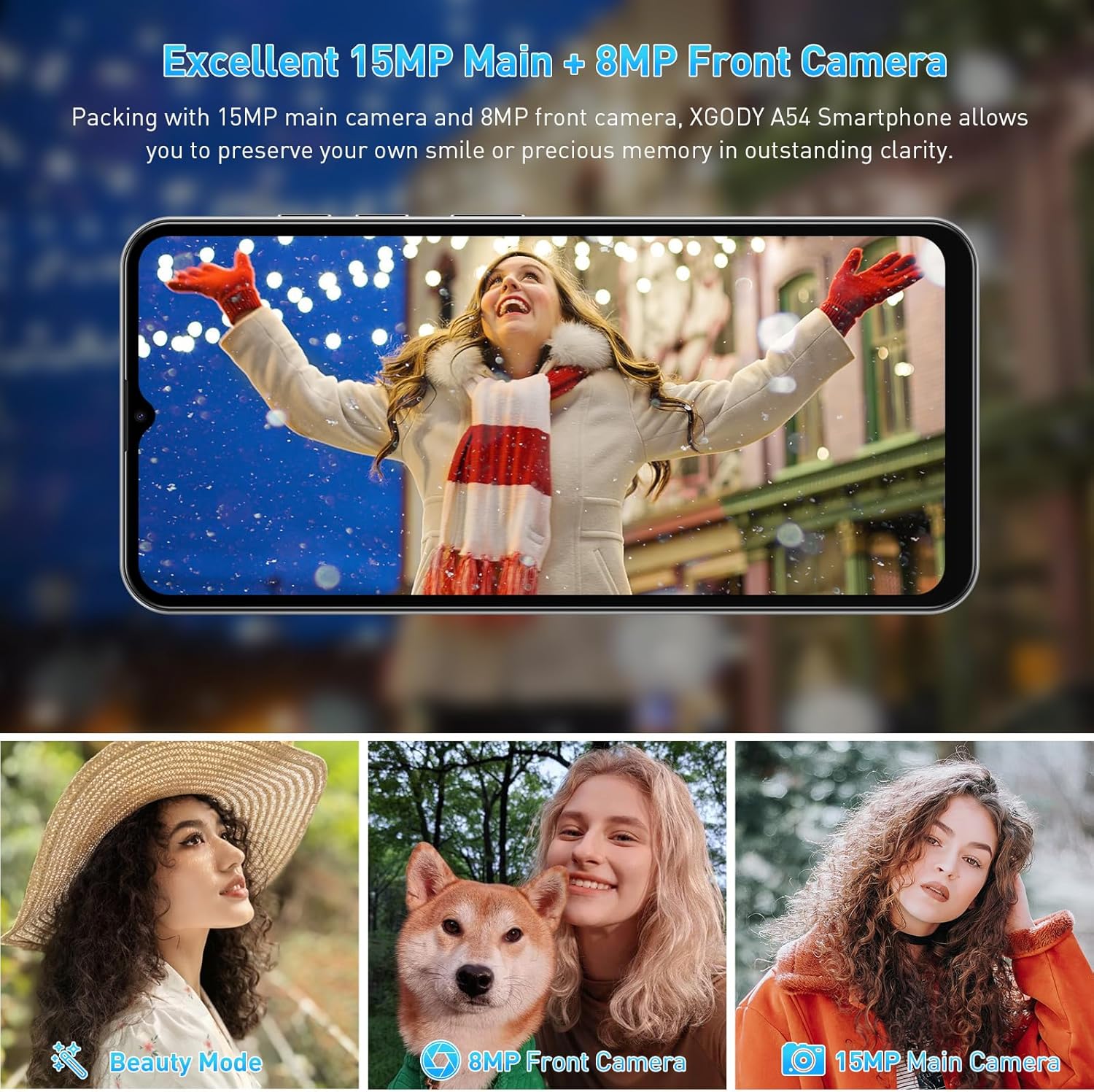
Imatge: Examples of photographs captured using the Xgody A54's 15MP main camera and 8MP front camera, demonstrating its photographic capabilities in various settings.
4.4. Gestió de l'emmagatzematge
The device comes with 2GB RAM and 32GB ROM, expandable up to 256GB via an SD card. Regularly manage your storage to maintain optimal performance.
- To check storage: Go to Configuració > Emmagatzematge.
- Per alliberar espai: desinstal·la les aplicacions que no fas servir, suprimeix fotos o vídeos antics o mou-ho files a una targeta SD.

Image: A visual representation of the Xgody A54's storage capabilities, highlighting the 2GB RAM and 32GB ROM, and the potential for significant expansion with an SD card for various media types.
4.5. Funcionalitat OTG
The Xgody A54 supports On-The-Go (OTG) functionality, allowing you to connect USB devices like flash drives to your phone for data transfer.
5. Manteniment
5.1. Cura de la bateria
La bateria de 4500 mAh proporciona un ús prolongat. Per allargar la vida útil de la bateria:
- Eviteu temperatures extremes.
- Use the provided charger for fast charging.
- Tanca les aplicacions no utilitzades que s'executen en segon pla.
- Ajusteu la brillantor de la pantalla a un nivell còmode.

Image: A visual representation of the Xgody A54's 4500mAh battery performance, indicating approximate usage durations for various activities such as gaming, video playback, calls, and music listening.
5.2. Neteja del dispositiu
Wipe the screen and body with a soft, lint-free cloth. Avoid using harsh chemicals or abrasive materials.

Image: A close-up of the Xgody A54's rear panel, emphasizing its textured leather-like finish which is designed to be skin-friendly and resistant to fingerprints.
5.3. Actualitzacions de programari
Comproveu periòdicament si hi ha actualitzacions del sistema per assegurar-vos que el dispositiu tingui les funcions i els pegats de seguretat més recents. Aneu a Configuració > Sistema > Actualització del sistema.
6. Solució De Problemes
If you encounter issues with your Xgody A54, refer to the following common solutions:
| Problema | Possible solució |
|---|---|
| El telèfon és lent o té retard | Close background applications. Clear cache. Ensure sufficient storage space. Restart the device. |
| Camera flash is dim or poor photo quality | Ensure adequate lighting. Clean the camera lens. Adjust camera settings. |
| "System UI" message or freezing | Restart the phone. If persistent, consider a factory reset (back up data first). |
| Sobreescalfament del dispositiu | Close resource-intensive applications. Avoid direct sunlight. Disconnect from charger if charging. |
| Network data issues (4G/3G/2G) | Verify SIM card installation. Check APN settings (Access Point Names) with your carrier. Contact support for assistance with APN or IMEI number adjustments if necessary. |
| Face Unlock unreliable | Re-register your face in good lighting conditions. Ensure your face is fully visible to the front camera. |
7. Especificacions
| Característica | Especificació |
|---|---|
| Nom del model | A54 |
| Sistema operatiu | Android 10.0 |
| Mida de la pantalla | 6.52 polzades |
| Resolució | 720 x 1600 |
| Memòria RAM | 2 GB |
| Capacitat d'emmagatzematge | 32 GB (ampliable fins a 256 GB amb targeta SD) |
| Càmera posterior | 15 MP |
| Càmera frontal | 8 MP |
| Capacitat de la bateria | 4500 mAh |
| Connectivitat | 4G Cellular, Bluetooth, GPS |
| Característiques especials | Dual SIM, Expandable Memory, Face Unlock, OTG |
| Dimensions | 7.64 x 6.18 x 1.81 polzades |
| Pes de l'article | 1.17 lliures |
| Color | Porcellana |
8. Garantia i Suport
8.1. Informació de la garantia
The Xgody A54 smartphone comes with a 12-month warranty service from the date of purchase. This warranty covers manufacturing defects under normal use. Please retain your proof of purchase for warranty claims.
8.2. Atenció al client
For any questions, technical assistance, or warranty claims, please contact Xgody customer support. When contacting support, provide your order ID for efficient service.
Xgody is committed to continuously improving product quality and enhancing user experience. Your feedback is valuable.


