Introducció
El Apple AirTag is a small, elegant accessory designed to help you keep track of and find your important items. By leveraging Apple's vast Find My network, you can locate anything from your keys and wallet to luggage and backpacks. This manual provides comprehensive instructions for setting up, operating, and maintaining your AirTag.

Imatge: Frontal view de l'Apple AirTag, espectacleasing its compact, circular design with the Apple logo.
Configuració
Configurant el teu aireTag is a simple one-tap process that instantly connects it with your iPhone or iPad.
- Desempaqueta l'aireTag: Traieu l'aireTag from its packaging. You may need to pull a tab to activate the battery.
- Apropar el dispositiu: Mantingueu el vostre aireTag close to your iPhone or iPad.
- Connectar: A setup animation will appear on your device's screen. Tap "Connect."
- Anomena el teu aireTag: Choose a name from the list or select "Custom Name" to give it a personalized name (e.g., "Keys," "Wallet," "Backpack").
- Registre: Confirma el teu ID d'Apple per registrar l'AirTag al teu compte.
- Acabat: Tap "Done." Your AirTag is now set up and visible in the Find My app.

Image: A hand holding an Apple AirTag, demonstrating its small and portable size.
Instruccions de funcionament
Once set up, you can use the Find My app on your Apple device to locate your AirTagL'aireTag can be easily placed inside bags, wallets, or attached to keychains.
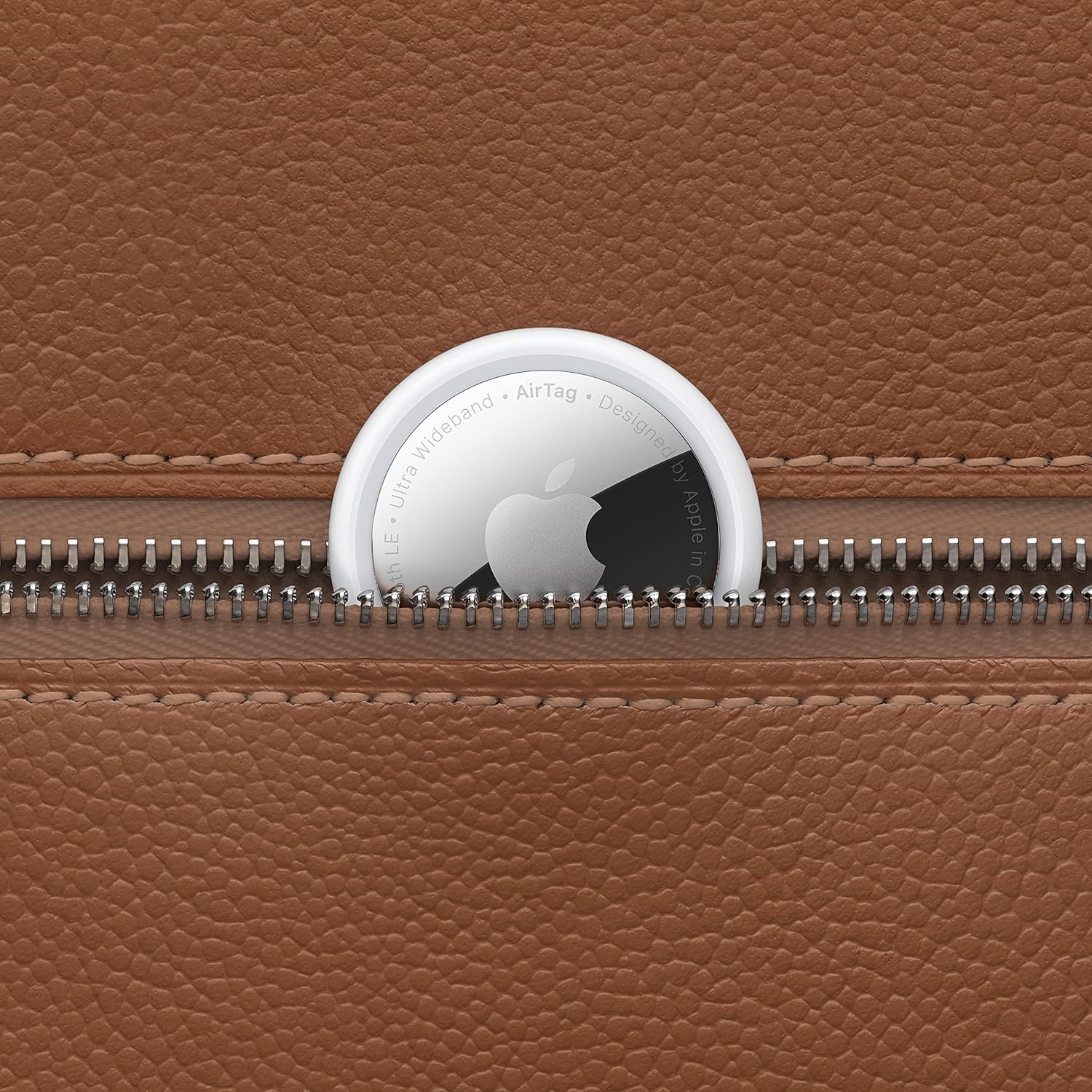
Image: An Apple AirTag peeking out from a partially unzipped brown leather bag, illustrating how it can be discreetly carried with personal items.
Using the Find My App and Playing a Sound
- Open Find My: Launch the Find My app on your iPhone, iPad, or Mac.
- Select Items Tab: Tap the "Items" tab at the bottom of the screen.
- View Ubicació: El teu aireTag will appear on the map, showing its current or last known location.
- Reproduir so: Si el teu aireTag is nearby but out of sight, select your AirTag i toqueu "Reprodueix so". L'aireTag will emit a series of beeps to help you locate it. Tap "Stop Sound" when you've found your item.

Image: An iPhone displaying the Find My app interface, showing an AirTag's location on a map alongside a key ring with an AirTag adjunt.
Precision Finding (iPhone 11 and later)
For select iPhone models (iPhone 11 and later) equipped with the U1 chip, Precision Finding provides visual, haptic, and audio feedback to guide you directly to your AirTag when it's nearby.
- A l'aplicació Cerca, selecciona el teu AirTag.
- Tap "Find."
- Follow the on-screen directions, which will indicate distance and direction to your AirTag.

Image: An iPhone screen displaying the Precision Finding feature, showing an arrow and distance (e.g., "4 ft ahead") guiding the user to the AirTag.
Mode perdut
Si el teu aireTag is lost, you can put it into Lost Mode. When detected by another device in the Find My network, you'll be notified of its location. You can also provide a contact phone number or email address.
- A l'aplicació Cerca, selecciona el teu AirTag.
- Scroll down to "Lost Mode" and tap "Enable."
- Follow the prompts to enter your contact information.
Manteniment
Canvi de bateria
L'AireTag uses a standard CR2032 coin cell battery, which typically lasts over a year. The Find My app will notify you when the battery is low.
- Obre el compartiment de la bateria: Premeu la tapa de la bateria d'acer inoxidable polit de l'AirTag and rotate counterclockwise until it stops.
- Traieu la coberta: Lift the cover to reveal the battery.
- Substituïu la bateria: Remove the old CR2032 battery and insert a new one with the positive (+) side facing up.
- Tancar la coberta: Replace the stainless steel cover, press down, and rotate clockwise until it locks into place.
Resistència a l'aigua i a la pols
AireTag is IP67 water and dust resistant, meaning it can withstand submersion in up to 1 meter of water for up to 30 minutes. This resistance is not permanent and may decrease as a result of normal wear. Do not intentionally submerge your AirTag.
Resolució de problemes
- AireTag No connectant: Ensure your iPhone or iPad is running the latest version of iOS/iPadOS. Try resetting the AirTag extraient i tornant a inserir la bateria.
- Cannot Find AirTag: Check if the AirTag battery is dead. Ensure Bluetooth is enabled on your device. If far away, rely on the Find My network's last known location.
- La cerca precisa no funciona: Ensure you have an iPhone 11 or later. Make sure you are within range of the AirTag.
- La bateria s'esgota ràpidament: Ensure you are using a fresh, high-quality CR2032 battery. Excessive use of "Play Sound" or "Precision Finding" can slightly reduce battery life.
Especificacions
| Característica | Detall |
|---|---|
| Dimensions del producte | 3.25 x 3.25 x 0.5 polzades |
| Pes de l'article | 0.39 unces |
| Número de model | MX532LL/A |
| Tipus de bateria | 1 CR2032 (inclosa) |
| Connectivitat | Bluetooth LE, Ultra Wideband (UWB) |
| Resistència a l'aigua i a la pols | IP67 (profunditat màxima d'1 metre fins a 30 minuts) |
| Dispositius compatibles | iPhone, iPad, iPod touch models with iOS/iPadOS 14.5 or later |
| Fabricant | Apple |
| País d'origen | Xina |
Garantia i Suport
aire de pomaTag comes with a standard limited warranty. For detailed warranty information, please refer to the warranty card included with your product or visit the official Apple support weblloc.
For technical support, troubleshooting assistance, or service, please visit support.apple.com/airtag o contacta directament amb el suport tècnic d'Apple.


