Introducció
Producte acabatview
The ORGBRO X1 is a portable, Bluetooth-enabled mini label printer designed for efficient organization in various settings. Utilizing thermal printing technology, it requires no ink or toner, providing clear, high-definition labels. Its compact size and wireless connectivity make it an ideal tool for home, school, and office use.

Image: The ORGBRO X1 label maker, showing its compact design and a label being printed.
Què hi ha a la caixa
- 1 X Mini Label Maker
- 1 X Roll of white label paper
- 1 X Manual d'usuari
- 1 X Type-C charging cable
Guia de configuració
Càrrega del dispositiu
Before first use, fully charge the ORGBRO X1 label maker. It features a built-in 2000mAh rechargeable battery for extended operation. Use the provided Type-C charging cable to connect the device to a power source.
Installing Label Tape
Follow these steps to properly install the label tape:
- Press the cover button on the side of the device to open the lid.
- Load the paper roll into the paper bin, ensuring the label side is facing up.
- Unroll enough paper so that it sticks out slightly from the printer's output slot.
- Close the cover firmly. Press and hold the power button briefly to calibrate the label paper.
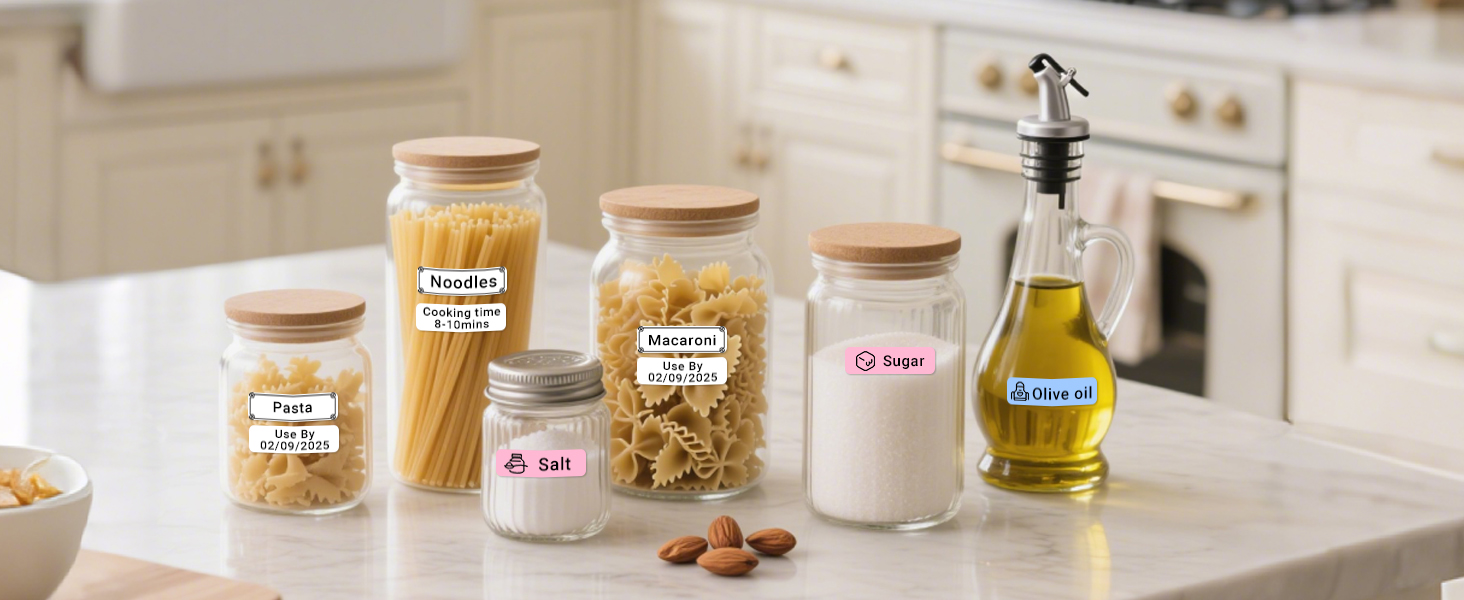
Image: A visual guide demonstrating the four steps to install label tape into the ORGBRO X1 label maker.
Instal·lació i connexió d'aplicacions
The ORGBRO X1 connects wirelessly via Bluetooth through the dedicated "XeasyLabel" app. Do not attempt to connect via your phone's Bluetooth settings directly.
- Download the "XeasyLabel" app from your mobile app store (available for iOS and Android).
- Turn on the label maker by pressing and holding the power button.
- Open the "XeasyLabel" app on your phone. The app will automatically search for and connect to the X1 label maker via Bluetooth.
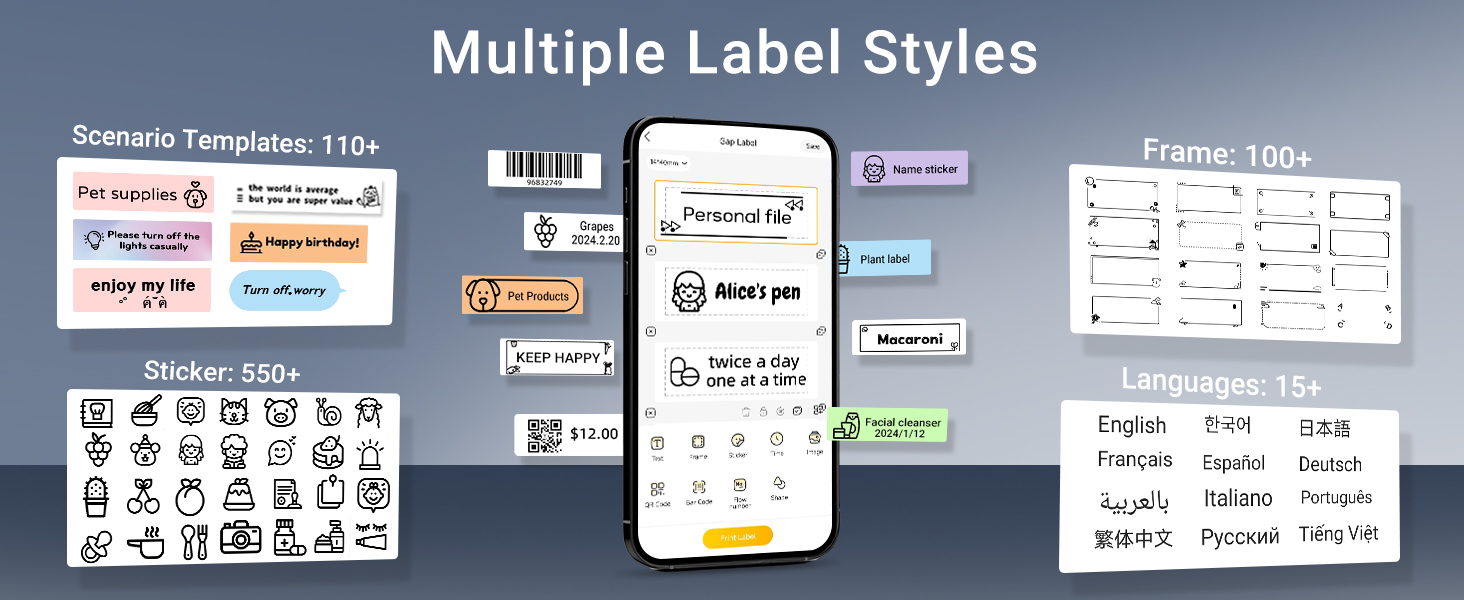
Image: A three-step visual guide showing how to download the app, turn on the printer, and connect via the XeasyLabel app.
Instruccions de funcionament
Impressió bàsica
The ORGBRO X1 uses thermal printing technology, eliminating the need for ink or toner. It delivers high-quality prints with a resolution of 203 DPI. The device also features a built-in cutter for convenient label separation after printing.

Image: An illustration highlighting key features like inkless thermal printing, high-speed printing, 203 DPI resolution, built-in cutter, Type-C charging, and Bluetooth connection.
Using the XeasyLabel App
The XeasyLabel app provides extensive customization options for your labels:
- Versatile Content: Print various text, numbers, graphics, symbols, logos, barcodes, and QR codes.
- Extensive Resources: Access over 15 languages, 95 fonts, and 550 materials (templates, frames, stickers) for free customization.
- Tipus d'etiquetes: Supports both pre-cut and continuous label paper.
- Save and Print: Create multiple labels and save them within the app for future use or batch printing.
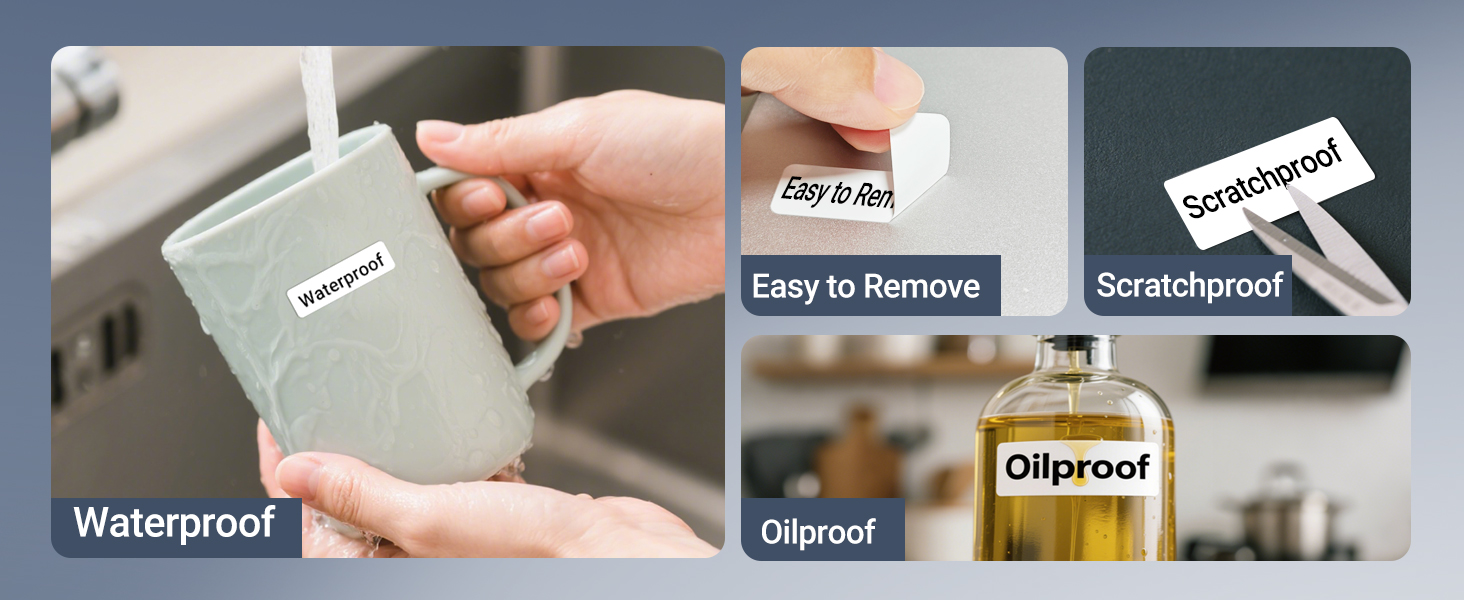
Image: A screenshot of the XeasyLabel app demonstrating its multi-functionality, including options for pre-cut and continuous labels, various fonts, frames, stickers, languages, and templates.
Label Durability and Types
ORGBRO labels are designed for durability and ease of use:
- Durabilitat: Labels are waterproof, oil-resistant, and abrasion-resistant.
- Sense residus: No residue remains after removal, ensuring clean surfaces.
- Mides admeses: The printer supports continuous label paper (15 mm width) and fixed-length labels (12 x 40 mm).
- Recomanació: For optimal print quality, it is recommended to use ORGBRO thermal label paper.
Imatge: Visual examples demonstrating the waterproof, oil-proof, scratch-resistant, and easy-to-remove properties of ORGBRO labels.
Aplicació Examples
The ORGBRO X1 label maker is suitable for a wide range of applications, helping you organize various items:
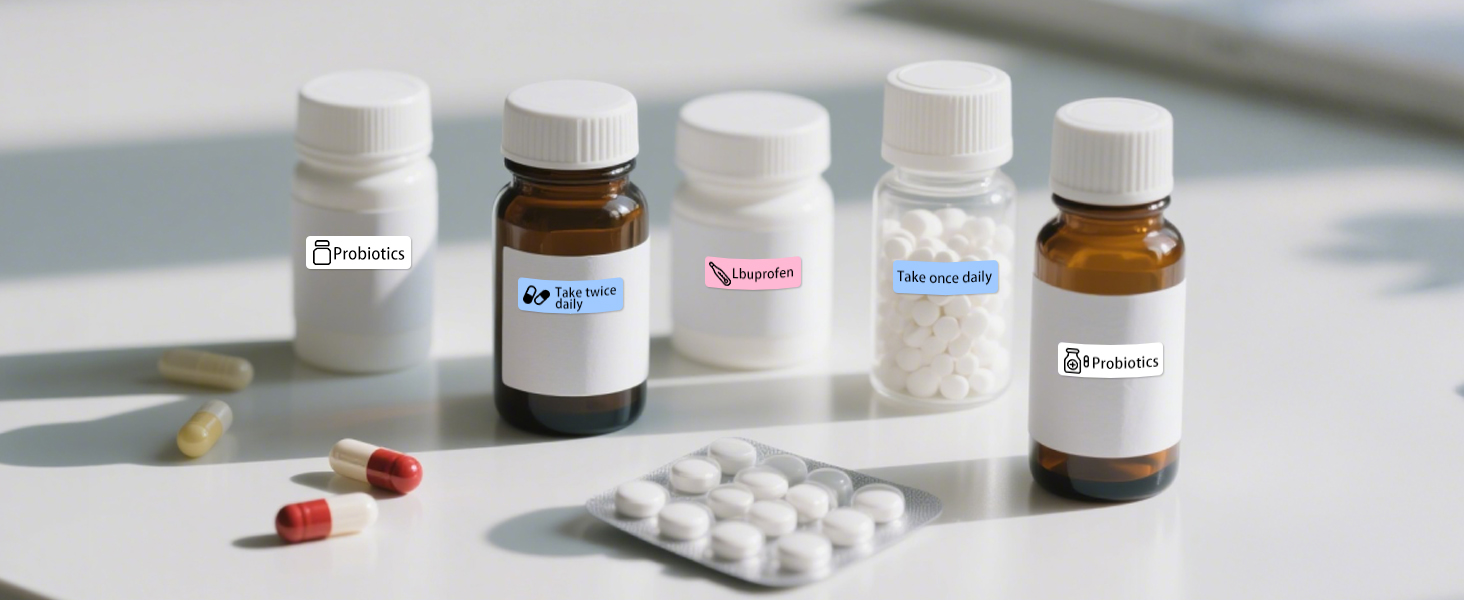
- Organització de la llar: Label spices, food containers, storage boxes, and tools.
- School and Office: Create name tags, classify files, and organize stationery.
- Identificació de l'equip: Label switches, controllers, cables, and other items for easy identification.

Image: A collage showing practical applications of the label maker, including labeling storage bins, spice jars, refrigerator containers, file folders, and light switches.
Manteniment
Neteja de la impressora
To ensure optimal performance and longevity of your label maker, periodically clean the print head and the interior. Use a soft, dry, lint-free cloth. Avoid using liquids or abrasive cleaners.
Cura de la bateria
To maximize battery life, avoid completely draining the battery frequently. Charge the device regularly, especially if it will not be used for an extended period.
Resolució de problemes
Problemes comuns i solucions
| Problema | Possible causa/solució |
|---|---|
| La llum indicadora és de color vermell continu. | The lid might be open, or no label paper is installed. Ensure the lid is closed properly and paper is loaded correctly. |
| No es pot connectar per Bluetooth. | Ensure you are connecting through the "XeasyLabel" app, not your phone's native Bluetooth settings. Restart both the printer and your phone if necessary. |
| Printed labels are misaligned. | The device does not have automatic alignment marks. Manually adjust the label roll position until the print aligns as desired. A small test print can help. |
| QR codes are too small to scan. | While the printer supports QR code printing, very small QR codes may not be scannable due to resolution limitations. Try increasing the size of the QR code in the app if possible. |
| Poca qualitat d'impressió. | Ensure you are using ORGBRO thermal label paper. Clean the print head if smudges or faded lines appear. Check battery level. |
Especificacions del producte
| Característica | Detall |
|---|---|
| Nom del model | X1 Label Maker |
| Marca | ORGBRO |
| Tecnologia de connectivitat | Bluetooth |
| Tecnologia d'impressió | Tèrmica (sense tinta) |
| Resolució d'impressió màxima | 203 DPI (punts per polzada) |
| Velocitat màxima d'impressió (monocrom) | 30 ppm |
| Amplades d'etiqueta compatibles | 15 mm (continuous), 12 x 40 mm (fixed-length) |
| Capacitat de la bateria | 2000 mAh |
| Interfície de càrrega | USB tipus C |
| Dispositius compatibles | Telèfons intel·ligents (iOS i Android) |
| Dimensions del producte | 3 x 1.2 x 4.2 polzades |
| Pes de l'article | 7 unces |
Garantia i Suport
ORGBRO is committed to providing an excellent user experience. Your ORGBRO X1 label maker comes with the following support:
- 7-Day Returns: Hassle-free returns within 7 days of purchase.
- 15-Day Replacements: Replacements available for defective units within 15 days.
- 1 Year Free Maintenance: Enjoy 1 year of free maintenance service.
For any questions, technical assistance, or warranty claims, please contact ORGBRO customer support through the platform where you purchased the product or visit the official ORGBRO weblloc per obtenir informació de contacte.

Image: A graphic illustrating key advantages of the ORGBRO label maker, including its 2000mAh battery, no registration requirement, easy paper loading, and comprehensive warranty.


