1. Introducció
The GMKtec Nucbox M5 Plus is a compact and powerful mini PC designed for both office productivity and gaming. Featuring an AMD Ryzen 7 5825U processor with 8 Cores/16 Threads (up to 4.30GHz), 16GB DDR4 RAM, and a 512GB PCIe 3.0 SSD, it offers robust performance in a small form factor. This device supports dual 2.5G LAN, WiFi 6E, Bluetooth 5.2, and triple display output (HDMI, USB-C, DisplayPort) for versatile connectivity. This manual provides essential information for setting up, operating, maintaining, and troubleshooting your device.

Figure 1.1: GMKtec Nucbox M5 Plus Mini PC, showcasinel seu disseny compacte i els seus diversos ports.
2. Configuració
2.1 Què hi ha a la caixa
- GMKtec M5 Plus AMD Ryzen 7 5825U Mini PC
- Adaptador d'alimentació
- Muntatge VESA
- Cable HDMI
- Manual d'usuari
2.2 Configuració inicial
- Connectar l'alimentació: Plug the power adapter into the DC Power Port on the back of the mini PC, then connect it to a power outlet.
- Connecta la pantalla: Connect your monitor(s) to the mini PC using the HDMI, DisplayPort, or USB-C (DP/DATA) ports. The device supports up to three displays simultaneously.
- Connecteu els perifèrics: Plug in your keyboard, mouse, and other USB devices into the available USB 3.2 (Gen1) or USB 2.0 ports.
- Connexió de xarxa: For a wired connection, connect an Ethernet cable to one of the dual 2.5G RJ45 LAN ports. For wireless, the device supports WiFi 6E and Bluetooth 5.2.
- Encès: Press the power button on the front of the mini PC to turn it on.

Figura 2.1: Detallada view of the GMKtec Nucbox M5 Plus's front and rear ports, including USB, HDMI, DisplayPort, USB-C, and dual 2.5G LAN.

Figure 2.2: Illustration of the VESA mount installation, allowing the mini PC to be attached to the back of a monitor.
Vídeo 2.1: Un overview of the GMKtec M5 Mini PC, showcasing its design and features. Note: The video displays a black unit, while the product is blue.
3. Instruccions de funcionament
3.1 Sistema acabatview
The Nucbox M5 Plus comes pre-installed with Windows 11 Pro, providing a familiar and powerful operating environment. Its AMD Ryzen 7 5825U processor ensures smooth multitasking and efficient performance for various applications.

Figura 3.1: Mésview of key features including AMD Ryzen 7 5825U CPU, AMD Radeon Graphics, Triple Screen Display, WiFi 6E, PCIe Gen 3.0, Dual Cooling Fans, and DDR4 3200MHz RAM.
3.2 Configuració de la pantalla
Leverage the triple display support by connecting monitors to the HDMI 2.0 (4K@60Hz), DisplayPort (4K@60Hz), and USB-C (PD/DP/DATA) ports. This allows for extended desktop space, ideal for productivity or immersive gaming setups.
3.3 Xarxa i connectivitat
The dual 2.5G RJ45 LAN ports provide high-speed wired network access, perfect for demanding applications like gaming or server functions. For wireless convenience, WiFi 6E offers faster speeds and lower latency across 2.5G/5G/6G bands, complemented by Bluetooth 5.2 for connecting wireless peripherals.

Figure 3.2: Visual representation of the dual 2.5G RJ45 Gigabit Ethernet ports, highlighting fast network speeds.
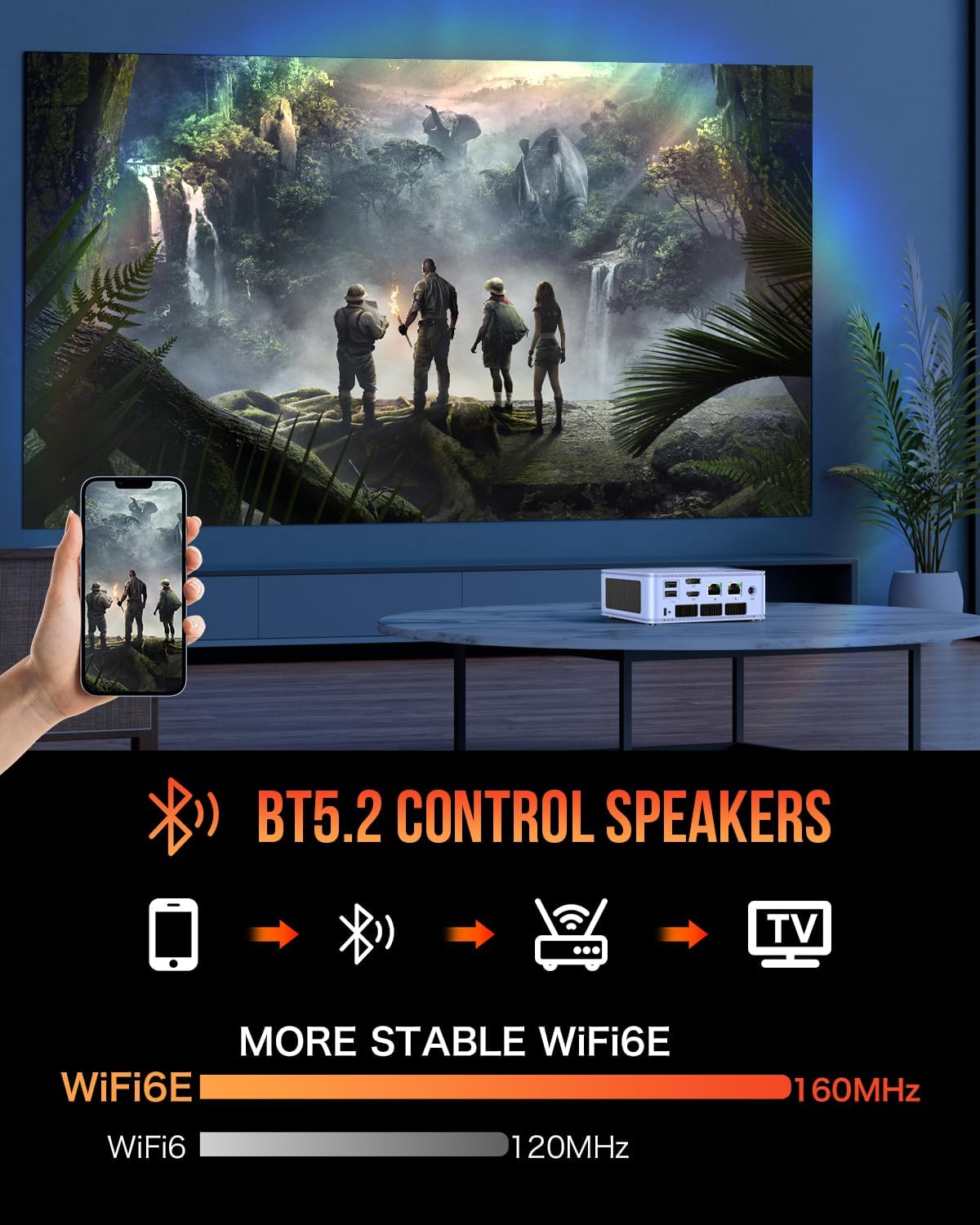
Figure 3.3: Depiction of Bluetooth 5.2 connectivity for speakers and the stability of WiFi 6E.
Video 3.1: A promotional video for the GMKtec Nucbox M5 Pro Mini PC, highlighting its features and Windows 11 Pro operating system.
4. Manteniment
4.1 RAM and SSD Expansion
The Nucbox M5 Plus is designed for easy upgrades. The cover lid can be conveniently removed to expand memory or storage. It supports dual-channel DDR4 RAM (2x8GB installed, expandable to 64GB) and features a 512GB M.2 2280 PCIe 3.0 SSD, with support for dual slot expansion up to 4TB SSDs.

Figura 4.1: Intern view of the GMKtec Nucbox M5 Plus, showing the SO-DIMM slots for DDR4 RAM and the M.2 2280 SSD slot.
4.2 Sistema de refrigeració
The mini PC incorporates a high-efficiency heat dissipation fan and a CPU heat treatment system to ensure stable performance even under heavy loads. The dual cooling fans and heatsink effectively manage thermal output, preventing overheating and maintaining low noise levels.

Figure 4.2: Diagram illustrating the fan cooling system design, including the CPU heat treatment system and SSD/DDR cooling fan.
5. Solució De Problemes
5.1 Problemes comuns i solucions
- Sense energia: Ensure the power adapter is securely connected to both the mini PC and a working power outlet. Try a different outlet if necessary.
- Sense pantalla: Verify that the HDMI/DisplayPort/USB-C cables are correctly connected to both the mini PC and the monitor. Try a different port or cable. Ensure the monitor is set to the correct input source.
- Problemes de connectivitat de xarxa: For wired connections, check the Ethernet cable and router status. For Wi-Fi, ensure the Wi-Fi adapter is enabled in Windows settings and you are connected to the correct network. Restarting the router or mini PC can often resolve temporary issues.
- Rendiment lent: Close unnecessary applications. Check Task Manager for high CPU/RAM usage. Ensure drivers are up to date. Consider expanding RAM or upgrading the SSD if performance issues persist.
- Sobreescalfament: Ensure the mini PC's ventilation vents are not blocked. Operate the device in a well-ventilated area.
For more complex issues or if the problem persists, please refer to the Warranty and Support section for assistance.
6. Especificacions
| Característica | Especificació |
|---|---|
| Processador | AMD Ryzen 7 5825U (8 Cores/16 Threads, up to 4.30GHz) |
| RAM | 16GB DDR4 (2x8GB Dual Channel), expandable to 64GB |
| Emmagatzematge | 512GB M.2 2280 PCIe 3.0 SSD, supports dual slot expansion up to 4TB |
| Gràfics | AMD Radeon Vega Graphics (8core 1900 MHz GPU) |
| Xarxa | Dual 2.5G RJ45 LAN, WiFi 6E (2.5G/5G/6G), Bluetooth 5.2 |
| Sortida de visualització | 1x HDMI 2.0 (4K@60Hz), 1x USB-C (PD/DP/DATA), 1x DisplayPort (4K@60Hz) |
| Ports USB | 2x USB 3.2, 2x USB 2.0, 1x USB-C (PD/DP/DATA) |
| Àudio | 1x 3.5mm Audio Jack (HP&MIC) |
| Sistema operatiu | Windows 11 Pro |
| Dimensions | 5.07 x 5 x 1.88 polzades |
| Pes | 3.03 lliures |
7. Garantia i Suport
GMKtec offers a 1-year limited warranty for each mini PC, starting from the date of the purchase. All defects due to design and workmanship are covered. With a professional after sales team always ready to attend to your needs, you can simply relax and enjoy your mini PC.
For support, you can:
- Contact GMKtec-Shop on Amazon (Login to your Amazon account, navigate to Your Orders, and ask a product question).
- Send an email to the After-Sales Team: support@gmktec.com
24/7 Customer Support is available.


