Introducció
The Microlife BP A7 Touch BT Blood Pressure Monitor combines a user-friendly touchscreen interface with Microlife's advanced and precise blood pressure measurement technologies. This device is designed to provide accurate home blood pressure readings and features AFIBsens technology for the detection of atrial fibrillation. It supports multiple users, stores measurement data, and offers connectivity options for data analysis via PC software and a mobile application.

Image: The Microlife BP A7 Touch Blood Pressure Monitor displaying a blood pressure reading, alongside its M-L cuff.
Característiques clau
- AFIBsens Detection: Detects atrial fibrillation with high accuracy (97-100%), aiding in early stroke risk identification.
- MAM Technology (Triple Measurement): Takes three consecutive measurements for the most precise blood pressure results.
- Bluetooth Synchronization & App Integration: Easily sync data with the Microlife Connected Health+ app for tracking and sharing.
- Validat clínicament: Proven accuracy for various conditions including hypertension, diabetes, and pregnancy.
- Multi-User Memory: Stores up to 99 readings for each of two users, plus a guest mode for additional measurements without storage.
- Enllaç de PC: Includes easy-to-use software for detailed data analysis on your computer.
- Pantalla tàctil: User-friendly interface for intuitive operation.
Configuració
1. Desembalatge i components
Desembaleu amb cura tots els articles de la caixa. Assegureu-vos que hi hagi tots els components:
- Microlife BP A7 Touch BT Blood Pressure Monitor
- M-L Cuff (22-42cm), washable
- 4 piles AAA
- EU AC Adapter
- Bossa d'emmagatzematge
- Cable USB (per a connexió a l'ordinador)
- Manual d'usuari (aquest document)

Image: All components included with the Microlife BP A7 Touch BT, including the monitor, cuff, batteries, AC adapter, USB cable, and storage pouch.
2. Instal·lació de la bateria
- Obriu la tapa del compartiment de la bateria a la part posterior del dispositiu.
- Insert the four AAA batteries, ensuring correct polarity (+/-).
- Tanqueu bé la tapa del compartiment de la bateria.
- Alternatively, connect the EU AC adapter to the device and a power outlet.
3. Fixació del maneguet
- Connect the cuff tube to the air socket on the left side of the blood pressure monitor.
- Assegureu-vos que la connexió sigui ferma i segura.
4. Device Placement for Measurement
For accurate readings, sit comfortably with your back supported and feet flat on the floor. Rest your arm on a table so the cuff is at heart level. Ensure the cuff is applied directly to your bare upper arm, approximately 2-3 cm above the elbow joint. The artery mark on the cuff should align with your brachial artery.
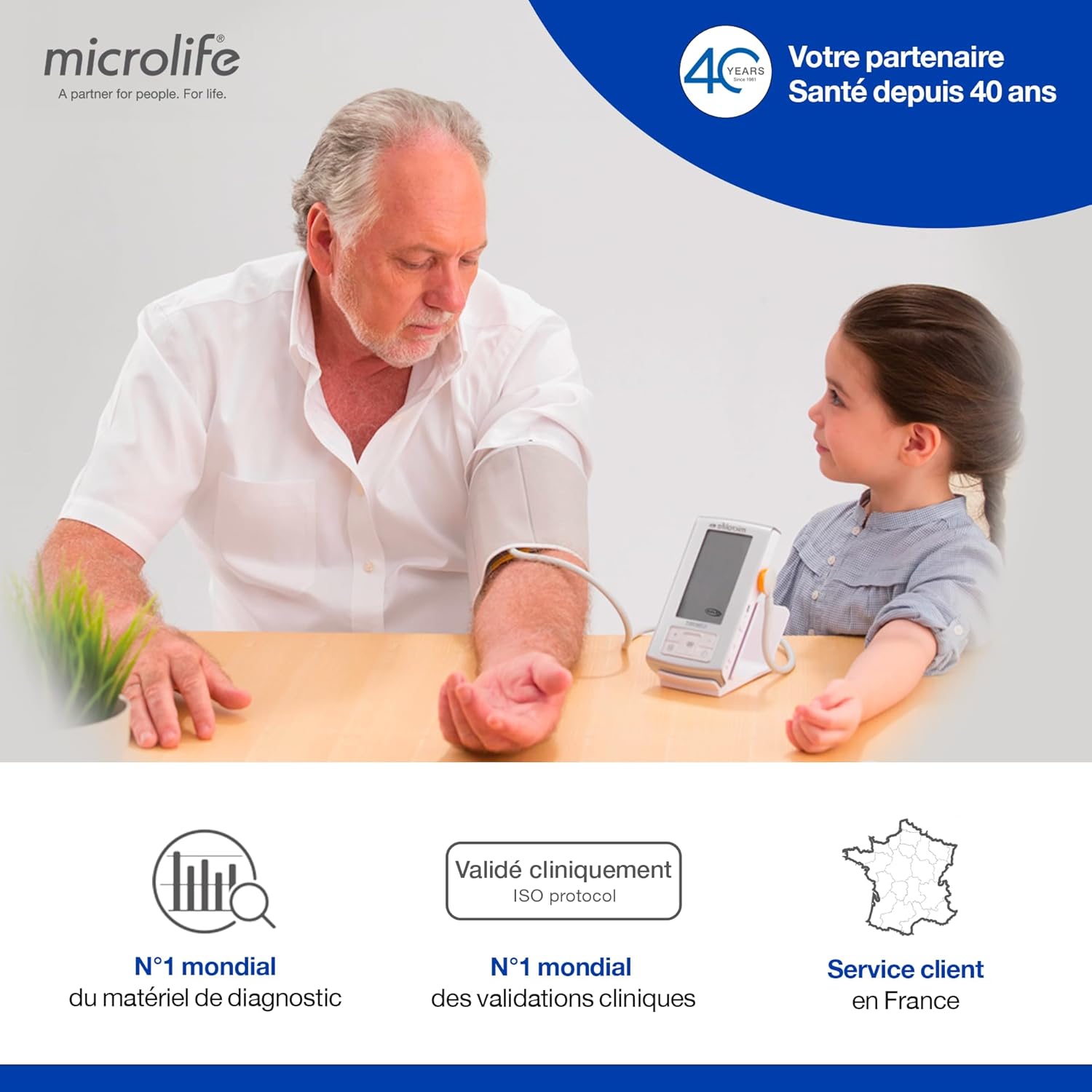
Image: A man demonstrating the correct placement of the blood pressure cuff on his upper arm, with the monitor positioned on a table.
Instruccions de funcionament
1. Basic Measurement (Single Measurement)
- Premeu el botó ON/OFF per encendre el dispositiu.
- Select the desired user profile (User 1, User 2, or Guest Mode) using the touchscreen.
- Press the START button. The cuff will inflate automatically, and the measurement will begin.
- Romandre quiet i en silenci durant la mesura.
- Once complete, your systolic, diastolic, and pulse readings will be displayed.
- The device will automatically store the reading under the selected user profile (except in Guest Mode).
2. MAM Technology (Triple Measurement)
The Microlife BP A7 Touch BT features MAM (Microlife Average Mode) technology, which automatically takes three consecutive measurements and calculates an average for a more reliable result. This mode is recommended for optimal accuracy.
- Ensure MAM mode is activated in the device settings (refer to the on-screen menu).
- Press the START button. The device will automatically perform three measurements with short pauses in between.
- The final display will show the average of the three readings.
3. AFIBsens Detection
The AFIBsens technology detects atrial fibrillation during blood pressure measurement. If an AFIB symbol appears on the display after a measurement, it indicates a potential detection of atrial fibrillation. Consult your doctor if this symbol appears regularly.

Image: A doctor in a medical setting, highlighting key features of the monitor including indicators for good positioning, cardiovascular risk, Gentle+ comfort, and Irregular Heartbeat (IHB) detection.
4. Usuari Profiles and Guest Mode
The device supports two individual user profiles, each storing up to 99 readings. A guest mode is available for measurements that should not be saved to a user's history.
- To select a user, tap the user icon on the touchscreen before starting a measurement.
- To use Guest Mode, select the guest icon. Readings taken in guest mode are not stored.
5. Bluetooth Synchronization and App Integration
The Microlife BP A7 Touch BT can wirelessly transfer your measurement data to the Microlife Connected Health+ app on your smartphone or tablet via Bluetooth.
- Download the "Microlife Connected Health+" app from the App Store (iOS) or Google Play Store (Android).
- Enable Bluetooth on your smartphone/tablet and on the blood pressure monitor (refer to device settings).
- Follow the in-app instructions to pair your device and synchronize data.

Image: A smartphone screen showing the Microlife Connected Health+ app interface, with icons for Bluetooth connectivity and secure cloud data saving.
6. PC Link for Data Analysis
For comprehensive data analysis, connect your monitor to a PC using the provided USB cable and Microlife's dedicated software.
- Install the Microlife BP Analyzer Software on your PC (software details usually provided with the device or available for download from Microlife's weblloc).
- Connect the monitor to your PC using the USB cable.
- Follow the software instructions to download and analyze your blood pressure data.
Manteniment
1. Neteja del dispositiu
Clean the monitor and cuff with a soft, dry cloth. If necessary, use a cloth lightly dampened with water or a mild cleaning solution. Do not use abrasive cleaners, alcohol, or strong solvents. Do not immerse the device or cuff in water.
2. Cuff Care
The M-L cuff (22-42cm) is washable. Refer to the cuff's label for specific washing instructions. Ensure the cuff is completely dry before reattaching it to the device or storing it.
3. Emmagatzematge
Store the device and cuff in the provided storage pouch in a cool, dry place, away from direct sunlight, extreme temperatures, and humidity. Remove batteries if the device will not be used for an extended period.
Resolució de problemes
| Problema | Causa possible | Solució |
|---|---|---|
| El dispositiu no s’encén. | Batteries are depleted or incorrectly inserted. AC adapter not connected or faulty. | Check battery polarity and replace if necessary. Ensure AC adapter is securely connected. |
| El maneguet no s'infla o s'infla incorrectament. | Cuff tube not securely connected. Cuff is damaged. | Ensure cuff tube is firmly plugged into the monitor. Inspect cuff for damage; replace if necessary. |
| Lectures inexactes o inconsistents. | Incorrect cuff placement. Movement or talking during measurement. Incorrect arm position. | Re-position cuff correctly on bare arm. Remain still and silent. Ensure arm is at heart level. Use MAM mode for average readings. |
| Problemes de connexió Bluetooth. | Bluetooth not enabled on device or smartphone. Device not paired. | Ensure Bluetooth is active on both devices. Follow app instructions for pairing. Restart both devices. |
| AFIB symbol appears frequently. | Potential detection of atrial fibrillation. | Consult your physician for further evaluation. This device is for screening, not diagnosis. |
Especificacions
- Número de model: BP A7 TOUCH BT
- Marca: Microlife
- Tipus de visualització: LCD, Extra Large Screen
- Mètode de mesura: Oscil·lomètric
- Mida del puny: M-L (22-42cm), washable
- Font d'alimentació: 4 x AAA batteries (included) or EU AC Adapter (included)
- Dimensions (L x A x A): 21 x 17 x 11 cm
- Pes: 312 Grams (without batteries)
- Memòria: 2 users x 99 readings, plus Guest Mode
- Connectivitat: Bluetooth, PC Link (USB)
- Característiques especials: AFIBsens Technology, MAM Technology, Gentle+ Technology, Irregular Heartbeat (IHB) Detection
- Validació clínica: BIHS Approved, Clinically validated for hypertension, diabetes, pregnancy, etc.
- Idioma: Anglès
- Date of First Availability: 14 de març de 2024
Informació de la garantia
The Microlife BP A7 Touch BT Blood Pressure Monitor comes with a 5 anys de garantia from the date of purchase. This warranty covers manufacturing defects and material faults under normal use. Please retain your proof of purchase for warranty claims. The warranty does not cover damage caused by improper use, accidents, or unauthorized repairs.

Image: A woman using a blood pressure monitor, with text indicating professional precision, recommendation by doctors, and a 5-year warranty.
Suport i Contacte
For technical support, warranty claims, or further assistance, please contact Microlife customer service. Refer to the official Microlife website for the most up-to-date contact information for your region.
- Assistència en línia: Visit the official Microlife weblloc.
- Atenció al client: Check the product packaging or Microlife weblloc per als números de contacte regionals.


