1. Introducció
This manual provides instructions for the proper setup, operation, and maintenance of your GOYOJO Precision Balance Digital Display Electronic Weighing Equipment, Model TL-TPXL35. This precision balance is designed for accurate weighing applications, offering a high resolution of 0.01g and a maximum capacity of up to 3100g, depending on the specific variant. Please read this manual thoroughly before using the equipment to ensure optimal performance and longevity.
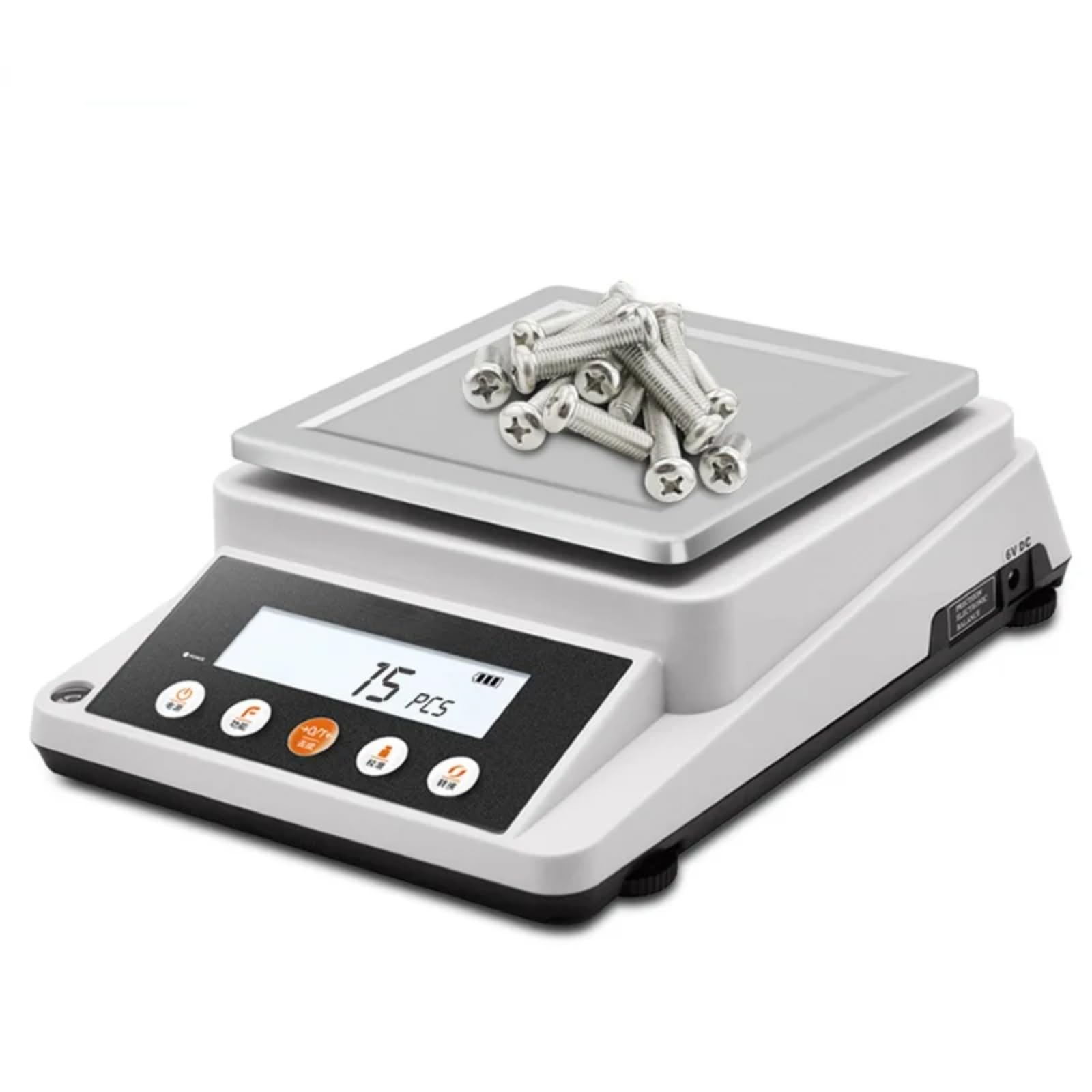
Figura 1: lateral view of the GOYOJO Precision Balance, showing the digital display and weighing pan.
2. Configuració
- Desembalatge: Traieu amb cura la balança del seu embalatge. Conserveu tots els materials d'embalatge per a futurs transports o emmagatzematge.
- Col·locació: Place the balance on a stable, level surface free from vibrations, drafts, and direct sunlight. Ensure the surface is clean and dry.
- Nivell: Most precision balances include adjustable feet and a bubble level. Adjust the feet until the bubble is centered within the indicator.
- Connexió d'alimentació: Connect the provided power adapter to the 6V DC input port on the rear or side of the balance. Plug the adapter into a suitable power outlet.

Figura 2: Close-up of the side of the balance, indicating the 6V DC power input port.
3. Instruccions de funcionament
- Encès/apagat: Premeu el botó PODER button to turn the balance on or off. Allow a brief warm-up period for stable readings.
- Pesatge bàsic:
- Ensure the display reads "0.00g" before placing an item. If not, press the ZERO/TARA botó.
- Carefully place the item to be weighed onto the center of the weighing pan.
- Wait for the reading to stabilize, then record the displayed weight.
- Funció de tara: To weigh an item in a container, first place the empty container on the pan and press the ZERO/TARA button. The display will reset to "0.00g". Then, add the item to be weighed into the container. The display will show the net weight of the item.
- Conversió d'unitat: Premeu el botó UNITAT or MODE button (if available) to cycle through different weighing units (e.g., grams, kilograms, ounces).
- Calibració: Refer to the specific calibration procedure outlined in your balance's full technical manual. Typically, this involves using certified calibration weights and following on-screen prompts.
- Connectivitat: The balance may feature an RS232 port for connection to a computer or a compatible printer for data logging or printing. Consult the interface cable and software instructions for setup.
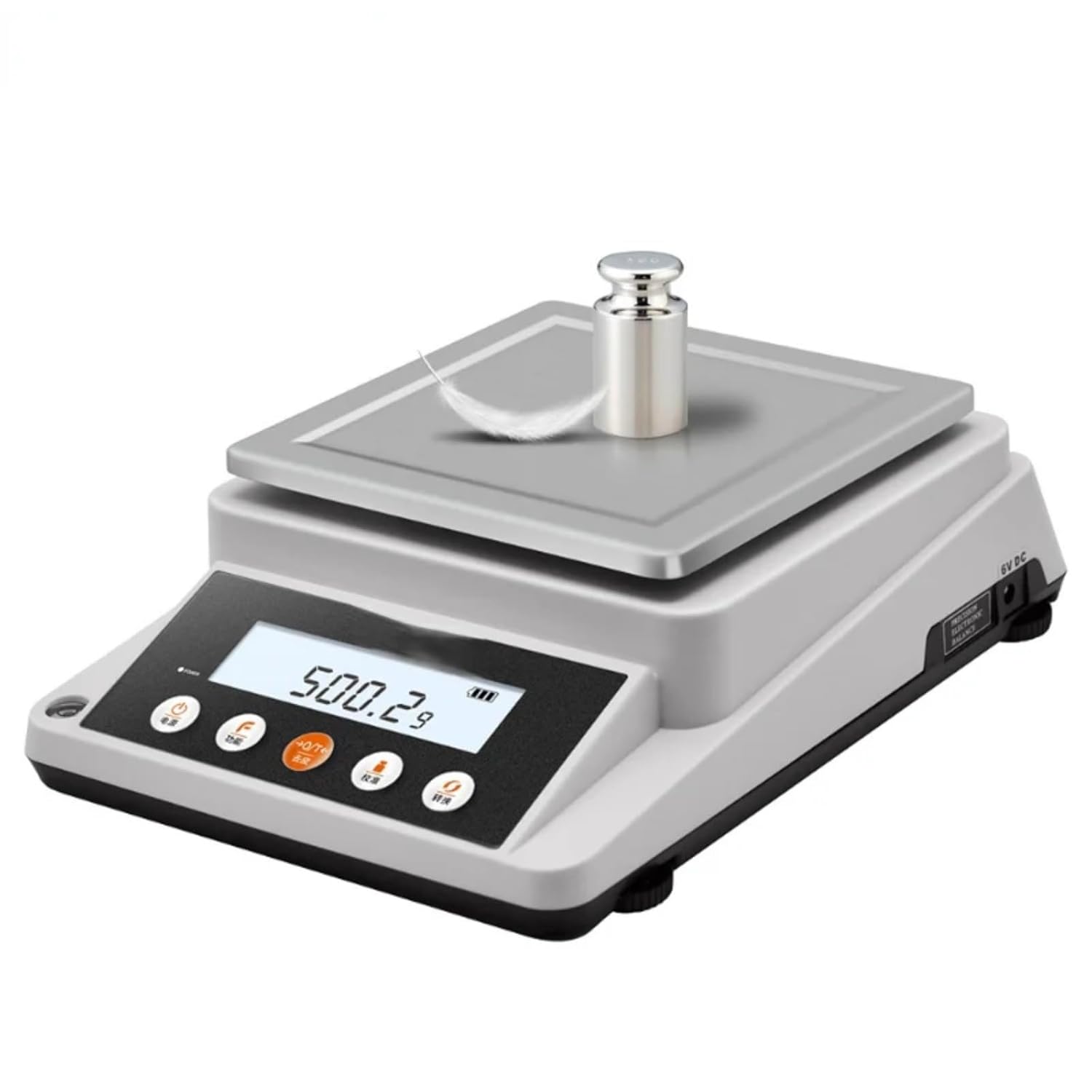
Figura 3: The precision balance displaying a weight, demonstrating its weighing capability.

Figura 4: De dalt a baix view of the control panel, showing various function buttons for operation.

Figura 5: Illustration of the balance connected to external devices like a printer and a computer for data management.
4. Manteniment
- Neteja: Regularly clean the weighing pan and the balance housing with a soft, damp cloth. Avoid using abrasive cleaners, solvents, or harsh chemicals, as these can damage the finish or internal components. A protective cover (if supplied) can help keep the balance clean when not in use.
- Emmagatzematge: When not in use for extended periods, store the balance in a clean, dry environment, ideally in its original packaging or with a protective cover.
- Comprovacions periòdiques: Periodically check the balance's leveling and ensure all connections are secure.

Figura 6: Demonstrates cleaning the balance, highlighting the use of a protective cover for maintenance.
5. Solució De Problemes
- Lectures inexactes:
- Ensure the balance is level and on a stable surface.
- Check for drafts or vibrations in the environment.
- Perform a calibration using certified weights.
- Ensure the weighing pan is clean and free of debris.
- Display Shows "OVERLOAD" or "Err": This indicates the weight on the pan exceeds the maximum capacity. Remove the excess weight immediately to prevent damage.
- Balance Not Turning On:
- Verify the power adapter is securely connected to both the balance and the power outlet.
- Comproveu el funcionament de la presa de corrent.
- Lectures inestables: Allow sufficient warm-up time. Ensure no air currents or vibrations are affecting the balance.
6. Especificacions
| Característica | Detall |
|---|---|
| Número de model | TL-TPXL35 |
| Fabricant | GOYOJO |
| Capacitat màxima de pes | Up to 3100 Grams (variant dependent) |
| Resolució | 0.01 g |
| Pes mínim | 0.03 g |
| Característiques especials | Pantalla digital |
| Entrada de potència | 6V DC |
| Tipus de panoràmica | Square Pan (18cm x 16cm) |
| Calibration Weight Support | Sí |
| Escut contra corrents d'aire | Sí |

Figura 7: Detailed product parameters, including resolution, maximum weight, minimum weight, pan size, and features like calibration weight support and draft shield.
7. Garantia i Suport
For information regarding warranty coverage, technical support, or service, please refer to the documentation included with your purchase or visit the official GOYOJO website. You may also contact GOYOJO customer service directly for assistance.


