1. Introducció
Thank you for choosing the SYLVOX 40-inch Smart RV TV. This television is designed for versatile use, offering both DC and AC power options, making it ideal for RVs, campers, and home environments. Featuring the Android 11.0 system, it provides a smart and intuitive viewing experience with access to a wide range of applications, Google Assistant, and built-in Chromecast.
This manual provides detailed instructions for setting up, operating, and maintaining your SYLVOX Smart RV TV. Please read it thoroughly before use to ensure proper functionality and longevity of your device.
2. Què hi ha a la caixa
Upon opening your SYLVOX Smart RV TV package, please verify that all the following components are included:
- SYLVOX 40-inch Smart RV TV
- Remote Control (2 AAA batteries required, often included)
- Power Cord (for AC power)
- Car Charger Cable (for DC power)
- Adaptador d'alimentació
- Manual d'instruccions
- Base Stands (2 pieces)
- Screws for Base Stands
- Tornavís

Contents of the SYLVOX Smart RV TV package.
3. Configuració
3.1 Desembalatge i col·locació inicial
Traieu amb cura el televisor del seu embalatge. Col·loqueu el televisor sobre una superfície estable i plana o prepareu-lo per muntar-lo a la paret. Assegureu-vos que hi hagi una ventilació adequada al voltant del televisor.

Davant view of the SYLVOX Smart RV TV.
3.2 Attaching the Base Stands (Optional)
If you are not wall-mounting the TV, attach the included base stands to the bottom of the TV using the provided screws and screwdriver. Ensure they are securely fastened.
3.3 Connexió d'alimentació
Your SYLVOX RV TV supports both DC and AC power supply:
- DC Power (10.5V-28V): For RVs, campers, or yachts, connect the provided car charger cable directly to your vehicle's 12V/24V power outlet. The TV features wide voltage protection and shock resistance for mobile environments.
- Alimentació CA (110 V): For home use, connect the power adapter to the TV and then plug the power cord into a standard 110V AC wall outlet.
3.4 Configuració del control remot
Insert the two AAA batteries into the remote control, observing the correct polarity. The remote is pre-paired and ready for use.
4. Operating Your Smart RV TV
4.1 Smart Android 11.0 System
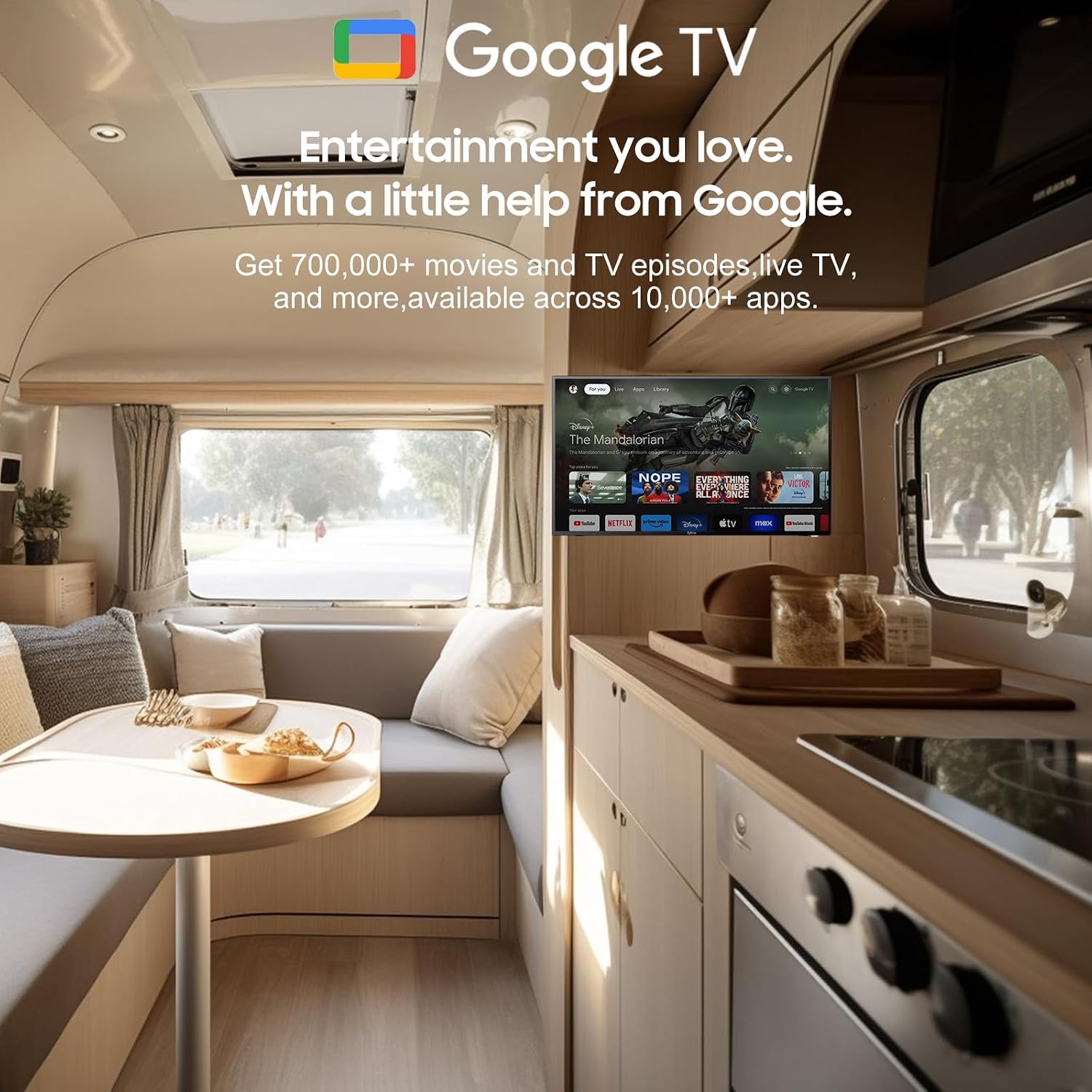
The TV runs on the Android 11.0 operating system, providing a user-friendly interface and access to a vast ecosystem of apps. Upon first power-on, follow the on-screen prompts to set up your language, Wi-Fi connection, and Google account.
4.2 Assistent de Google
Your remote control includes a dedicated Google Assistant button. Press this button and speak your commands to easily search for content, control smart home devices, get answers, and more.

Utilize Google Assistant for voice commands.
4.3 Google Play Store
Access the Google Play Store directly from your TV to browse and download a wide variety of applications, games, and media streaming services, expanding your entertainment options.
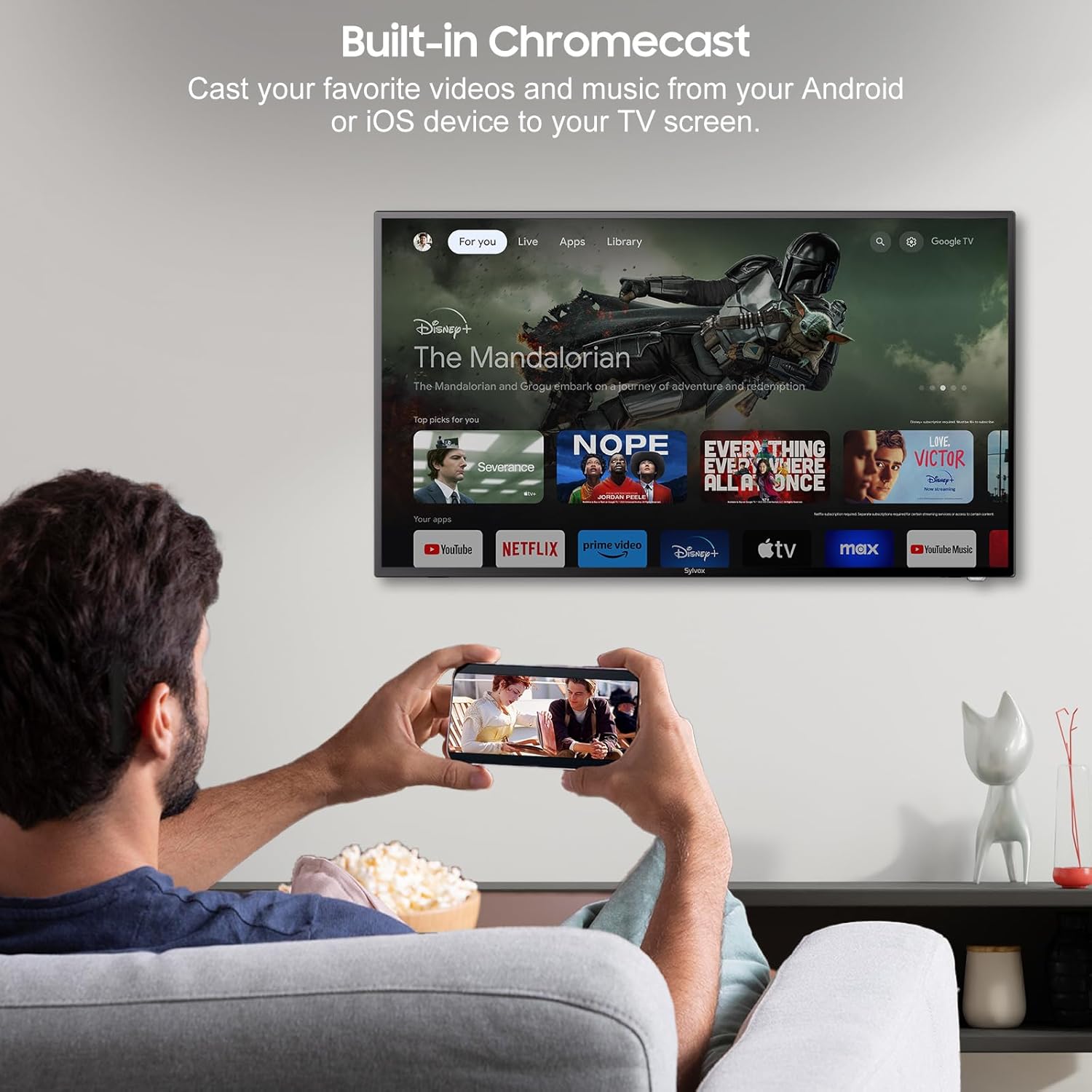
4.4 Built-in Chromecast
With built-in Chromecast, you can effortlessly stream and display content (videos, photos, music) from your compatible mobile devices (Android or iOS) or computers directly onto the TV screen.

Stream content with built-in Chromecast.
5. Connectivitat
Your SYLVOX Smart RV TV offers a comprehensive range of connectivity options for various devices:
- Ports HDMI: Connect external devices such as gaming consoles, Blu-ray players, or set-top boxes.
- Ports USB: Reprodueix contingut multimèdia files directly from USB drives or connect USB peripherals.
- RJ45 (Ethernet) Port: Per a una connexió a Internet per cable estable.
- Sortida d'àudio òptic: Connect to soundbars or home theater systems for enhanced audio.
- Entrada RF: Per connectar una antena per rebre emissions per aire.
- AV Input (Mini AV): Per connectar dispositius antics amb sortides de vídeo compost i àudio estèreo.
- Presa per a auriculars: Per a una escolta privada.
5.1 Connectivitat sense fil
- Wi-Fi: Connecta't a la teva xarxa sense fil per accedir a Internet i a les funcions de Smart TV.
- Bluetooth: Emparella amb dispositius compatibles amb Bluetooth, com ara auriculars, altaveus o controladors de joc.
Wireless and wired connectivity options.

Rear panel connectivity ports.
6. Picture and Sound Quality
6.1 1080P Full HD Display
Experience stunning visuals with the 1080P Full HD resolution, providing crisp, clear, and immersive picture quality for all your content.
1080P Full HD picture quality comparison.
6.2 Built-in HiFi Speakers
The TV is equipped with two built-in HiFi speakers, delivering rich and immersive audio to complement your viewing experience. For enhanced sound, external audio systems can be connected via the available audio output ports or Bluetooth.
7. Manteniment
7.1 Neteja
- Pantalla: Netegeu suaument la pantalla amb un drap suau i sense borrissol. Per a les marques difícils, utilitzeu una solució de neteja específica per a pantalles aplicada al drap, no directament a la pantalla.
- Gabinet: Netegeu el moble del televisor amb un drap suau i sec. Eviteu utilitzar productes de neteja o dissolvents abrasius.
7.2 Emmagatzematge
If storing the TV for an extended period, disconnect it from power, clean it, and store it in a cool, dry place, preferably in its original packaging to protect it from dust and physical damage.
8. Solució De Problemes
If you encounter issues with your SYLVOX Smart RV TV, please refer to the following common problems and solutions:
| Problema | Causa possible | Solució |
|---|---|---|
| Sense poder | Power cable not connected; outlet malfunction; vehicle battery low (for DC) | Ensure power cable is securely connected. Test outlet with another device. Check vehicle battery charge. |
| No hi ha imatge, però hi ha so | Font d'entrada incorrecta seleccionada; problema amb el dispositiu extern | Press the 'Input' or 'Source' button on the remote to select the correct input. Check connections to external devices. |
| No hi ha so, però hi ha imatge | Volum silenciat o massa baix; problema amb el sistema d'àudio extern | Unmute volume or increase level. Check connections to external speakers/soundbar. |
| El control remot no respon | Dead batteries; obstruction between remote and TV | Replace batteries. Remove any obstructions. Ensure you are within range. |
| No es pot connectar a la Wi-Fi | Incorrect password; router issue; TV too far from router | Double-check Wi-Fi password. Restart router. Move TV closer to router or use Ethernet. |
| Apps Not Loading or Crashing | Insufficient memory; app specific issue; outdated app version | Clear app cache/data. Update the app. Restart the TV. |
If the problem persists after trying these solutions, please contact SYLVOX customer support for further assistance.
9. Especificacions
Detailed technical specifications for the SYLVOX 40-inch Smart RV TV:
| Característica | Especificació |
|---|---|
| Marca | SYLVOX |
| Número de model | 40 Vehicle Smart |
| Mida de la pantalla | 40 polzades (102 cm en diagonal) |
| Tecnologia de visualització | LED |
| Resolució | 1080p (Full HD) |
| Freqüència d'actualització | 60 Hz |
| Sistema operatiu | Android 11.0 |
| Font d'alimentació | DC 10.5V-28V, AC 110V |
| Wattage | 84 watts |
| Connectivitat | Bluetooth, WiFi, Ethernet (RJ45), HDMI, USB, Wireless |
| Ports | HDMI, USB, RJ45, Optical, RF, AV, Earphone |
| Tipus d'altaveu | Built-In HiFi Speakers |
| Pes de l'article | 14.33 lliures |
| Dimensions del producte (PxWxH) | 8.32 x 35.7 x 22.11 polzades |
| Relació d'aspecte | 16:9 |
| Característiques especials | DC/AC, 12V, Wide voltage protection, Vibration protection, Google Assistant, Chromecast |
10. Garantia i Suport
SYLVOX is committed to providing high-quality products and excellent customer service. Your SYLVOX Smart RV TV comes with the following:
- 12-Month Free Defect Protection: Cobertura de defectes de fabricació durant un any a partir de la data de compra.
- Free Returns for Quality Issues: If you experience quality-related problems, returns are free of charge.
- Devolucions sense complicacions en 30 dies: Enjoy a 30-day return period for your convenience.
Please note that original packaging may be required for returns. For any technical assistance, warranty claims, or product inquiries, please contact SYLVOX customer support through the official SYLVOX weblloc web o la vostra plataforma de compra.


