1. Introducció
Thank you for choosing the Tera 9800 Series Omnidirectional Barcode Scanner. This device is designed for fast and accurate scanning of various barcode types, including 1D, 2D, and QR codes, making it ideal for retail, supermarket, and point-of-sale (POS) environments. Its hands-free, omnidirectional design ensures efficient operation and ease of use. Please read this manual thoroughly before operating the scanner to ensure proper setup and optimal performance.
2. Informació de seguretat
- Do not stare directly into the scanning light.
- Mantingueu el dispositiu allunyat de l'aigua i de la humitat excessiva.
- Eviteu deixar caure l'escàner ni sotmetre'l a impactes forts.
- Do not attempt to disassemble or repair the scanner yourself. Contact qualified personnel for service.
- Feu servir només el cable USB proporcionat per a la connexió.
3. Contingut del paquet
Marqueu la casella per als elements següents:
- Tera 9800 Series Omnidirectional Barcode Scanner
- USB Cable (6ft/1.8m)
- Manual d'usuari
Video: Unboxing the Tera 9800 Barcode Scanner, showing the scanner, USB cable, and user manual included in the package.
4. Producte acabatview
The Tera 9800 scanner features a compact, desktop-friendly design with an adjustable scanning head and an intuitive top button for mode switching.

Imatge: Frontal view of the Tera 9800 Barcode Scanner in white, showing its omnidirectional scanning window and the attached USB cable.

Imatge: Lateral view of the Tera 9800 Barcode Scanner highlighting its 30-degree adjustable angle and the scan mode switch button on top.

Imatge: De dalt a baix view of the Tera 9800 Barcode Scanner illustrating its 360-degree omnidirectional scanning capability for both 1D and 2D barcodes.
5. Configuració
The Tera 9800 scanner is designed for simple plug-and-play operation. No drivers or complex software installations are required.
- Connecteu el cable USB: Insert the RJ45 end of the provided USB cable into the port at the bottom of the scanner.
- Plug into Computer: Connect the USB-A end of the cable to an available USB port on your PC or laptop.
- Encès: The scanner will power on automatically and emit a short beep, indicating it is ready for use.

Image: A Tera 9800 Barcode Scanner with its USB cable plugged into a laptop, demonstrating the plug-and-play setup.
Video: A demonstration of the Tera 9800 Barcode Scanner's plug-and-play functionality, showing it being connected and ready for use.
6. Instruccions de funcionament
The Tera 9800 offers versatile scanning modes and supports a wide range of barcode types.
Modes d'escaneig
The scanner features a top button to switch between two primary scanning modes:
- Mode d'escaneig continu: The scanner continuously emits a scanning light, automatically detecting and reading barcodes placed within its field of view. This is ideal for high-volume scanning.
- Mode d'activació clau: The scanning light is activated only when the top button is pressed. This mode is suitable for precise, on-demand scanning.

Image: A person using the Tera 9800 Barcode Scanner at a checkout counter, demonstrating both continuous and key trigger scanning modes.
Tipus de codi de barres compatibles
The Tera 9800 is capable of reading a comprehensive array of 1D, 2D, and QR barcodes from various surfaces, including labels, paper, plastic cards, and digital displays (mobile phones, computer screens).
- 1D Barcode Capability: Codabar, Code 11, Code 93, MSI, Code 128, UCC/EAN-128, Code 39, EAN-8, EAN-13, UPC-A, ISBN, Industrial 2 of 5, Interleaved 2 of 5, Standard 2 of 5, Matrix 2 of 5.
- 2D Barcode Capability: QR, PDF417, Data Matrix, Aztec, MaxiCode.
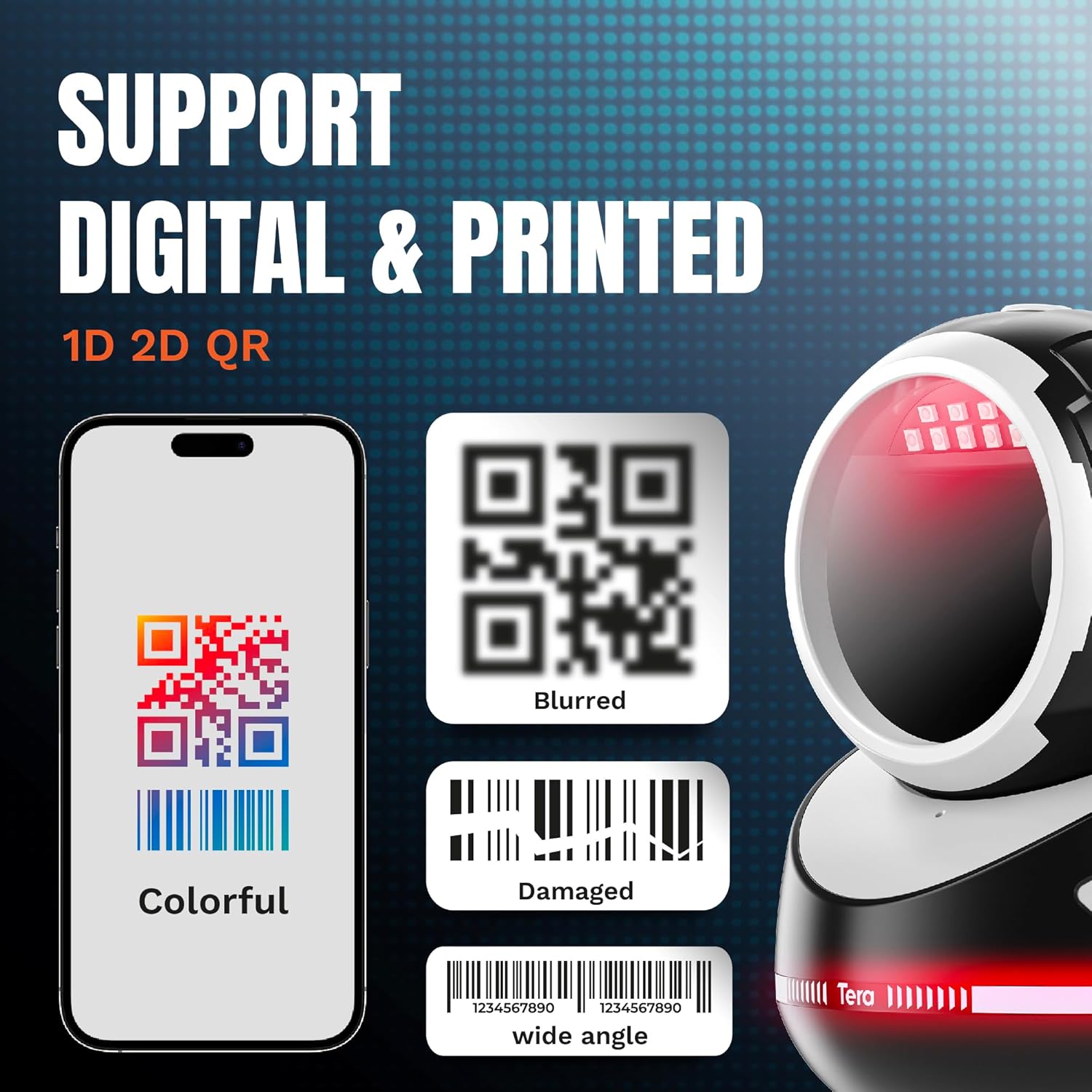
Image: The Tera 9800 Barcode Scanner illustrating its capability to scan various digital and printed barcodes, including colorful, blurred, damaged, and wide-angle formats.
Angle ajustable
The scanner head can be adjusted by 30 degrees, allowing for optimal positioning to capture barcodes efficiently without needing to reposition the item being scanned.
Funcions d'edició de dades
The scanner supports advanced data editing features, such as adding prefixes/suffixes or dropping leading/trailing characters. Refer to the full user manual for specific programming barcodes to enable these functions.

Image: The Tera 9800 Barcode Scanner illustrating its capability to add or hide digits from scanned barcode data, such as adding prefixes, suffixes, or dropping characters.
Video: A demonstration of the Tera 9800 Barcode Scanner's performance in a supermarket checkout scenario, highlighting its speed and efficiency.
7. Manteniment
To ensure the longevity and optimal performance of your Tera 9800 scanner, follow these maintenance guidelines:
- Neteja: Use a soft, dry cloth to clean the scanner's exterior. For the scanning window, use a lint-free cloth and a mild glass cleaner if necessary. Avoid abrasive materials or harsh chemicals.
- Emmagatzematge: Guardeu l'escàner en un lloc fresc i sec, allunyat de la llum solar directa i de temperatures extremes.
- Cura del cable: No doblegueu ni doblegueu excessivament el cable USB.
8. Solució De Problemes
| Problema | Causa possible | Solució |
|---|---|---|
| L'escàner no s'encén. | El cable USB no està connectat correctament o el port USB està defectuós. | Assegureu-vos que el cable USB estigui connectat correctament tant a l'escàner com a l'ordinador. Proveu un port USB diferent. |
| L'escàner no llegeix codis de barres. | Barcode is damaged, blurry, or not supported. Scanner window is dirty. Incorrect scanning mode. | Ensure barcode is clear and within supported types. Clean the scanning window. Press the top button to switch scanning modes. |
| Les dades escanejades són incorrectes o incompletes. | Incorrect data editing settings. | Refer to the user manual for programming barcodes to reset or adjust data editing functions. |
9. Especificacions
| Característica | Detall |
|---|---|
| Número de model | 9800_WH_US |
| Dimensions del producte | 4.7 x 4.3 x 5.9 polzades |
| Pes de l'article | 1.28 lliures |
| Tecnologia de connectivitat | Cable USB |
| Font d'alimentació | Elèctric amb cable |
| Dispositius compatibles | Ordinador portàtil, escriptori |
| Capacitat d'escaneig | 1D, 2D, QR Codes (Codabar, Code 11, Code 93, MSI, Code 128, UCC/EAN-128, Code 39, EAN-8, EAN-13, UPC-A, ISBN, Industrial 2 of 5, Interleaved 2 of 5, Standard 2 of 5, Matrix 2 of 5; QR, PDF417, Data Matrix, Aztec, MaxiCode) |
| Angle de View | 360 Degrees Omnidirectional |
| Angle ajustable | 30 graus |
| Fabricant | Tera |
| País d'origen | Xina |
10. Garantia i Suport
Per obtenir informació sobre la garantia i assistència tècnica, consulteu la documentació inclosa amb el producte o visiteu el lloc web oficial de Tera. website. You may also contact ADM TECH LLC, the seller, for assistance.
- Venedor: ADM TECH LLC
- Política de devolució: 30-day refund/replacement (as per Amazon policy at time of data extraction)
For further inquiries, please reach out to Tera customer service.


