1. Introducció
Welcome to the user manual for your new Dangbei Atom Mini Projector. This guide provides comprehensive instructions on setting up, operating, maintaining, and troubleshooting your device to ensure you get the best possible experience. Please read this manual thoroughly before using the projector and keep it for future reference.
2. Informació important de seguretat
Per evitar incendis, descàrregues elèctriques o lesions, observeu les següents precaucions de seguretat:
- No bloquegeu les obertures de ventilació. Assegureu-vos que hi hagi prou espai al voltant del projector per a un flux d'aire adequat.
- Do not expose the projector to rain or moisture. Keep it away from water sources.
- Feu servir només l'adaptador de corrent que s'inclou amb el projector.
- Eviteu mirar directament a la lent del projector quan lamp està encès, ja que la llum brillant pot causar lesions oculars.
- No intenteu desmuntar ni reparar el projector vosaltres mateixos. Encarregueu totes les tasques de manteniment a personal qualificat.
- Col·loqueu el projector sobre una superfície estable i plana per evitar que caigui.
- Keep the projector away from heat sources such as radiators, heat registers, stoves, or other apparatus (including amplificadors) que produeixen calor.
3. Contingut del paquet
Si us plau, comproveu que tots els elements siguin presents i en bon estat:
- Dangbei Atom Mini Projector
- Control remot
- Adaptador d'alimentació
- Manual d'usuari (aquest document)
4. Producte acabatview
Familiarize yourself with the components and ports of your Dangbei Atom Mini Projector.

Image: The Dangbei Atom Mini Projector, showcasing its compact design and integrated stand.
4.1 Davant View
- Lent de projecció: Emits the image.
- Sensor d'enfocament automàtic: Detects distance for automatic focus adjustment.
4.2 Darrera View (Ports)
- HDMI IN (ARC): Connects to external devices like Blu-ray players, game consoles, or laptops.
- Port USB 2.0: Per connectar dispositius d'emmagatzematge USB.
- Entrada d'alimentació: Es connecta a l'adaptador de corrent.
4.3 Top/Side View
- Botó d'encesa: Encén/apaga el projector.
- Reixes de ventilació: Assegureu-vos d'una dissipació adequada de la calor.

Image: The projector's integrated stand allows for 360-degree tilt and rotation, offering flexible projection angles.
5. Guia de configuració
5.1 Col·locació
Choose a flat, stable surface for the projector. For optimal viewing, place the projector at a suitable distance from the projection surface (wall or screen). The maximum projection distance is 5 meters, allowing for a large screen size up to 180 inches (4.5 meters).

Image: The compact design of the Dangbei Atom Mini Projector, weighing only 1.28 kg and standing 4.75 cm tall, makes it highly portable.
5.2 Connexió d'alimentació
- Connect the power adapter to the Power Input port on the projector.
- Connecteu l'altre extrem de l'adaptador d'alimentació a una presa de corrent.
5.3 Encès inicial
Press the Power Button on the projector or the remote control to turn on the device. The projector will perform an automatic focus and keystone correction upon startup.
5.4 Connexió de xarxa (Wi-Fi)
- Once powered on, navigate to the Configuració menú amb el comandament a distància.
- Seleccioneu Xarxa i Internet.
- Choose your Wi-Fi network from the list and enter the password. The projector supports Wi-Fi 6 for stable and fast connections.
5.5 Vinculació Bluetooth
To connect Bluetooth devices (e.g., external speakers, headphones):
- Vés a Configuració > Comandaments a distància i accessoris.
- Seleccioneu Vincula un dispositiu nou.
- Put your Bluetooth device into pairing mode and select it from the list on the projector screen. The projector supports Bluetooth 5.1.
5.6 Ajust de la imatge
The Dangbei Atom Mini Projector features AI-controlled intelligent screen adjustment for a perfect picture every time:
- Enfocament automàtic: The projector automatically adjusts the focus for a clear image.
- Correcció trapezoidal automàtica: Corrects distorted images caused by angled projection.
- Evitació intel·ligent d'obstacles: Automatically scales the image to avoid objects on the projection surface.
- Ajust intel·ligent de pantalla: Adjusts the image to perfectly fit your screen or wall.
These features typically operate automatically. If manual adjustment is needed, access them via the Configuració menú.

Image: Visual representation of the intelligent screen adjustment technologies, including autofocus, keystone correction, obstacle avoidance, and screen fit.
6. Instruccions de funcionament
6.1 Ús del control remot
The included remote control is your primary interface for navigating the projector's features. It provides direct access to Google TV and dedicated buttons for popular streaming services like Netflix and YouTube.
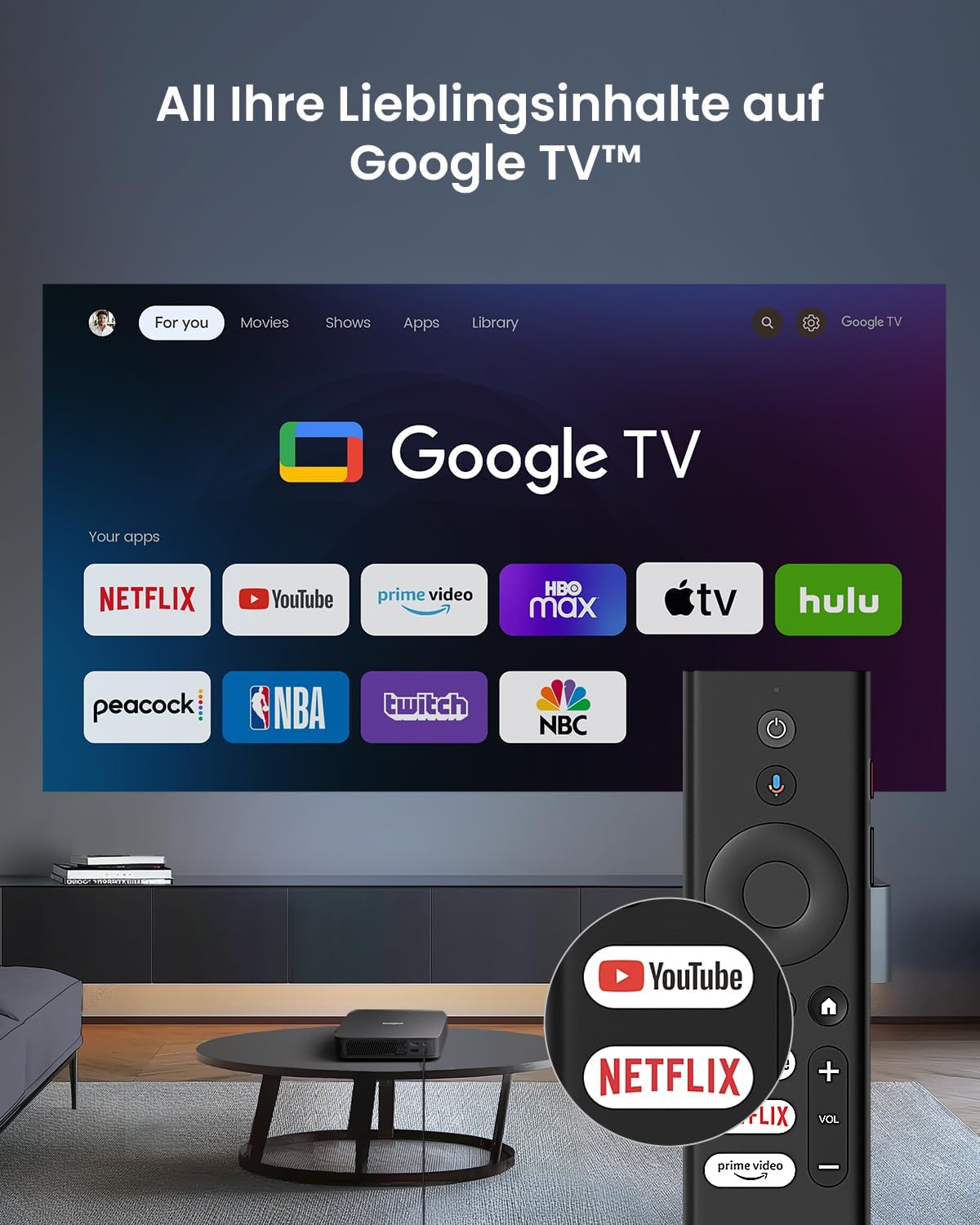
Image: The Google TV interface shown on the projection screen, with the remote control featuring dedicated buttons for Netflix and YouTube.
6.2 Navegació per Google TV
Your projector comes with official Google TV, providing access to over 10,000 applications including Netflix, Prime Video, Disney+, and YouTube. Use the directional pad and OK button on the remote to navigate the interface. The home screen displays personalized content recommendations and your installed apps.
6.3 Playing Content
- Aplicacions de streaming: Select your desired streaming app (e.g., Netflix, YouTube) from the home screen. Log in with your account credentials to access content.
- Entrada HDMI: Connect an external device (e.g., laptop, game console) to the HDMI IN (ARC) port. The projector will automatically switch to the HDMI input, or you can select it from the input source menu. For 4K content via HDMI, ensure the projector is set to Auto mode.
- Reproducció USB: Insert a USB storage device into the USB 2.0 port. Use the file manager app on Google TV to browse and play media files.
6.4 Configuració d'àudio
The projector features integrated 2 x 5W speakers with Dolby Audio support for a cinematic sound experience. You can adjust volume using the remote control. For enhanced audio, pair external Bluetooth speakers or connect them via HDMI ARC.
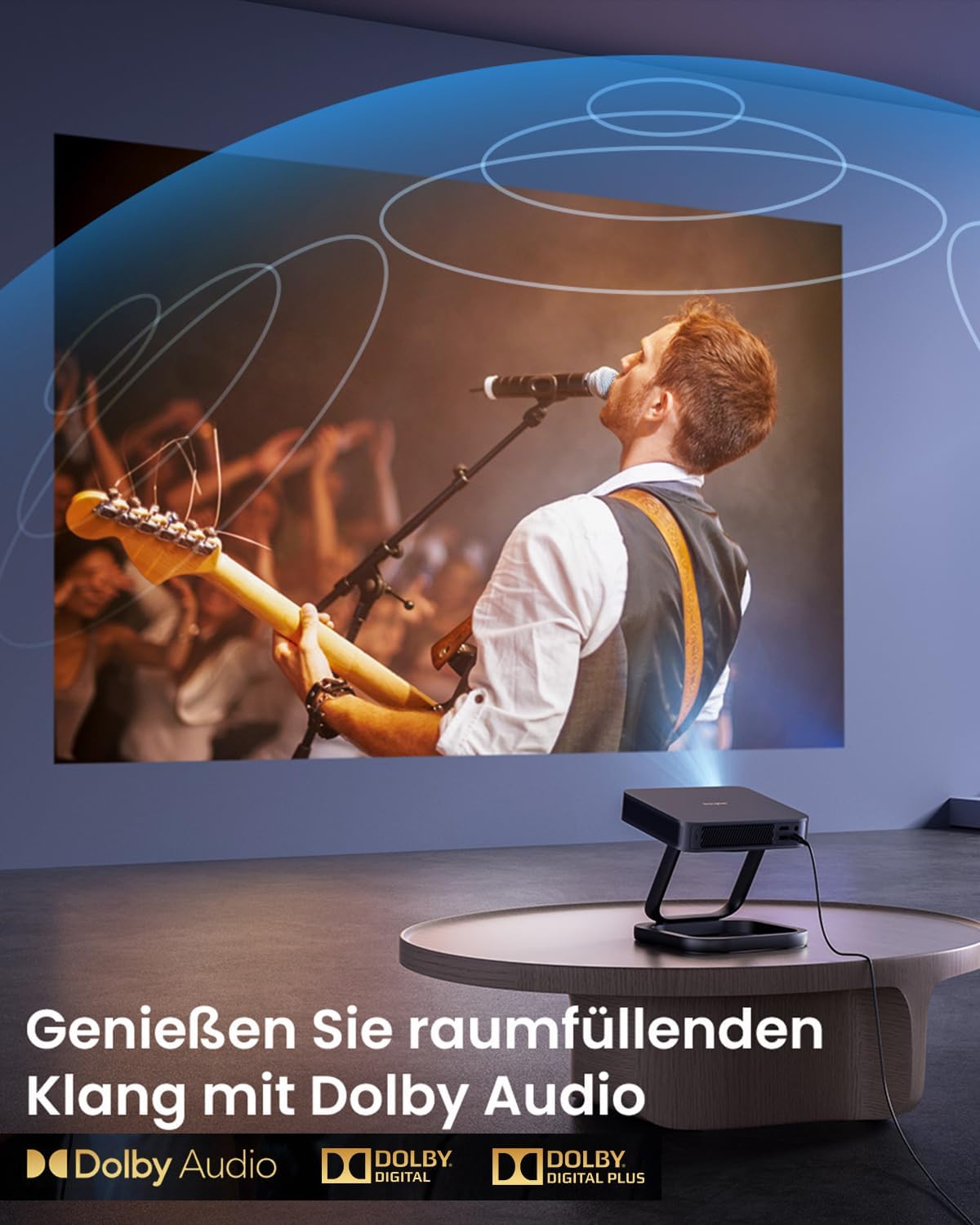
Image: A vibrant projection of a concert, emphasizing the immersive audio experience provided by Dolby Audio technology.
6.5 3D Mode
The Dangbei Atom Mini Projector supports 3D content, including Blu-ray 3D. To activate 3D mode, ensure you have compatible 3D glasses and 3D content. Important: Deactivate automatic keystone correction before using 3D mode for optimal performance.

Image: A family enjoying a 3D movie experience at home, demonstrating the projector's 3D capabilities.
6.6 Qualitat d'imatge
Experience cinematic brightness with ALPD 3.0 technology, delivering 1200 ISO Lumens in true 1080P. The projector supports HDR10 and HLG for stunning visuals with vibrant colors and deep contrast.
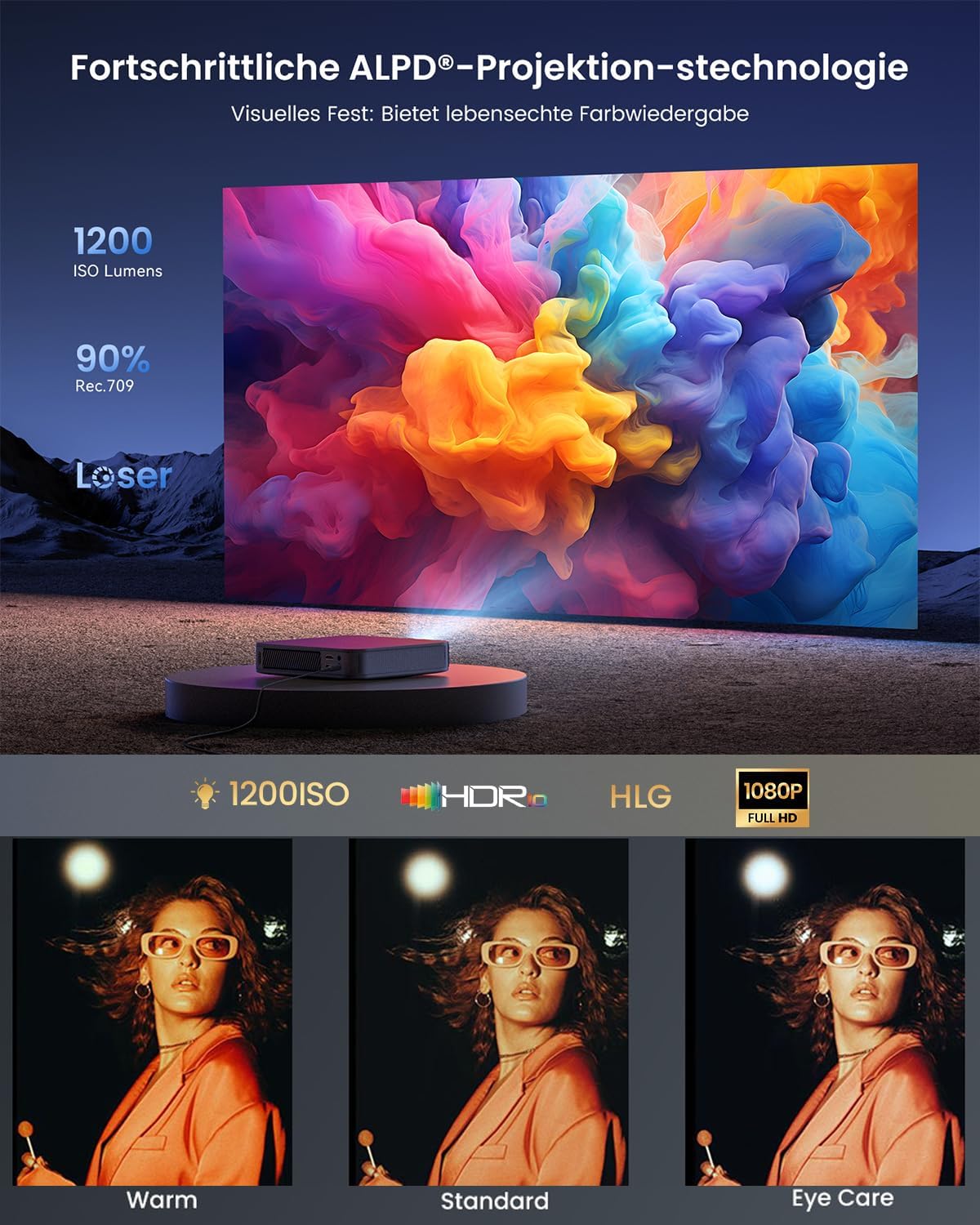
Image: A vibrant projection demonstrating the ALPD 3.0 technology, 1200 ISO Lumens, HDR, HLG, and 1080P Full HD capabilities.

Image: A comparison illustrating the superior image quality of ALPD DLP (Full HD) over LCD, and the significantly longer lifespan of laser projectors (30,000 hours) compared to lamp projectors (3,000 hours).
7. Manteniment
Un manteniment adequat garanteix la longevitat i el rendiment òptim del vostre projector.
- Neteja de lents: Feu servir un drap suau i sense borrissol dissenyat específicament per a lents òptiques per netejar suaument la lent del projector. No utilitzeu productes de neteja abrasius ni força excessiva.
- Neteja exterior: Netegeu l'exterior del projector amb un drap suau i sec. Per a marques difícils, netegeu lleugeramentamp Es pot fer servir un drap, però assegureu-vos que no entri humitat a l'aparell.
- Ventilació: Regularly check that the ventilation grilles are free from dust and debris to prevent overheating. Do not use compressed air directly into the vents as it can push dust further inside.
- Emmagatzematge: Quan no l'utilitzeu durant períodes prolongats, guardeu el projector en un lloc fresc i sec, allunyat de la llum solar directa i de temperatures extremes.
8. Solució De Problemes
Si teniu problemes amb el projector, consulteu els problemes i solucions més comuns següents:
| Problema | Causa possible | Solució |
|---|---|---|
| Sense poder | Cable d'alimentació no connectat; presa de corrent defectuosa. | Assegureu-vos que el cable d'alimentació estigui ben connectat. Proveu una altra presa de corrent. |
| Sense imatge | Input source incorrect; device not connected; lens cap on. | Select correct input source (HDMI, USB). Check device connections. Remove lens cap. |
| Image Blurry | Out of focus; projector too close/far; lens dirty. | Allow autofocus to adjust. Adjust projector distance. Clean the lens. |
| Image Distorted (Trapezoid) | Projector no perpendicular a la pantalla. | Allow automatic keystone correction to adjust. If needed, manually adjust in settings. |
| Sense so | Volume too low; external audio device not connected; audio format unsupported. | Increase volume. Check external audio connections. Ensure audio format is supported. |
| El control remot no funciona | Piles baixes/descarregades; comandament a distància no emparellat. | Replace batteries. Re-pair the remote control according to pairing instructions. |
Si el problema persisteix, poseu-vos en contacte amb l'atenció al client.
9. Especificacions
Detailed technical specifications for the Dangbei Atom Mini Projector:
| Característica | Detall |
|---|---|
| Marca | Dangbei |
| Tipus de producte | Mini projector |
| Resolució de visualització | 1920 x 1080 (Full HD) |
| Tipus de visualització | DLP |
| Brillantor | 1200 ISO Lumens (ALPD 3.0) |
| Relació de contrast | Mínim 1000:1 |
| Dispositius compatibles | HDMI, Wi-Fi, Bluetooth enabled devices |
| Connectivitat sense fil | Wi-Fi 6, Bluetooth 5.1 |
| Components inclosos | Adaptador |
| Poder | 5 Watts (speakers) |
| Tipus de controlador | Control d'aplicacions |
| Maximum Projection Distance | 5 metres |
| Pes | 1.28 kg |
| Característiques | Autofocus, Automatic Keystone Correction, Intelligent Obstacle Avoidance, Intelligent Screen Fit, HDR10, HLG, Dolby Audio, 3D Support, Official Netflix |
| ASIN | B0D17VDS2B |
| Data de primera disponibilitat | 9 d'abril de 2024 |
10. Garantia i Suport
10.1 Informació de la garantia
Dangbei offers a worry-free guarantee for the Atom Mini Projector. In case of a defect covered by warranty, a replacement unit will be provided instead of a repair. Please refer to the specific warranty terms and conditions provided at the time of purchase or on the official Dangbei weblloc per obtenir més informació.
10.2 Atenció al client
For technical assistance, troubleshooting beyond this manual, or warranty claims, please contact Dangbei customer support. You can typically find contact information on the official Dangbei weblloc web o a través del vostre distribuïdor.
Please have your product model (Atom Mini) and ASIN (B0D17VDS2B) ready when contacting support to expedite the process.


