Introducció
The ShuffleBox G1 Pro 2025 Version is an advanced 2-in-1 automatic card shuffler and dealer designed to enhance your card gaming experience. It offers ultra-quiet operation, rechargeable convenience, and remote card calling capabilities, supporting up to 12 players for various board and poker games.

Figure 1: The ShuffleBox G1 Pro 2025 Version, a 2-in-1 automatic card shuffler and dealer.
Què hi ha a la caixa
- Cable de càrrega tipus C
- Remote Controller (4 units)
- Manual d'usuari
Configuració
1. Càrrega inicial
Before first use, fully charge the ShuffleBox G1 Pro using the provided Type C charging cable. The device features a rechargeable battery for convenient, cordless operation.
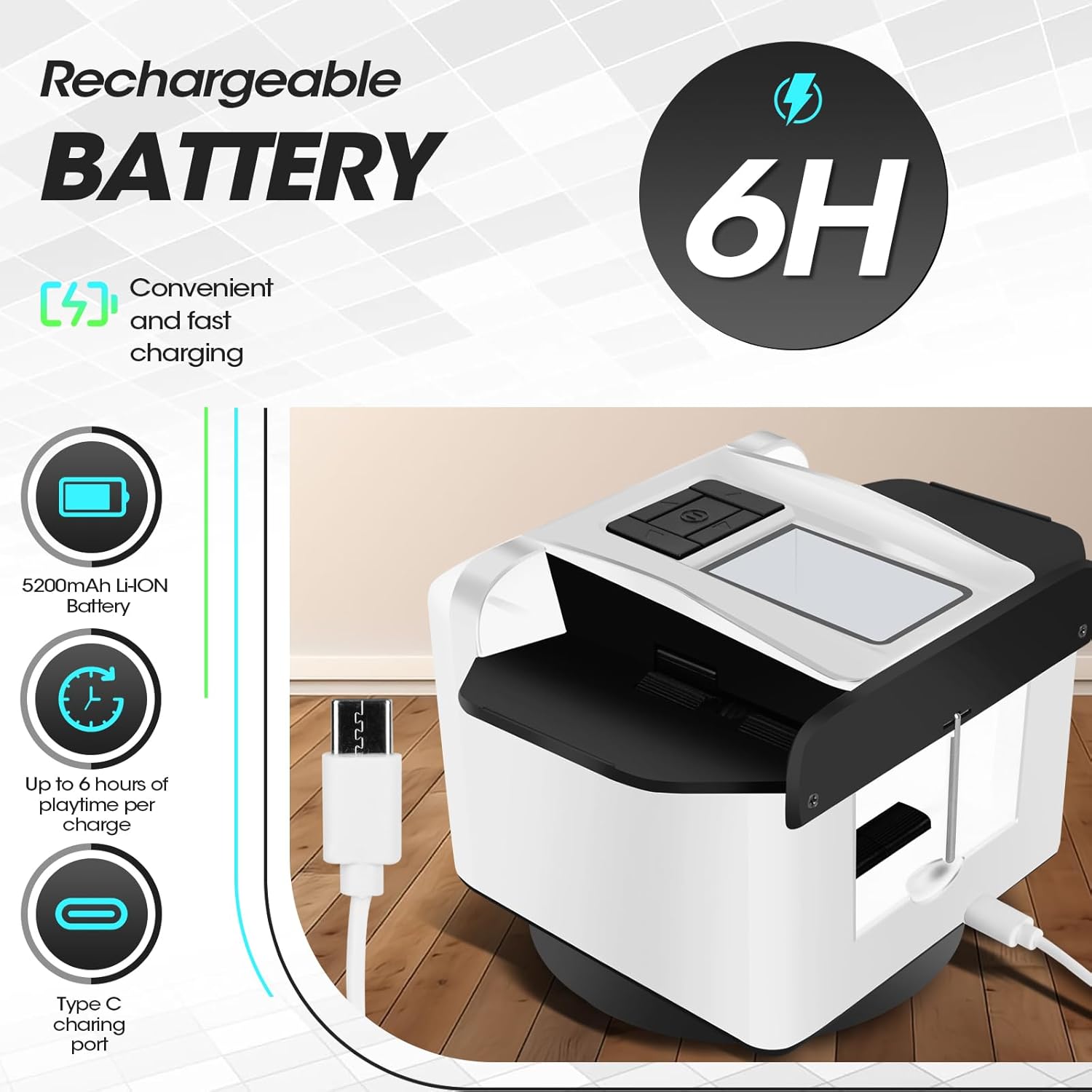
Figure 2: The ShuffleBox G1 Pro connected for charging via its Type C port.
2. Loading Cards
The ShuffleBox G1 Pro can shuffle up to 2 decks of standard or jumbo-sized poker cards simultaneously. For board games like UNO, Five Crowns, Monopoly Deal, Taco vs Burrito, and Exploding Kittens, it supports shuffling and dealing up to 118 cards (less than 2 decks).

Figura 3: Examples of compatible card types and sizes for the ShuffleBox G1 Pro.
3. Configuració del control remot
The remote controls use CR2032 batteries. To replace the battery, remove the protection film on the back, unscrew the lid, replace the battery, and re-secure the lid. The G1 Pro 2025 Version supports up to 12 players with remote controls.
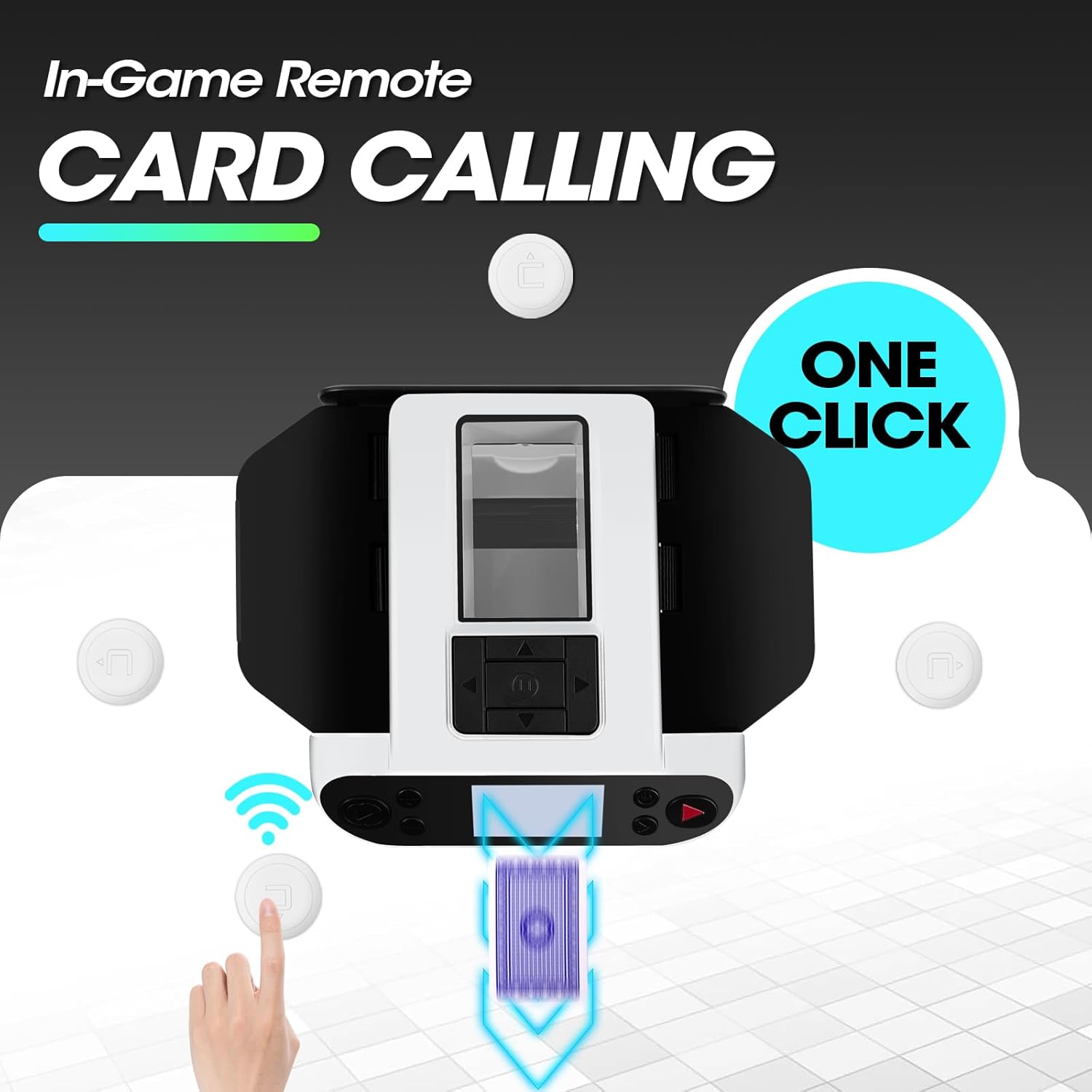
Figure 4: The remote card calling feature, allowing players to request cards with a single click.
Instruccions de funcionament
1. Shuffling Cards
Place cards into the designated slots on top of the device. Press the shuffle button to begin. The G1 Pro provides fast, quiet, and jam-free shuffling, ensuring thorough randomization of cards.

Figure 5: The ShuffleBox G1 Pro in action, demonstrating its quiet and smooth shuffling mechanism.
Video 1: An overall introduction to the ShuffleBox Card Shuffler and Dealer, demonstrating its core functions.
2. Dealing Cards
The device supports dealing to 2 to 12 players. You can set the number of players and cards per player via the intuitive display. Preset game modes for Texas Hold'em and Bridge are available. The 2025 Version also includes a 180° dealing mode, ideal for Blackjack, where cards are dealt in a semi-circular arc. Dealing distance is customizable.
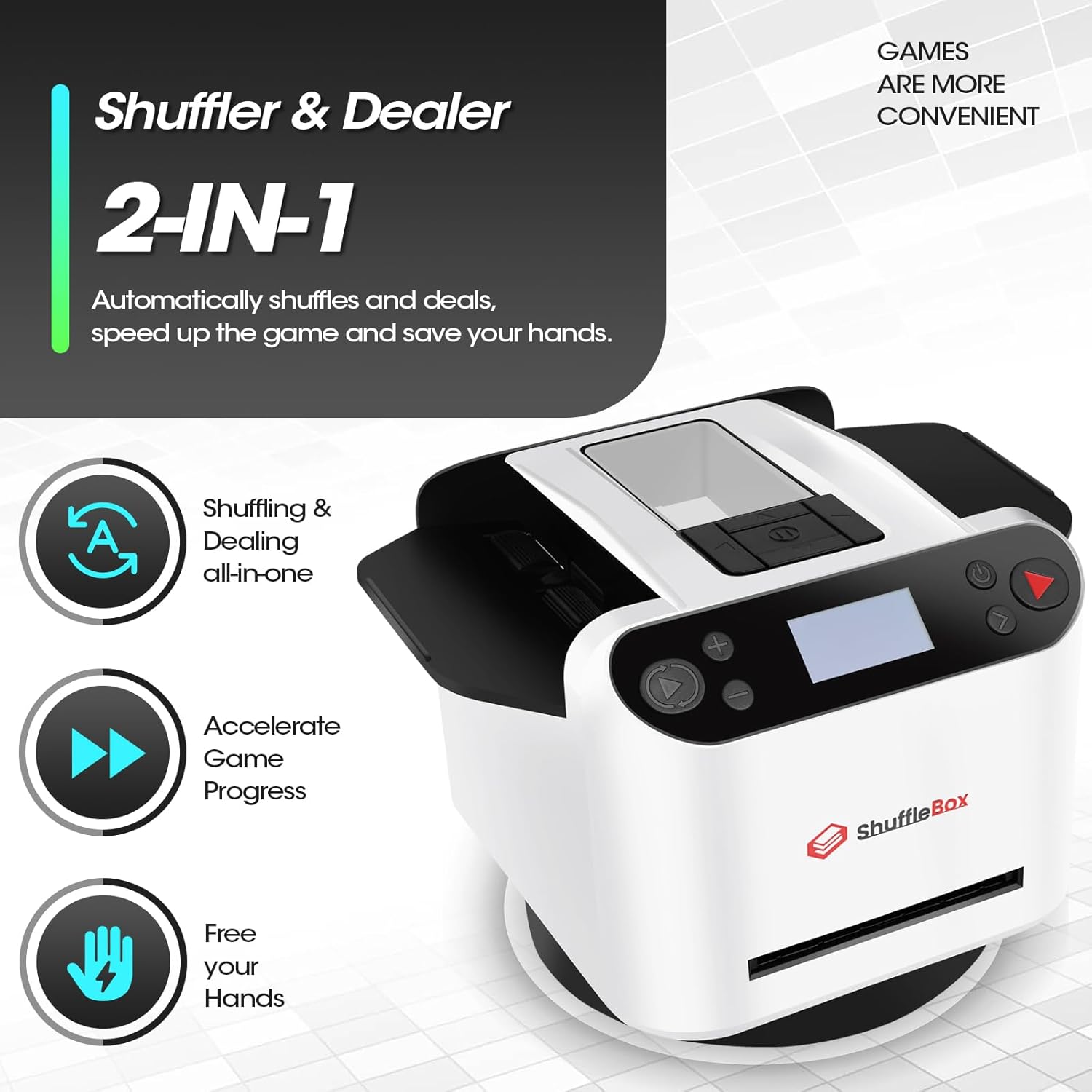
Figure 6: The ShuffleBox G1 Pro's 2-in-1 functionality for shuffling and dealing, designed to accelerate game progress.
3. In-Game Card Calling
Players can request a single card during the game by simply clicking their remote controller. This feature is particularly useful for games requiring individual card draws. If there are more than 4 players, remote controllers can be shared.
4. Dealing with More Than 2 Decks
To play games requiring more than 2 decks of cards, set the number of players and cards per player. Shuffle and deal the first 2 decks. When the machine runs out of cards, insert another 2 decks to shuffle, and then resume the dealing process.
Controls i pantalla
The ShuffleBox G1 Pro features an easy-to-read LED screen and intuitive buttons for operation. The display shows current settings such as maximum players, current players, cards per player, and battery level.
Botó d'encesa: Encén/apaga el dispositiu.
Botó de reproducció: Initiates shuffling or dealing based on the selected mode.
Botons de navegació: Used to adjust settings like number of players, cards per player, and dealing modes.
Menú Configuració: Access various options including gameplay modes, remote pairing, and advanced dealing configurations.
Manteniment
1. Atenció general
Keep the device clean and free from dust and debris to ensure smooth operation. Avoid exposing it to liquids.
2. Battery Replacement (Remote Controls)
The remote controls use CR2032 batteries. To replace, carefully remove the back cover, swap the battery, and re-attach the cover securely.
Resolució de problemes
1. Inconsistent Card Dealing
Ensure that the cards are clean and not bent or damaged, as this can affect dealing accuracy. Verify that the correct number of players and cards per player are set in the device's settings.
2. Card Jams
If cards jam, gently remove them from the input or output slots. Check for any obstructions within the shuffling mechanism. Ensure cards are properly aligned before initiating shuffling or dealing.
3. Charger Compatibility
Use the provided Type C charging cable for optimal charging. If experiencing issues, ensure the cable is fully inserted and connected to a compatible power source.
Especificacions
| Característica | Detall |
|---|---|
| Dimensions del producte | 6.2 x 5 x 7.2 polzades |
| Pes de l'article | 2.2 lliures |
| País d'origen | Xina |
| Número de model de l'article | G1 PRO |
| Bateries | Necessites 1 piles de metall de liti (incloses) |
| Departament | Unisex-adult |
| Fabricant | ShuffleBox |
Garantia i Suport
For warranty information and customer support, please refer to the official ShuffleBox website or contact Shufflebox Direct, the seller, through your purchase platform. Keep your purchase receipt for any warranty claims.


