1. Introducció
Welcome to the user manual for your new Xiaomi Curved Gaming Monitor 34-inch. This manual provides essential information for setting up, operating, maintaining, and troubleshooting your monitor. Please read this manual thoroughly before using the product to ensure optimal performance and safety.

Figura 1: Frontal view of the Xiaomi Curved Gaming Monitor 34-inch.
2. Característiques clau
- 21:9 UltraWide Panoramic View: Provides a 30% wider view than standard 16:9 monitors, enhancing immersion and situational awareness in games.
- Ultra-high definition, High brightness, High contrast: Features 3440 × 1440 resolution, up to 300 nits brightness, and a 3000:1 contrast ratio for vivid and detailed images.
- 1500R Extreme Curvature: The curved design minimizes visual distortion and provides an immersive panoramic viewexperiència.
- High 180Hz Refresh Rate & 1ms Response Time: Reduces stutter and ghosting, offering a smooth and responsive gaming experience.
- 16.7 Million Native 8-Bit Truecolor, 100% sRGB Color Gamut: Displays rich and accurate colors, ideal for both gaming and content creation.
- FreeSync Premium: Anti-tearing technology certification for smooth gameplay.
- Low Blue Light & DC Dimming: Certified for low blue light emission and features DC dimming for improved eye protection.
3. Guia de configuració
3.1 Desembalatge i comprovació de components
Carefully remove all components from the packaging. Ensure all items listed in the packing list are present and undamaged. Retain the packaging for future transport or service needs.
3.2 Muntatge del suport
Attach the monitor stand to the monitor panel. The multifunctional stand supports vertical adjustment, horizontal rotation, tilt, and wall mounting. Refer to the diagram below for proper assembly.

Figure 2: Multifunctional Stand features.
3.3 Connexió del monitor
Connect the monitor to your computer using the appropriate cables (HDMI or DisplayPort). Ensure the cables are securely connected to both the monitor and your computer's graphics card. Connect the power adapter to the monitor and then to a power outlet.
4. Instruccions de funcionament
4.1 Encès/Apagat
Premeu el botó d'engegada que es troba al monitor per engegar-lo o apagar-lo. L'indicador lluminós d'engegada s'il·luminarà quan el monitor estigui actiu.
4.2 Menú de visualització en pantalla (OSD)
Use the joystick or buttons on the monitor to navigate the OSD menu. The OSD allows you to adjust various settings such as brightness, contrast, color temperature, input source, and gaming features.
4.3 Configuració de la pantalla
To achieve the optimal 3440x1440 resolution and 180Hz refresh rate, ensure your graphics card and operating system settings are configured correctly. For FreeSync Premium to function, enable it in both the monitor's OSD menu and your graphics card's control panel.

Figure 3: FreeSync Premium technology in action.
4.4 Eye Protection Features
The monitor includes Low Blue Light and DC Dimming technologies to reduce eye strain during prolonged use. These features are designed to provide a more comfortable viewexperiència.
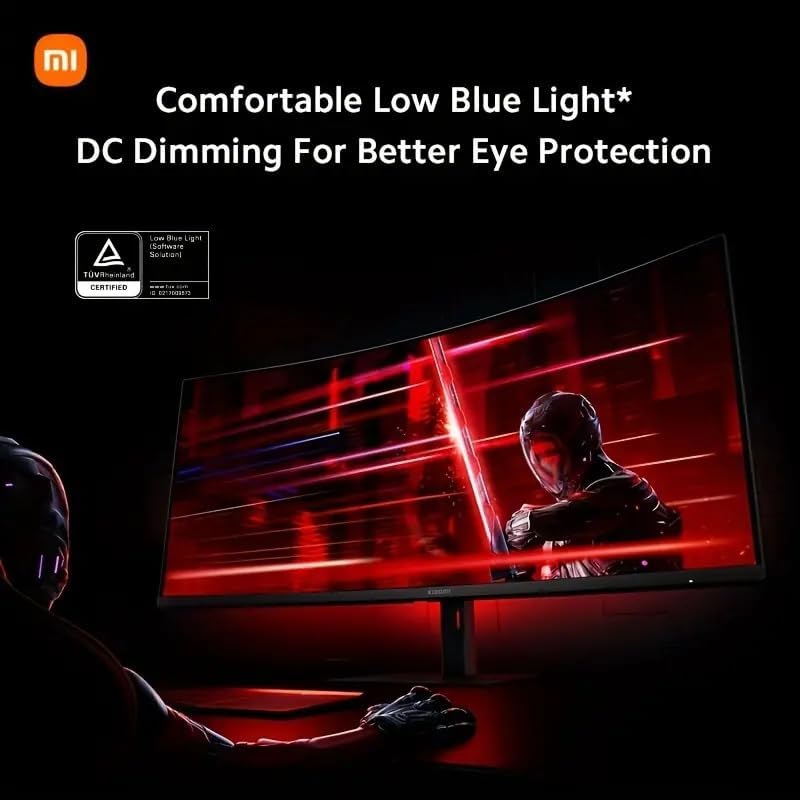
Figure 4: Low Blue Light and DC Dimming features.
5. Manteniment
5.1 Neteja del monitor
Always unplug the monitor before cleaning. Use a soft, lint-free cloth slightly dampened with water or a non-abrasive screen cleaner. Avoid using alcohol, ammonia, or abrasive cleaners, as they may damage the screen or casing.
5.2 Emmagatzematge
If storing the monitor for an extended period, place it in its original packaging in a dry, cool environment to protect it from dust and damage.
6. Solució De Problemes
| Problema | Causa possible | Solució |
|---|---|---|
| No hi ha imatge a la pantalla | Power cable disconnected; Incorrect input source; Graphics card issue. | Check power connections; Select correct input source via OSD; Verify graphics card is properly seated and drivers are updated. |
| Parpelleig o distorsió de la imatge | Loose video cable; Incorrect refresh rate; Interference. | Ensure video cable is secure; Adjust refresh rate in display settings; Move monitor away from other electronic devices. |
| Els colors apareixen incorrectes | Color settings misconfigured; Damaged video cable. | Reset color settings in OSD; Try a different video cable. |
| Monitor no detectat per l'ordinador | Cable not connected; Driver issue. | Check all cable connections; Update graphics drivers. |
7. Especificacions
| Característica | Detall |
|---|---|
| Dimensions del producte | 8.27 x 32 x 20 polzades |
| Pes de l'article | 20.2 lliures |
| Fabricant | Xiaomi |
| ASIN | B0D1W39XH6 |
| Número de model de l'article | G34WQi CA |
| Mida de la pantalla de peu | 34 polzades |
| Relació d'aspecte | 21:9 |
| Voltage | 24 Volts |
| Resolució | 3440 x 1440 Pixels (WQHD Ultra Wide 1440p) |
| Brillantor de la imatge | 300 nits |
| Marca | XIAOMI |
| Descripció de la superfície de la pantalla | brillant |
| Freqüència d'actualització | 180 Hz |
| Temps de resposta | 1 ms |
| Curvatura | 1500R |
| Gamma de colors | 100% sRGB, 95% DCI-P3 |
8. Informació de la garantia
This Xiaomi Curved Gaming Monitor is covered by a manufacturer's warranty. Please refer to the warranty card included in your product packaging or visit the official Xiaomi weblloc web per obtenir informació detallada sobre els termes i condicions de la garantia específics de la vostra regió. Conserveu el comprovant de compra per a reclamacions de garantia.
9. Atenció al client
For technical assistance, product inquiries, or service requests, please contact Xiaomi customer support through their official weblloc web o la informació de contacte que es proporciona a la documentació del producte. També podeu visitar el Botiga Xiaomi a Amazon per obtenir recursos addicionals.


