1. Producte acabatview
The Xmenha X37 True Wireless Bluetooth 5.3 Gaming Earbuds are designed for an immersive audio experience, featuring a low-latency connection suitable for gaming and music. This manual provides instructions for proper use and maintenance.

Image 1.1: Xmenha X37 Earbuds and Charging Case. The image displays the two earbuds and the unique mecha-style charging case, highlighting its design.
Contingut del paquet:
- Gaming Earbuds (Left and Right)
- Estoig de càrrega (1)
- USB Charging Cable (Type-C) (1)
- Manual d'usuari (2 còpies)
2. Configuració
2.1 Càrrega inicial
Abans del primer ús, carregueu completament els auriculars i l'estoig de càrrega.
- Col·loqueu els dos auriculars a la caixa de càrrega.
- Connect the provided USB Type-C charging cable to the charging port on the case and to a compatible USB power source.
- The indicator lights on the case will show the charging status. A full charge typically takes approximately 1 hour for the case.
The charging case provides an additional 24 hours of playtime, allowing for multiple earbud recharges.

Image 2.1: Charging the Xmenha X37 Earbuds. This image illustrates the earbuds inside the charging case, with text indicating 6 hours of single charge playtime and 24 hours of playtime with the case.
2.2 Vinculació Bluetooth
Per connectar els auriculars a un dispositiu:
- Assegureu-vos que els auriculars estiguin carregats i col·locats a l'estoig de càrrega.
- Obre l'estoig de càrrega. Els auriculars entraran automàticament en mode d'emparellament, cosa que s'indicarà amb llums intermitents.
- Al dispositiu (telèfon intel·ligent, tauleta, PC), activeu el Bluetooth i cerqueu els dispositius disponibles.
- Select "Xmenha X37" from the list of found devices.
- Un cop connectats, els llums indicadors dels auriculars deixaran de parpellejar.
Els auriculars es tornaran a connectar automàticament a l'últim dispositiu emparellat quan es treguin de l'estoig, si el Bluetooth està activat al dispositiu.
3. Instruccions de funcionament
3.1 Encès/Apagat
- Encès: Obriu la funda de càrrega i els auriculars s'encendran automàticament.
- Apagar: Torna a col·locar els auriculars a l'estoig de càrrega i tanca la tapa. S'apagaran automàticament.
3.2 Controls tàctils
The Xmenha X37 earbuds feature intelligent touch controls on each earbud for various functions:

Image 3.1: Touch Control Functions. This image displays the touch-sensitive areas on the earbuds and corresponding actions for voice assistant, volume, track control, and play/pause.
| Acció | Funció |
|---|---|
| Toc únic (esquerra/dreta) | Reproduir/Pausar música, Respondre/Finalitzar trucada |
| Doble toc (esquerra) | Cançó anterior |
| Doble toc (dreta) | Següent Cançó |
| Toc tres vegades (esquerra) | Baixa el volum |
| Toc tres vegades (dreta) | Puja el volum |
| Premsa llarga (2 segons) | Activa l'assistent de veu, rebutja la trucada |
3.3 Music/Game Dual Mode
The earbuds support a dual mode for optimized performance in both music listening and gaming. The ultra-low latency of 55ms is particularly beneficial for gaming.

Image 3.2: Music/Game Dual Mode. This image highlights the earbuds' capability to switch between music and game modes, emphasizing true wireless connectivity and low latency.
Specific instructions for switching between modes are typically managed by the earbud's internal software or through the connected device's settings. Refer to your device's audio settings for further customization.
3.4 Funcions de trucada
The earbuds include a microphone for clear communication during calls, featuring ENC (Environmental Noise Cancellation) for improved clarity.
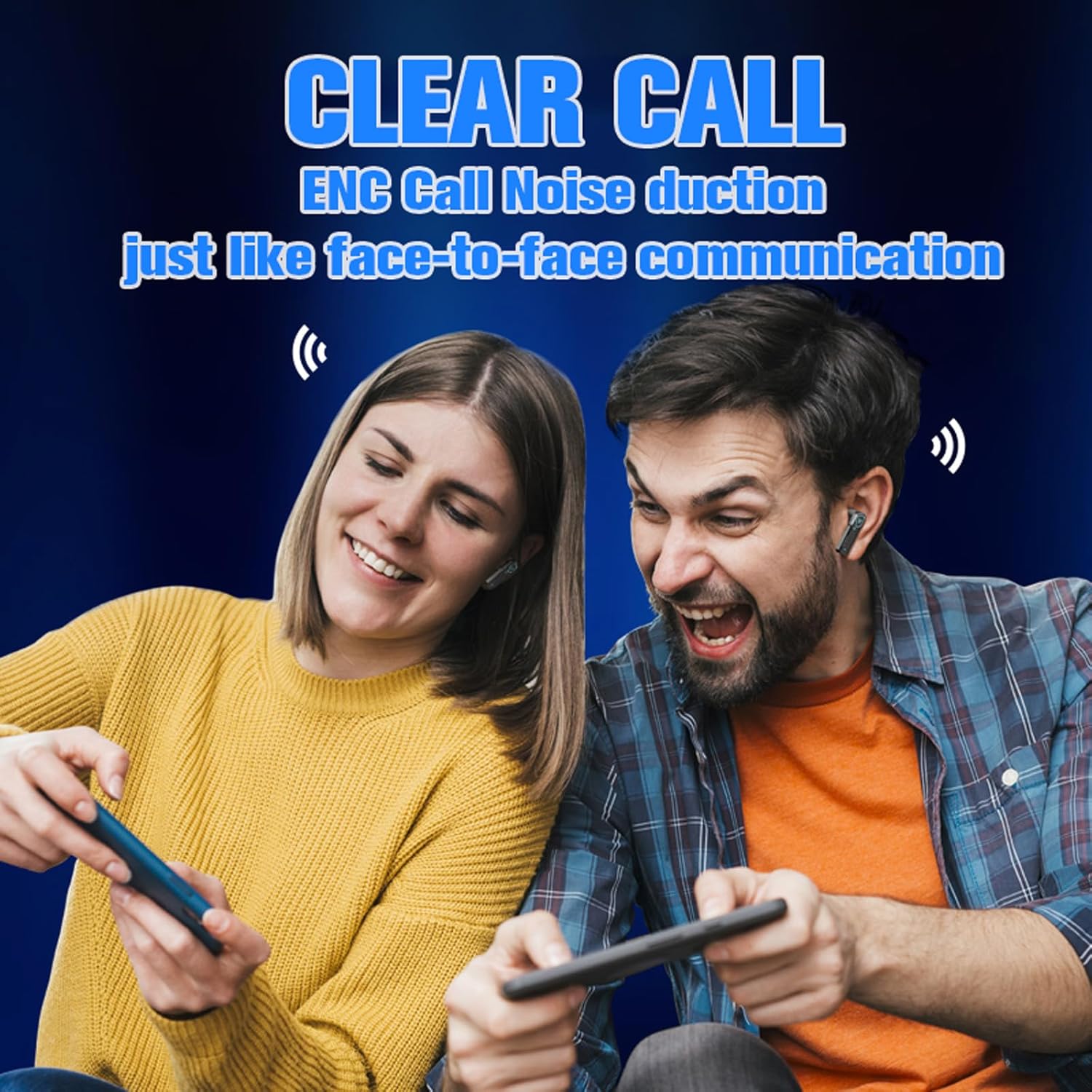
Image 3.3: Clear Call Feature. This image depicts two individuals enjoying a clear conversation using the earbuds, illustrating the ENC call noise reduction feature.
- Respondre/Finalitzar la trucada: Toqueu un sol cop qualsevol dels auriculars.
- Rebutja la trucada: Premeu llargament qualsevol dels auriculars durant 2 segons.
4. Manteniment
4.1 Neteja
Una neteja regular ajuda a mantenir la qualitat del so i la higiene.
- Feu servir un drap suau, sec i sense borrissol per netejar els auriculars i l'estoig de càrrega.
- No utilitzeu netejadors abrasius, dissolvents ni aerosols.
- Gently clean the ear tips and speaker mesh with a cotton swab if necessary, ensuring no moisture enters the speaker.
4.2 Resistència a l'aigua
The earbuds are waterproof and resistant to sweat and rain, making them suitable for various outdoor activities. However, they are not designed for submersion in water.
- Avoid exposing the charging case to water.
- Dry the earbuds thoroughly before placing them back into the charging case if they have been exposed to moisture.
4.3 Emmagatzematge
Guarda els auriculars a la seva funda de càrrega quan no els facis servir per protegir-los i assegurar-te que es mantinguin carregats.
5. Solució De Problemes
If you encounter issues with your Xmenha X37 earbuds, try the following solutions:
- Sense so:
- Assegureu-vos que els auriculars estiguin carregats.
- Comproveu la connexió Bluetooth al vostre dispositiu.
- Ajusta el volum dels auriculars i del dispositiu.
- Els auriculars no s'aparellen:
- Ensure earbuds are in pairing mode (flashing lights).
- Desactiva i activa el Bluetooth al dispositiu.
- Oblida el dispositiu a la configuració de Bluetooth i intenta emparellar-lo de nou.
- Assegureu-vos que no hi hagi altres dispositius connectats als auriculars.
- Problemes de càrrega:
- Verify the charging cable and adapter are working correctly.
- Assegureu-vos que el port de càrrega de la carcassa estigui net i lliure de residus.
- Confirm earbuds are properly seated in the charging case.
- Qualitat de trucada baixa:
- Assegureu-vos que el micròfon no estigui obstruït.
- Apropa't al dispositiu connectat per millorar la intensitat del senyal.
- Comproveu si hi ha un soroll de fons excessiu.
Per obtenir més ajuda, consulteu la secció de suport.
6. Especificacions
| Característica | Especificació |
|---|---|
| Nom del model | X37 |
| Versió Bluetooth | 5.3 |
| Tecnologia de connectivitat | Sense fil (Bluetooth) |
| Latència d'àudio | 55 mil·lisegons |
| Capacitat de la bateria dels auriculars | 25 mAh (cada una) |
| Caixa de càrrega Capacitat de la bateria | 200 mAh |
| Temps de reproducció (càrrega única) | Fins a 6 hores |
| Temps total de reproducció (amb estoig) | Up to 30 hours (6 hours + 24 hours from case) |
| Temps de càrrega | Approx. 1 hour (for case) |
| Port de càrrega | Tipus-C |
| Distància de transmissió | Més de 10 metres |
| Nivell de resistència a l'aigua | Waterproof (resistant to sweat and rain) |
| Mètode de control | Toca |
| Col·locació de l'orella | A l'orella |
| Pes de l'article | 2.82 unces |
| Dimensions del producte | 1 x 1 x 1 polzades |
7. Informació de la garantia
Specific warranty details are not provided in this manual. Please retain your proof of purchase for any warranty claims. For information regarding warranty coverage, please contact the retailer or manufacturer directly.
8. Suport
If you receive a defective product or have any questions during use, please contact our customer support team. Contact information can typically be found on the product packaging or the retailer's weblloc on es va comprar el producte.
For the latest information and support, visit the official Xmenha store: Xmenha Store on Amazon


