Introducció
Welcome to the comprehensive guide for your new OnePlus Nord CE4 smartphone. This manual is designed to help you navigate your device with ease, transforming you from a beginner to a confident user. Whether you're looking to set up your phone, master its features, or troubleshoot common issues, this guide provides clear, step-by-step instructions.
Learn how to take stunning photos, optimize battery life for all-day use, and discover hidden features like Zen Mode for enhanced focus. We'll also cover essential topics such as seamless data transfer, effortless setup, and effective use of the fingerprint sensor. This manual aims to unlock the full potential of your OnePlus Nord CE4.
1. Configuració i primer ús
1.1 Configuració inicial del dispositiu
Upon first powering on your OnePlus Nord CE4, you will be guided through an initial setup process. This includes selecting your language, connecting to a Wi-Fi network, and signing in with your Google account. Follow the on-screen prompts carefully.
1.2 Seamless Data Transfer
Transferring data from your old phone to your new OnePlus Nord CE4 is made easy. Use the built-in data transfer tools or Google's backup and restore features to move your contacts, photos, apps, and other important information. Consult the on-screen instructions during setup or refer to the official OnePlus support weblloc per a passos detallats.
1.3 Configuració del sensor d'empremtes dactilars
The OnePlus Nord CE4 features an easy-to-use fingerprint sensor for secure and quick unlocking. To set it up:
- Vés a Configuració.
- Toqueu Security & Lock screen.
- Seleccioneu empremta digital and follow the instructions to register your fingerprint. Ensure your finger covers the sensor completely during the registration process.
2. Funcionament del vostre dispositiu
2.1 Making Calls and Sending Text Messages
Per fer una trucada, obriu la Telèfon app, enter the number, and tap the call icon. To send a text message, open the Missatges app, tap the new message icon, enter the recipient's number or select from contacts, type your message, and send.
2.2 Camera Tricks for Stunning Photos
The OnePlus Nord CE4 camera offers various modes and features to enhance your photography. Experiment with modes like Portrait, Night, and Pro mode. Utilize features such as HDR, AI scene recognition, and optical image stabilization (if available) to capture high-quality images. Explore the camera settings for advanced options like resolution, aspect ratio, and grid lines.
2.3 Optimització de la durada de la bateria
To maximize your battery life:
- Redueix la brillantor de la pantalla o activa la brillantor adaptativa.
- Desactiva la Wi-Fi, el Bluetooth i el GPS quan no estiguis en ús.
- Close background apps that consume excessive power.
- Enable Battery Saver mode from Configuració > Bateria.
- Limit notifications from less important apps.
2.4 Discovering Zen Mode
Zen Mode is a unique feature designed to help you disconnect and focus. When activated, it temporarily restricts access to most apps and notifications, allowing you to take a break from your phone. To activate, pull down the quick settings panel and tap the Mode Zen icon, or find it in Configuració.
3. Manteniment
Regular maintenance helps ensure the longevity and optimal performance of your OnePlus Nord CE4.
3.1 Actualitzacions de programari
Always keep your phone's software updated to the latest version. Updates often include performance improvements, security patches, and new features. You can check for updates in Configuració > Quant al dispositiu > Actualització de programari.
3.2 Neteja del vostre dispositiu
Use a soft, lint-free cloth to gently clean the screen and body of your phone. Avoid using harsh chemicals or abrasive materials. For ports, use a dry, soft brush to remove dust.
3.3 Gestió d'emmagatzematge
Periòdicament review your phone's storage. Delete unnecessary files, clear app caches, and uninstall unused apps to free up space and improve performance. Go to Configuració > Emmagatzematge to manage your device's memory.
4. Resolució de problemes comuns
This section addresses common problems you might encounter with your OnePlus Nord CE4 and provides solutions.
4.1 Problemes de càrrega
Si el telèfon no s'està carregant:
- Assegureu-vos que el cable de càrrega i l'adaptador estiguin connectats correctament i no estiguin danyats.
- Try a different charger and cable.
- Netegeu el port de càrrega suaument amb un raspall suau i sec per eliminar qualsevol residu.
- Reinicieu el telèfon.
4.2 Problemes de connexió Wi-Fi
If you're having trouble connecting to Wi-Fi:
- Toggle Wi-Fi off and on in your phone's settings.
- Reinicieu el vostre encaminador Wi-Fi.
- Oblida't de la xarxa i torna a connectar-te introduint la contrasenya de nou.
- Ensure your phone is within range of the Wi-Fi signal.
4.3 Bluetooth Disturbances
For Bluetooth connectivity problems:
- Ensure Bluetooth is enabled on both your phone and the device you're trying to connect to.
- Desvinculeu i torneu a vincular el dispositiu Bluetooth.
- Move closer to the Bluetooth device to reduce interference.
- Restart your phone and the Bluetooth accessory.
4.4 App Crashes and Performance Issues
If apps are crashing or your phone is running slowly:
- Esborra la memòria cau i les dades de l'aplicació problemàtica mitjançant Configuració > Aplicacions > [Nom de l'aplicació] > Emmagatzematge.
- Actualitza l'aplicació a la seva darrera versió des de Google Play Store.
- Assegureu-vos que el sistema operatiu del vostre telèfon estigui actualitzat.
- Free up storage space on your device.
- As a last resort, consider a factory reset (back up your data first).
5. Manual Details and Images
This section provides details about this instruction manual (the book) and includes images of its cover.
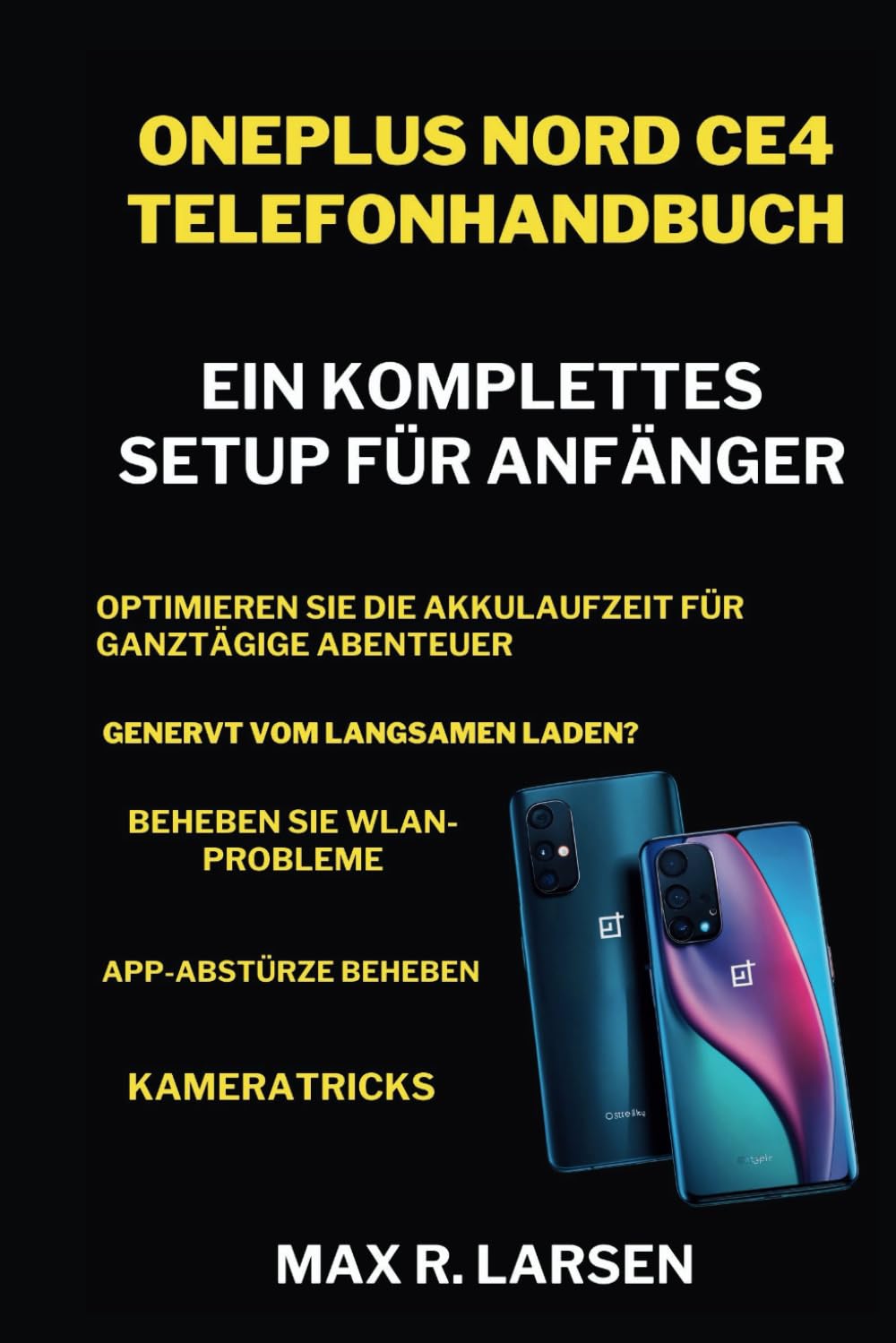
Imatge 1: Front cover of the "OnePlus Nord CE4 Phone Manual: A Complete Setup for Beginners" book. It features the title prominently with images of two OnePlus Nord CE4 phones.

Imatge 2: Back cover of the "OnePlus Nord CE4 Phone Manual" book, showing copyright information and the ISBN barcode.
5.1 Book Specifications
| Atribut | Detall |
|---|---|
| Editor | Publicat independentment |
| Data de publicació | 22 d'abril de 2024 |
| Llengua | German (Original Edition) |
| Longitud d'impressió | 53 pàgines |
| ISBN-13 | 979-8323635887 |
| Pes de l'article | 4.6 unces |
| Dimensions | 6 x 0.12 x 9 polzades |
| Sèrie | TECH GUIDE BOOKS (Book 5 of 14) |
Note: Specific technical specifications for the OnePlus Nord CE4 phone (e.g., processor, RAM, display type) are not provided in the source material for this manual. Please refer to the official OnePlus website or your device packaging for detailed phone specifications.
6. Assistència i garantia
6.1 Atenció al client
For further assistance with your OnePlus Nord CE4, including technical support, software issues, or general inquiries, please visit the official OnePlus support website or contact their customer service. This manual provides foundational knowledge, but for specific device-related issues, official support channels are recommended.
You can typically find support information on the official OnePlus weblloc: www.oneplus.com/support (This is a generic link as no specific support link was provided in the JSON).
6.2 Garantia del producte
Information regarding the warranty for your OnePlus Nord CE4 smartphone is typically provided by the manufacturer at the time of purchase. Please refer to the warranty card included with your device, the official OnePlus website, or your purchase receipt for details on warranty coverage, terms, and conditions.
No specific warranty details were available in the provided source material for this manual.
7. Vídeos oficials de productes
No official product videos were available in the provided source material for this manual.


