1. Introducció
Thank you for choosing the OpenRock S Open-Ear Air Conduction Headphones. This manual provides essential information for setting up, operating, and maintaining your headphones to ensure optimal performance and longevity. Please read this manual thoroughly before use.
The OpenRock S headphones feature an open-ear design for comfort and situational awareness, Bluetooth 5.3 connectivity, up to 60 hours of total playtime with the charging case, IPX5 water resistance, and a built-in ENC microphone for clear calls.
2. Què hi ha a la caixa
Si us plau, verifiqueu que tots els elements siguin presents al vostre paquet:
- 1x OpenRock S Wireless Headphones
- 1x cable de càrrega USB-C
- 1x funda de càrrega
- 1 x manual d'usuari
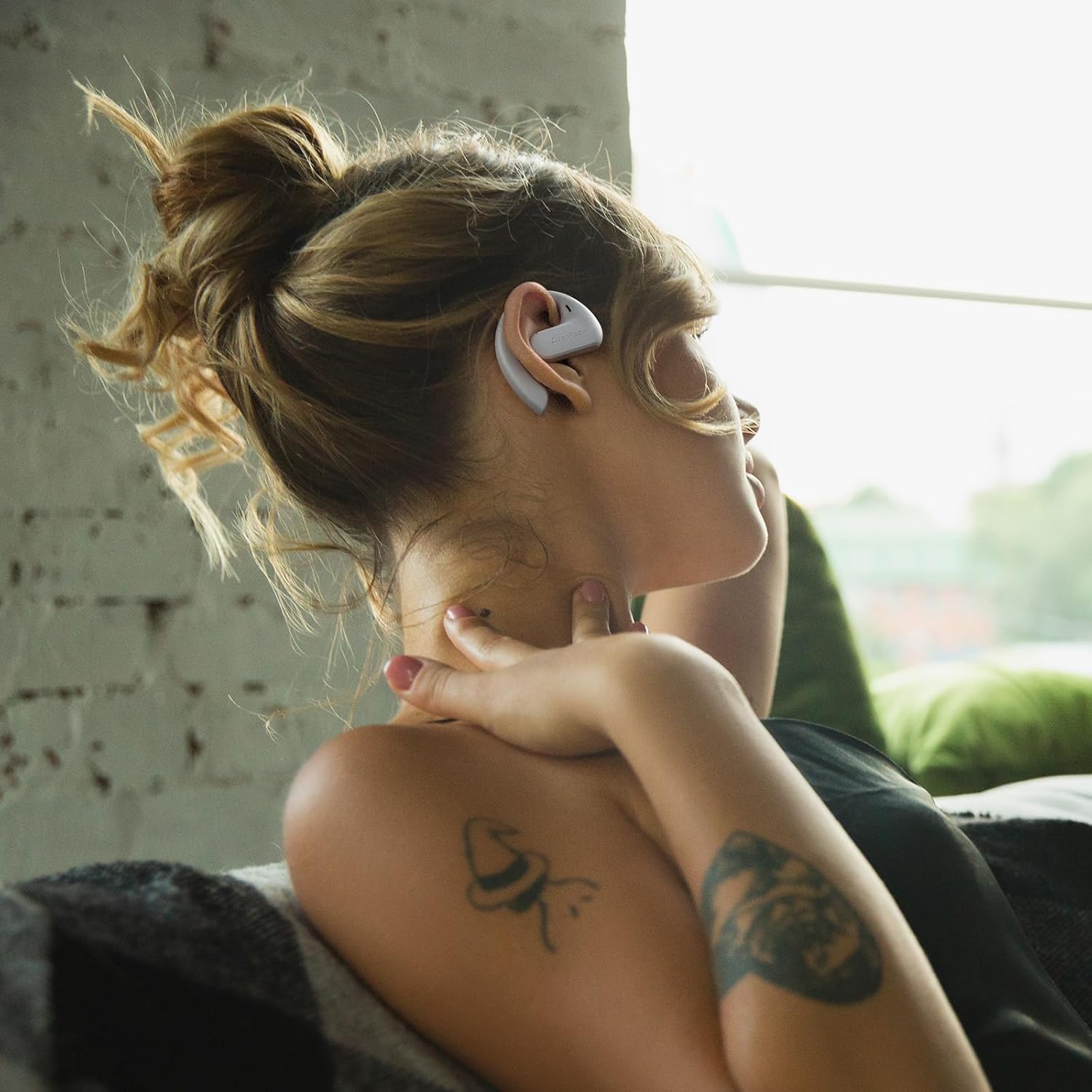
Image: The OpenRock S headphones, charging case, USB-C cable, and user manual as packaged.
3. Producte acabatview
Familiarize yourself with the components of your OpenRock S headphones and charging case.

Image: A pair of OpenRock S headphones, showcasing their open-ear design.
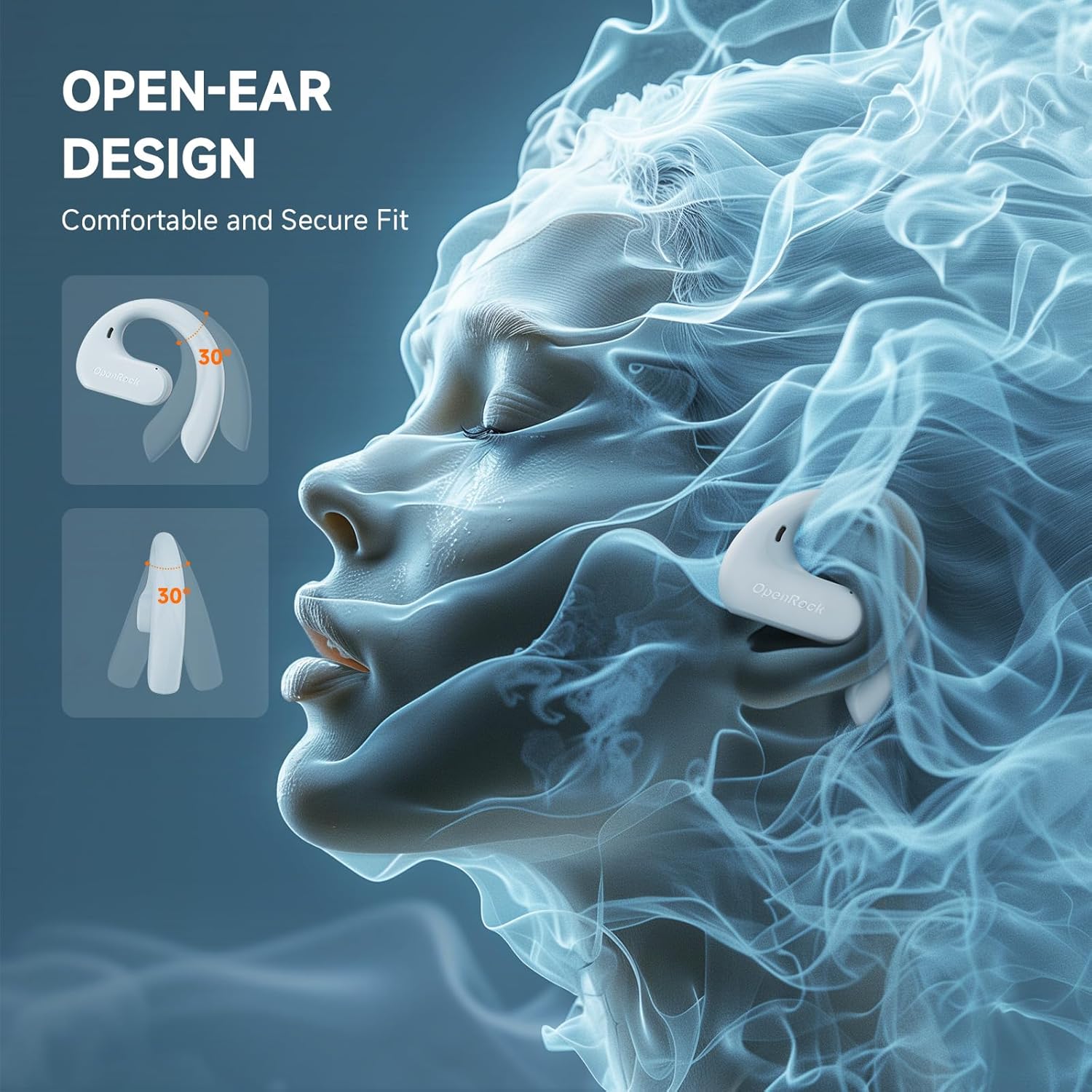
Imatge: Un costat view of the OpenRock S headphones, illustrating the ergonomic ear hook that secures them over the ear.
4. Configuració
4.1 Càrrega inicial
Before first use, fully charge your OpenRock S headphones and charging case. Place the headphones into the charging case and connect the USB-C cable to the case and a power source. The indicator lights on the case will show charging status.

Image: The OpenRock S headphones nestled within their charging case, indicating they are ready for charging or storage.
4.2 Vinculació Bluetooth
- Assegureu-vos que els auriculars estiguin carregats.
- Open the charging case. The headphones will automatically enter pairing mode, indicated by a flashing LED light.
- Al dispositiu (telèfon intel·ligent, tauleta, etc.), aneu a la configuració de Bluetooth i activeu-lo.
- Select "OpenRock S" from the list of available devices.
- Once connected, the LED indicator on the headphones will stop flashing.
The headphones will automatically reconnect to the last paired device when removed from the case, if Bluetooth is enabled on the device.
5. Instruccions d'ús
The OpenRock S headphones feature adjustable ear hooks designed for a secure and comfortable fit. Gently place the ear hook over your ear, ensuring the speaker rests comfortably near your ear canal without entering it. Adjust the hook as needed for stability.

Image: A person wearing the OpenRock S headphones, demonstrating the over-ear fit and open-ear design.

Image: A person actively engaged while wearing the OpenRock S headphones, highlighting their secure fit during movement.

Image: A person wearing the OpenRock S headphones in a relaxed pose, illustrating comfort for extended wear.
6. Controls de funcionament
The OpenRock S headphones feature touch controls for various functions. Please note that direct volume control is not available via the headphone touch controls; volume must be adjusted on your connected device.
| Acció | Funció |
|---|---|
| Un sol toc | Reproduir / Pausar música, Respondre / Finalitzar trucada |
| Doble toc (auricular esquerre) | Pista anterior |
| Doble toc (auricular dret) | Pista següent |
| Toca tres vegades | Activa l'Assistent de veu |
| Manteniu premut (2 segons) | Rebutja la trucada |
7. Càrrega
The OpenRock S headphones offer extended battery life with their charging case.
7.1 Càrrega dels auriculars
Place the headphones into the charging case. They will automatically begin charging. The LED indicators on the headphones will show their charging status.
7.2 Càrrega de la funda
Connect the provided USB-C cable to the charging port on the case and to a USB power adapter (not included). The case's indicator lights will show the charging progress. A full charge provides approximately 41 additional hours of playtime for the headphones.
7.3 Durada de la bateria
The headphones provide up to 19 hours of listening time on a single charge. With the fully charged 750mAh charging case, the total playtime extends to approximately 60 hours. A quick 5-minute charge can provide up to 1 hour of playtime.

Image: A visual representation of the OpenRock S headphones' battery performance, showing 19 hours from earbuds and 41 hours from the case, totaling 60 hours.
8. Manteniment
8.1 Neteja
Regularly clean your headphones and charging case with a soft, dry, lint-free cloth. Avoid using harsh chemicals or abrasive materials. Do not immerse the headphones or case in water, despite their water resistance.
8.2 Resistència a l'aigua (IPX5)
The OpenRock S headphones are IPX5 water-resistant, meaning they can withstand splashes and sweat. They are suitable for workouts and light rain but should not be submerged in water or exposed to pressurized water jets.

Image: The OpenRock S headphones shown with water droplets, emphasizing their IPX5 water-resistant capabilities.
8.3 Emmagatzematge
Quan no els utilitzeu, guardeu els auriculars a la funda de càrrega per protegir-los de la pols i els danys. Guardeu-los en un lloc fresc i sec, allunyat de temperatures extremes.
9. Solució De Problemes
If you encounter issues with your OpenRock S headphones, refer to the following common problems and solutions:
- Els auriculars no s'emparellan: Ensure headphones are charged and in pairing mode. Turn off and on your device's Bluetooth. Try forgetting the device in your Bluetooth settings and re-pairing.
- Sense so: Check the volume level on your connected device. Ensure the headphones are properly connected via Bluetooth.
- Problemes de càrrega: Verify the USB-C cable is securely connected to both the case and the power source. Try a different charging cable or power adapter. Ensure the charging contacts on the headphones and case are clean.
- Connexió intermitent: Move closer to your connected device. Avoid environments with strong Wi-Fi or other wireless interference.
Si els problemes persisteixen, poseu-vos en contacte amb l'atenció al client per obtenir més ajuda.
10. Especificacions
| Característica | Detall |
|---|---|
| Nom del model | Openrock S |
| Tecnologia de connectivitat | Sense fil (Bluetooth) |
| Versió Bluetooth | 5.3 |
| Interval Bluetooth | 10 metres |
| Col·locació de l'orella | Orella oberta |
| Nivell de resistència a l'aigua | IPX5 |
| Tipus de controlador d'àudio | Controlador dinàmic (16.2 mm) |
| Micròfon | Built-in ENC Mic (4-Mics Call Noise-Canceling) |
| Durada de la bateria (auriculars) | Fins a 19 hores |
| Temps de reproducció total (amb estoig) | Fins a 60 hores |
| Càrrega ràpida | 5 minuts de càrrega per a 1 hora de reproducció |
| Tipus de control | Control multimèdia (tàctil) |
| Material | Acrylonitrile Butadiene Styrene (ABS), Metal, Silicone |
| Pes de l'article | 132 grams (total) |
| Dispositius compatibles | Cellphones, Telephones |
11. Informació de seguretat
- No utilitzeu els auriculars a un volum alt durant períodes prolongats per evitar danys auditius.
- Exercise caution when using headphones in situations requiring awareness of your surroundings, such as driving or cycling.
- Keep the headphones and accessories out of reach of children and pets.
- Avoid exposing the headphones to extreme temperatures, direct sunlight, or fire.
- No intenteu desmuntar ni modificar els auriculars. Això pot anul·lar la garantia i causar danys.
12. Garantia i Suport
For warranty information or technical support, please refer to the documentation included with your purchase or contact OpenRock customer service. You can typically find contact details on the official OpenRock weblloc web o a través del vostre distribuïdor.


